
ZKin Watch Face Super Standby vVARY
ZKin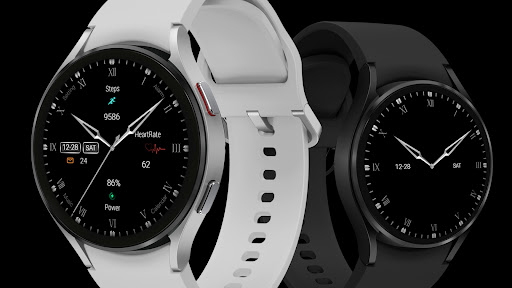



About this app
The ZKin Watch Face Super Standby app solves the problem of limited watch face options for users, offering a range of dials to customize their experience. This app benefits users who value personalization and want to enhance their smartwatch's aesthetic. Compared to alternatives in the Personalization category, ZKin Watch Face Super Standby stands out due to its simplicity and lack of ads, but falls short in terms of user ratings and downloads. The app's limited data and lack of developer website or transparency raise concerns about its long-term support and updates.
Pros
- The app offers a simple and ad-free experience, which is a significant advantage for users who value minimalism and ease of use.
- The developer's email is provided, which could indicate a willingness to engage with users and address concerns, although the lack of a website is a drawback.
- The app's small size and lack of permissions required suggest that it is lightweight and efficient, which could be beneficial for devices with limited storage or processing power.
- The paid model of $0.99 is a relatively low-cost option for users who want to support the developer and access the app's features without in-app purchases or ads.
Cons
- The app's limited downloads and lack of user ratings raise concerns about its popularity and potential bugs or issues that may not have been addressed.
- The developer's lack of transparency, including no website or clear update history, may deter users who value accountability and ongoing support.
- The app's functionality may be limited compared to more popular watch face apps, which could be a drawback for users who want more features and customization options.
Best for: The ideal user for this app is a tech-savvy individual, likely between the ages of 25 and 45, who values simplicity, customization, and ease of use, and is looking for a unique watch face experience without the clutter of ads or excessive permissions, and is willing to support a relatively unknown developer with a one-time payment.
Developer Description
All dials:https://play.google.com/store/apps/dev?id=9082617204511160070
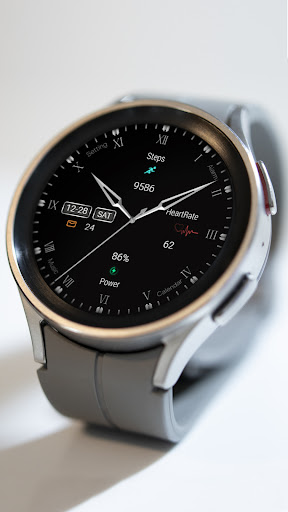
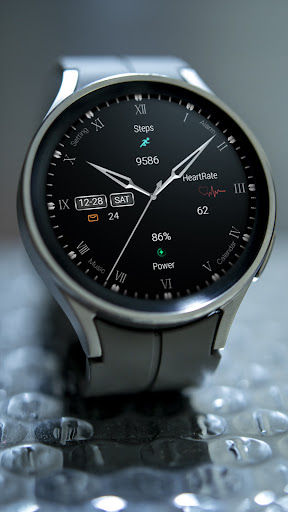
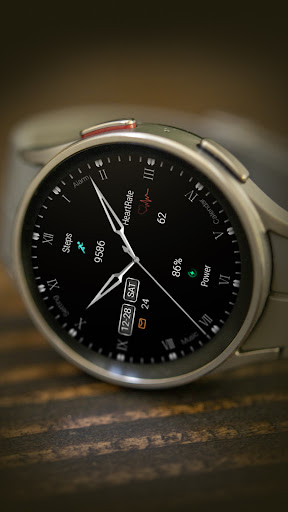
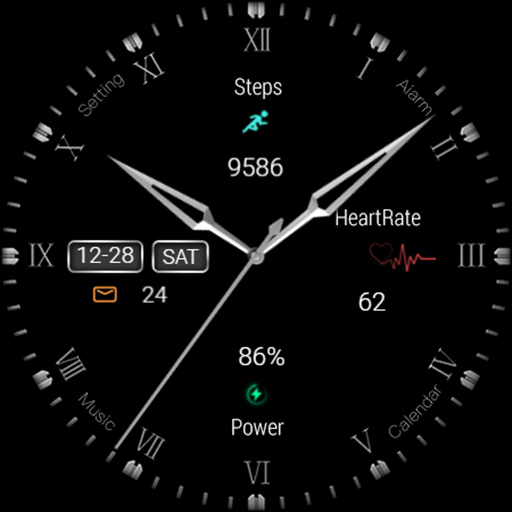
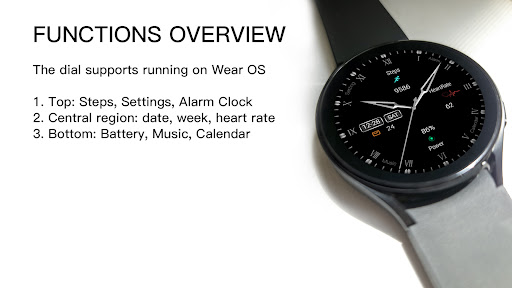
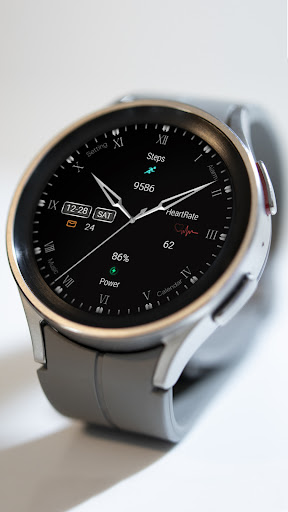
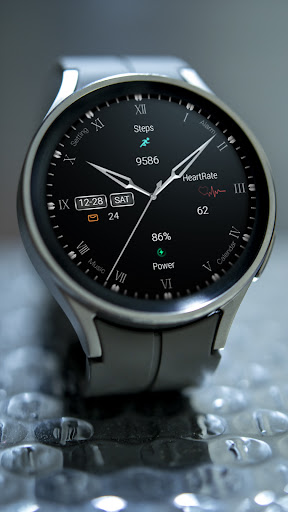
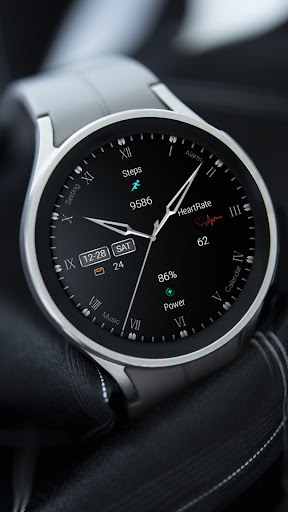
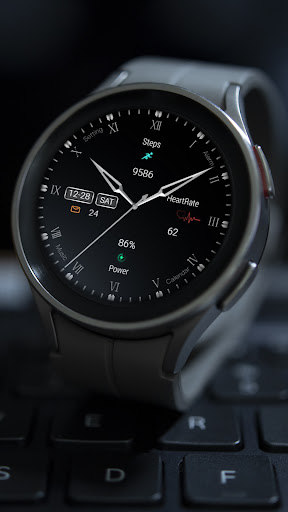
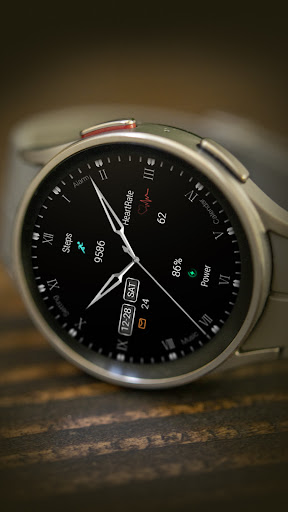
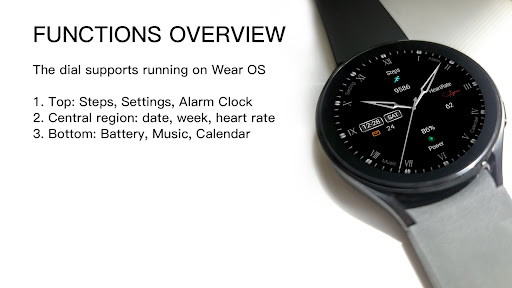
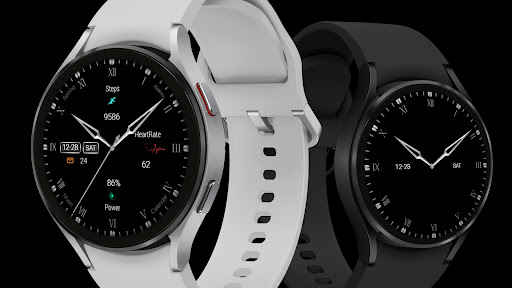
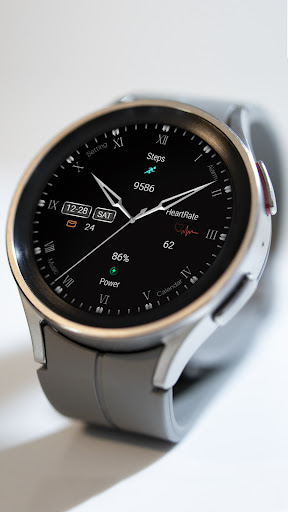
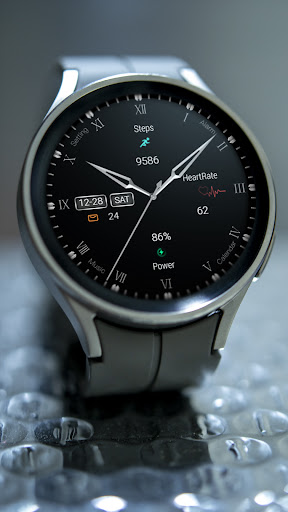
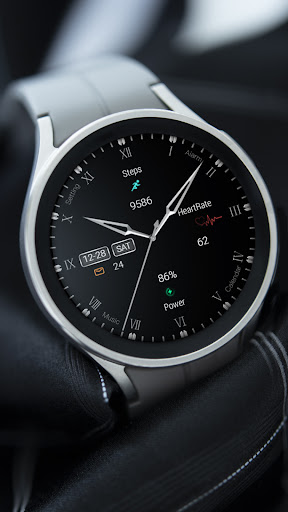
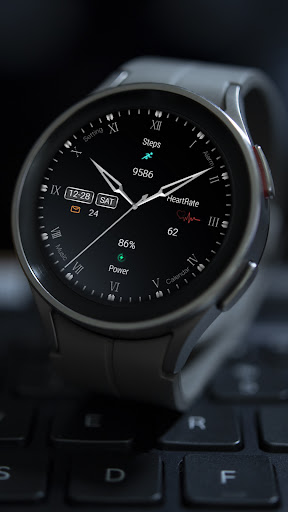
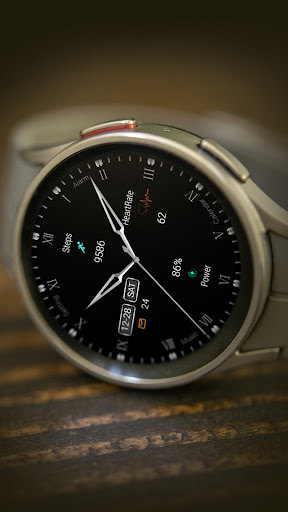
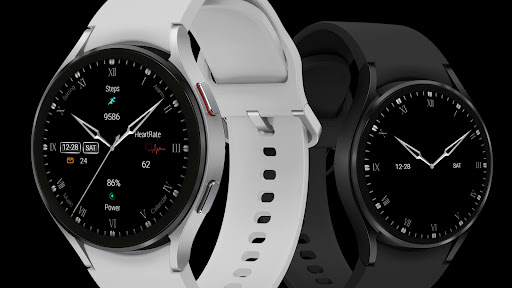
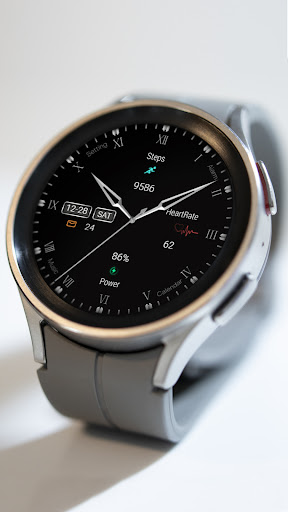
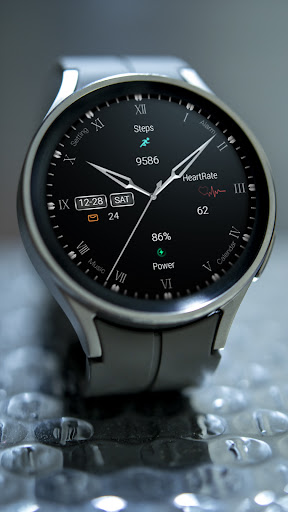
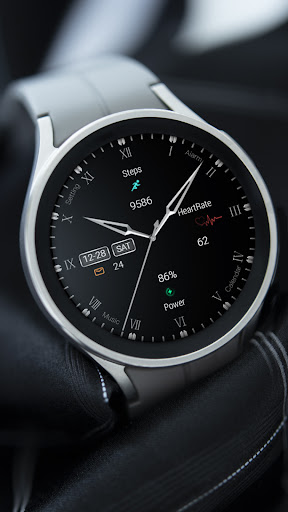
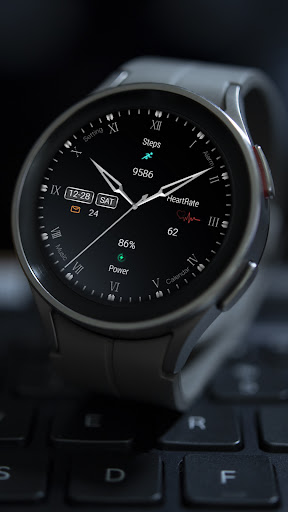
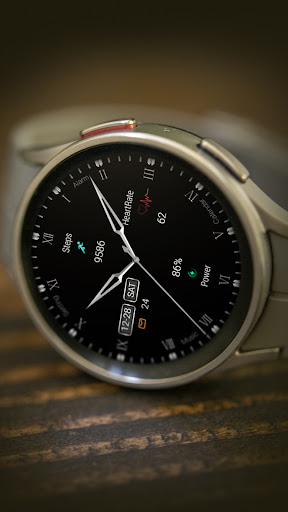
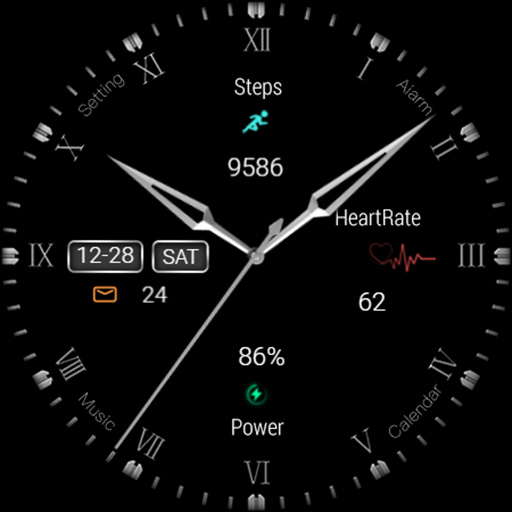
1. Top: Steps, Settings, Alarm Clock
2. Central region: date, week, heart rate
3. Bottom: Battery, Music, Calendar
Compatible devices: Pixel Watch, Galaxy Watch 4/5/6/7 and above, and other devices
How do I install the watch face on WearOS ?
1. Install it from Google Play Wear Store on your watch
2. Install the companion app for fully customization (Android phone devices)
Privacy
Since the app requires no permissions, it is unlikely to collect any sensitive data, and users can feel relatively secure when using it. However, as with any app, it is essential to monitor the app's behavior and report any suspicious activity to the developer. Users should also be cautious when purchasing apps from developers with limited transparency and support.
Tips
To get the most out of this app, users should first explore the different watch face options and customize their settings to suit their preferences. Additionally, users can optimize the app's performance by ensuring their device is running the latest software and closing unnecessary apps. By doing so, users can enjoy a seamless and efficient experience with the ZKin Watch Face Super Standby app.
What's New
The dial supports running on Wear OS
1. Top: Steps, Settings, Alarm Clock
2. Central region: date, week, heart rate
3. Bottom: Battery, Music, Calendar
Compatible devices: Pixel Watch, Galaxy Watch 4/5/6/7 and above, and other devices
How do I install the watch face on WearOS ?
1. Install it from Google Play Wear Store on your watch
2. Install the companion app for fully customization (Android phone devices)
Version Information
- Version
- -
- Downloads
- 500+
- Updated on
- Feb 19, 2025
- Released
- Dec 26, 2024
- Requires
- Android Varies with device
Statistics
Google Play Rating History
Rating Distribution
Downloads Over Time
ZKin Watch Face Super Standby has been downloaded times. Over the past 30 days, it averaged downloads per day.
Shaded area shows 30-day prediction based on historical trends
Historical data collection started recently. More data points will be available over time.
ZKin Watch Face Super Standby users say on Google Play
 Pramod Dubey
Wow ! Good one.
ApkTrusted Ratings & Reviews
More from ZKin
See more apps
Green Triangle ZKin Watch
Paid
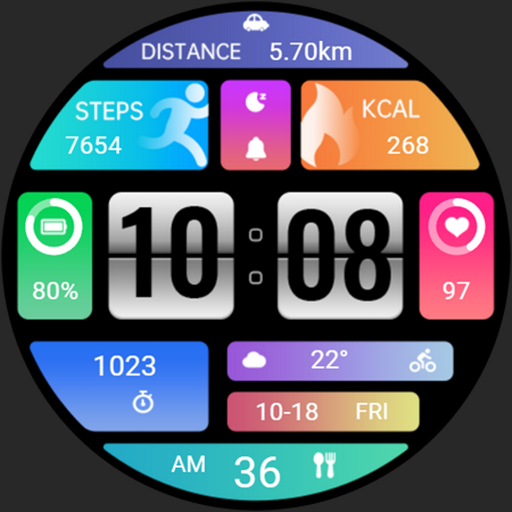
Practical Desktop ZKin Watch
Paid

ZKin Watch Astronaut Club
Paid

ZKin Watch Face Candy Puppy
Paid

Cherry Milk ZKin Watch
Paid

ZKin Colorful function black
Paid

Cyberpunk ZKin Watch
Paid

Dynamic Desktop ZKin Watch
Paid

Dynamic Blue ZKin Watch
Paid

Gradient Green ZKin Watch
Paid

ZKin Watch Half Of Life
Paid

Kevlar Machinery ZKin Watch
Paid

Mechanical Black Gold Wear OS
Paid

ZKin Watch Mechanical Fighter
Paid

Mechanical Dark Gold ZKinWatch
Paid

Mondrian Grid ZKin Watch
Paid
Similar Apps

Elegant IV Watch Face
Free
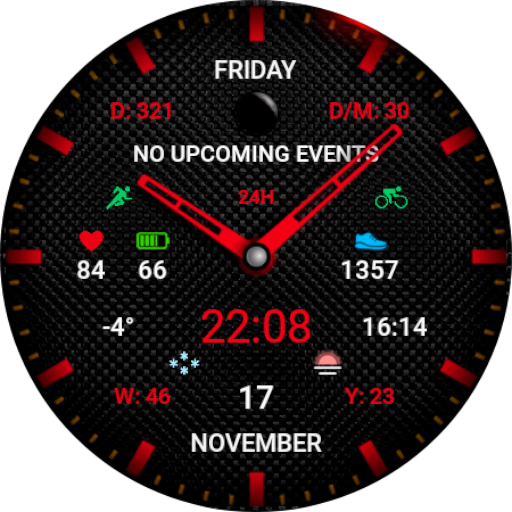
WR 009 Hybrid Watch Face
Paid

SO878
Paid

Lenonight - watch face
Paid

Minimal Christmas Watch Face
Free

Minimal MINOL URX55 Watch face
Paid

Minimal Black v9 Watch Face
Paid

Minimal Black Watch Face
Paid
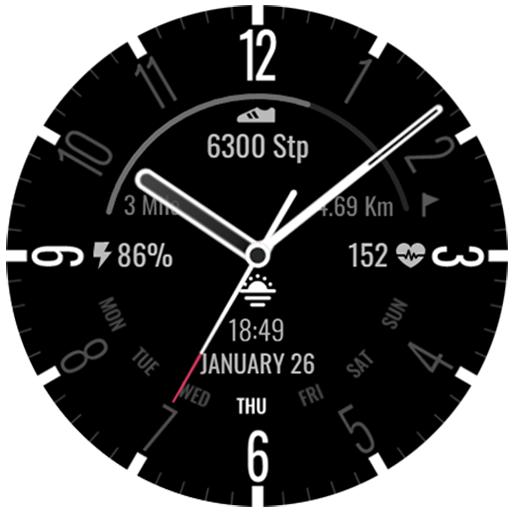
Simplicity Analog 15
Free

Elegant Analog Watch Face
Paid
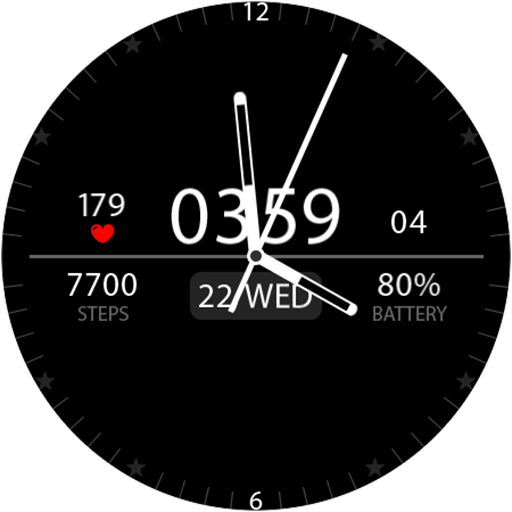
Key039 Analog Watch Face
Paid

Minimal Black v14 Watch Face
Paid

Simplicity Analog 2
Free
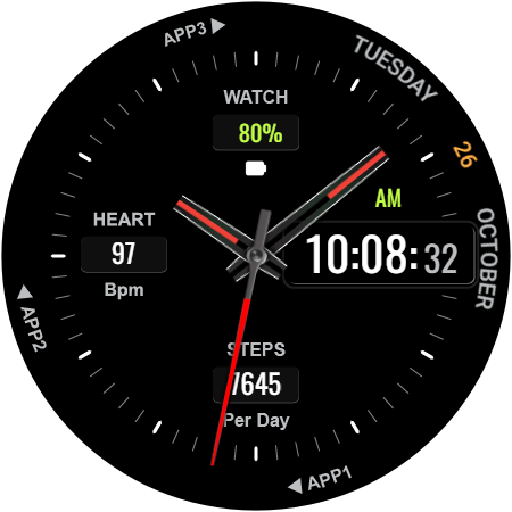
HKR001
Free
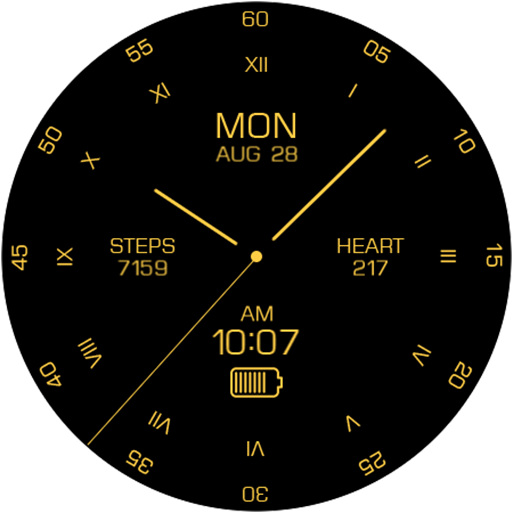
Key095 Analog Gold Watch Face
Paid
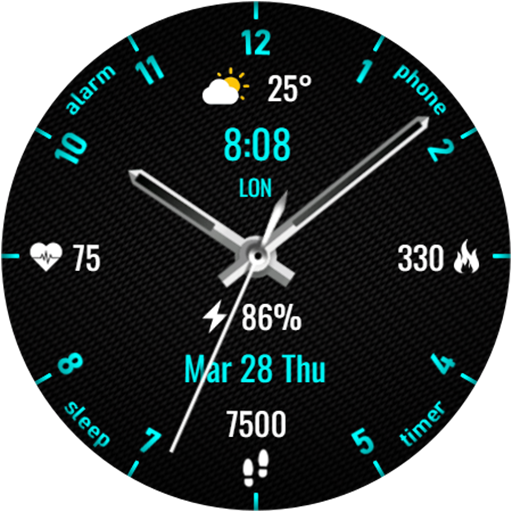
KZY051
Free
Scan this QR code to download

Forwarding you to the page at Google Play market in seconds...
Open Google Play market now