
Large Icon Component ZKinWatch vVARY
ZKin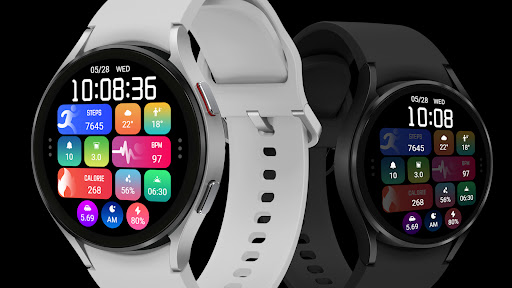



About this app
The Large Icon Component ZKinWatch app appears to be a specialized tool for customizing watch faces on Wear OS devices, solving the problem of limited design options for users who want to personalize their smartwatches. This app benefits users who value unique and customizable watch faces, setting it apart from generic alternatives in the Personalization category. However, with no user ratings and limited download data, it's challenging to assess its overall quality and popularity. The app's $0.99 price point and presence of ads may also impact the user experience.
Pros
- The app's focus on Wear OS compatibility is a significant advantage, as it caters to a specific niche of smartwatch users who want to customize their devices.
- The developer's presence on Telegram and provision of an email address for support suggests a willingness to engage with users and address potential issues.
- The app's small size and lack of required permissions are positives, indicating a lightweight and potentially efficient design.
- The paid model, despite being low-cost, may encourage the developer to provide more consistent updates and support compared to free alternatives.
- The app's simplicity, with no in-app purchases, could result in a more streamlined user experience without the clutter of additional monetization strategies.
Cons
- The lack of user ratings and reviews makes it difficult to gauge the app's performance, stability, and overall user satisfaction, which could be a significant concern for potential users.
- The presence of ads in a paid app may be seen as aggressive monetization, potentially detracting from the user experience and causing frustration.
- With no information on update frequency or a clear changelog, users may worry about the app's long-term support and compatibility with future Wear OS updates.
- The limited download numbers and lack of a comprehensive developer website raise questions about the app's popularity and the developer's commitment to the project.
Best for: The ideal user for the Large Icon Component ZKinWatch app is a tech-savvy individual, likely between the ages of 25 and 45, who owns a Wear OS smartwatch, values customization, and is willing to pay a small fee for unique watch faces, with the technical skill to navigate the app's features and potentially troubleshoot basic issues.
Developer Description
The Watch supports running on Wear OS
🎁Coupon Link :
https://www.facesapps.com/brand/327
🎁Add Telegram group to obtain remaining coupons :
https://t.me/zkinwatch
🏠Other my works here:
https://play.google.com/store/apps/dev?id=9082617204511160070
⌚️Instagram :
https://www.instagram.com/zkinwatchfaces?igsh=OHNuOHExbGliYWtm
⌚️Facebook :
https://www.facebook.com/share/1YFxgRMiqf/
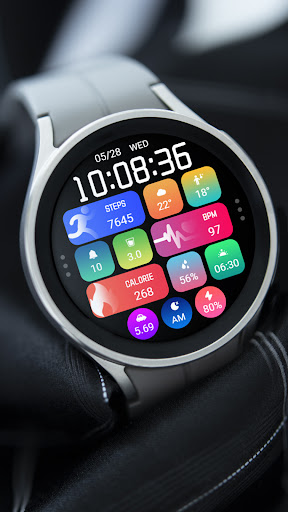
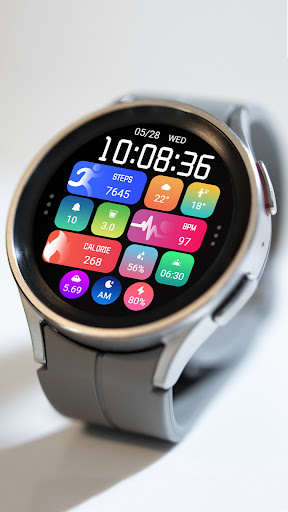
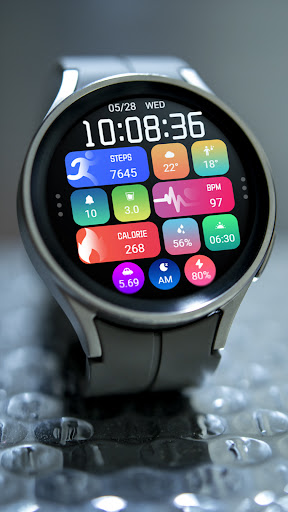
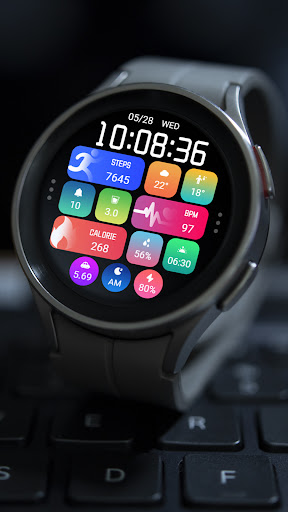
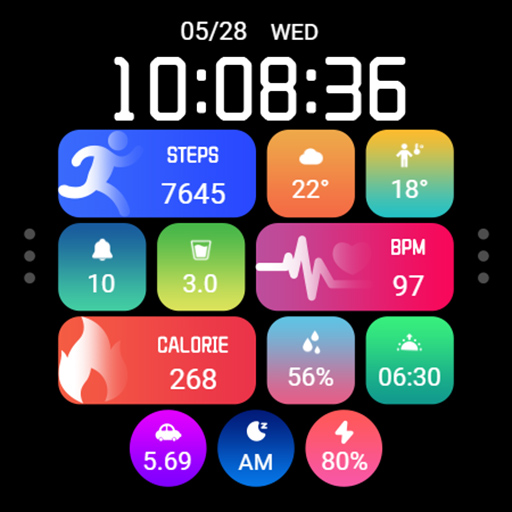
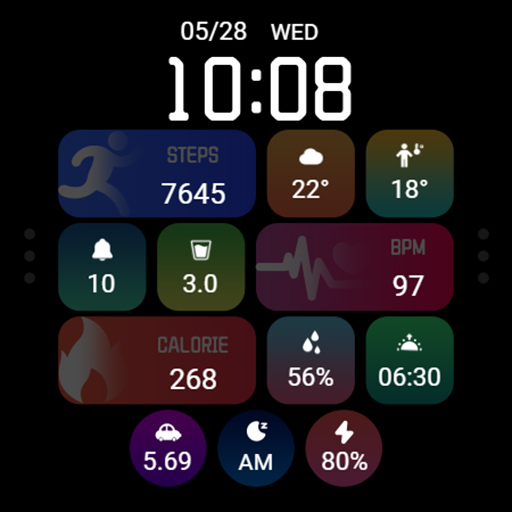
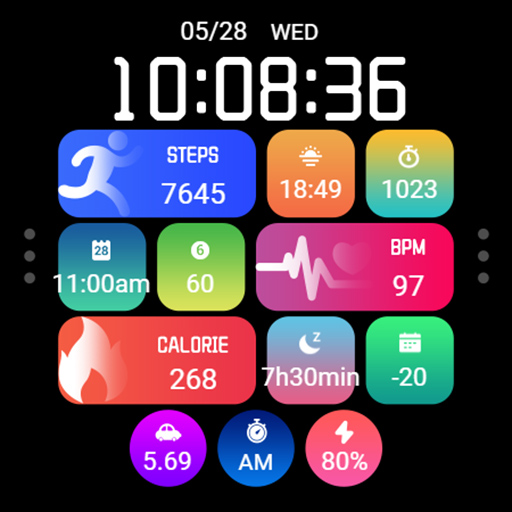
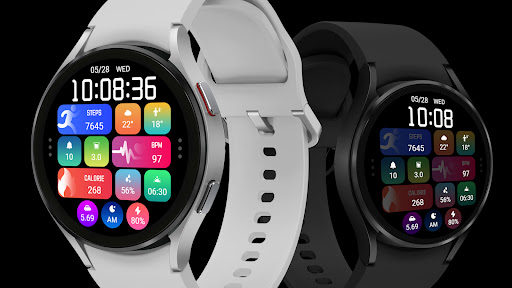
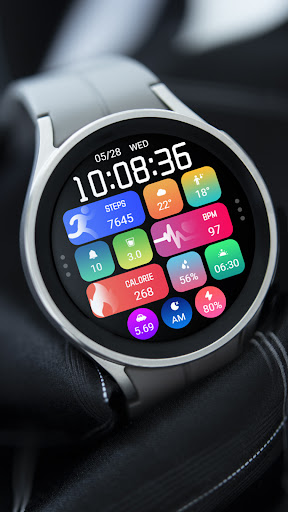
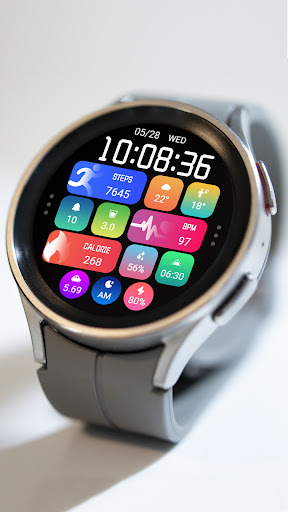
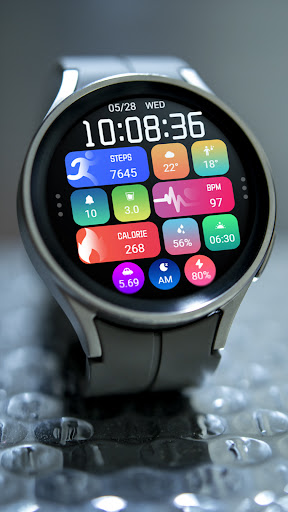
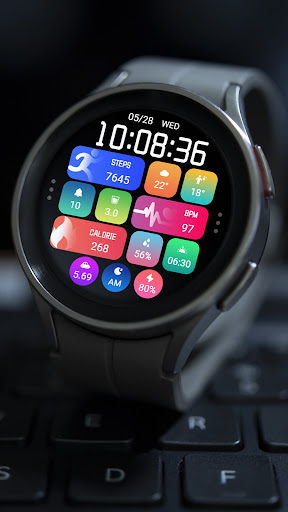
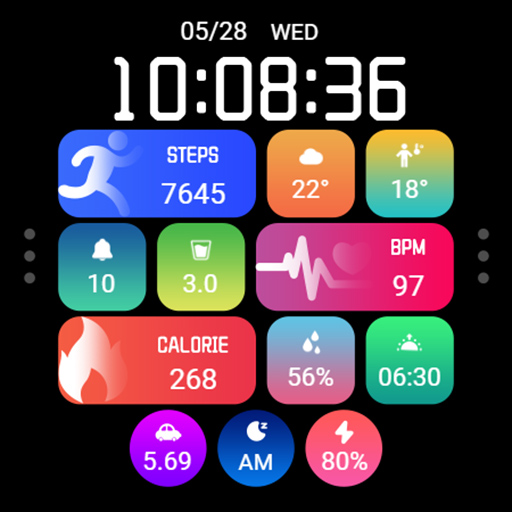
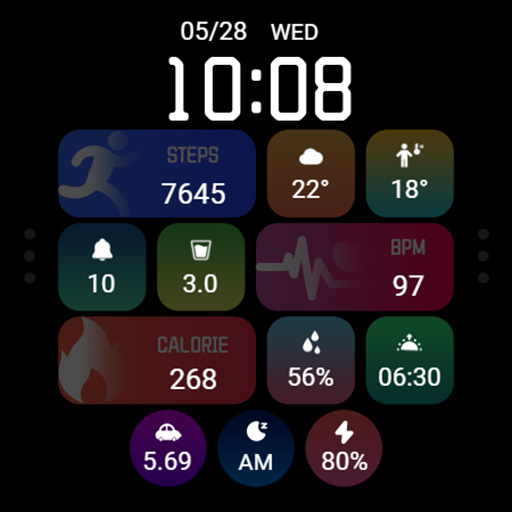
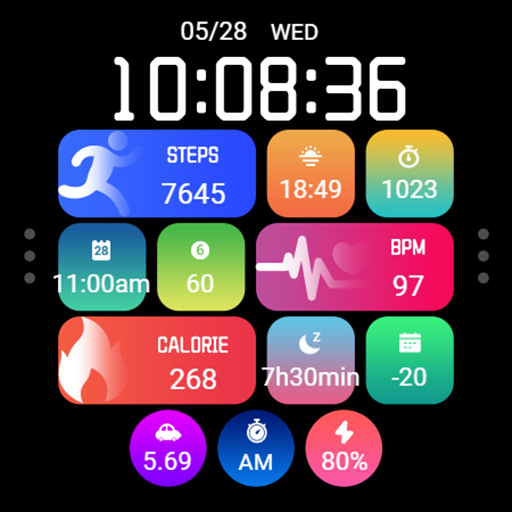
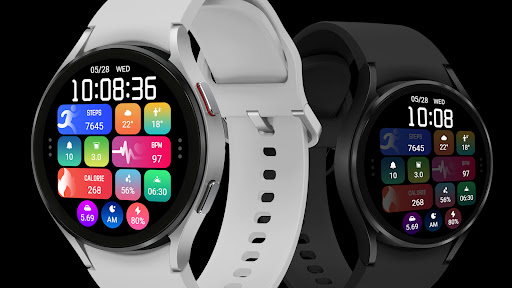
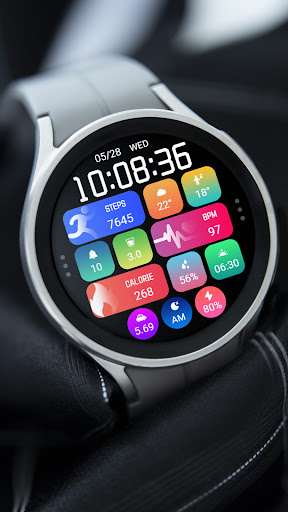
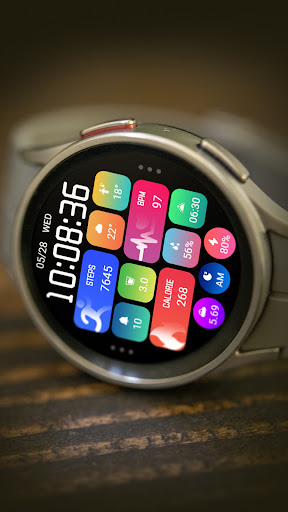
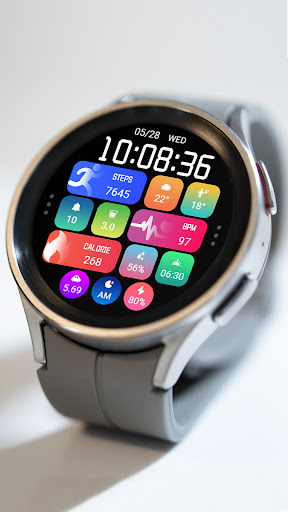
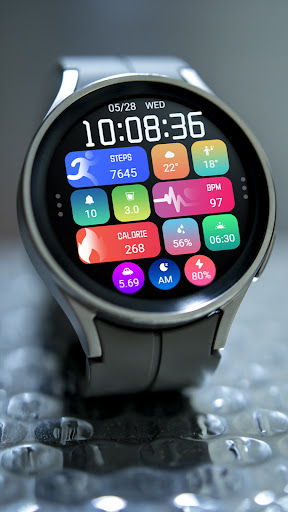
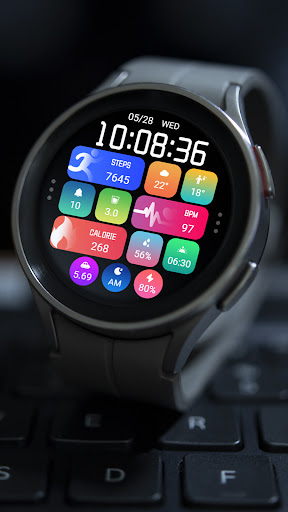
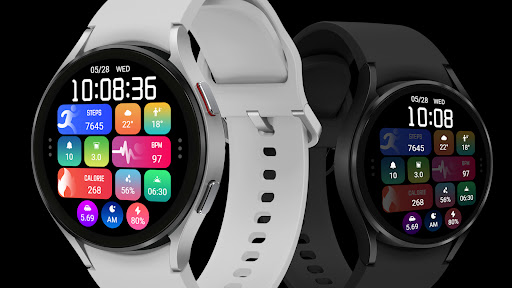
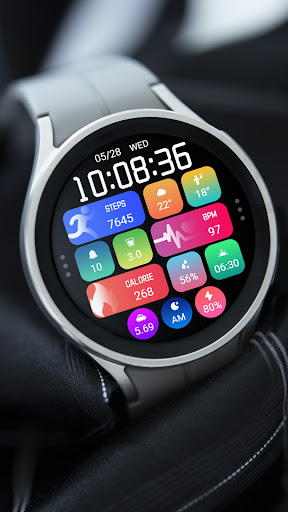
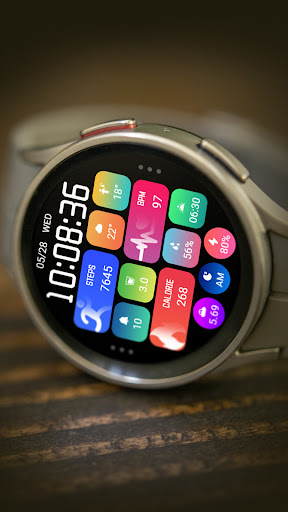
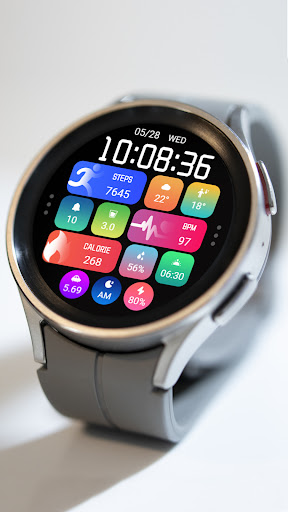
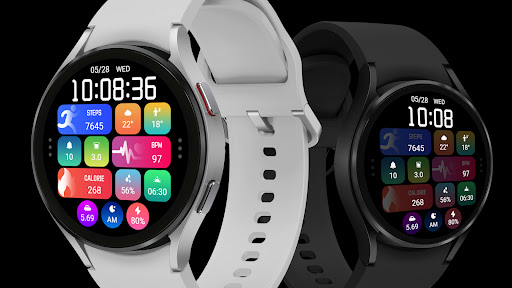
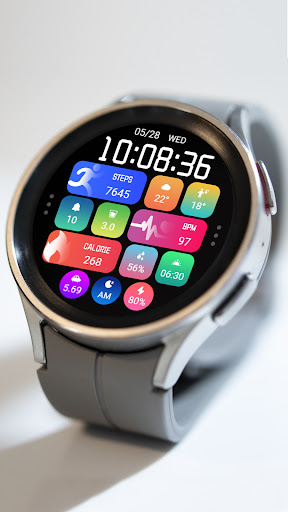
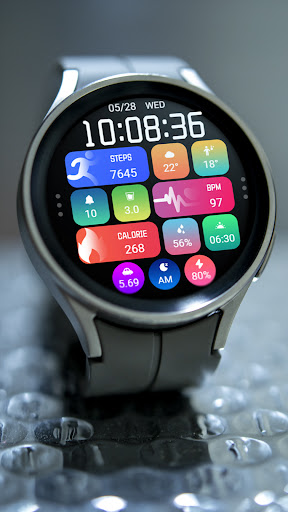
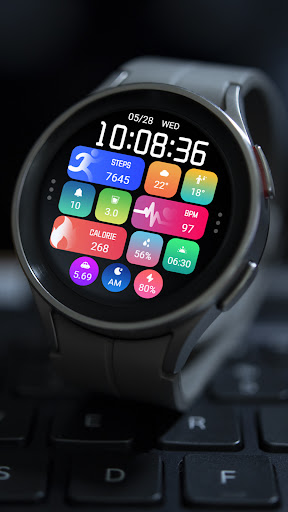
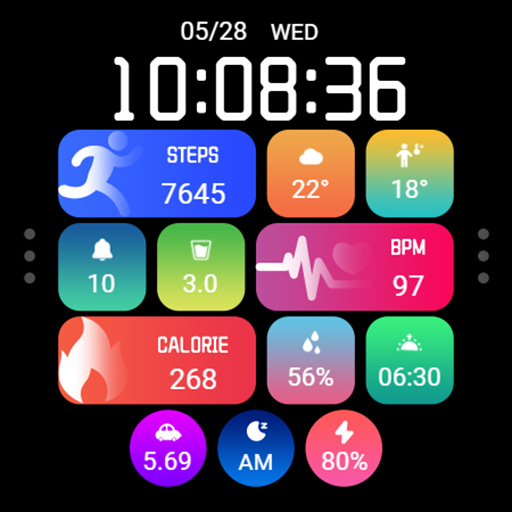
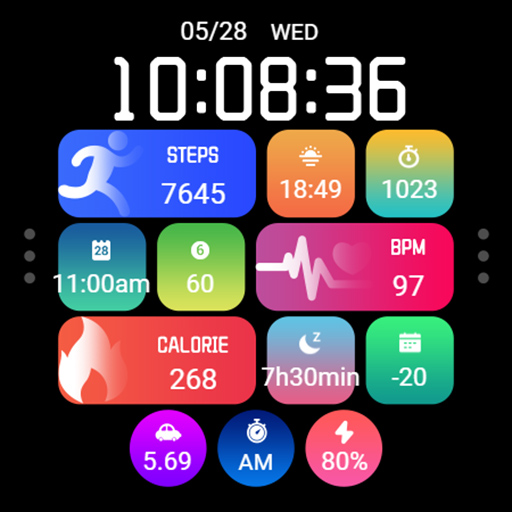
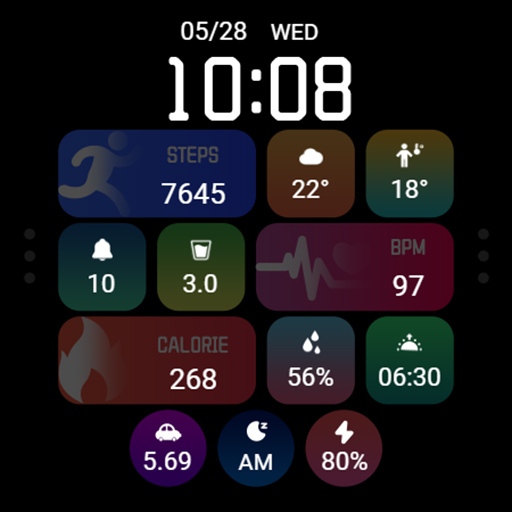
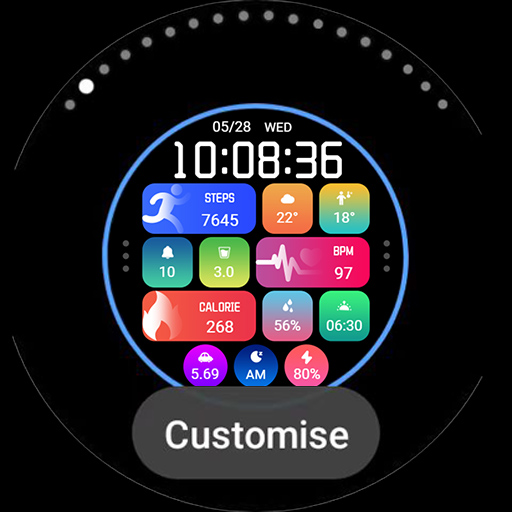
1. Top: Date, Week, Time, Steps, Custom Data
2. Central: Custom data, heart rate
3. Bottom: Calories, custom data, distance, custom app, morning and afternoon, battery level
Customization: Multiple customization areas are available for selection
Compatible devices: Galaxy Watch 4/5/6/7 and other devices that support Wear OS
How do I install the watch face on WearOS ?
1. Install it from Google Play Wear Store on your watch
2. Install the companion app for fully customization (Android phone devices)
Privacy
Given the app requires no permissions, it poses minimal risk to user data, but users should still be cautious of the ads displayed within the app, as they may collect anonymous usage data. To maintain privacy, users should review the developer's privacy policy, if available, and be aware of the data collection practices of the ad networks used. Regularly checking for updates and only downloading from trusted sources like the Play Store can also enhance security.
Tips
For the best experience, users should ensure their Wear OS device is updated to the latest version before installing the Large Icon Component ZKinWatch app. Setting up the app involves selecting and customizing watch faces, which can be done by following the in-app instructions or referring to the developer's support channel for more detailed guides. To optimize performance, closing unused apps and ensuring sufficient storage space on the smartwatch can help maintain smooth operation.
What's New
1. Top: Date, Week, Time, Steps, Custom Data
2. Central: Custom data, heart rate
3. Bottom: Calories, custom data, distance, custom app, morning and afternoon, battery level
Customization: Multiple customization areas are available for selection
Compatible devices: Galaxy Watch 4/5/6/7 and other devices that support Wear OS
Version Information
- Version
- -
- Downloads
- 100+
- Updated on
- Jun 16, 2025
- Released
- Jun 16, 2025
- Requires
- Android Varies with device
Statistics
Google Play Rating History
Rating Distribution
Downloads Over Time
Large Icon Component ZKinWatch has been downloaded times. Over the past 30 days, it averaged downloads per day.
Shaded area shows 30-day prediction based on historical trends
Historical data collection started recently. More data points will be available over time.
Large Icon Component ZKinWatch users say on Google Play
 Salem Albadin
you are the best
ApkTrusted Ratings & Reviews
More from ZKin
See more apps
Green Triangle ZKin Watch
Paid
Practical Desktop ZKin Watch
Paid

Golden Green For Wear OS
Paid

ZKin Watch Astronaut Club
Paid

ZKin Watch Face Candy Puppy
Paid

Cherry Milk ZKin Watch
Paid

ZKin Colorful function black
Paid

Cyberpunk ZKin Watch
Paid

Dynamic Desktop ZKin Watch
Paid

Dynamic Blue ZKin Watch
Paid

Gradient Green ZKin Watch
Paid

ZKin Watch Half Of Life
Paid

Kevlar Machinery ZKin Watch
Paid

Mechanical Black Gold Wear OS
Paid

ZKin Watch Mechanical Fighter
Paid

Mechanical Dark Gold ZKinWatch
Paid
Similar Apps

ML2U 242 Watch Face
Paid

Color Fest Digital Watch Face
Paid

PRIME Home OS 3 Watch Face
Paid

Digital Watchface D4
Paid
Night ver 03 - watch face
Paid

PRADO 50 Widgets
Paid

Tiles Window Watch Face NTV556
Paid

SamWatch Infoblock 5
Paid

PRIME Home OS Watch Face
Paid

Night 36 - watch face
Paid

ML2U 232 Watch Face
Paid

Baku Digital Watch Face
Paid

Vesa Digital Watch Face
Free

N-SPORT700 Digital Color Watch
Paid

Tiles Sport Weather NTV562
Paid
PRADO 45 Blocks & Tiles
Paid
Scan this QR code to download

Forwarding you to the page at Google Play market in seconds...
Open Google Play market now