
ZKin Watch Mountain Moon Mist vVARY
ZKin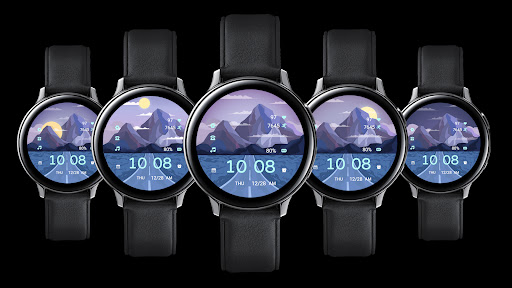






About this app
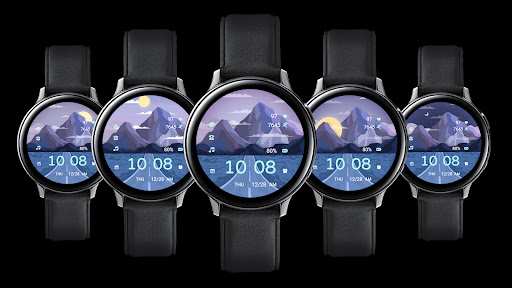
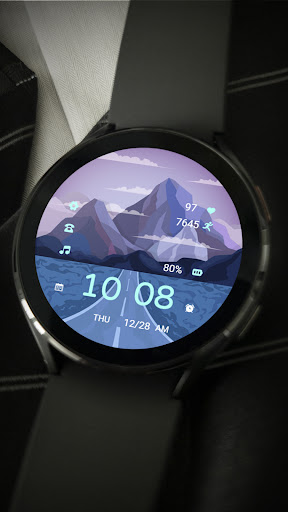
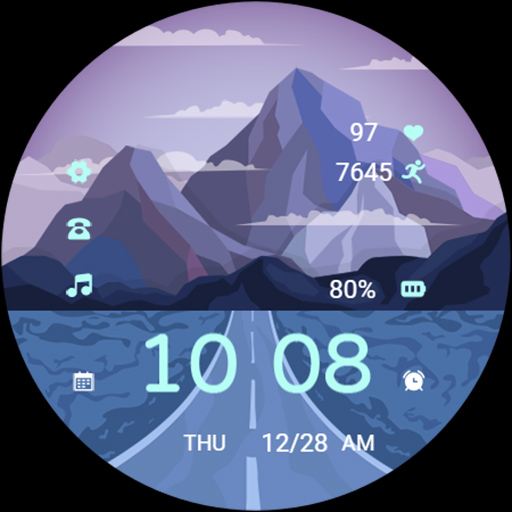
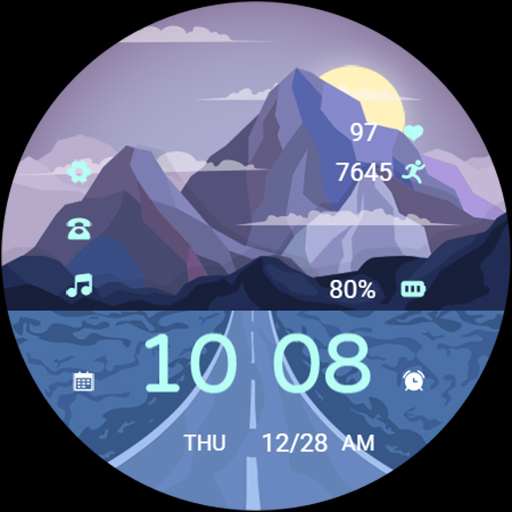
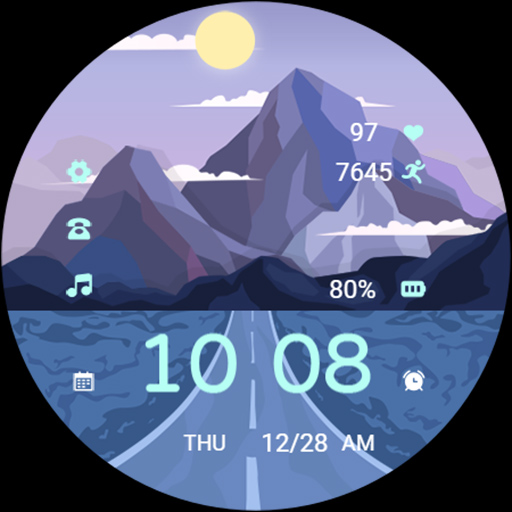
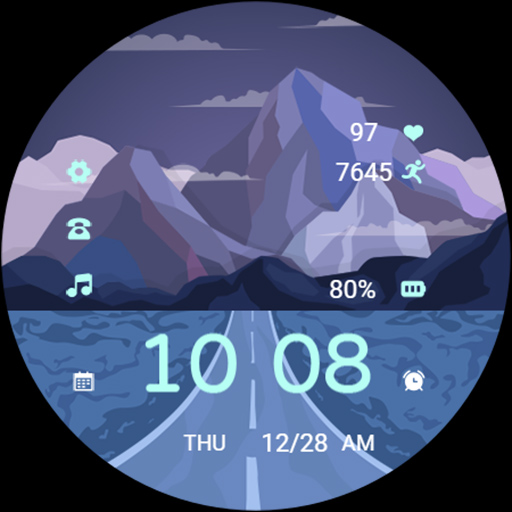
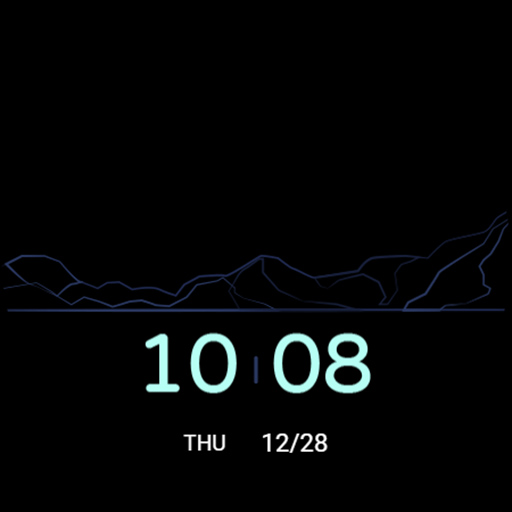
The ZKin Watch Mountain Moon Mist app provides a unique watch face personalization option for users, solving the problem of limited customization choices for their wearable devices. This app benefits users who value aesthetic customization and are looking for a distinctive watch face design. Compared to alternatives in the Personalization category, ZKin Watch Mountain Moon Mist stands out with its paid model and lack of ads, ensuring a clutter-free user experience. However, the limited download numbers and lack of user ratings may raise concerns about its popularity and performance.
Pros
- The app's paid model ensures that users do not have to deal with annoying ads, providing a seamless and uninterrupted experience.
- The developer's email is provided, which can be a plus for users who value direct communication and support.
- The app requires zero permissions, which is a significant advantage in terms of privacy and security.
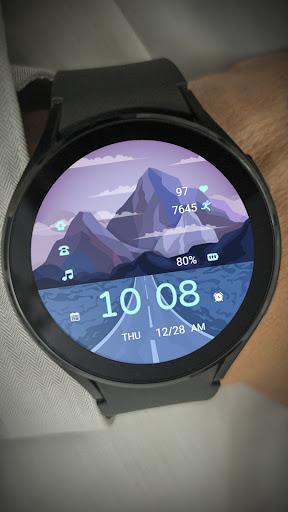
- The app's unique design may appeal to users who are looking for a distinctive watch face that reflects their personal style.
Cons
- The limited download numbers and lack of user ratings may indicate that the app is not widely used or tested, which can be a concern for potential users.
- The app's paid model may deter some users who are accustomed to free alternatives, even if it means sacrificing ads and potential security risks.
- The lack of information about the developer's website and other apps may make it difficult for users to assess the developer's reputation and expertise.
Best for: The ideal user for this app is a tech-savvy individual who values customization and is willing to pay for a high-quality, ad-free watch face design, likely within the 25-45 age range, who owns a compatible wearable device and has a basic understanding of how to install and use Android apps.
Developer Description
More Watchs:https://play.google.com/store/apps/dev?id=9082617204511160070
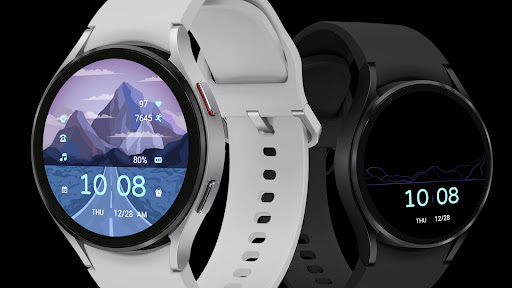
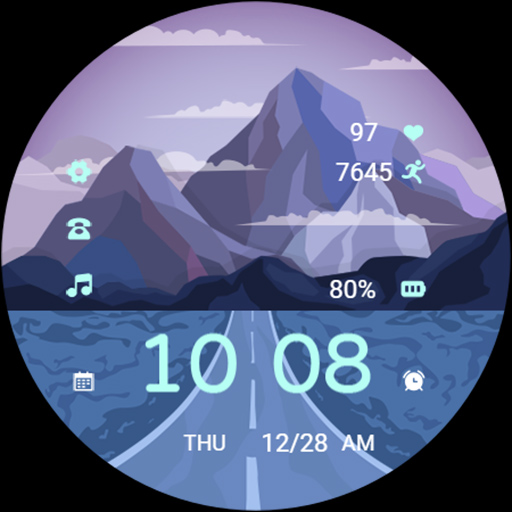
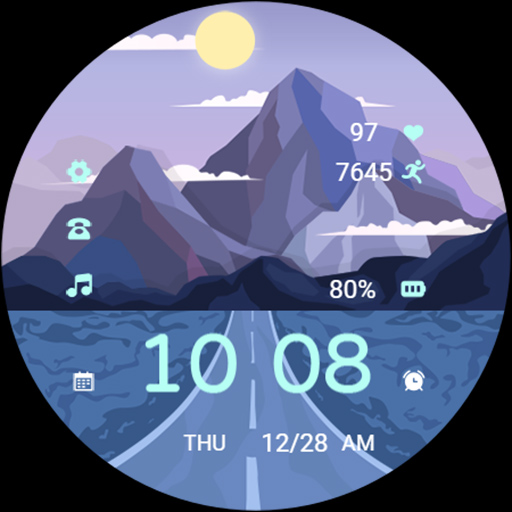
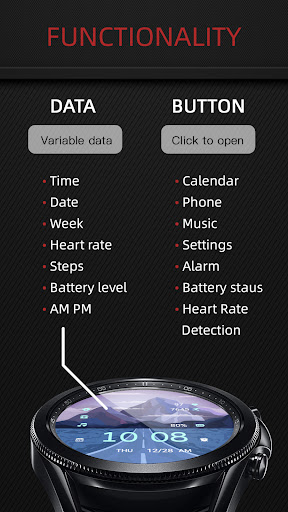
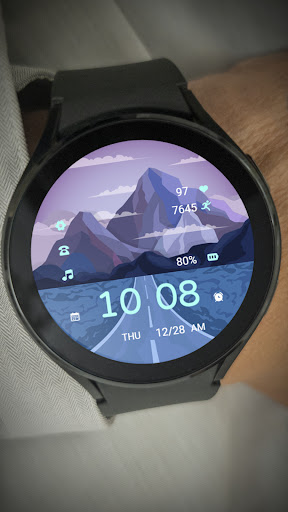
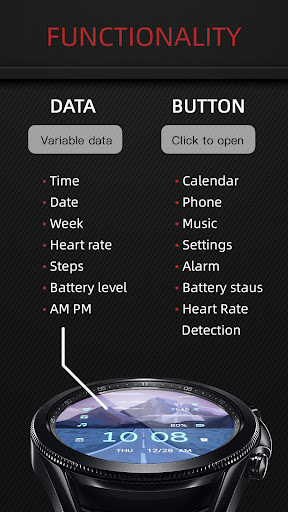
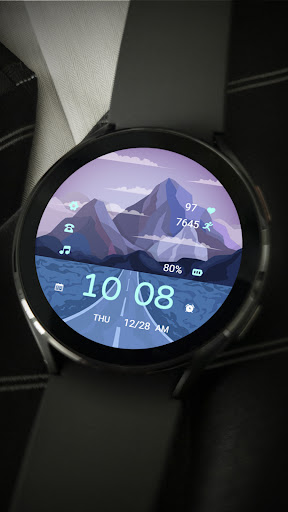
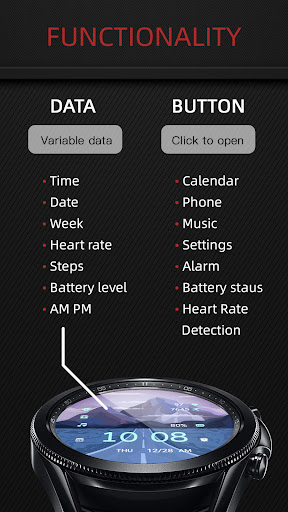
2. Middle: Telephone, music, battery level
3. Bottom: Calendar, time, alarm clock, week, date, morning and afternoon
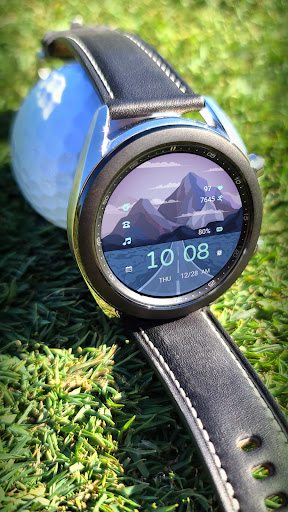
Compatible with devices: Pixel Watch, Galaxy Watch 4, Galaxy Watch 5, Galaxy Watch 6 and other devices
How do I install the watch face on WearOS ?
1. Install it from Google Play Wear Store on your watch
2. Install the companion app for fully customization (Android phone devices)
Privacy
Since the app requires zero permissions, users do not have to worry about their data being collected or shared. However, as with any paid app, users should be cautious about sharing their payment information and ensure that they are using a secure payment method. It is also essential to monitor the app's performance and report any issues to the developer.
Tips
To get the most out of this app, users should first explore the different customization options to find the perfect design for their watch face. They should also check for updates regularly to ensure that they have the latest features and security patches. Additionally, users can experiment with different watch face combinations to create a unique and personalized look.
What's New
These watch faces run on Wear OS
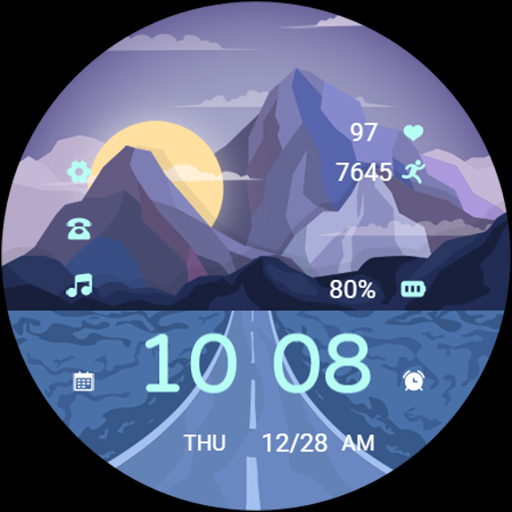
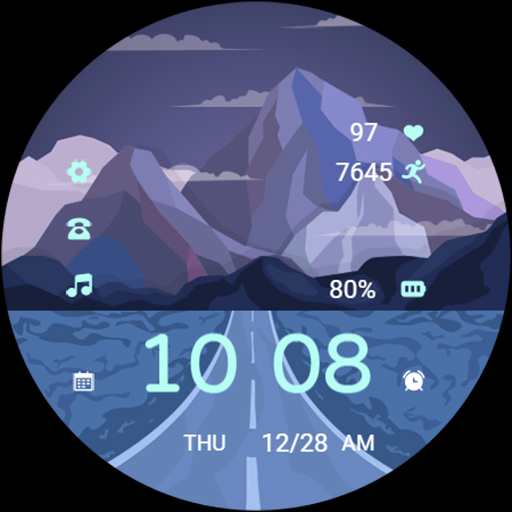
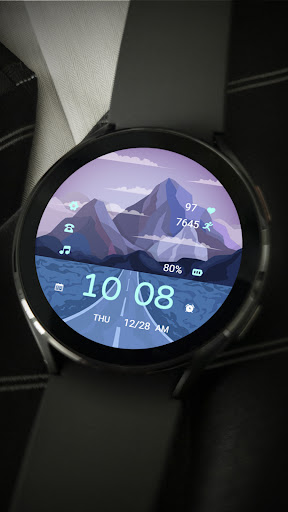
1. Top: Settings, Heart Rate, Steps
2. Middle: Telephone, music, battery level
3. Bottom: Calendar, time, alarm clock, week, date, morning and afternoon
Compatible with devices: Pixel Watch, Galaxy Watch 4, Galaxy Watch 5, Galaxy Watch 6 and other devices
How do I install the watch face on WearOS ?
1. Install it from Google Play Wear Store on your watch
2. Install the companion app for fully customization (Android phone devices)
Version Information
- Version
- -
- Downloads
- 50+
- Updated on
- Mar 25, 2025
- Released
- Dec 24, 2023
- Requires
- Android Varies with device
Statistics
Google Play Rating History
Rating Distribution
Downloads Over Time
ZKin Watch Mountain Moon Mist has been downloaded times. Over the past 30 days, it averaged downloads per day.
Shaded area shows 30-day prediction based on historical trends
Historical data collection started recently. More data points will be available over time.
ApkTrusted Ratings & Reviews
More from ZKin
See more apps
Green Triangle ZKin Watch
Paid
Practical Desktop ZKin Watch
Paid

Golden Green For Wear OS
Paid

ZKin Watch Astronaut Club
Paid

ZKin Watch Face Candy Puppy
Paid

Cherry Milk ZKin Watch
Paid

ZKin Colorful function black
Paid

Cyberpunk ZKin Watch
Paid

Dynamic Desktop ZKin Watch
Paid

Dynamic Blue ZKin Watch
Paid

Gradient Green ZKin Watch
Paid

ZKin Watch Half Of Life
Paid

Kevlar Machinery ZKin Watch
Paid

Mechanical Black Gold Wear OS
Paid

ZKin Watch Mechanical Fighter
Paid

Mechanical Dark Gold ZKinWatch
Paid
Similar Apps
Time Scene 5 Animated
Paid
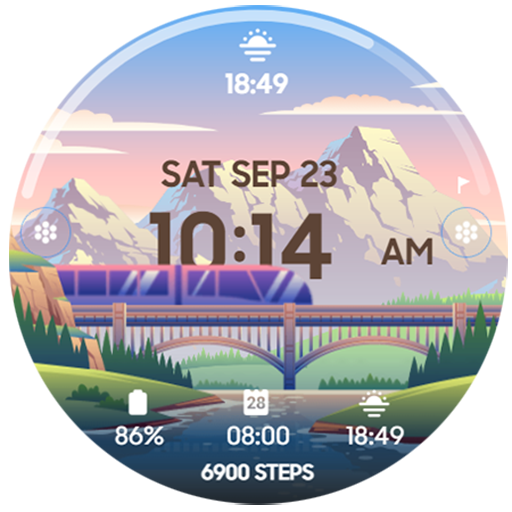
The Train Animated
Paid
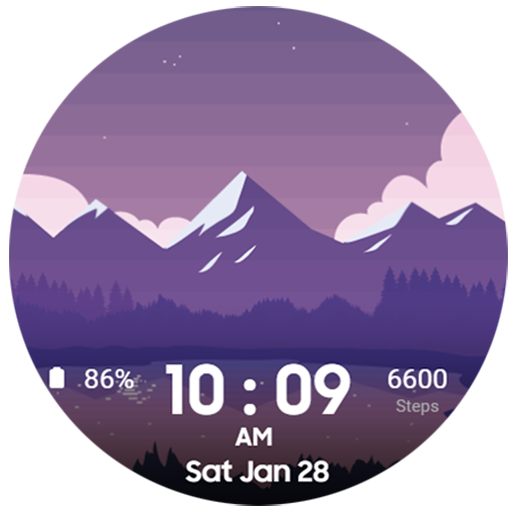
Night Landscape
Paid

CELEST5468 Artistic Watch
Paid

SamWatch T Nori Shootingstar
Paid
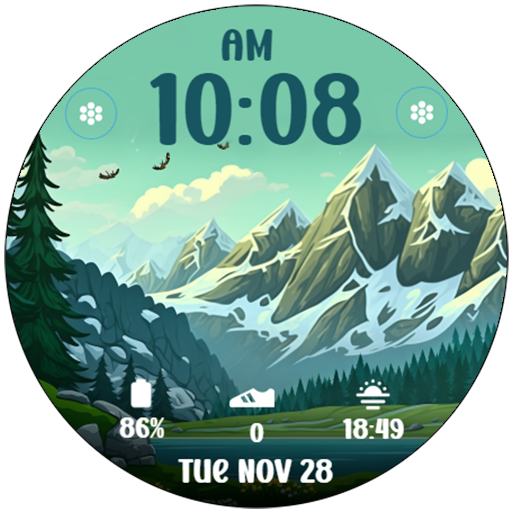
Mountain Landscape 3
Paid
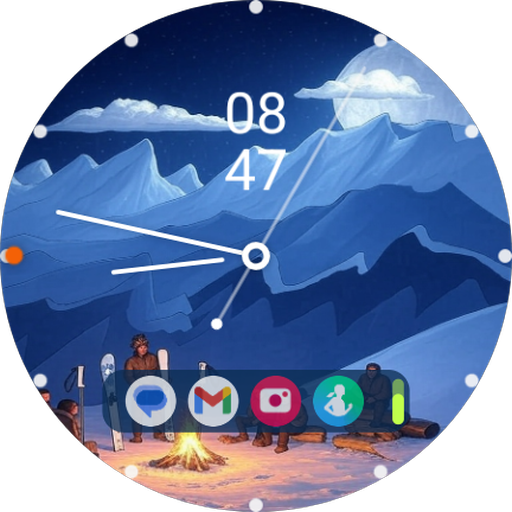
Minimal Winter Watch Face
Paid
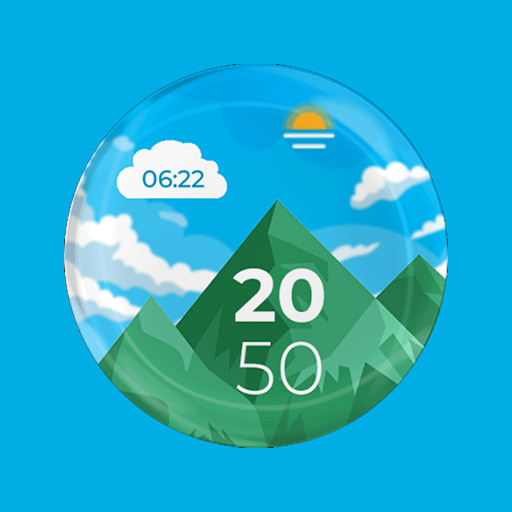
Mountain View Watch Face - F02
Free
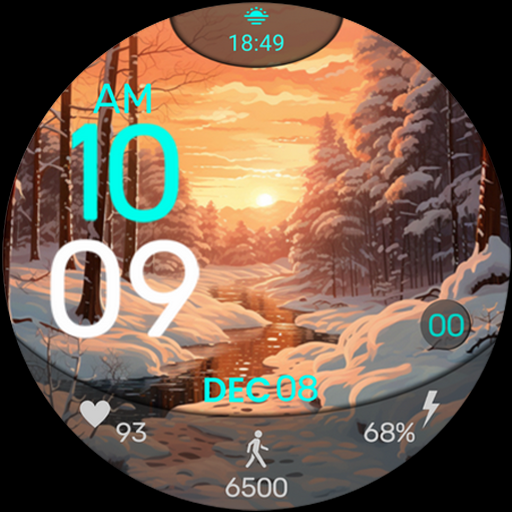
ART013 Winter Sunset
Paid

Mountain Landscape 2
Paid

Animated | Space Planets
Paid

SamWatch T Sky Paper Airplane
Paid
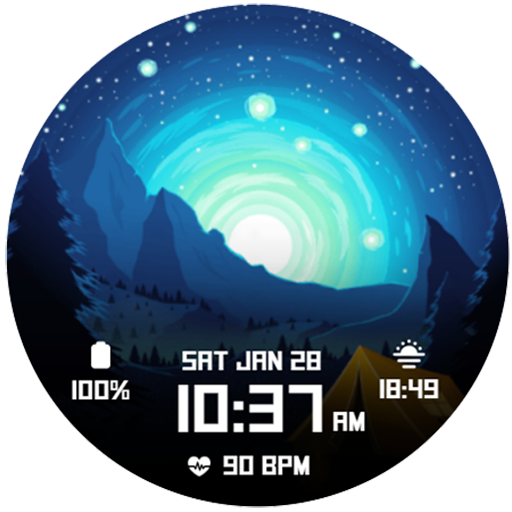
Night Landscape 2
Paid

Winter Train Animated
Paid

Planet Punk RHS 54 WR
Paid
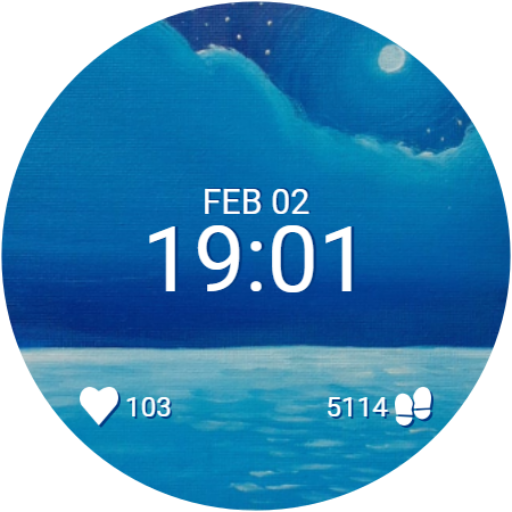
Moonlit Sea
Free
Scan this QR code to download

Forwarding you to the page at Google Play market in seconds...
Open Google Play market now