
WFP 232 Stylish watch face vVARY
WFProduction by Alexandr Kovalev
















About this app
Developer Description
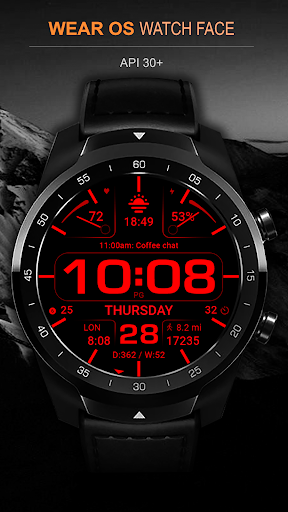
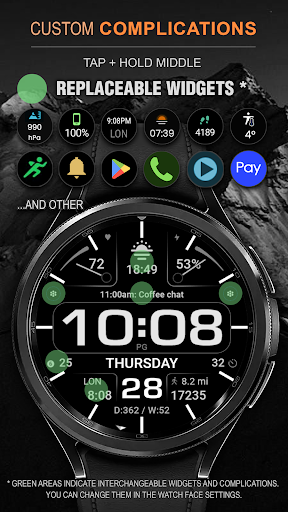
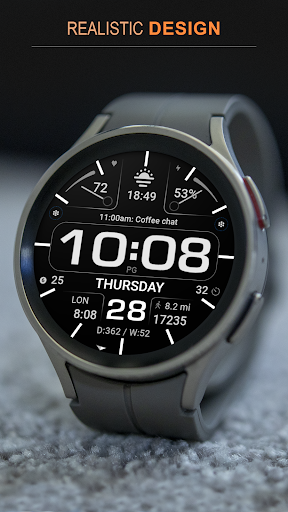
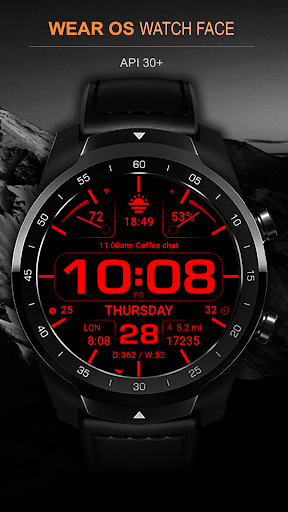
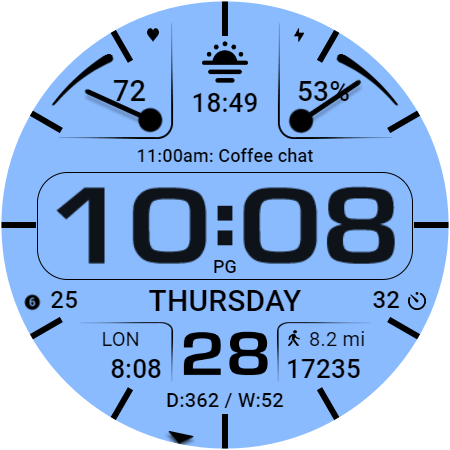
Digital watch face. For Wear OS devices.
Watch face installation instructions:
https://samsung-watchface.com/instructions
If you want to use phone charge widgets, information about calories, floors, etc., follow the link for instructions:
https://samsung-watchface.com/settings
Promotion - Buy 1 - Get 1 free:
https://samsung-watchface.com/buy1-get1
FEATURES >
- A high resolution;
- High optimization;
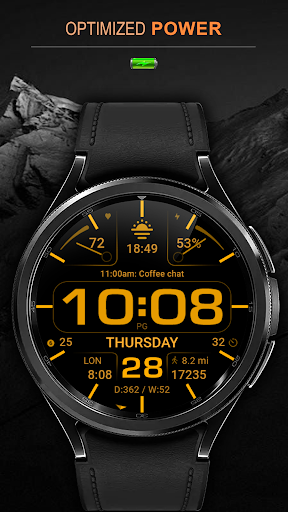
- Low battery consumption;
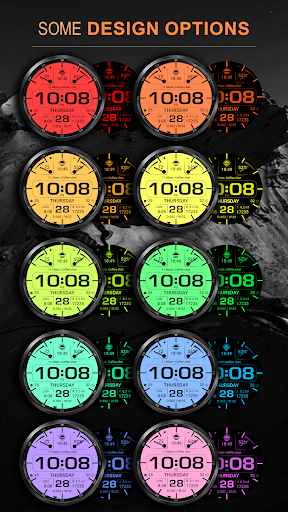
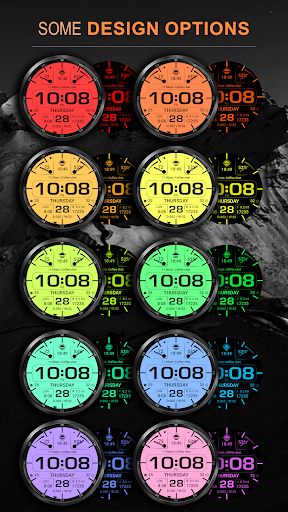
- Color combinations;
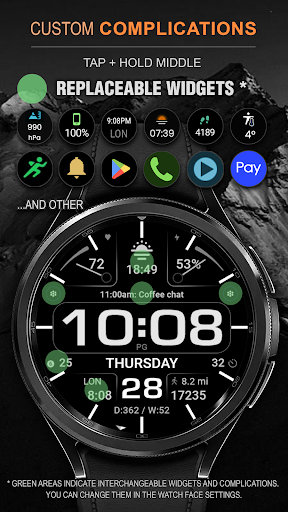
- Custom application shortcuts;
- Multilingual;
- 12/24 hour format;
- Information line;
- Notifications;
- Customizable widgets.;
- Customizable AOD mode;
Displayed>
- Digital time;
- Full day of the week;
- Date;
- Day and week of the year;
- Dual time;
- Information line of events;
- Steps;
- Distance;
- Heart rate;
- Battery.
FOLLOW THE NEWS AND PROMOTIONS:
WEB:
https://samsung-watchface.com
TELEGRAM:
https://t.me/SamsungWFP
FACEBOOK:
https://www.facebook.com/groups/wearoswatchfaces
INSTAGRAM:
https://www.instagram.com/wearos_watchfaces?igsh=ZGhoOXQwMjV4MWEw
Sincerely, Alexandr Kovalev.
Version Information
- Version
- -
- Downloads
- 10K+
- Updated on
- Jul 7, 2025
- Released
- Apr 1, 2022
- Requires
- Android Varies with device
Statistics
Google Play Rating History
Rating Distribution
Downloads Over Time
WFP 232 Stylish watch face has been downloaded times. Over the past 30 days, it averaged downloads per day.
Shaded area shows 30-day prediction based on historical trends
Historical data collection started recently. More data points will be available over time.
WFP 232 Stylish watch face users say on Google Play
 Mason Chan
this is the best free watch face I've ever installed. clean user interface with lots of features. thank you for your hard work
 Richard Branaman
Would be a 5, but the same issue as another reviewer, the heart rate monitor is NOT working. Galaxy watch 4. Permission for sensors was given, steps etc were working. Did as you suggested, reloaded and saved and permission asked for again and given - HR now working. Please treat your paying customers with respect, we're not all idiots!
 Mike Tuck
This watch is pretty awesome nice and clean! Changed my review already as there is no option that I can find that allows to change from km to mi.
 Em
Em
Only allowed to add timer complication in the slot directly above the time. I set a timer to test it out, and it only live-updated for a few seconds, then froze. Personally I found the seconds counter that rotates around the bezzle annoying, plus the unchangeable seconds complication on the right made it redundant. Touching that seconds complication made the timer popup, but on the watchface it obviously only shows the seconds, not the countdown for the timer. Asked for refund of my $0.19
 Syed Abu Abbas Ali
Given Excellent review with the 5 star rating then immediately it stops working with a unknown symbol on screen of watch. I have uninstalled it. very bad..May be this symbol bug created??
ApkTrusted Ratings & Reviews
More from WFProduction by Alexandr Kovalev
See more apps
WFP 309 Elegant watch face
Paid

WFP 236 Hybrid watch face
Paid

WFP 304 Business watch face
Paid
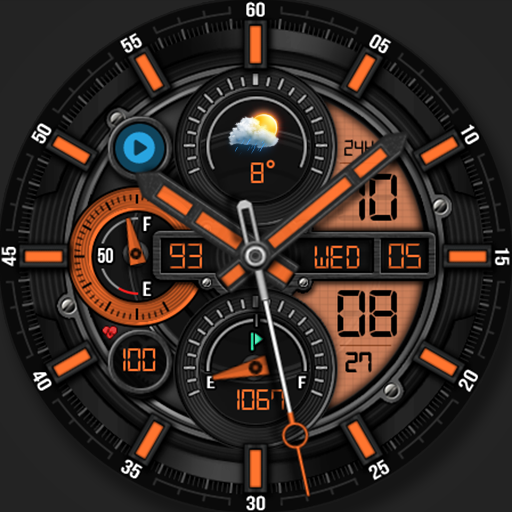
WFP 302 Modern watch face
Paid

WFP 147 Christmas Santa
Paid
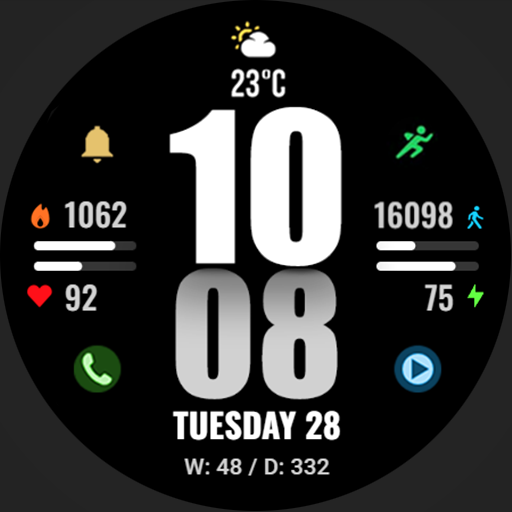
WFP 244 Sports watch face
Free
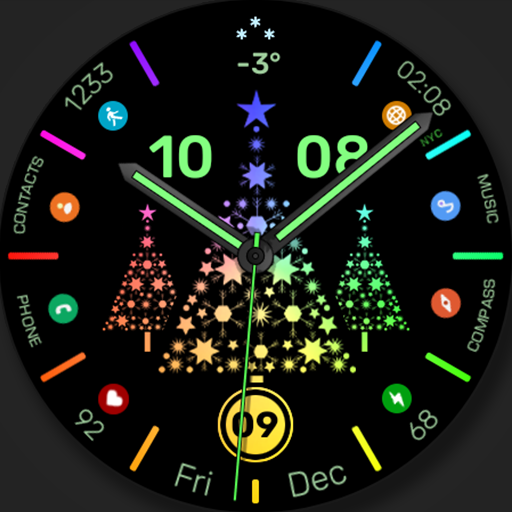
WFP 306 Christmas tree
Paid

WFP 240 Modern watch face
Paid
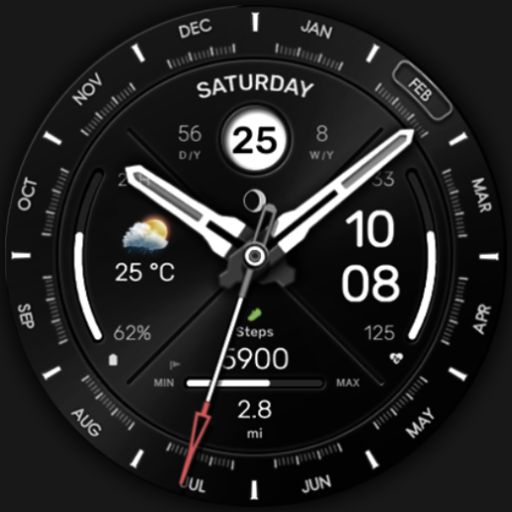
WFP 307 Modern watch face
Paid

WFP 308 Business watch face
Paid

WFP 305 Butterfly watch face
Paid
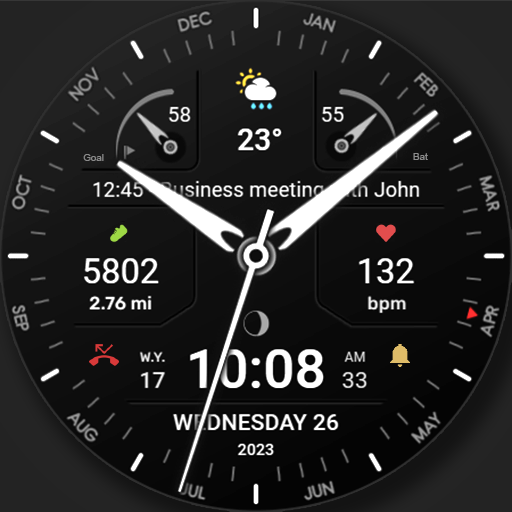
WFP 311 Modern watch face
Free
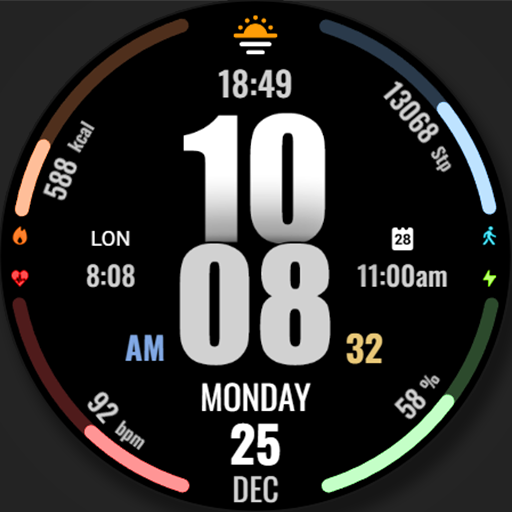
WFP 317 Digital watch face
Paid
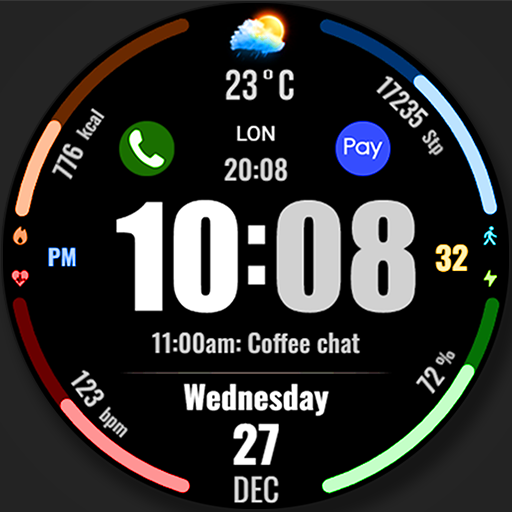
WFP 318 Digital watch face
Free
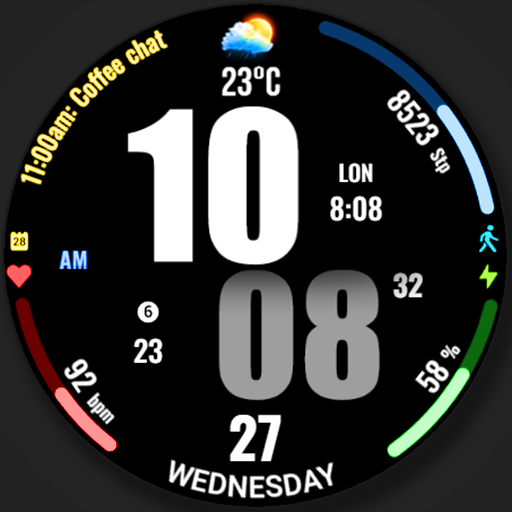
WFP 319 Digital Watch Face
Free

WFP 320 Hybrid watch face
Free
Similar Apps

Bright Analog Master IW16
Paid

Merge Labs Split
Paid

NW064: Digital watch face
Free

Key WF49 Digital Watch Face
Free

SO943
Free

Game Joystick - Ready to Play
Free
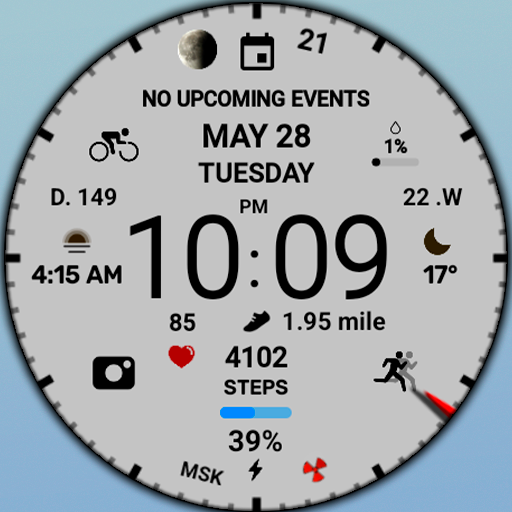
WIN White sports digital
Free
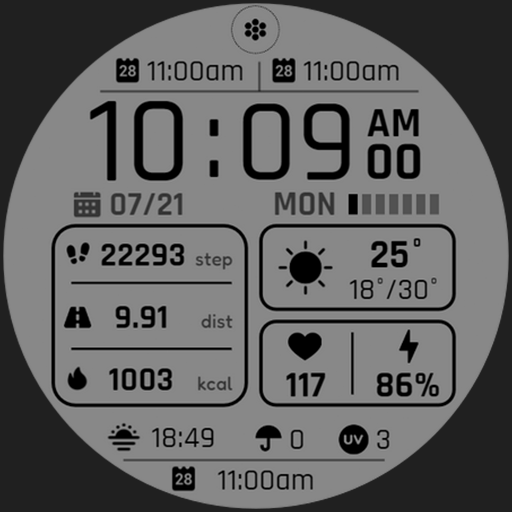
Plimora Watch Face
Paid

GRBL Core
Paid

Simple Horizon Watch Face
Paid
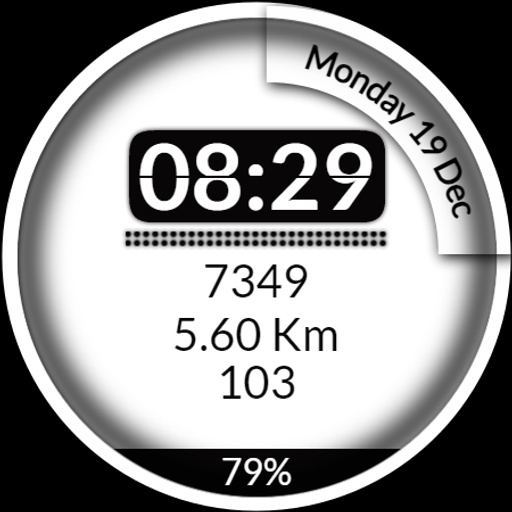
CC Digital 12 Watch Face
Paid
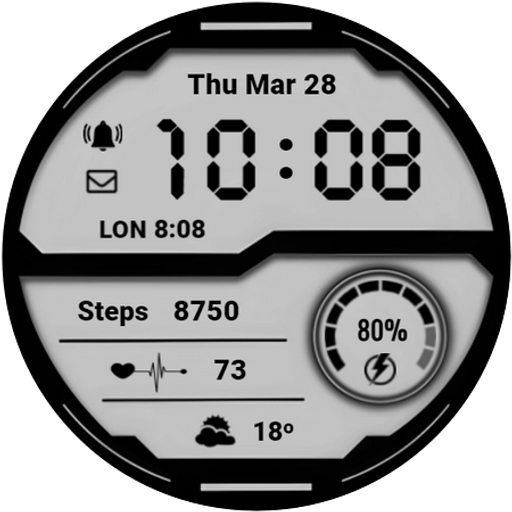
CNRwatch029
Paid

White Sports V2
Paid

JND0089
Paid
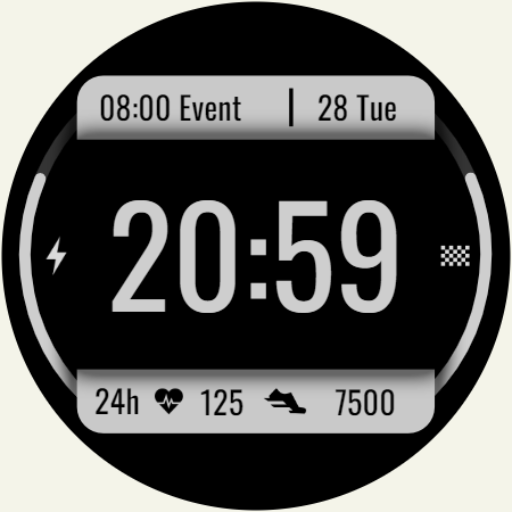
DADAM53: Dashboard Watch Face
Paid

SamWatch Digital V
Paid
Scan this QR code to download

Forwarding you to the page at Google Play market in seconds...
Open Google Play market now