
ZKinWatch Yellow green Texture vVARY
ZKin


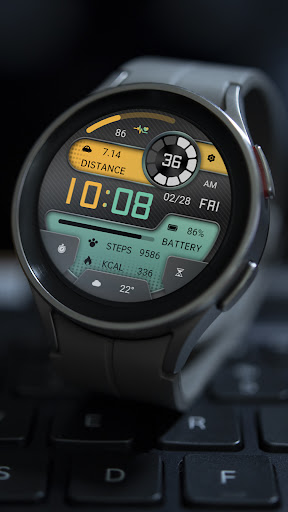


About this app
The ZKinWatch Yellow green Texture app solves the problem of limited watch face customization options for users, particularly those with a preference for unique and stylish designs. It benefits users who value personalization and are looking for a distinct watch face that reflects their personality. Compared to alternatives in the Personalization category, this app stands out with its paid model and ad-supported feature, which may be a drawback for some users. However, its lack of permissions requested is a notable advantage, indicating a potentially secure and private user experience.
Pros
- The app offers a unique and stylish watch face design that can enhance the user's personal style and expression.
- With a paid model and no in-app purchases, users can enjoy the app's features without worrying about additional costs or aggressive monetization.
- The app's lack of permissions requested is a significant advantage, indicating a secure and private user experience with minimal data collection.
- The developer's email is provided, which can be a positive indicator of their commitment to customer support and communication.
Cons
- The app's limited download numbers and lack of user ratings may indicate a smaller user base and less social proof compared to more popular alternatives.
- The presence of ads in a paid app may be a drawback for some users, potentially disrupting their experience and enjoyment of the app.
- The app's compatibility and performance may vary with different devices, which could lead to a suboptimal user experience for some users.
Best for: The ideal user for this app is a tech-savvy individual, likely between the ages of 18 and 40, who values unique and stylish watch face designs and is willing to pay for a high-quality, ad-supported app that offers a personalized experience with minimal data collection and secure permissions.
Developer Description
All dials:https://play.google.com/store/apps/dev?id=9082617204511160070
1. Top: Heart rate, heart rate percentage progress, settings, second progress, second, distance
2. Central region: time, date, week, morning and afternoon, electricity consumption, and percentage progress
3. Bottom: Steps, Calories, Custom App, Custom Data
Customization: Multiple customization areas are available for selection
Compatible devices: Pixel Watch, Galaxy Watch 4/5/6/7 and above, and other devices
How do I install the watch face on WearOS ?
1. Install it from Google Play Wear Store on your watch
2. Install the companion app for fully customization (Android phone devices)
Privacy
Given the app's lack of permissions requested, users can enjoy a relatively secure and private experience. However, it is essential to note that the app contains ads, which may collect some user data for advertising purposes. To minimize potential data collection, users can consider using the app in offline mode or limiting their ad exposure.
Tips
To get the most out of this app, users can start by exploring the different design options and customizing their watch face to suit their personal style. Additionally, users can optimize their app performance by closing other resource-intensive apps and ensuring their device has sufficient storage space. By following these tips, users can enjoy a seamless and personalized experience with the ZKinWatch Yellow green Texture app.
What's New
1. Top: Heart rate, heart rate percentage progress, settings, second progress, second, distance
2. Central region: time, date, week, morning and afternoon, electricity consumption, and percentage progress
3. Bottom: Steps, Calories, Custom App, Custom Data
Customization: Multiple customization areas are available for selection
Compatible devices: Pixel Watch, Galaxy Watch 4/5/6/7 and above, and other devices
Version Information
- Version
- -
- Downloads
- 5+
- Updated on
- Feb 25, 2025
- Released
- Feb 24, 2025
- Requires
- Android Varies with device
Statistics
Google Play Rating History
Rating Distribution
Downloads Over Time
ZKinWatch Yellow green Texture has been downloaded times. Over the past 30 days, it averaged downloads per day.
Shaded area shows 30-day prediction based on historical trends
Historical data collection started recently. More data points will be available over time.
ApkTrusted Ratings & Reviews
More from ZKin
See more apps
Green Triangle ZKin Watch
Paid
Practical Desktop ZKin Watch
Paid

ZKin Watch Astronaut Club
Paid

ZKin Watch Face Candy Puppy
Paid

Cherry Milk ZKin Watch
Paid

ZKin Colorful function black
Paid

Cyberpunk ZKin Watch
Paid

Dynamic Desktop ZKin Watch
Paid

Dynamic Blue ZKin Watch
Paid

Gradient Green ZKin Watch
Paid

ZKin Watch Half Of Life
Paid

Kevlar Machinery ZKin Watch
Paid

Mechanical Black Gold Wear OS
Paid

ZKin Watch Mechanical Fighter
Paid

Mechanical Dark Gold ZKinWatch
Paid

Mondrian Grid ZKin Watch
Paid
Similar Apps
DS D008 - Digital watch face
Paid
Tancha S40 Digital Watch Face
Paid

Digital VONTA URX20 Watch face
Paid

Digital Berulyk Watch Face
Free

CC Digital 17 watch face
Free

Modern Retro Watch - OMG 405
Free
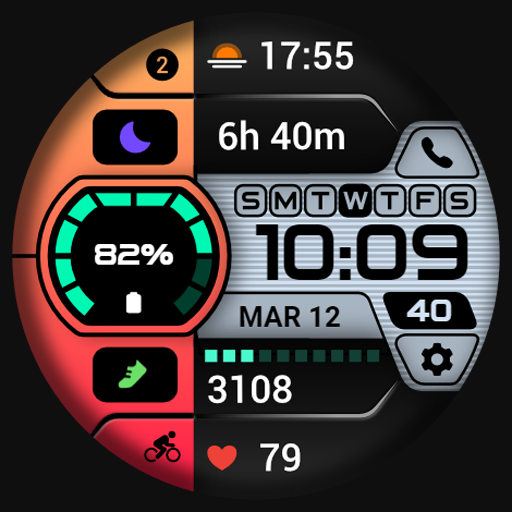
PRADO 89 Digital Watch Face
Paid
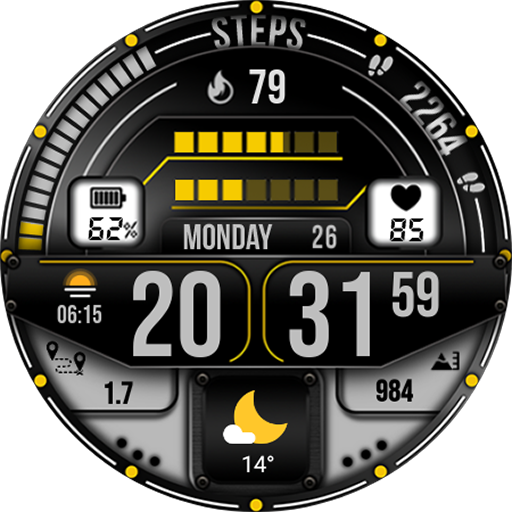
MB277 Digital Watch Face
Free
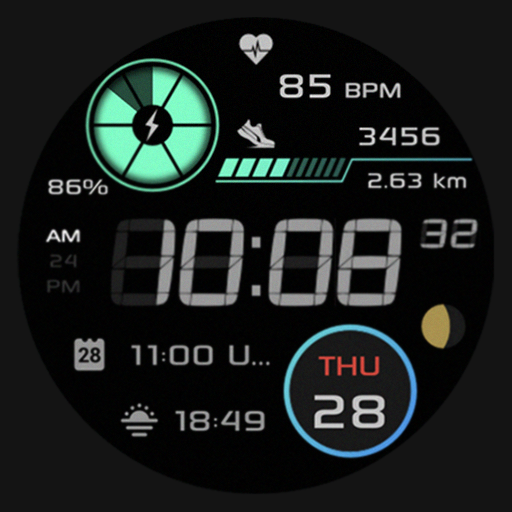
SG-85
Free

TC012-DD - Digital Watch Face
Paid

Tech Horizon - Watch Face
Paid
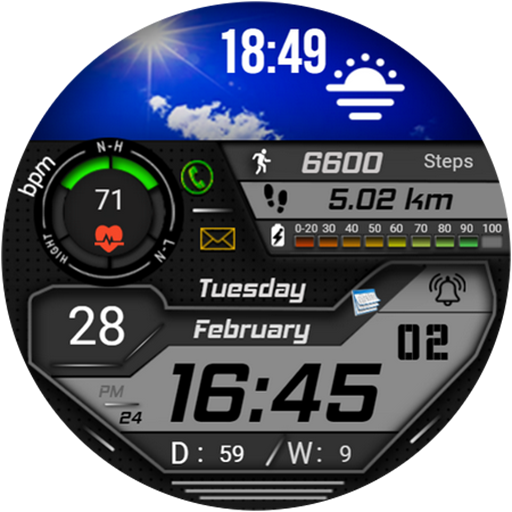
FSW223 Watchface
Paid
HKR052
Free

HKR020
Paid

OMG 331 Retro Digital Watch
Paid
Dream 137 Digital Watch Face
Paid
Scan this QR code to download

Forwarding you to the page at Google Play market in seconds...
Open Google Play market now