
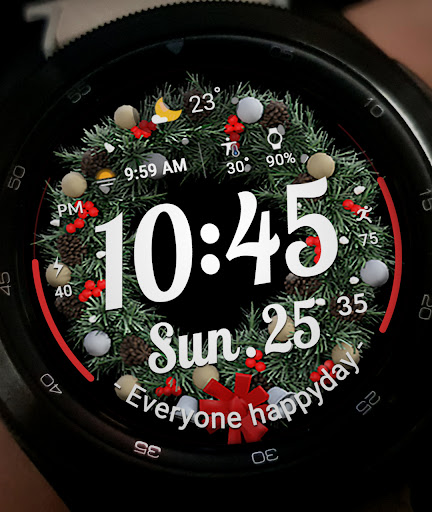
ACRO Happy Christmas Watchface vVARY
ACROWatch


About this app
Developer Description
Watchface that supports Wear 2.0
*How to install
Purchase and install the Play Store app on your smartphone (touch the right arrow to install the smartwatch)
> Need to check the connection between the watch unit and the phone
*Fixed with installed display
Copy the Play Store address of the watch face (Click the 3 dots next to the magnifying glass in the upper right corner of the Play Store > Share)
Go to Samsung Internet and click 'Install on another device' > select watch 4
-The watch face screen shot of the smartphone app may differ from the actual downloaded watch face screen shot.
- A consent to use the sensor is required to use all functions.
- Some features may not be available on all watches.
- If the Play Store app appears to be incompatible, install it using your PC/Laptop's web browser in addition to the app on your phone.
This watchface supports Wear OS devices.
* Mobile phone battery complication app
After installing the additional app from the link below to your watch and smartphone, set the complication.
Search for the 'Phone Battery Complication' app and install it. https://play.google.com/store/apps/details?id=com.weartools.phonebattcomp
All credits go to original app creator.
amoledwatchfaces - https://play.google.com/store/apps/dev?id=5591589606735981545
Find installed watchfaces
Press and hold the watch face > 2. Click the Decorate button > 3. Click 'Add Watch Face' on the last right > Confirm the purchased watch face
*Installed watchfaces can be found in the Downloads list, not in the Favorites list.
Discover new watch faces in the ACRO Store
https://play.google.com/store/apps/dev?id=7728319687716467388
For inquiries about the app, please contact us by email below.
Mail: help.acro@gmail.com
Version Information
- Version
- -
- Downloads
- 1K+
- Updated on
- Oct 26, 2025
- Released
- Dec 13, 2022
- Requires
- Android Varies with device
Statistics
Google Play Rating History
Rating Distribution
Downloads Over Time
ACRO Happy Christmas Watchface has been downloaded times. Over the past 30 days, it averaged downloads per day.
Shaded area shows 30-day prediction based on historical trends
Historical data collection started recently. More data points will be available over time.
ACRO Happy Christmas Watchface users say on Google Play
 steven freitag (VapoRater)
Festive and fun!!
 Gina Clarke
It doesn't work. I cannot get it on my galaxy 5 watch.
ApkTrusted Ratings & Reviews
More from ACROWatch
See more apps
ACROWatch Classic Sion D700
Paid
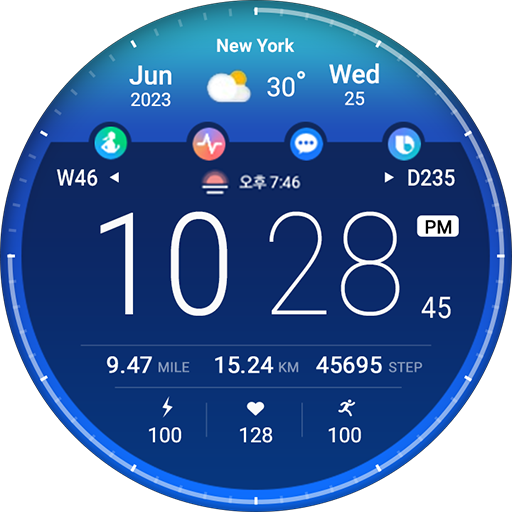
ACRO 25 Digi Day Night Watch
Paid

Acro Classic Wonder T50 Watch
Paid

ACRO Genix Digital watchface
Paid

ACRO Classic SPACE1 SIRIUS
Paid
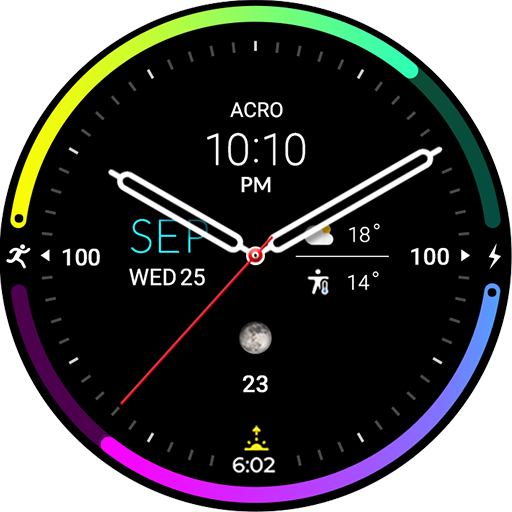
ACRO Aqua Night AN47 Watchface
Paid
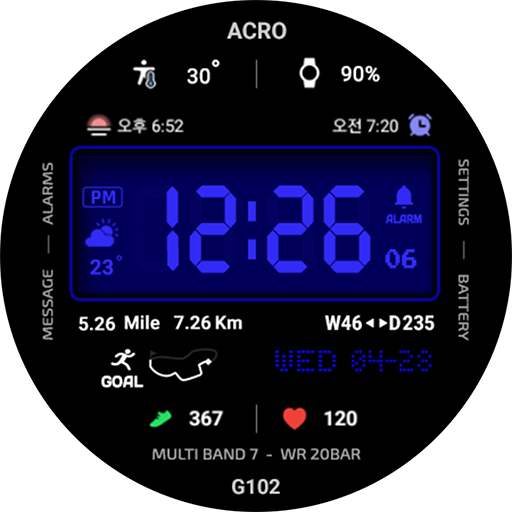
ACRO Genix G102 Digital watch
Paid

ACRO 3D Special Digital Watch
Paid

ACRO 31 luxury GL1872 Watch
Paid

ACRO Classic Gen2 Watchface
Paid
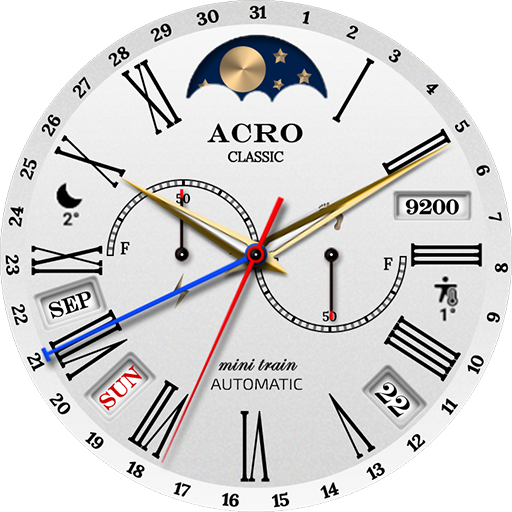
ACRO 30 Classic Minitrain
Paid

ACRO CLASSIC SION T800
Paid
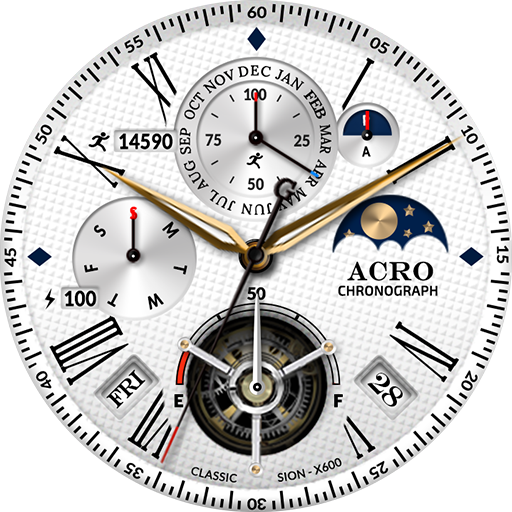
ACRO Classic Sion X600 Watch
Paid

ACRO 27 Simple Gold Watchface
Paid

ACRO 29 Classic wind TA12Watch
Paid

ACRO 26 Digital Info Watchface
Paid
Similar Apps

TVV Christmas 3 Watch Face
Paid

Christmas Frames Watch Face
Free

Christmas
Paid

Christmas Wreath
Paid
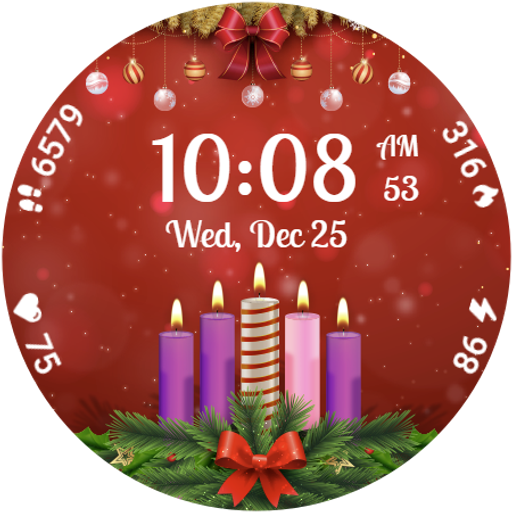
Advent Wreath Animated
Paid

Christmas Animated Watch 087
Paid

Christmas Gifts & Lights
Paid
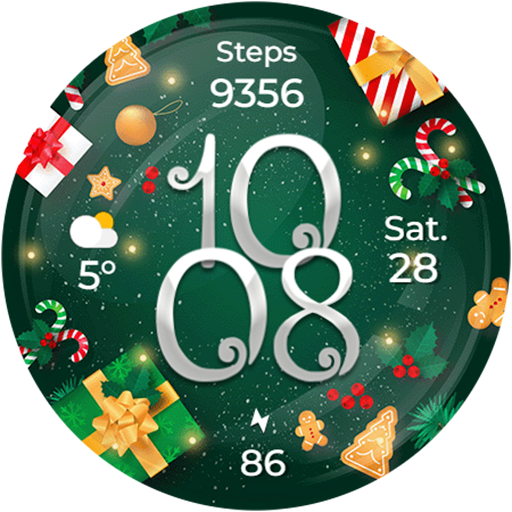
Christmas Globes & Decorations
Paid

Christmas Frames Watch
Free
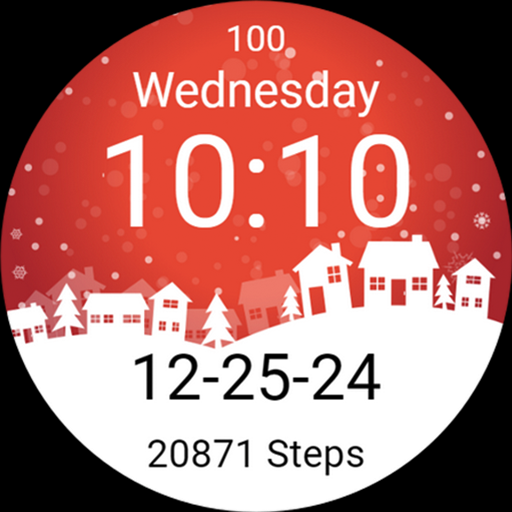
Merry Christmas Winter Snow
Paid
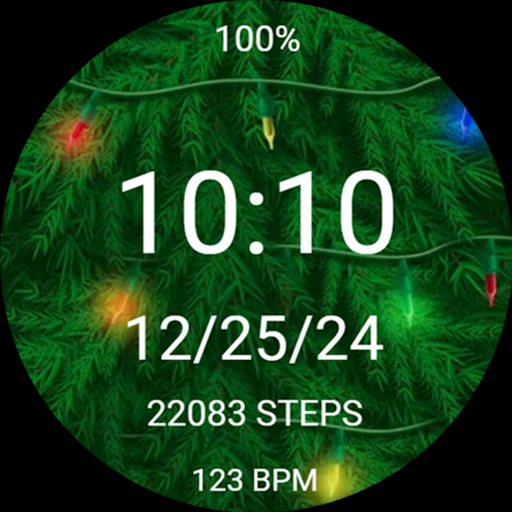
Christmas Tree Light Watchface
Paid

Christmas Steps watch face
Paid
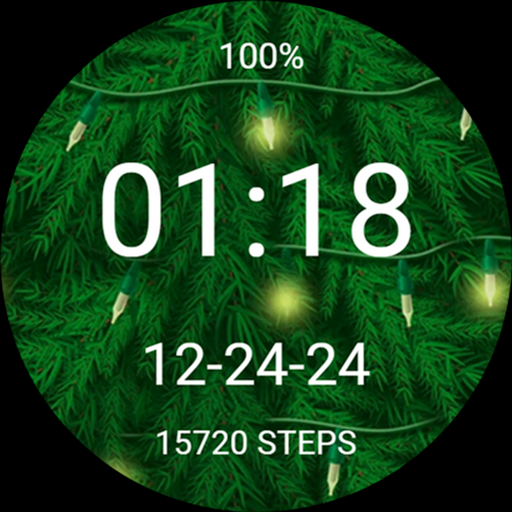
Christmas Tree Lights Xmas
Paid
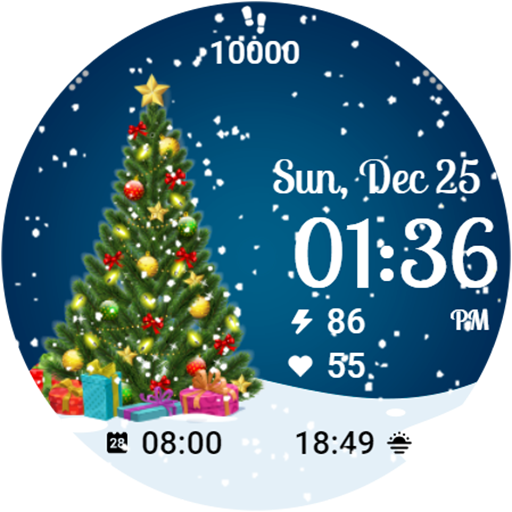
Christmas Tree
Paid

ML2U 148 Watch Face
Paid

ML2U 154 Watch Face
Paid
Scan this QR code to download

Forwarding you to the page at Google Play market in seconds...
Open Google Play market now