
Minimalism Rose Gold vVARY
Freiberg watches

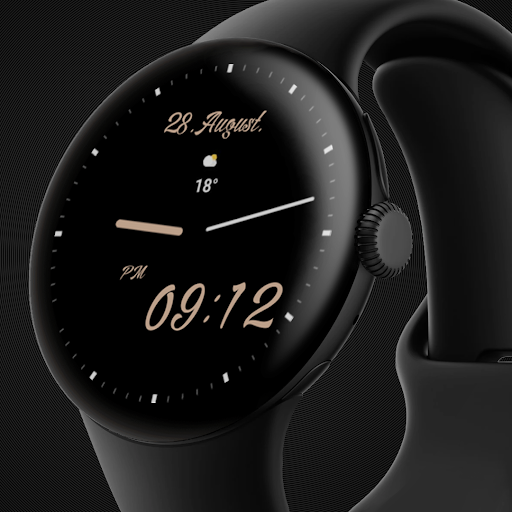


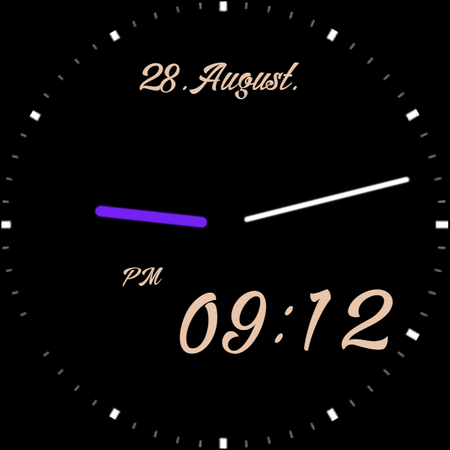

About this app
Developer Description
Wear OS Watch face
Wear OS watch screen companion app for Phone:
Immediately after installing the mobile application, a message will appear when you open the application.
You need to tap on the watch face image to start the process of installing the watch face on your watch (To speed up connection and loading, open the GALAXY WEARABLE app or other clock management program. Downloading to your watch will begin immediately.).
Once the installation process is complete, the companion app can be deleted.
After installation, browse the watch face library to find the screen face.
IMPORTANT AFTER INSTALLATION - after installation, the phone will open a refund link that will be visible on the watch. To find a watch face don't press refund and browse the watch face library to find a watch face.
Main Features:
- AM/PM marker (For 12-hour time format).
- Digital watch face switchable to 12/24 hour via Phone Settings.
- 4 watch styles (tap and hold to adjust and change).
- 8 color option (tap and hold to adjust and change).
- 6 watch hand color (tap and hold to adjust and change).
- Multiple color options
- The watch index can be turned off (tap and hold to adjust and change).
- The seconds display erases the index mark.
- Date
- Quick access to 1 hidden customizable shortcut (Tap and hold to customize and change Hidden shortcut to your chosen action).
- Quick access to 1 custom shortcut (Tap and hold to customize and change shortcut to your chosen action).
- Always on display
Note:
Email for feedback and suggestions ===> freibergclockfaces@gmail.com
What's New
Version Information
- Version
- -
- Downloads
- 100+
- Updated on
- Jun 30, 2025
- Released
- Oct 21, 2021
- Requires
- Android Varies with device
Statistics
Google Play Rating History
Rating Distribution
Downloads Over Time
Minimalism Rose Gold has been downloaded times. Over the past 30 days, it averaged downloads per day.
Shaded area shows 30-day prediction based on historical trends
Historical data collection started recently. More data points will be available over time.
ApkTrusted Ratings & Reviews
More from Freiberg watches
See more apps
AOD
Free
Red background clock face
Paid

Blue animation
Paid

Rose Gold winter bunny snow
Paid

Christmas Feeling
Paid

Digital clock
Paid

Digital X3
Paid

Green animation
Paid

Latvian flag
Free

Wonder butterflies
Paid

Neon clock
Paid

Rose Gold Orchids
Paid

Rose Gold Christmas tree
Paid

Red animation
Paid

Rose Gold animation
Paid

Butterfly Rose Gold
Paid
Similar Apps
Simple Watch Face for Wear OS
Free
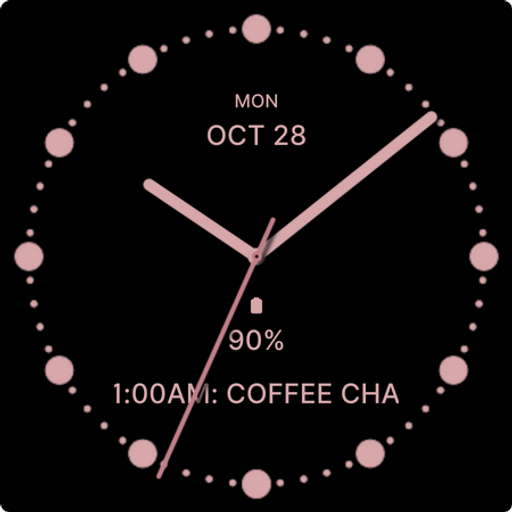
Rich Rose Gold Watch Face
Paid
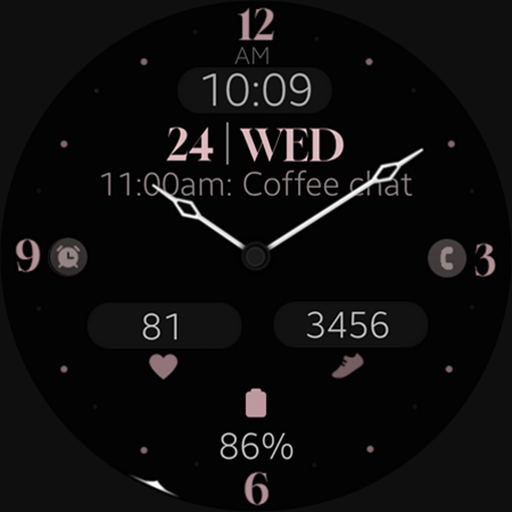
Minimal Black v29 watch face
Paid
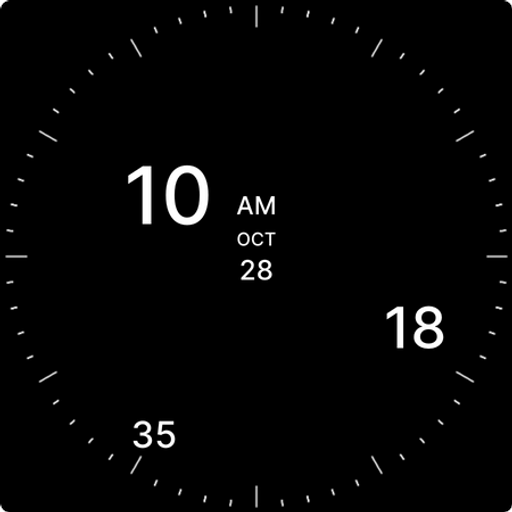
Analog Digital Watch Face
Paid

Happy & Healthy Watch Face
Free

Edison
Paid

Classic Bronze watch face
Free
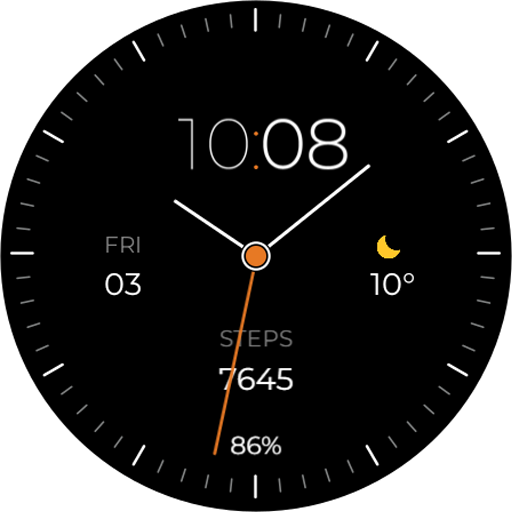
TVV Minimal Analog Watch Face
Paid
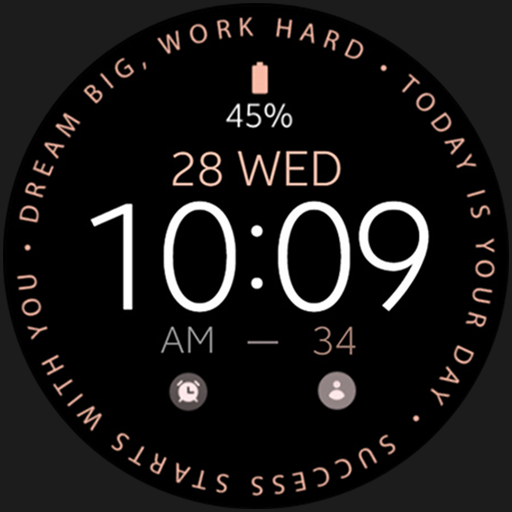
Pink Gold Inspire Watch Face
Free

DarkElegant pro
Free
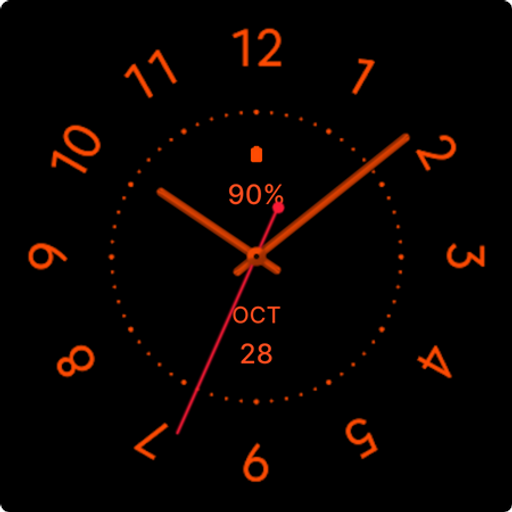
Black Cat Watch Face
Free

Minimal 27
Paid

LOWBIT URX128 Watch face
Free
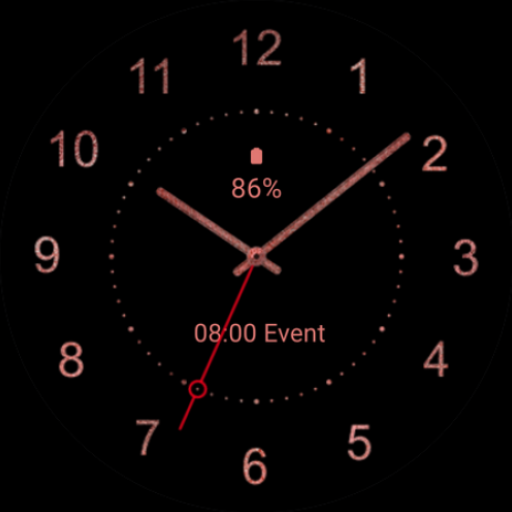
Elegant Rose Gold Watch Face
Free

Analog Origins: Minimal Watch
Paid
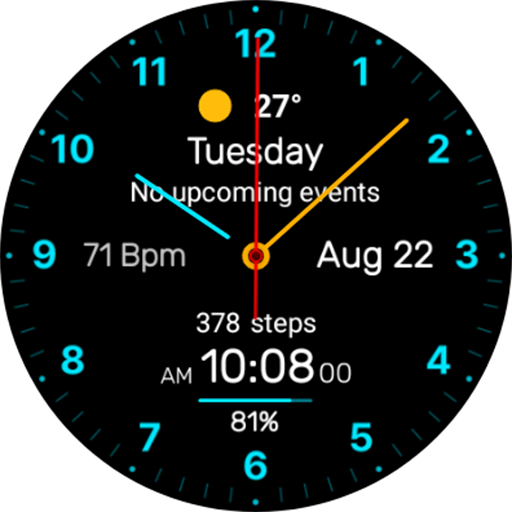
Minimal Classic Face NTV564
Paid
Scan this QR code to download

Forwarding you to the page at Google Play market in seconds...
Open Google Play market now