
Animated Flowers Watch Face vVARY
N°








About this app
Developer Description
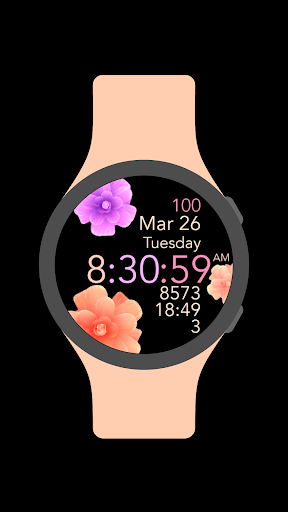
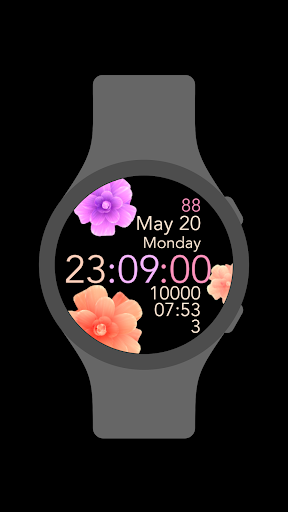
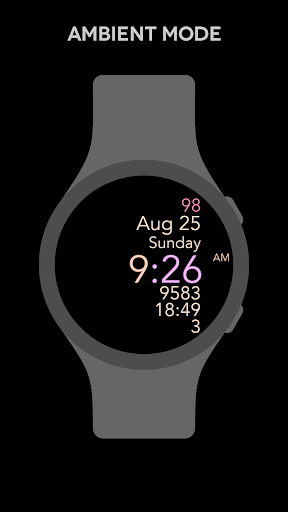
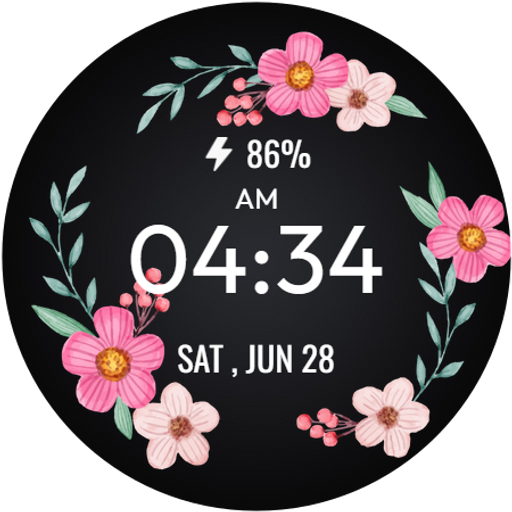
A beautiful animated flowers watch face for Wear OS smartwatches
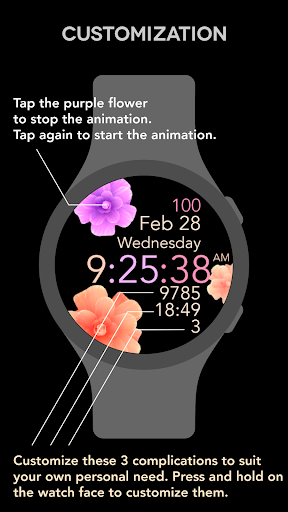
NEW FEATURE: To stop the animation, tap on the purple flower. To start the animation again, tap on the purple flower again.
Features:
1. Animated flowers background
2. Watch battery
3. Month and date
4. Days of the week
5. Digital clock in 12-hour and 24-hour clock format. To choose between 12-hour and 24-hour clock format please go to your smartphone's time setting and enable or disable the 24-hour clock format.
6. Three changeable complications. You can customize three complications located under the digital clock. Press and hold on the watch face to customize them.
What's New
Features:
1. Animated flowers background
2. Watch battery
3. Month and date
4. Days of the week
5. Digital clock in 12-hour and 24-hour clock format. To choose between 12-hour and 24-hour clock format please go to your smartphone's time setting and enable or disable the 24-hour clock format.
6. 3 changeable complications.
Version Information
- Version
- -
- Downloads
- 1K+
- Updated on
- Sep 10, 2025
- Released
- Mar 30, 2022
- Requires
- Android Varies with device
Statistics
Google Play Rating History
Rating Distribution
Downloads Over Time
Animated Flowers Watch Face has been downloaded times. Over the past 30 days, it averaged downloads per day.
Shaded area shows 30-day prediction based on historical trends
Historical data collection started recently. More data points will be available over time.
Animated Flowers Watch Face users say on Google Play
 Stacy Mcleod
I had trouble setting up at first as I'm not the most tech savvy. Love it! So pretty and no issues.
 Sky Scroggins
Very pretty and nice looking but, is it always supposed to say Chicago on the left side, I cannot figure out how to get that off or switch it to my area that's the only thing stopping me from using it, it's a shame paid for something I can't use over something so small
 Mel
Mel
It doesn't work. App keeps closing and I can't get a refund. These people are con artists!!
ApkTrusted Ratings & Reviews
More from N°
See more apps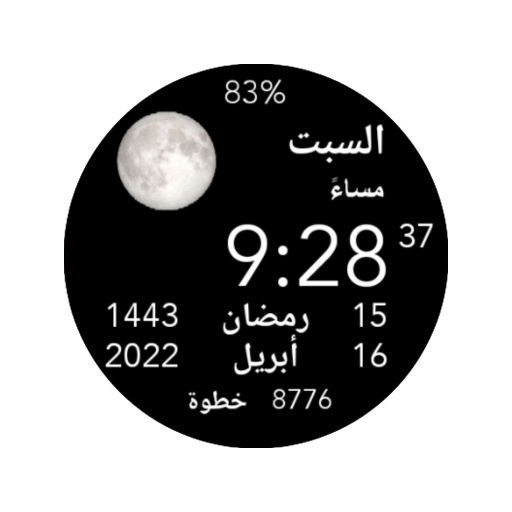
Arabic Watch Face
Paid

Blue Flowers (No Animation)
Paid

Diwany Watch Face
Paid

Analog Watch Face
Paid

Big Clear Watch Face
Paid

Big Hour Watch Face
Paid

Five Big Text Watch Face
Free
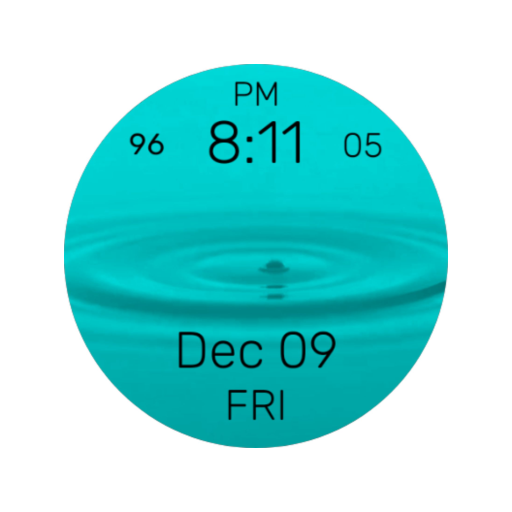
Aqua Watch Face
Paid
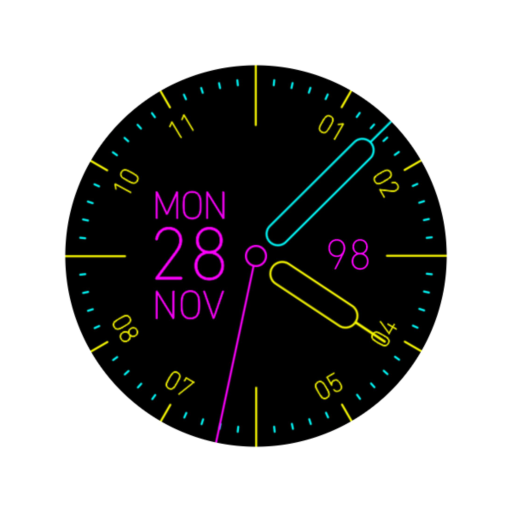
CMYK Watch Face
Paid

Blue Flowers Watch Face
Paid

Big Date Watch Face
Free

All You Need Watch Face
Paid
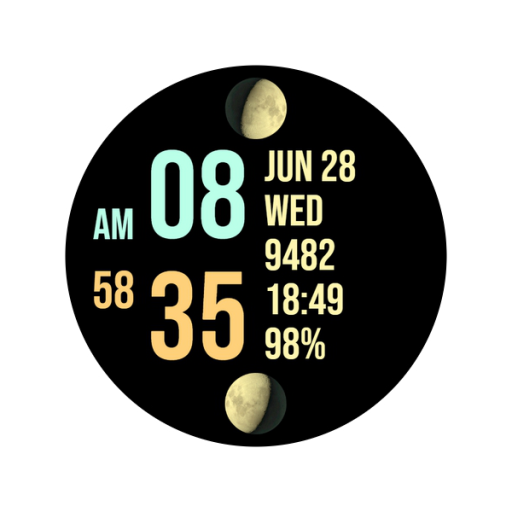
Dual Moon Watch Face
Paid
Easy Watch Face
Paid

Esfehan Watch Face
Paid

Fixed Watch Face
Paid
Similar Apps

ML2U 312 Watch Face
Free

Daisy and Pearls
Paid
SpringTime WatchFace
Free

Daisy Dreams
Paid

Bloomy Digital Watch Face
Paid

Blossom Bliss
Paid
Floral WatchFace - FLOR-01
Free
Floral WatchFace - FLOR-02
Free

Pastel Blossom Watch Face
Free

Daisy Simple Watchface
Paid

Flower Steps watch face
Paid

Flower Pixie (Wear OS)
Free
Floral WatchFace - FLOR-03
Free

Flowers and Pearls
Paid

Purple Flower
Free

PW06 Blossom Watch Face
Paid
Scan this QR code to download

Forwarding you to the page at Google Play market in seconds...
Open Google Play market now