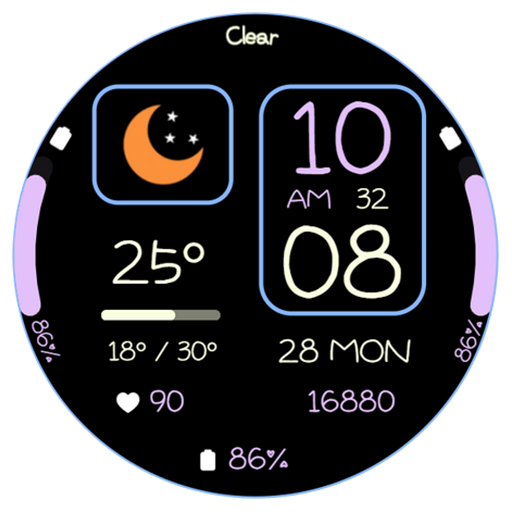
AWD Weather G02 watchface vVARY
AIwatch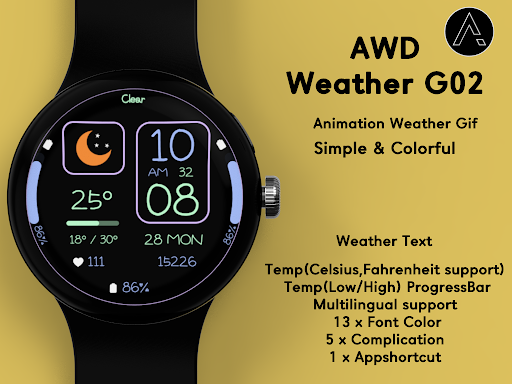

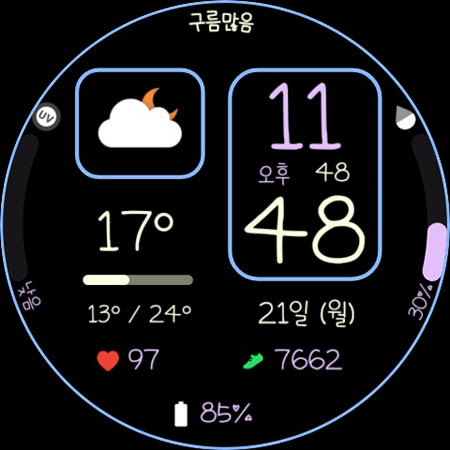
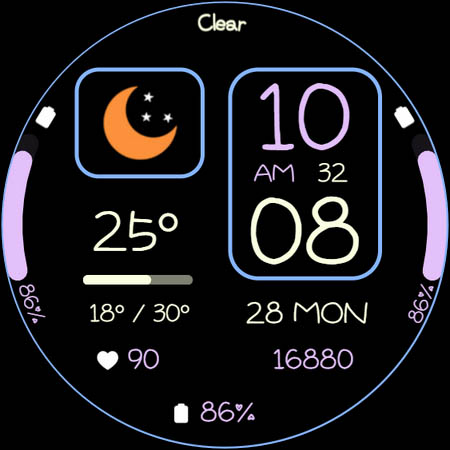
About this app
Developer Description
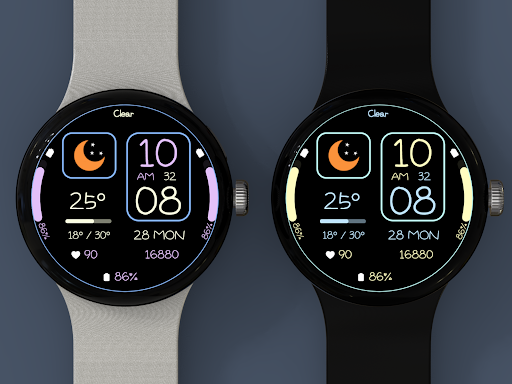
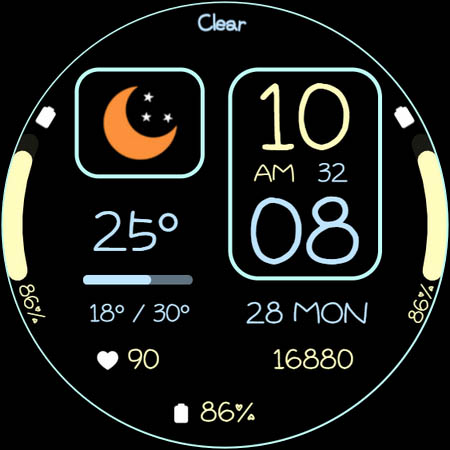
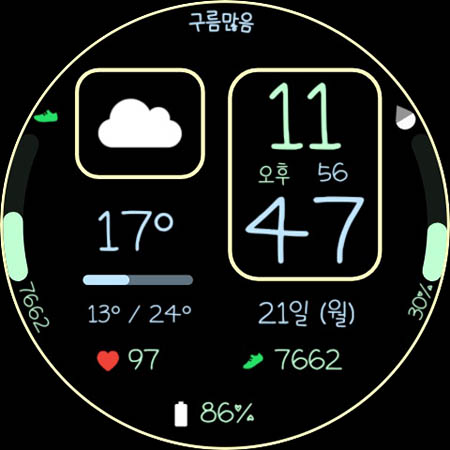
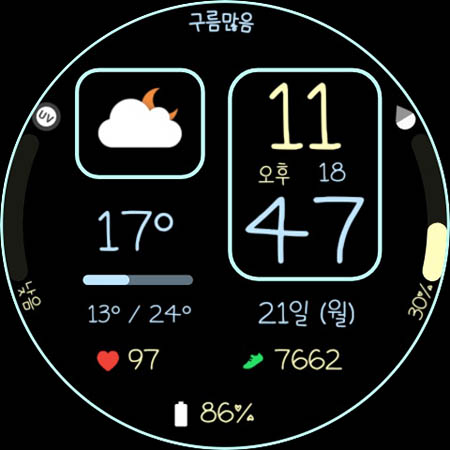
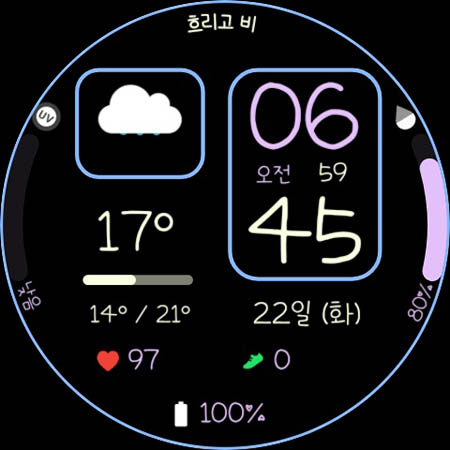
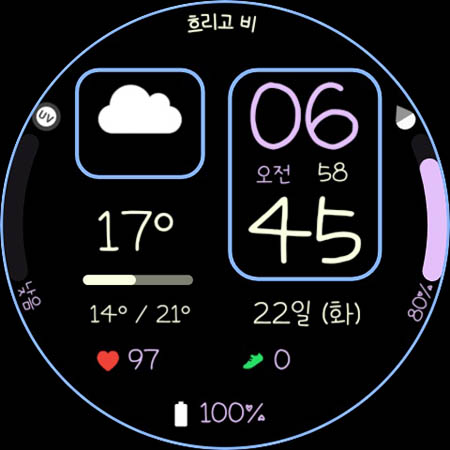
Simple Digital watchface
Check weather and health information easily.
Customize with a new watch face every day
with various font colors and various complications.
+++ Wear OS 5 and later devices
(Samsung Galaxy Watch 4, 5, 6, 7, Ultra, Pixel Watch with OneUI 6.0 applied)
Function
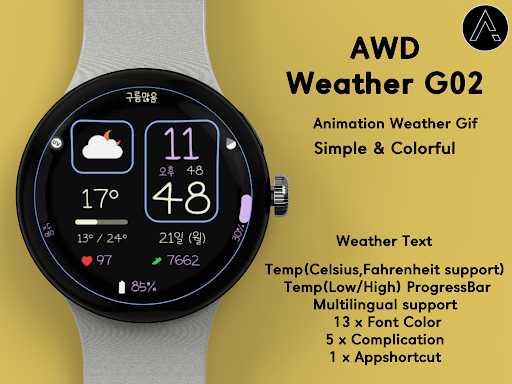
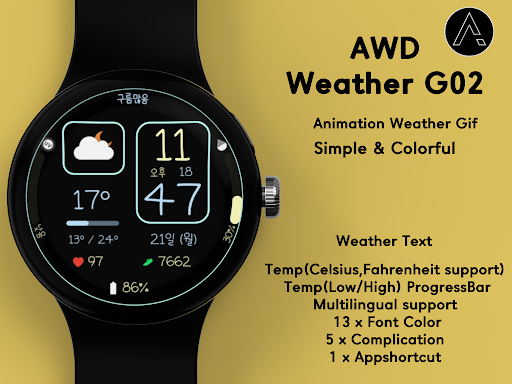
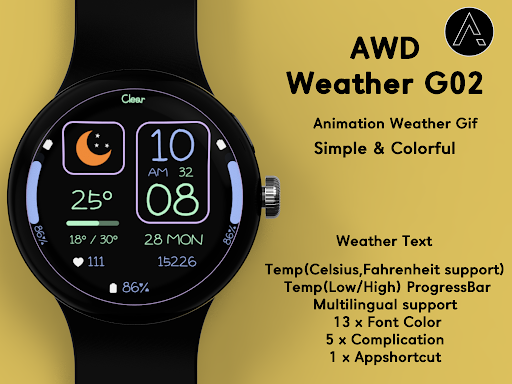
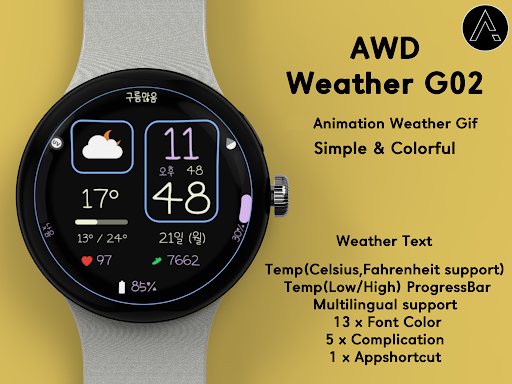
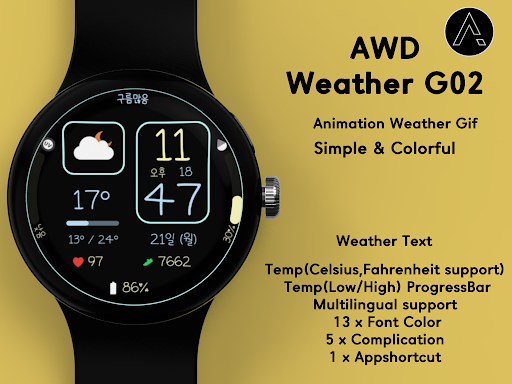
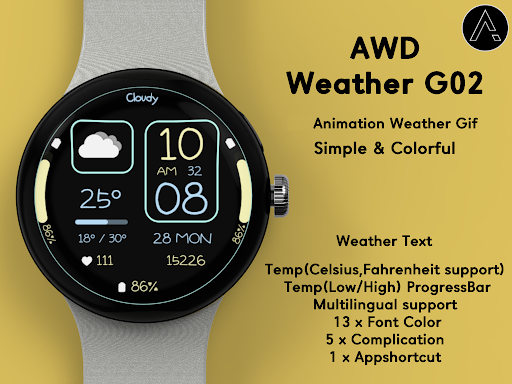
- Animation Weather Icon
- Temperature (Celsius, Fahrenheit support)
- Temp(Low/High) ProgressBar
- Multilingual support
- Weather Text
(The weather is automatically updated about every 30 minutes. Manual update method: Access the weather or UV complication and press the update button at the bottom.)
When you restart the watch, weather information may not be displayed.
In this case, apply the default watch face and then reapply the weather watch face.
Weather information is displayed normally.
Weather information is based on the API provided by Samsung.
There may be differences from other companies’ weather information.
Customizing
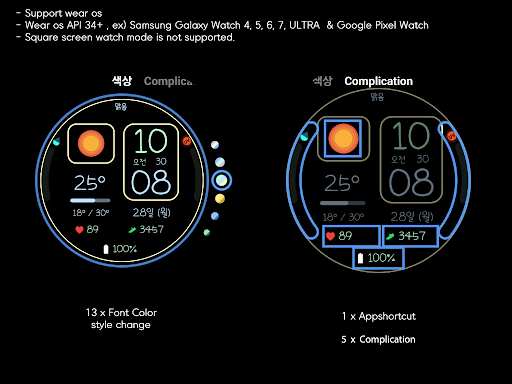
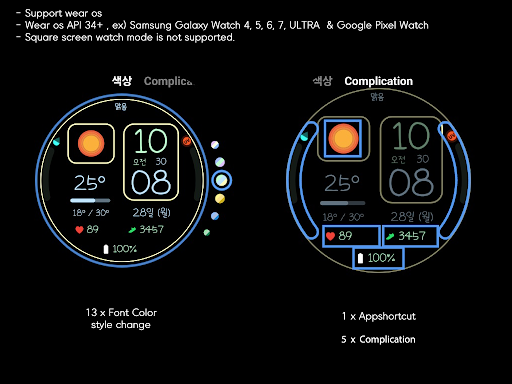
- 13 x Font Color Style Change
- 5 x Complication
- 1 x Appshortcut
- Support wear OS
- Wear OS API 34+
- Square screen watch mode is not supported.
- Always On Display
***Installation Guide***
The mobile app is a guide app for installing the watch face.
Once the watch screen is installed properly, you can delete the mobile app.
1. The watch and mobile phone must be connected via Bluetooth.
2. Press the “Click” button on the mobile guide app.
3. Follow the watch faces to install the watch face in a few minutes.
You can also search for and install watch faces directly from the Google app on your watch.
You can search and install it in your mobile web browser.
Contact us : aiwatchdesign@gmail.com
Version Information
- Version
- -
- Downloads
- 100+
- Updated on
- -
- Released
- Apr 21, 2025
- Requires
- Android Varies with device
Statistics
Google Play Rating History
Rating Distribution
Downloads Over Time
AWD Weather G02 watchface has been downloaded times. Over the past 30 days, it averaged downloads per day.
Shaded area shows 30-day prediction based on historical trends
Historical data collection started recently. More data points will be available over time.
ApkTrusted Ratings & Reviews
More from AIwatch
See more apps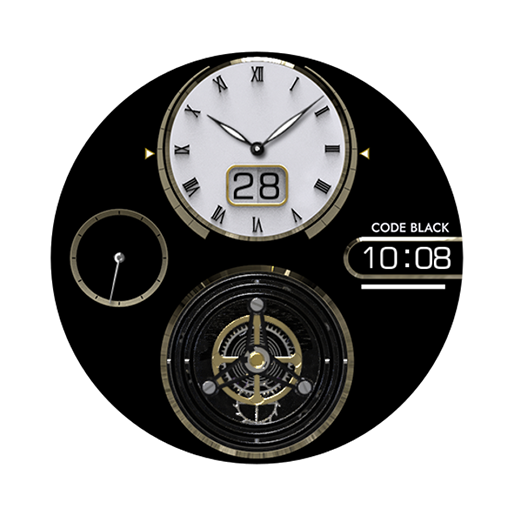
AI Code Black F
Free
AI BRILLIANT 2022
Paid
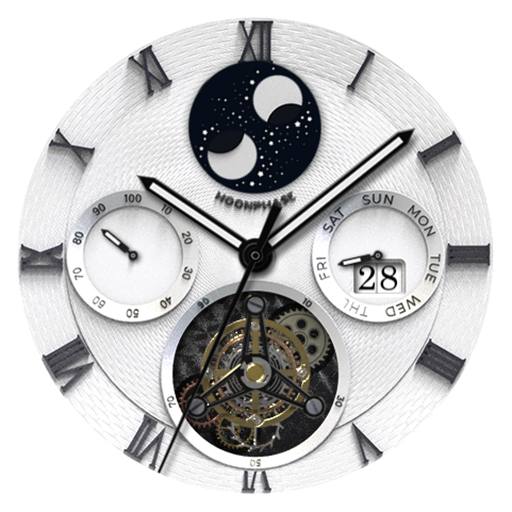
AI BRILLIANT
Paid
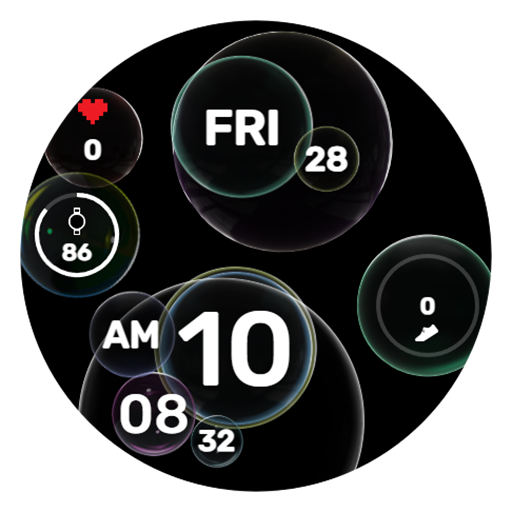
AIwatch BUBBLE
Paid

AI X series V1
Paid

AI A TYPE
Paid

AI 3axis space
Paid

AI Design L
Paid
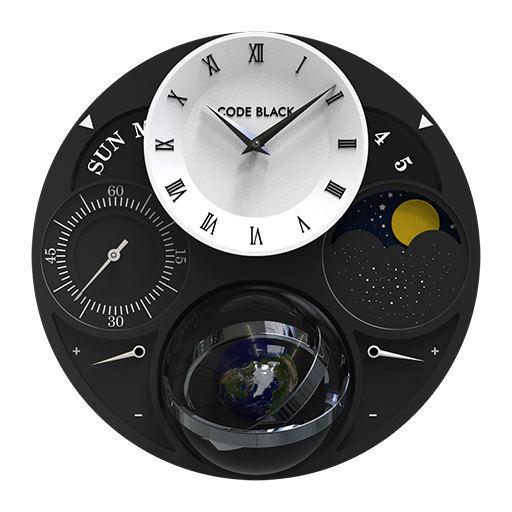
AI Code Black
Paid

AI INTRO WHITE EDITION
Paid
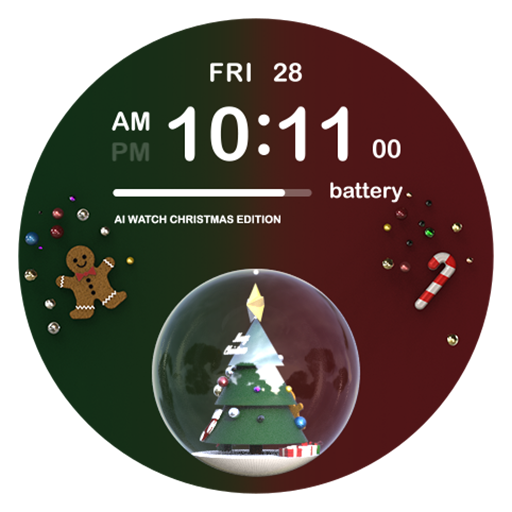
AI CHRISTMAS EDITION
Free

AI Classic B
Free

AI Design E
Paid

AI COLORFUL S
Free

AI COLORFULLY
Paid
AI Constellation
Paid
Scan this QR code to download

Forwarding you to the page at Google Play market in seconds...
Open Google Play market now