
InfoGraph Watch Face vVARY
amoledwatchfaces™





About this app
Developer Description
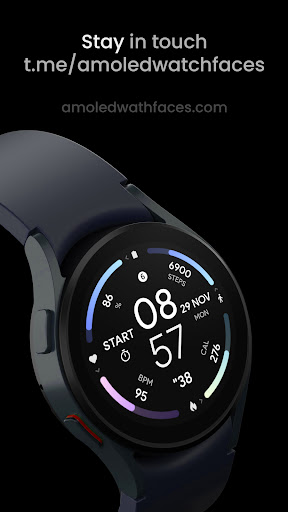
True black background Infograph digital Watch face for Wear OS
// Not suitable for rectangular watches
Powered by Watch Face Format
amoledwatchfaces.com
BUY ONE GET ONE OFFER!
amoledwatchfaces.com/bogo
CUSTOM COMPLICATION APPS
amoledwatchfaces.com/apps
FEATURES
• true black background
• InfoGraph look
• calories burned by walking (experimental)
• high resolution
• many color combinations
• PNGQuant optimized layers > battery friendly
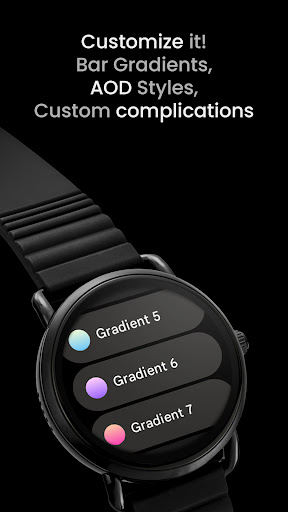
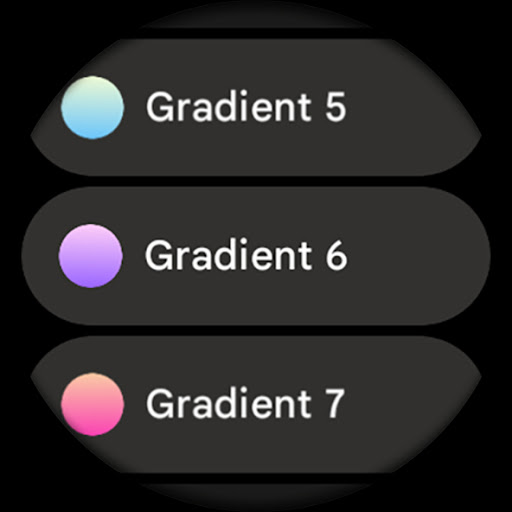
• gradient BAR indicators with 10 colors (fit bars)
• ambient mode with low OPR & adaptive colors
• 7x custom complications (Wear OS 4+)
• 12 / 24 H time based on phone time setting
• am/pm indicator
• tap digital hours to open alarm
• tap digital minutes to open settings
USER CONFIGURATIONS
• Slot 1 Bar (Gradient - 10x)
• Slot 2 Bar (Gradient - 10x)
• Slot 3 Bar (Gradient - 10x)
• Slot 4 Bar (Gradient - 10x)
• AOD Style (5x)
• Custom complications (7x)
Installation and troubleshooting guide
amoledwatchfaces.com/guide
Please send any issues reports or help requests to our support address
support@amoledwatchfaces.com
Join our Telegram group for live support and discussion
t.me/amoledwatchfaces
Newsletter
amoledwatchfaces.com/contact#newsletter
amoledwatchfaces™ - Awf
What's New
• added digital clock leading zero toggle
• improved time only aod styles
v1.5.3
• am-pm position hotfix
v1.5.2
• removed "- -" from RANGED_VALUE slots when title is not available
v1.5.1
• all outer bars replaced with RANGED_VALUE complication slots
• heart rate slot supports SHORT_TEXT to be compatible with Samsung Heart Rate Complication
...
NOTE: Please consider full watch face reinstall in case you're having issues with custom complications after recent update.
Version Information
- Version
- -
- Downloads
- 1K+
- Updated on
- Dec 3, 2025
- Released
- Nov 29, 2021
- Requires
- Android Varies with device
Statistics
Google Play Rating History
Rating Distribution
Downloads Over Time
InfoGraph Watch Face has been downloaded times. Over the past 30 days, it averaged downloads per day.
Shaded area shows 30-day prediction based on historical trends
Historical data collection started recently. More data points will be available over time.
InfoGraph Watch Face users say on Google Play
 Matt
Matt
Clean and informative UI. Aesthetically pleasing and functions well!
 Matthew Bringe
Really like how it looks and the customization, just curious as to what the calories bar is actually showing, According to the fitbit app and on my watch I've burned around 2700 calories today yet the bar shows 0 and seems to be resetting after some time.
 Michael Simmons
Overall it looks good. I have no clue where it's pulling the calories burned value from. Or whether it's calories left or calories used. As it doesn't match any value in my Fitbit app or Google Fit.
 Stu
Stu
I use Google Fit for step data and there is no option to choose that to display step count. Some of your other faces allow the step data source to be chosen. Could you please allow for this in all faces? Thanks
 Rob M
Rob M
Very confusing and frustrating. I just cannot get it to work, doesn't show up on apps, can't configure on phone. When I open the app on my phone, it says tap to install on watch, I do this, it opens up the app store on watch, where it says "refund" and not install. I've gone into the apps on my watch, and it's not installed. Very strange. I'm gutted because this face is perfect for me judging by the screenshots here. Please help!
ApkTrusted Ratings & Reviews
More from amoledwatchfaces™
See more apps
Arcs N6 Watch Face
Paid

Angular Watch Face
Paid
Adventurer Watch Face
Paid

Apex SE Watch Face
Paid
Athlete 2 Lite: Watch face
Free

Athlete 1 Watch face
Paid

Athlete 2: Watch face
Free
Analog xT: Watch face
Free
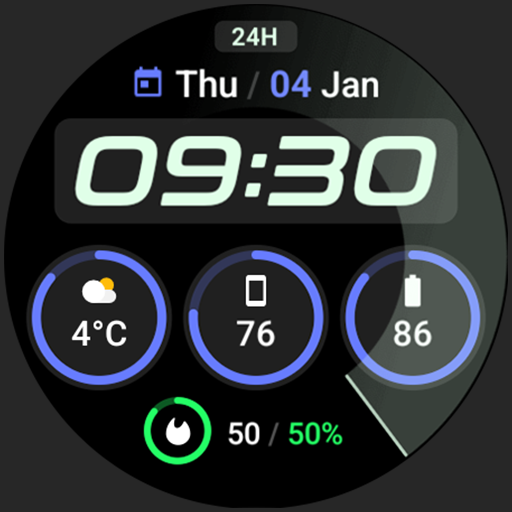
Active 2: Watch face
Paid

Analog PRO: Watch face
Paid

Adaptive Watch Face
Paid
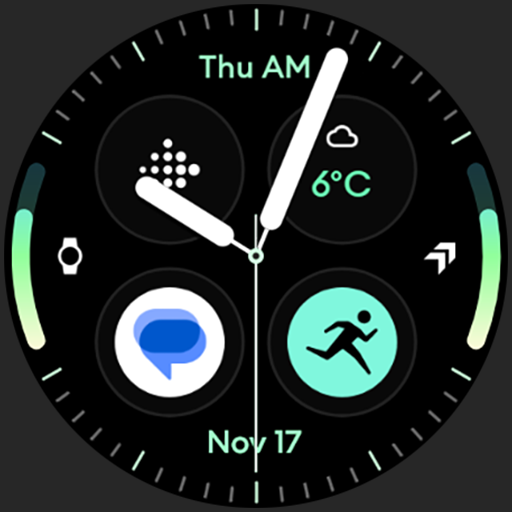
Analog M3 Watch Face
Paid
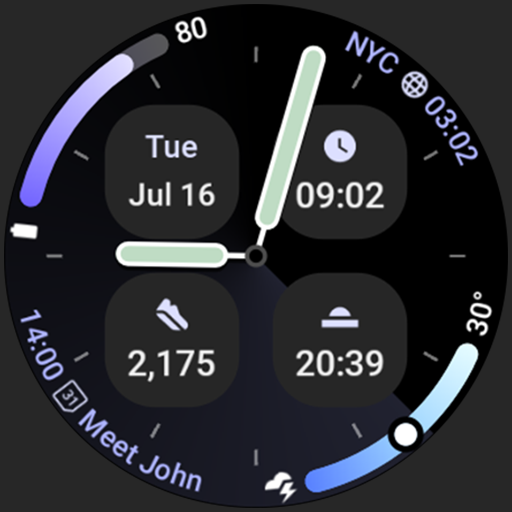
Analog M4 Watch Face
Paid

Apex 2.0 Watch Face
Free

Arcs D5 Watch Face
Free

Alpine Watch Face
Free
Similar Apps

Digital Rotes Watch Face
Paid
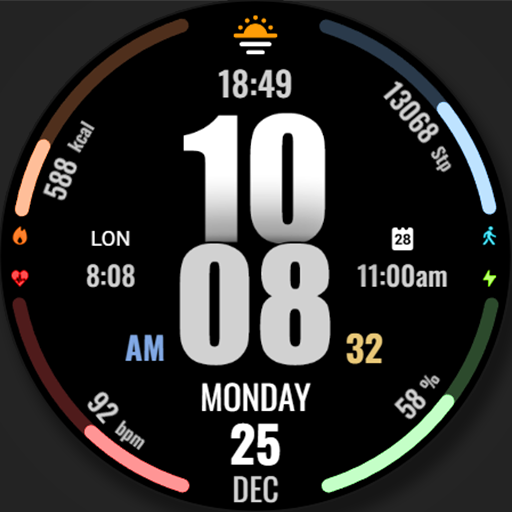
WFP 317 Digital watch face
Paid

ACROWatch AQUA Night DK10
Paid

AZKin Watch Colorful Bright
Paid
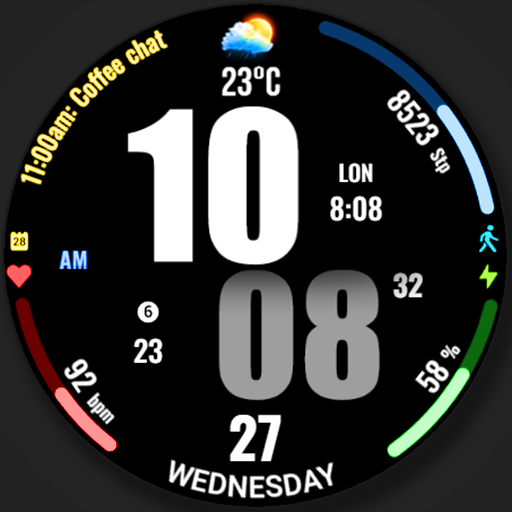
WFP 319 Digital Watch Face
Free

Dayline Watch Face
Paid
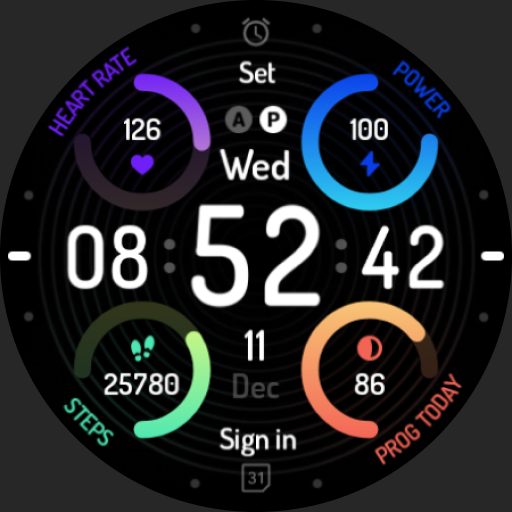
Colorful spin: Watch Face
Paid

Digital Modular
Free
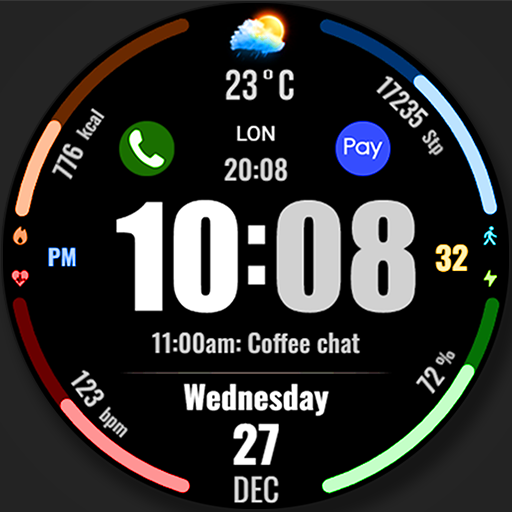
WFP 318 Digital watch face
Free
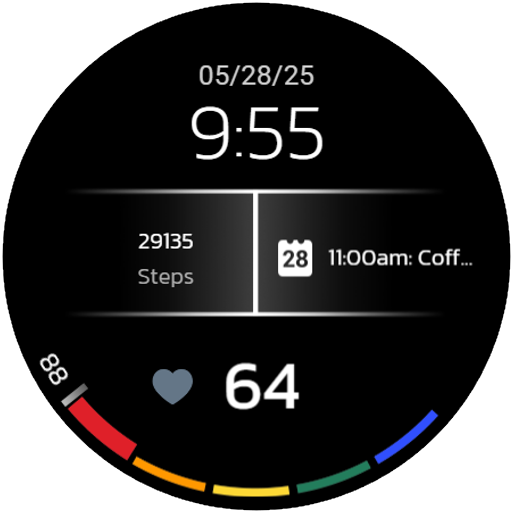
Digital Watchface D6
Paid

AI COLORFUL S
Paid
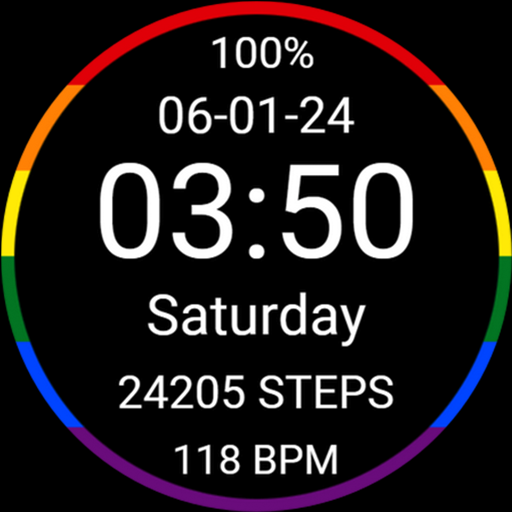
Minimalistic LGBT Pride
Paid

Iris520 Digital Watch Face
Paid

Night ver 68 - watch face
Paid

Digital Mebevod Watch face
Paid

Active Health
Paid
Scan this QR code to download

Forwarding you to the page at Google Play market in seconds...
Open Google Play market now