
Informer X: Watch face vVARY
amoledwatchfaces™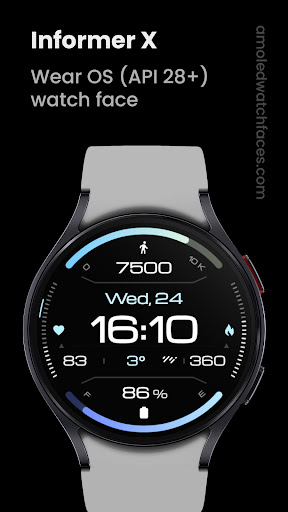



About this app
Developer Description
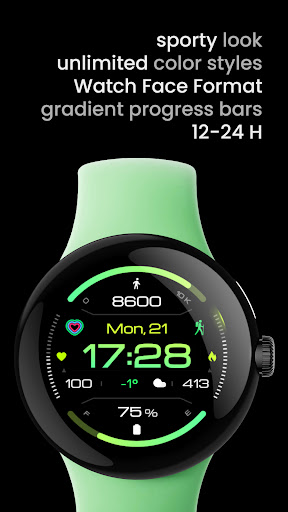
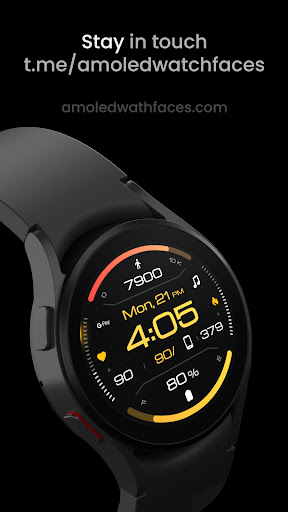
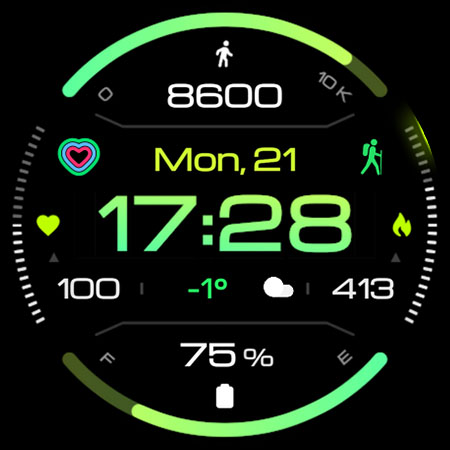
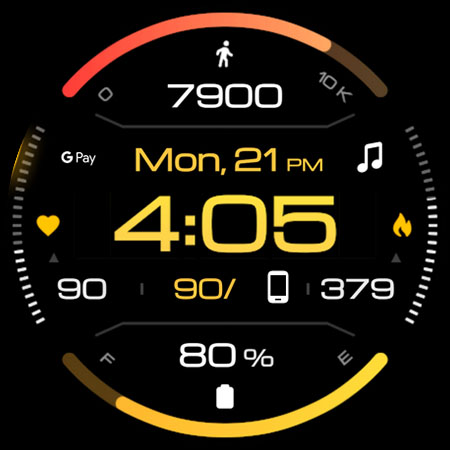
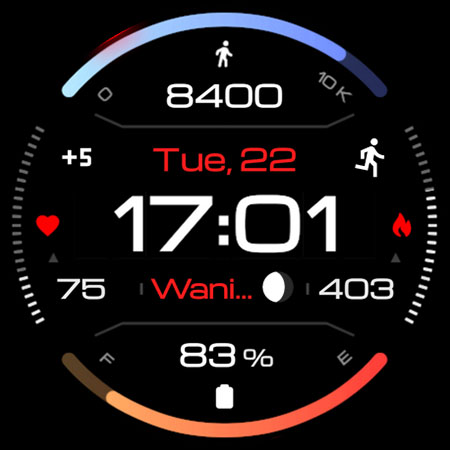
Informer X digital watch face. True black background. Pixel perfect design.
// Not suitable for rectangular watches
Powered by Watch Face Format
amoledwatchfaces.com
BUY ONE GET ONE OFFER!
amoledwatchfaces.com/bogo
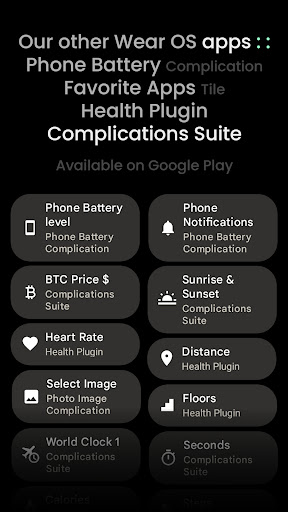
CUSTOM COMPLICATION APPS
amoledwatchfaces.com/apps
FEATURES
• customizable
• heart rate indicator
• true black background
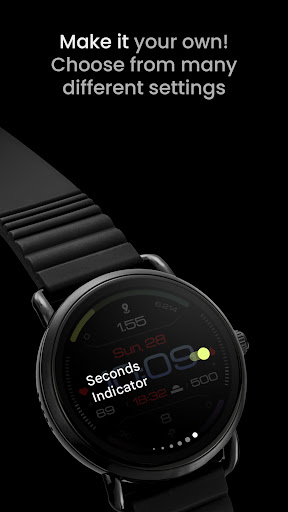
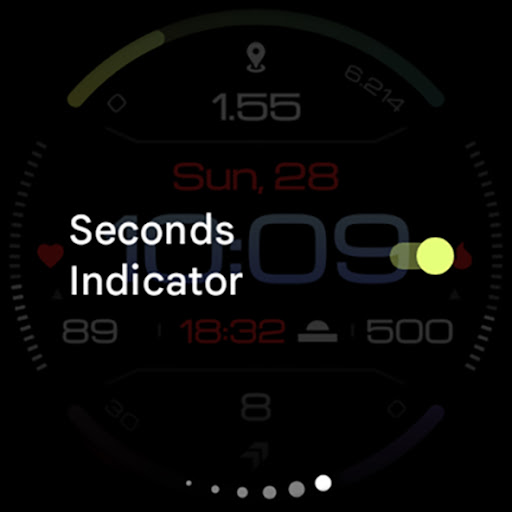
• optional seconds indicator
• high resolution
• PNGQuant optimized layers > battery friendly
• ambient mode with low OPR & adaptive color & three styles
• multilanguage support
• 2x ICON,SMALL_IMAGE - complications
• 1x SHORT_TEXT complications
• 3x RANGED_VALUE complications (API 33+)
USER CONFIGURATIONS
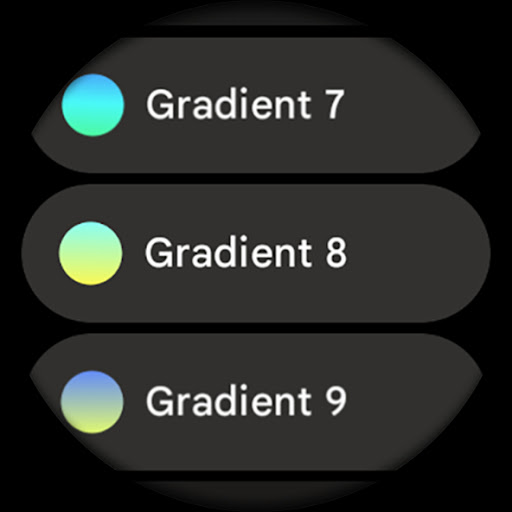
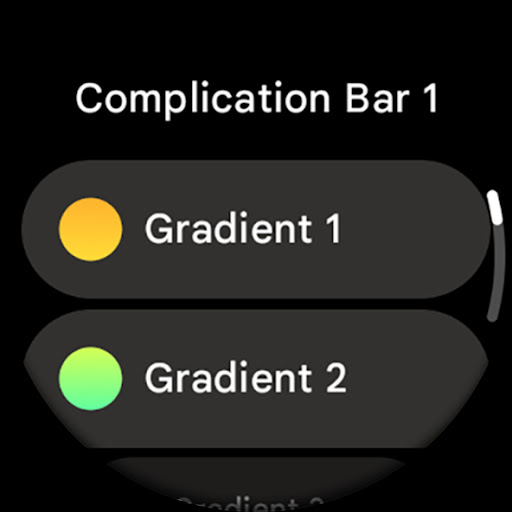
• Complication 1 Bar (Gradient - 10x)
• Complication 2 Bar (Gradient - 10x)
• Sec Indicator (Toggle)
• Time Color (6x, Tint, White)
• AOD (Style - 3x)
• Theme (Default + 19x)
• Custom complications
Installation and troubleshooting guide
amoledwatchfaces.com/guide
Please send any issues reports or help requests to our support address
support@amoledwatchfaces.com
Join our Telegram group for live support and discussion
t.me/amoledwatchfaces
Newsletter
amoledwatchfaces.com/contact#newsletter
amoledwatchfaces™ - Awf
What's New
• heart rate widget is now configurable complication (RANGED_VALUE)
v1.2.2
• added dynamic red-green gradient
• watchface.xml optimizations
v1.2.1
• minified watchface.xml
v1.2.0
• added an option to show/hide Min-Max for RANGED_VALUE complications
v1.1.7
• icon complication id fix - remove from favorites necessary!
...
NOTE: Remove watch face from favorites and add it back to ensure watch face runs smoothly after update.
Version Information
- Version
- -
- Downloads
- 1K+
- Updated on
- Dec 3, 2025
- Released
- Feb 22, 2022
- Requires
- Android Varies with device
Statistics
Google Play Rating History
Rating Distribution
Downloads Over Time
Informer X: Watch face has been downloaded times. Over the past 30 days, it averaged downloads per day.
Shaded area shows 30-day prediction based on historical trends
Historical data collection started recently. More data points will be available over time.
Informer X: Watch face users say on Google Play
 Rolando Castaños
Definitely i love the all watch faces of the dev, and I would like to ask that all watch faces has full experience AOD and/or setting to enable/disable complications, visuals, etc...
 Patric S.
Nice looking with plenty of info. I have 4 watch faces of this developer. They're among the best in my opinion. What would be nice is if I didn't have to set the color of the battery and step bar every time I switch faces. Some of the faces save the colors and save of them don't, not sure why.
 Neil Middlebrook
Looks great but eats the battery. Since installing, my Galaxy watch 4 no longer makes a full day on battery, whereas I used to get 2 full days of use before charging, it's now dead by about 7pm
 Mostafa Hussein
Not working
ApkTrusted Ratings & Reviews
More from amoledwatchfaces™
See more apps
Apex 2.0 Watch Face
Paid
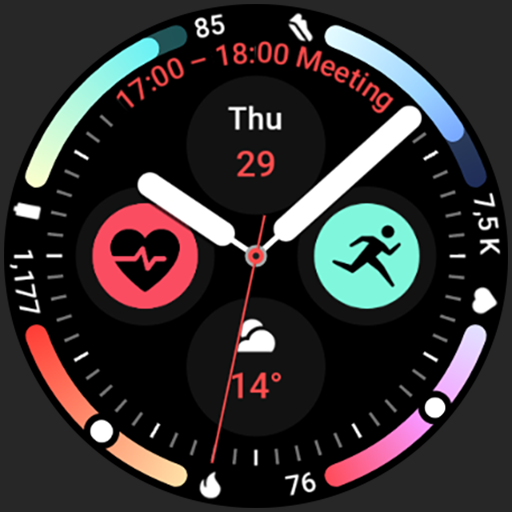
Arcs N6 Watch Face
Paid

Angular Watch Face
Paid
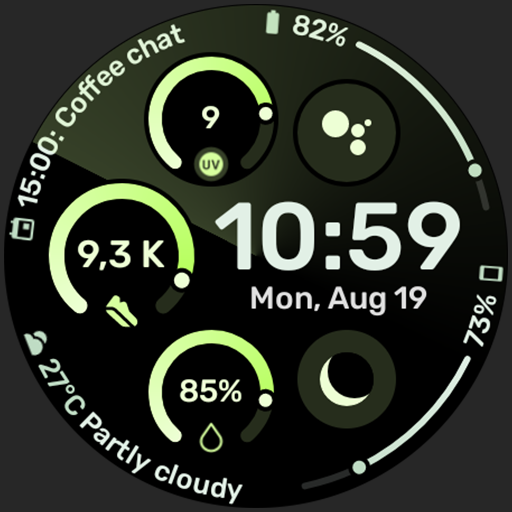
Adventurer Watch Face
Paid

Apex SE Watch Face
Paid

Alpine Watch Face
Paid

Athlete 1 Watch face
Free

Athlete 2: Watch face
Paid

Arcs D5 Watch Face
Paid
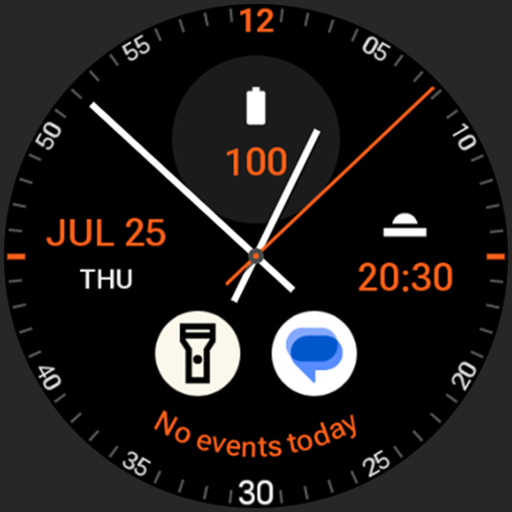
Analog xT: Watch face
Free
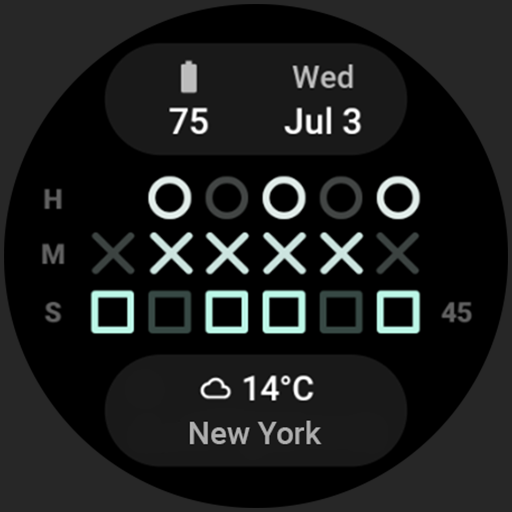
Binary 2.0 Watch Face
Free
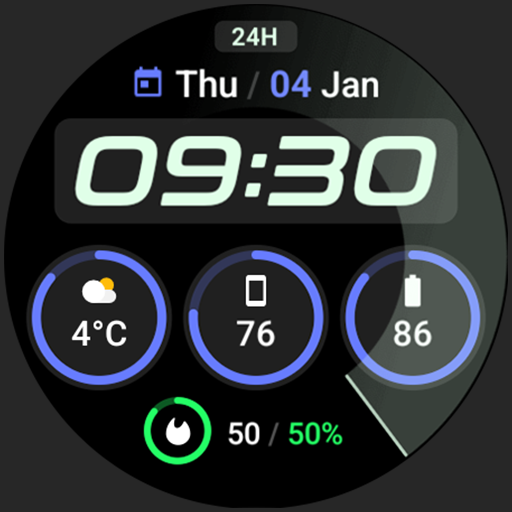
Active 2: Watch face
Paid

Analog PRO: Watch face
Paid

Adaptive Watch Face
Paid
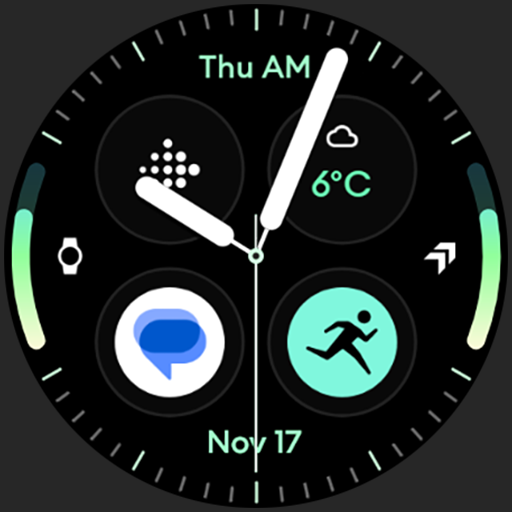
Analog M3 Watch Face
Paid
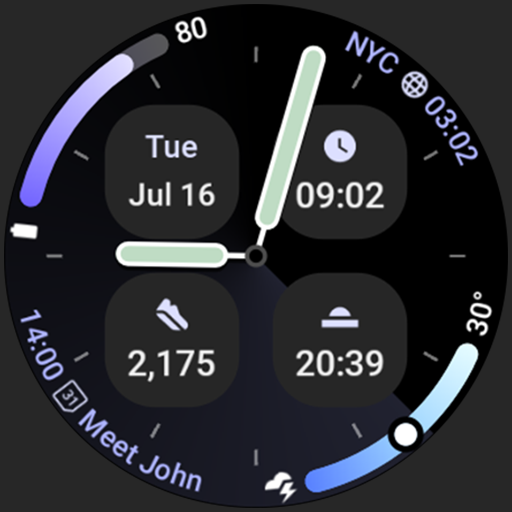
Analog M4 Watch Face
Paid
Similar Apps
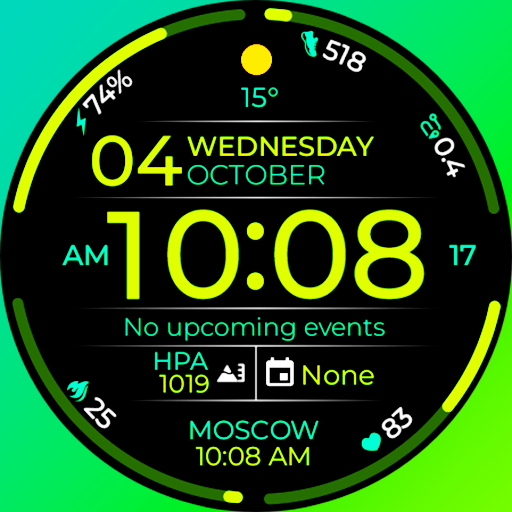
Chester Infinity watch face
Paid
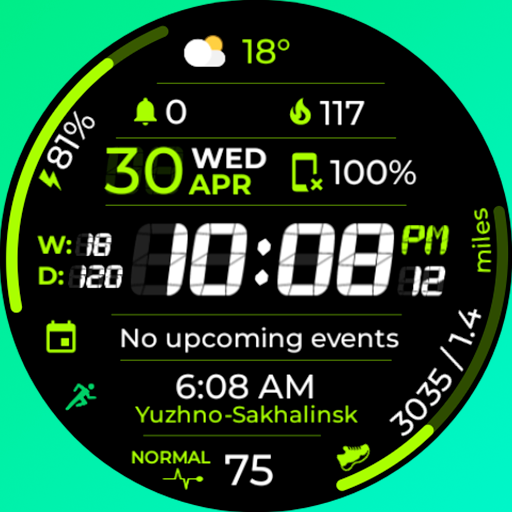
Chester Sport Pro watch face
Paid
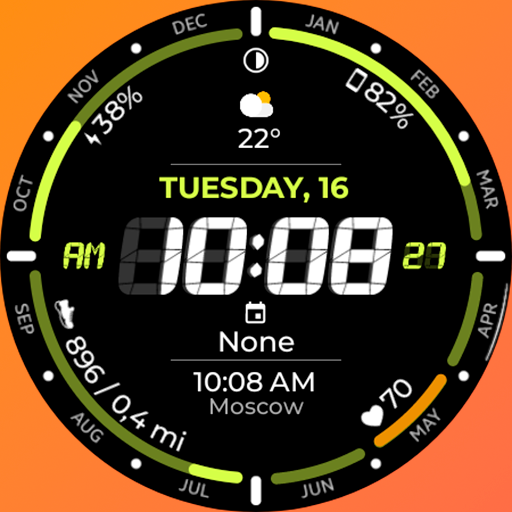
Chester Digital time
Paid
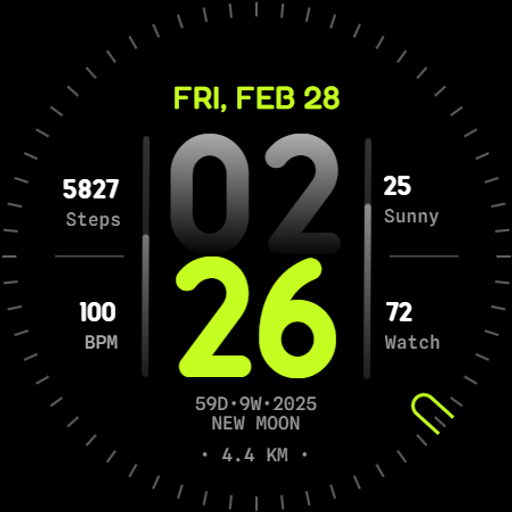
Orbit Watch Face
Paid

SamWatch Utility A
Paid
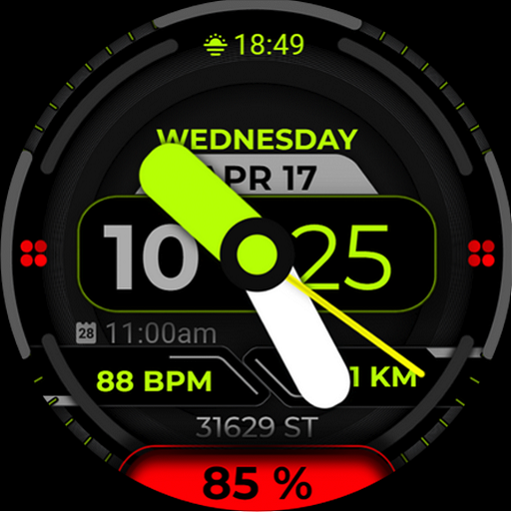
Watch Face A15 - Wear OS Watch
Paid

Minimal Modern Sport Km & Mile
Paid

Shadow Runner Watch Face
Paid

I.nertia creeps
Paid

Advanced Time Watch Face
Paid
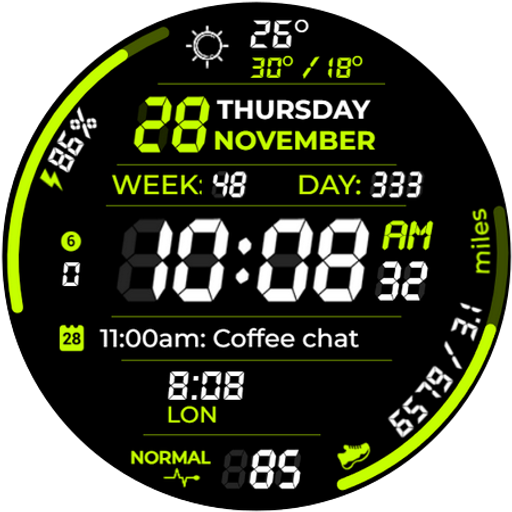
Chester Digital Pro
Paid
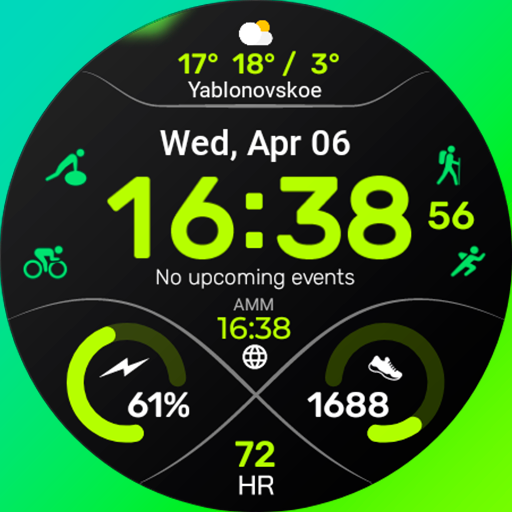
Chester Serenity watch face
Paid

HMKWatch Digital 145
Paid

Digital 13
Paid

Ultimate Numbers
Paid

TVV Digital 5 Watch Face
Paid
Scan this QR code to download

Forwarding you to the page at Google Play market in seconds...
Open Google Play market now