n-Digital 2: Watch face vVARY
amoledwatchfaces™









About this app
Developer Description
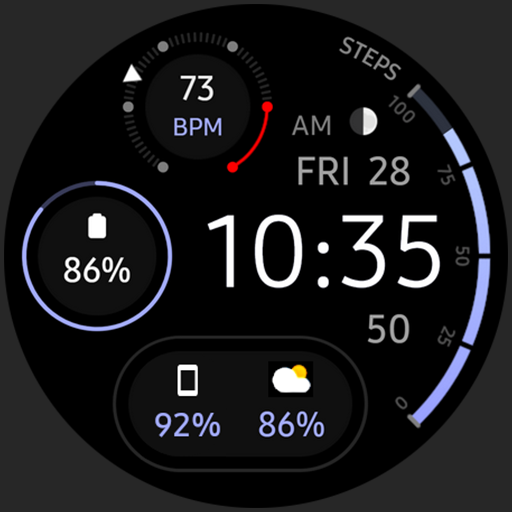
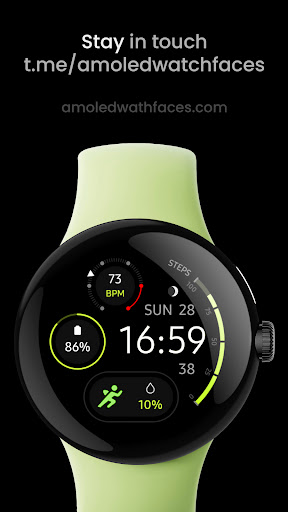
True black background & battery friendly Watch face for Wear OS
// Not suitable for rectangular watches
Powered by Watch Face Format
amoledwatchfaces.com
BUY ONE GET ONE OFFER!
amoledwatchfaces.com/bogo
CUSTOM COMPLICATION APPS
amoledwatchfaces.com/apps
FEATURES
• high resolution
• PNGQuant optimized layers > battery friendly
• pure black background #000000 (OLED Friendly)
• simple ambient mode - low OPR (on pixel ratio)
• many color combinations
• custom complications
• battery charging & critical indicator
• 12/24 H time
• multilanguage date
• moon phases indicator
• tap date to open calendar
• tap digital time to open alarm
• tap seconds to open custom app shortcut (complication)
USER CONFIGURATIONS
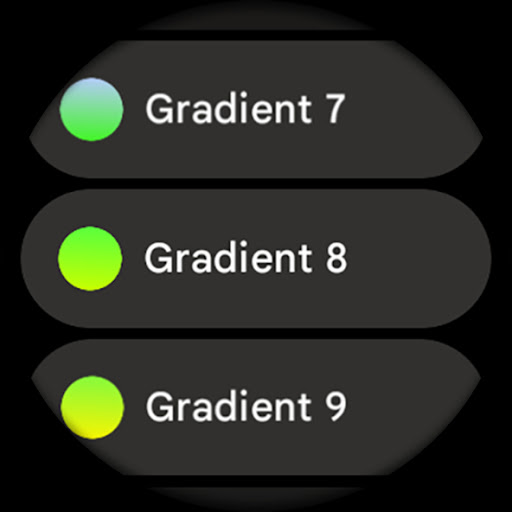
• Steps Bar (20 Gradients, Tint, White)
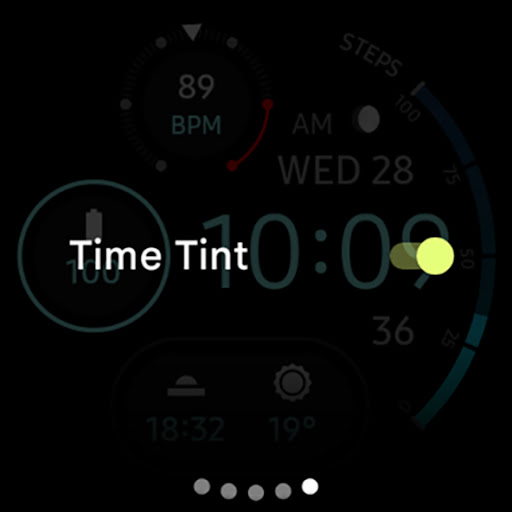
• Time Tint (Toggle - Only API 30+)
• AOD (Style - 2x)
• Theme (30x)
• Custom Complications
API 30+
• HR gauge can now be replaced with custom complication. If you want to use HR again, set complication to 'Empty'
Installation and troubleshooting guide
amoledwatchfaces.com/guide
Please send any issues reports or help requests to our support address
support@amoledwatchfaces.com
Join our Telegram group for live support and discussion
t.me/amoledwatchfaces
Newsletter
amoledwatchfaces.com/contact#newsletter
amoledwatchfaces™ - Awf
What's New
• reworked moon phase indicator
v1.5.6
• watchface.xml optimizations
• pixel watch (Wear OS 5) heart rate fix
v1.5.5
• minified watchface.xml
v1.5.0
• rebuilt in Android Studio using Watch Face Format
• improved progress bar
• removed redundant resources
• code cleanup & optimizations
...
NOTE: Remove watch face from favorites and add it back to ensure watch face runs smoothly after update.
Version Information
- Version
- -
- Downloads
- 10K+
- Updated on
- Dec 3, 2025
- Released
- Aug 25, 2021
- Requires
- Android Varies with device
Statistics
Google Play Rating History
Rating Distribution
Downloads Over Time
n-Digital 2: Watch face has been downloaded times. Over the past 30 days, it averaged downloads per day.
Shaded area shows 30-day prediction based on historical trends
Historical data collection started recently. More data points will be available over time.
n-Digital 2: Watch face users say on Google Play
 Darren Williams
*Update problem. Love the watch face and even more the designer. Awesome collection. With the current update things have changed around. To customize the colors you now have to hold the watch face and and hit customize button. Unlike before which was tapping. The new updated method is much better. Only problem is that not all colors are showing that were there before, including my favorite ones. Only 20 show now.
 Dimitri
This is a STUNNINGLY beautiful AND functional watchface with a lot of attention paid to battery use by AOD, which has two fantastic options - just the date and time, or date and time over a dimmed version of the primary dial. I wish it had a way to display the misnamed "weather and date" complication, which shows current, high and low temps for the day. It doesn't fit into either of the two small complications.
 Emario Jasper
Good nice app
 Josip Ravas
I bought a watch face about two years ago, but after last year updae battery compliance with percentage looks awful, and because of that I am not using battery compliance anymore. Please make more battery compliance solutions or return old one.
ApkTrusted Ratings & Reviews
More from amoledwatchfaces™
See more apps
Arcs N6 Watch Face
Paid

Angular Watch Face
Paid
Adventurer Watch Face
Paid

Apex SE Watch Face
Paid
Athlete 2 Lite: Watch face
Free

Athlete 1 Watch face
Paid

Athlete 2: Watch face
Free
Analog xT: Watch face
Free
Active 2: Watch face
Paid

Analog PRO: Watch face
Paid

Adaptive Watch Face
Paid
Analog M3 Watch Face
Paid
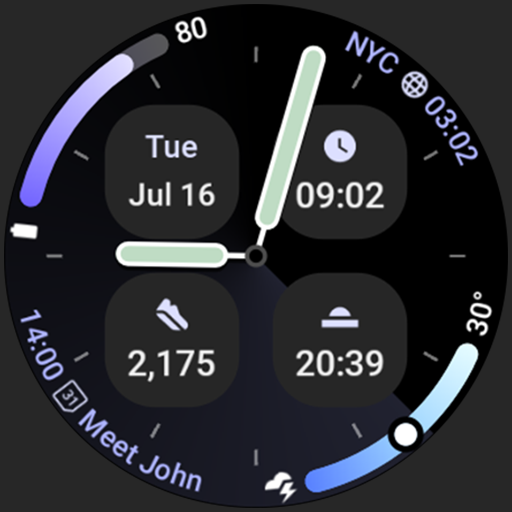
Analog M4 Watch Face
Paid

Apex 2.0 Watch Face
Free

Arcs D5 Watch Face
Free

Alpine Watch Face
Free
Similar Apps

IA42 Digital Watchface
Free

JJ-Digital006M Watch Face
Free

Watchface M21
Free

WaterUP Daily Watchface
Free

PRIME 033 Hybrid Watch Face
Paid

SamWatch SIGN Y Weather
Paid

Digital Watchface D12
Free

ZKin Watch Face Grey Color
Paid

ISAAC WATCH HJ220
Free

PW23 Pixel Precision Watch
Free

MDS358 Digital Watch Face
Free

Informative WearOS 5 NTV576
Free

OMG Jetstream
Free
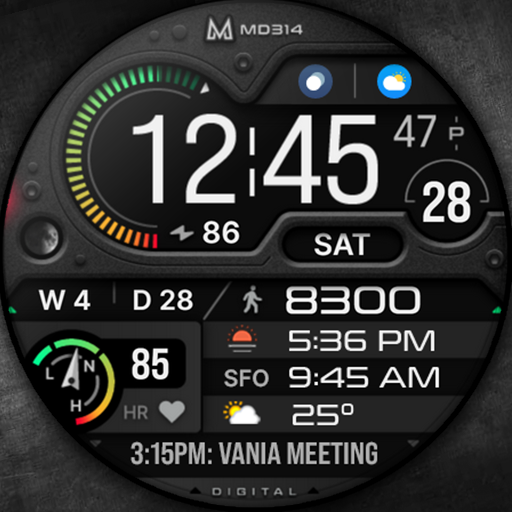
MD314 Health Watch Face
Paid

Digital Watch Face - OMG 142
Paid

Fireworks Animated
Free
Scan this QR code to download

Forwarding you to the page at Google Play market in seconds...
Open Google Play market now