
Owly Watch Face vVARY
amoledwatchfaces™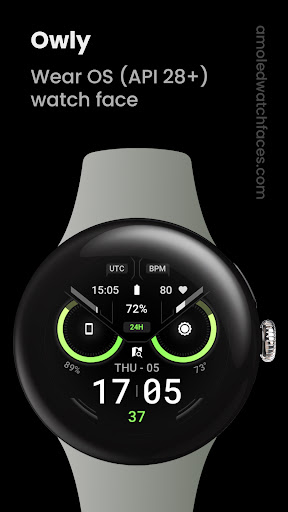


About this app
Developer Description
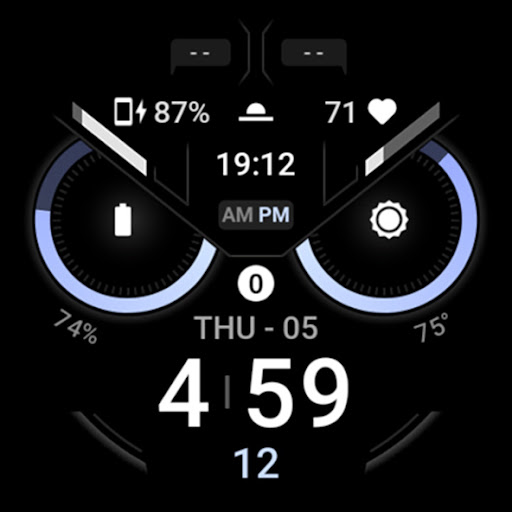
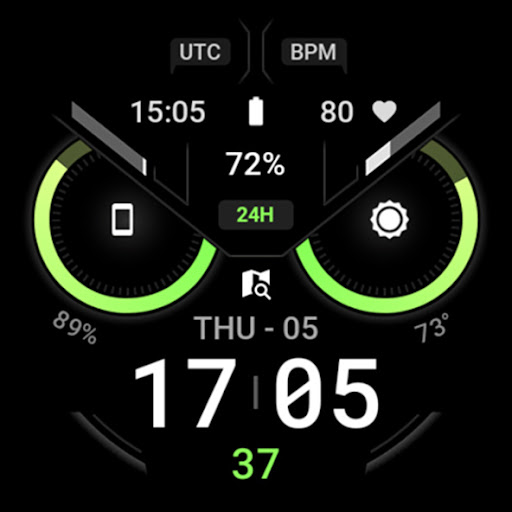
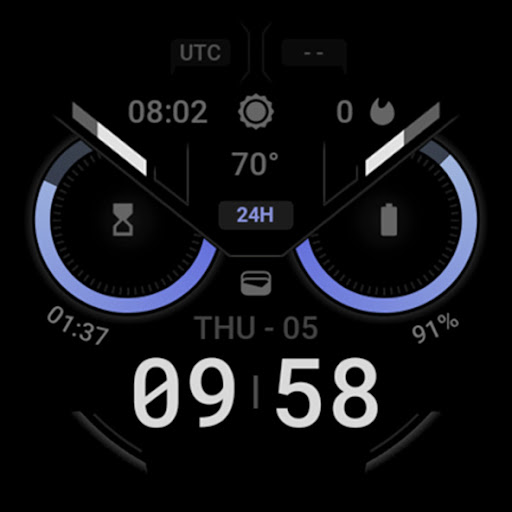
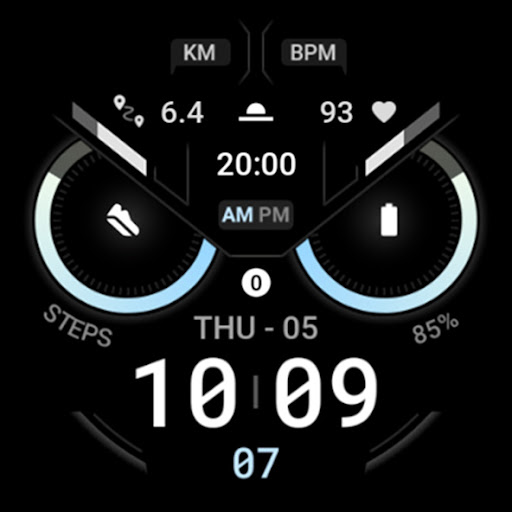
Hoot Hoot! Unique, artistic & customizable watch face with a sleek owl look
// Not suitable for rectangular watches
Powered by Watch Face Format
amoledwatchfaces.com
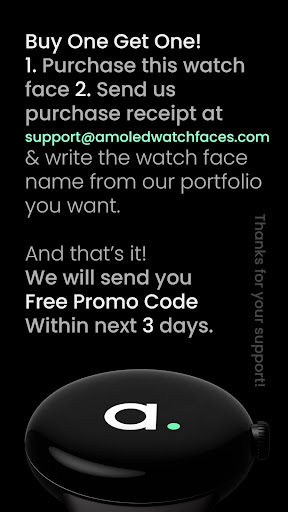
BUY ONE GET ONE OFFER!
amoledwatchfaces.com/bogo
CUSTOM COMPLICATION APPS
amoledwatchfaces.com/apps
FEATURES
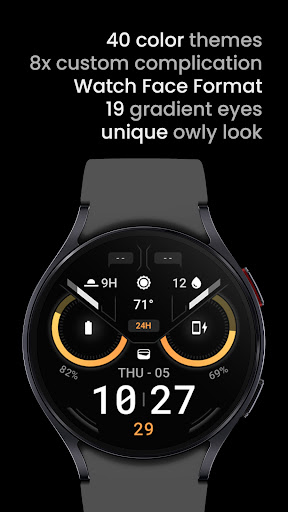
• true black background
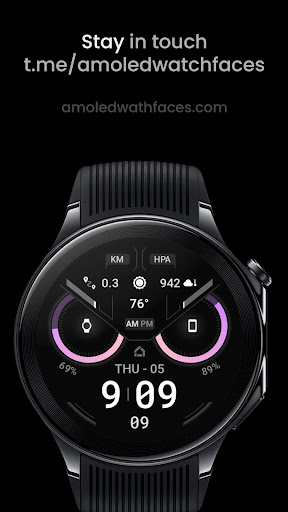
• unique 'Owl' artistic design
• owly eyes and eyebrows are now progress indicators for RANGED_VALUE custom complications (API 33+)
• high resolution
• 20x digital time color
• PNGQuant optimized layers > battery friendly
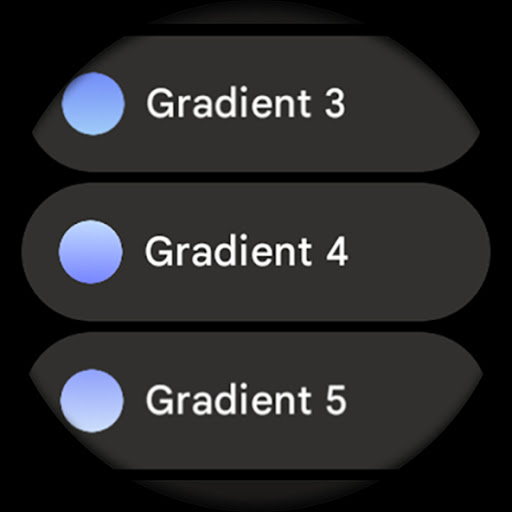
• gradient color - progress bars (RANGED_VALUE complications)
• custom shortcut for preferrable health app
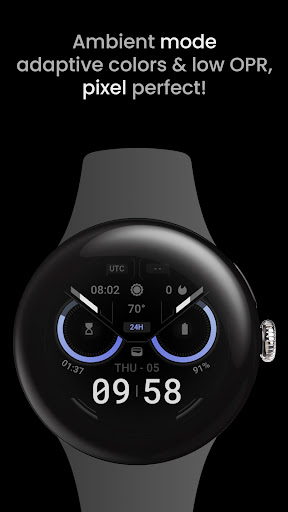
• ambient mode with low OPR & adaptive color & two styles
• 8x custom complication
• multilanguage support, Roboto & Roboto Mono fonts
• 12 / 24 H time based on phone time setting
• am/pm/24h indicator
USER CONFIGURATIONS
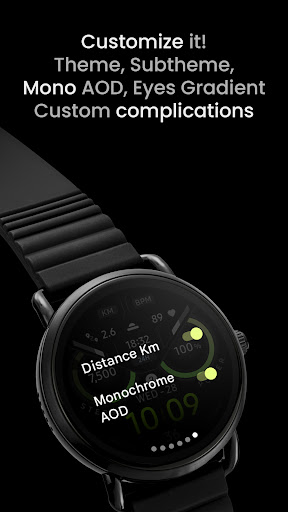
• Eyes Color (19+)
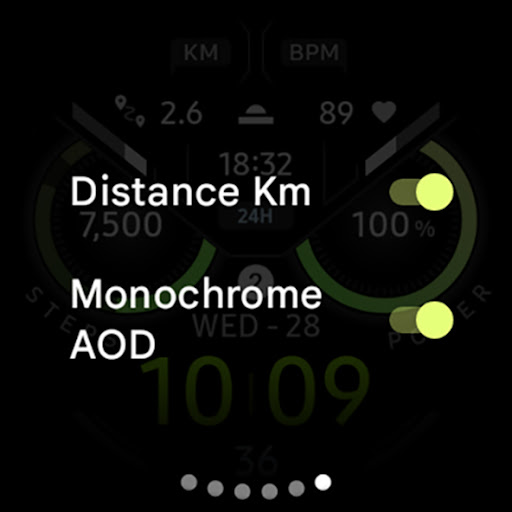
• Distance Km (Toggle)*
• Monochrome AOD (Toggle)
• AOD (2x)
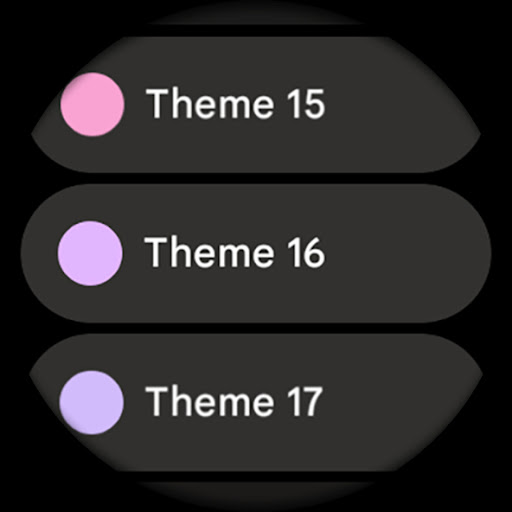
• Theme (Digital Time - 20x)
• Subtheme (20x)
• Custom complications (+ app shortcuts)
* distance and heart rate elements are fixed and visible only when particular custom complications are set to None (are Empty)
Installation and troubleshooting guide
amoledwatchfaces.com/guide
Please send any issues reports or help requests to our support address
support@amoledwatchfaces.com
Join our Telegram group for live support and discussion
t.me/amoledwatchfaces
Newsletter
amoledwatchfaces.com/contact#newsletter
amoledwatchfaces™ - Awf
What's New
• default Heart Rate complication (Empty) fix on Pixel Watch 3
v1.3.6
• eyes progress bars adjustments
v1.3.3
• completely redesigned
• there are now 8 custom complications in total
• eyes are now custom complication too (RANGED_VALUE, SHORT_TEXT, MONOCHROMATIC_IMAGE)
• distance & heart rate are 'Empty' versions of custom complications (RANGED_VALUE, SHORT_TEXT)
...
NOTE: Remove watch face from favorites and add it back to ensure watch face runs smoothly after update.
Version Information
- Version
- -
- Downloads
- 5K+
- Updated on
- Dec 3, 2025
- Released
- Nov 23, 2021
- Requires
- Android Varies with device
Statistics
Google Play Rating History
Rating Distribution
Downloads Over Time
Owly Watch Face has been downloaded times. Over the past 30 days, it averaged downloads per day.
Shaded area shows 30-day prediction based on historical trends
Historical data collection started recently. More data points will be available over time.
Owly Watch Face users say on Google Play
 mike todd
Really like this watch face, looks great Unfortunately the bpm dosnt want to register on my face for some reason, which sort of spoils the effect of the owl face. Edit...Great, fast support thankyou for doing everything you can to solve this minor problem. Again the owl face looks great. Edit...rebooted watch and everything is working absolutely fine now, looks great and will have no hesitation in buying watch faces again in future from this maker, I have updated now to 5 stars.
 Kaweh Sch
Update: I found the problem, this watch has a mode called theater mode, if this mode is on, you can't turn off the wake up alarm. Hi Support Team, I have Problem with all your watch faces. If I use the "Alarm", there is no way to stop it. The only way is to restart the watch. I have a "Ticwatch Pro 3". It happened only with your watch faces and i don't have problem with Original watch faces. Can you help me please.
 Eric Marrow
The new update brings some great changes, but I'm not a fan of how the battery complication when used in the eyes no longer had large readable text in the center, and has been put below the circle.
 Adityasetty
Heart rate monitoring: Please give an option to change the complication where heart rate is present currently, so it won't monitor the heart rate continuously. Other than that it's a great WF.
 Raina Earleywine
I emailed customer support with my issues and all they did was tell me I was wrong and my watch was the issue. I explained that it was not my watch since other watch faces worked properly where as this one did not. I did not appreciate their tone or the feeling of being gaslit. I was issued a refund through Google play which I appreciate.
ApkTrusted Ratings & Reviews
More from amoledwatchfaces™
See more apps
Arcs N6 Watch Face
Paid

Angular Watch Face
Paid
Adventurer Watch Face
Paid

Apex SE Watch Face
Paid
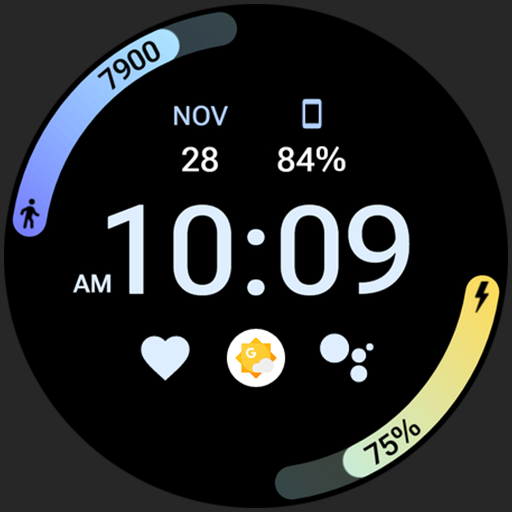
Athlete 2 Lite: Watch face
Free

Athlete 1 Watch face
Paid

Athlete 2: Watch face
Free
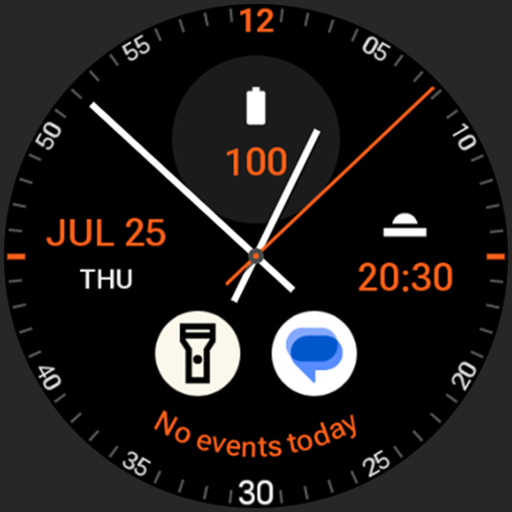
Analog xT: Watch face
Free
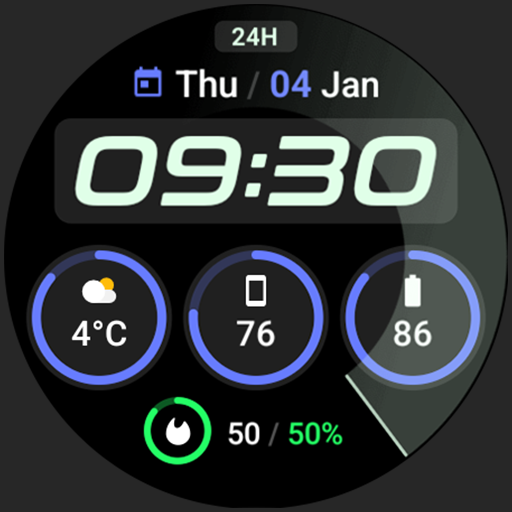
Active 2: Watch face
Paid

Analog PRO: Watch face
Paid

Adaptive Watch Face
Paid
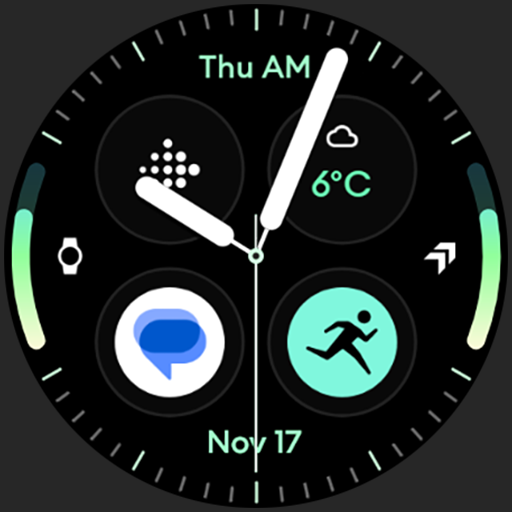
Analog M3 Watch Face
Paid
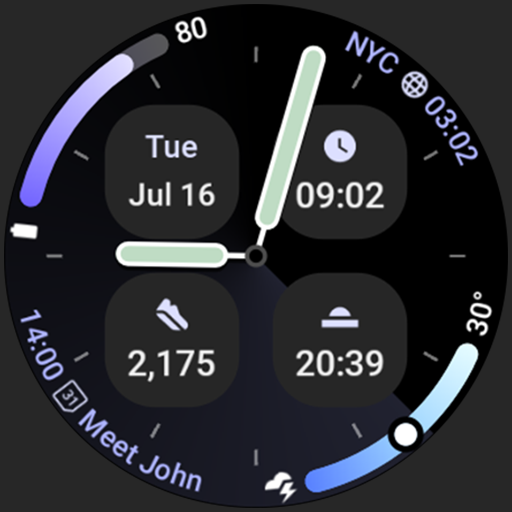
Analog M4 Watch Face
Paid

Apex 2.0 Watch Face
Free

Arcs D5 Watch Face
Free

Alpine Watch Face
Free
Scan this QR code to download

Forwarding you to the page at Google Play market in seconds...
Open Google Play market now