
Polar Event: Watch face vVARY
amoledwatchfaces™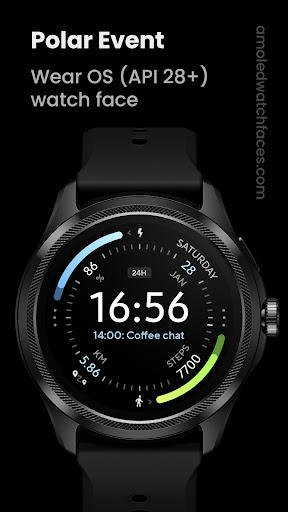

About this app
Developer Description
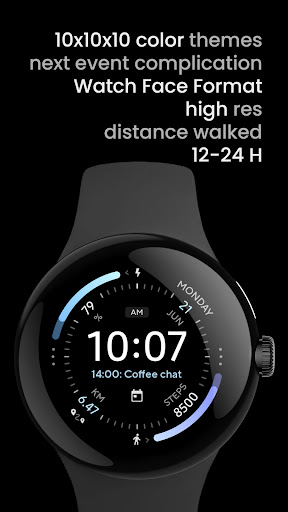
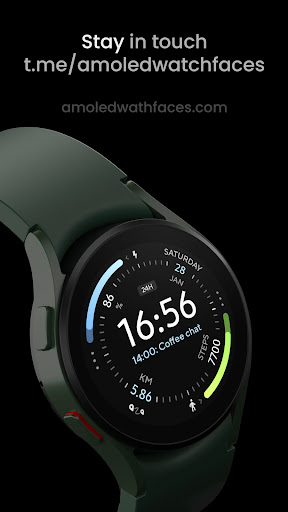
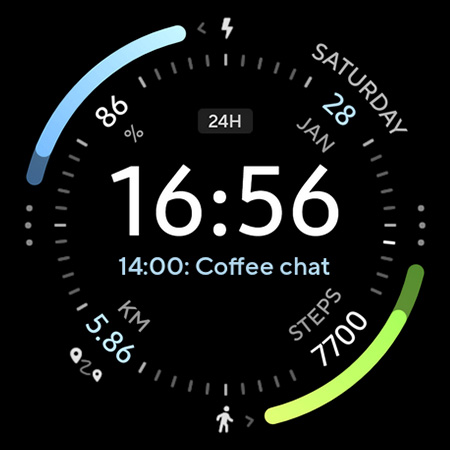
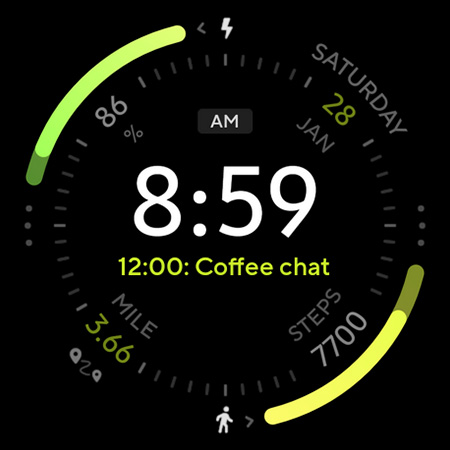
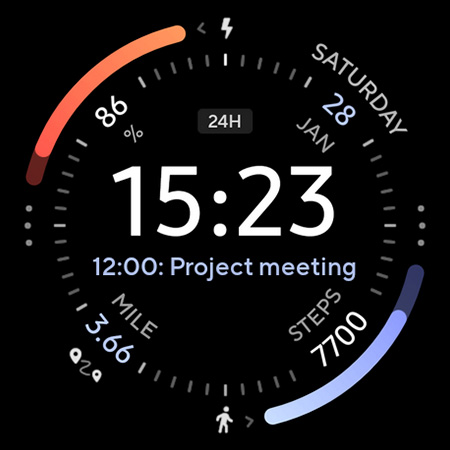
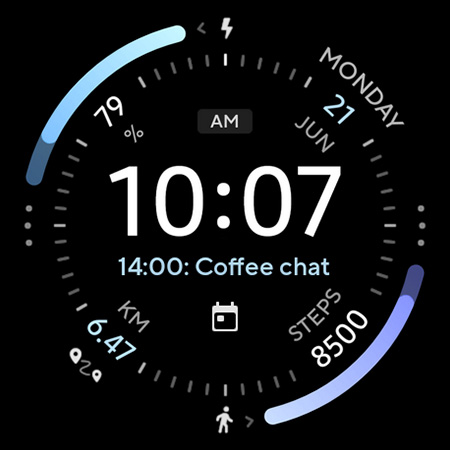
Battery friendly watch face with the Next Event / Schedule complication.
// Not suitable for rectangular watches
Powered by Watch Face Format
amoledwatchfaces.com
BUY ONE GET ONE OFFER!
amoledwatchfaces.com/bogo
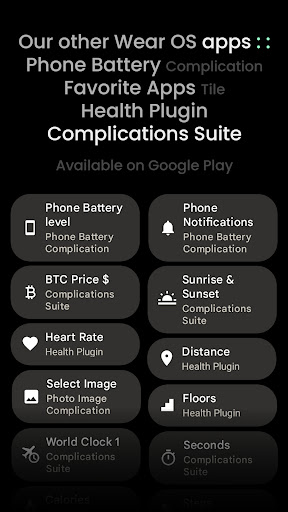
CUSTOM COMPLICATION APPS
amoledwatchfaces.com/apps
FEATURES
• Watch Face Format 1
• true black background
• next event, meeting, schedule complication
• high resolution
• hugely optimized
• PNGQuant optimized layers > battery friendly
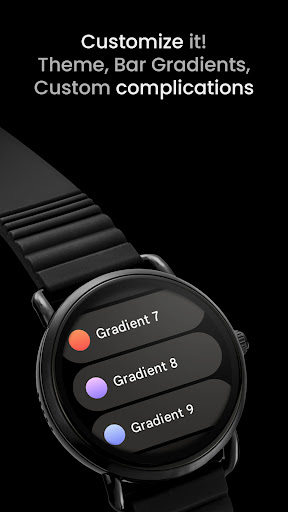
• gradient BAR indicators
• 10x10x10 color styles
• 12/24 H time (adapts to connected phone)
• sec hand implemented
• simple ambient mode with low OPR & next event complication
APP SHORTCUTS
• date - open calendar
• am/pm - set custom app
USER CONFIGURATIONS
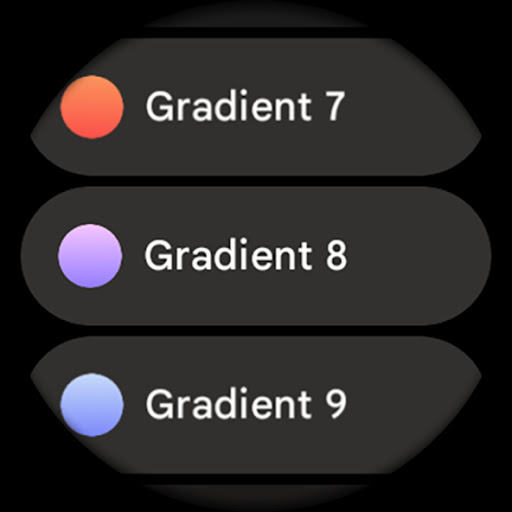
• Color (10x)
• Battery Bar (Style - 10x)
• Steps Bar (Style - 10x)
• AOD (Style - 4x)
• Complications / shortcuts
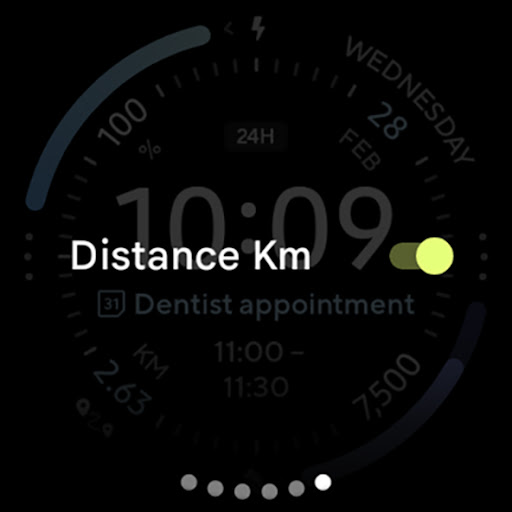
• Distance Units (Toggle)
Installation and troubleshooting guide
amoledwatchfaces.com/guide
Please send any issues reports or help requests to our support address
support@amoledwatchfaces.com
Join our Telegram group for live support and discussion
t.me/amoledwatchfaces
Newsletter
amoledwatchfaces.com/contact#newsletter
amoledwatchfaces™ - Awf
What's New
• default font used is now Inter Tight SemiBold
• updated watch face icon and preview
v1.5.4
• watchface.xml optimizations
• updated index, seconds indicator
• NEXT_EVENT complication fixes
• AOD improvements
v1.5.3
• watchface.xml code optimizations
v1.5.0
• minified watchface.xml
v1.4.5
• rebuilt in Android Studio using Watch Face Format 1
...
NOTE: Please consider full watch face reinstall in case you're having issues with custom complications after recent update.
Version Information
- Version
- -
- Downloads
- 10K+
- Updated on
- Dec 3, 2025
- Released
- Oct 4, 2021
- Requires
- Android Varies with device
Statistics
Google Play Rating History
Rating Distribution
Downloads Over Time
Polar Event: Watch face has been downloaded times. Over the past 30 days, it averaged downloads per day.
Shaded area shows 30-day prediction based on historical trends
Historical data collection started recently. More data points will be available over time.
Polar Event: Watch face users say on Google Play
 Sujay Raj Srivastava
Loved it. Amazing design.
 Han Fung Victor Tan
How do you change from miles to km on the watch face? Thank you. And I cannot seem to change the language? It seems to have English (us) and English (uk) as the only two English options. 14 Apr (3) - I tried to change my language to English singapore on the phone but watch still displays miles. And no option to change language other than in general->input->samsung keyboard. And the choices still remain US and UK only even after restart.
 Luke Eros
For a paid app it is very limited. The customization is minimal - you can change a few colors and that's basically it. You CAN'T change the battery bar, steps, distance and date to anything, also the distance is shown in miles and there's no way to switch to Km.
ApkTrusted Ratings & Reviews
More from amoledwatchfaces™
See more apps
Arcs N6 Watch Face
Paid

Angular Watch Face
Paid
Adventurer Watch Face
Paid

Apex SE Watch Face
Paid
Athlete 2 Lite: Watch face
Free

Athlete 1 Watch face
Paid

Athlete 2: Watch face
Free
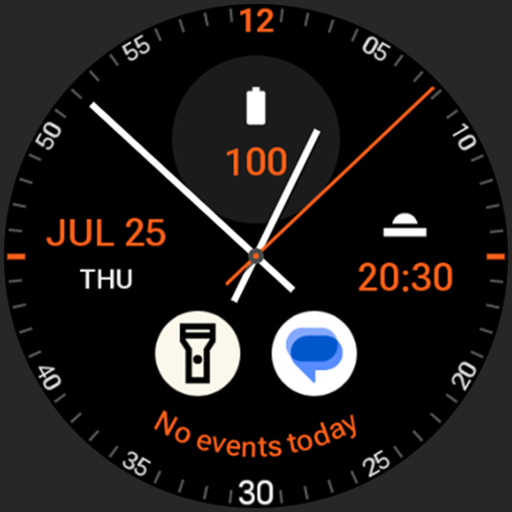
Analog xT: Watch face
Free
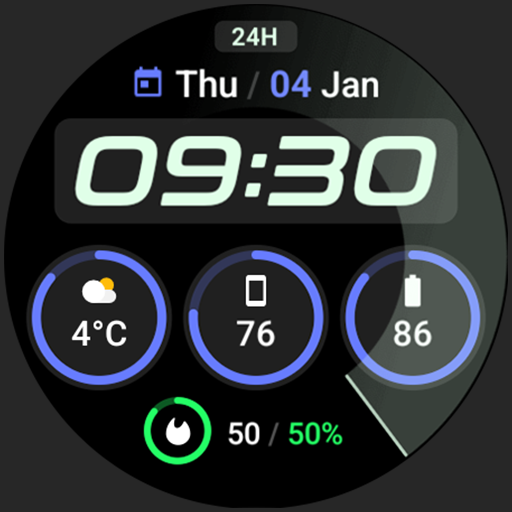
Active 2: Watch face
Paid

Analog PRO: Watch face
Paid

Adaptive Watch Face
Paid
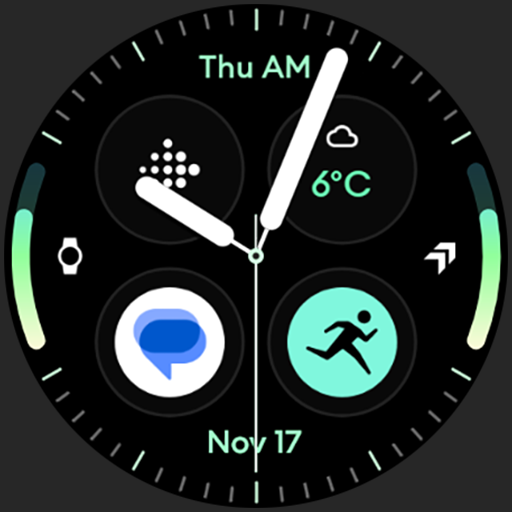
Analog M3 Watch Face
Paid
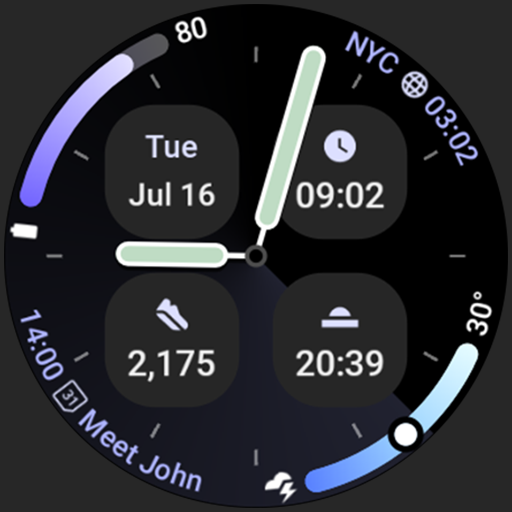
Analog M4 Watch Face
Paid

Apex 2.0 Watch Face
Free

Arcs D5 Watch Face
Free

Alpine Watch Face
Free
Scan this QR code to download

Forwarding you to the page at Google Play market in seconds...
Open Google Play market now