
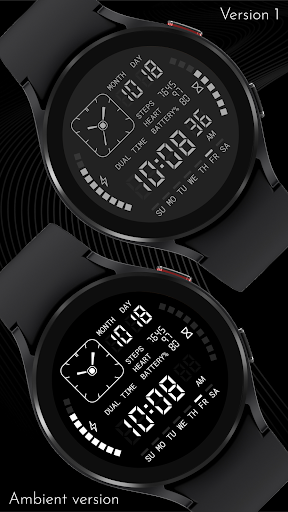
CELEST5432 Retro Digital Watch vVARY
CELEST Watches




About this app
The CELEST5432 Retro Digital Watch app solves the problem of users seeking a sleek and elegant classic watch face for their Android devices, benefiting those who value simplicity and style. Compared to alternatives in the Personalization category, this app stands out for its unique retro design, but falls short in terms of customization options and user ratings, which are currently unavailable. The app's limited downloads and lack of rating data may raise concerns about its popularity and user satisfaction. However, its paid model and absence of ads may appeal to users who prioritize a distraction-free experience.
Pros
- The app's unique retro design is a major advantage, offering users a distinctive and stylish watch face that sets it apart from more modern designs.
- The paid model, priced at $1.99, provides a one-time payment solution without any in-app purchases or ads, ensuring a seamless user experience.
- The developer's website and email provide a clear channel for user support and feedback, demonstrating a commitment to customer satisfaction.
- The app's zero-permission requirement is a significant advantage, alleviating concerns about data collection and privacy infringement.
- The app's small size and varying Android requirement suggest a relatively lightweight installation, making it accessible to a broader range of devices.
Cons
- The lack of user ratings and limited download numbers raises concerns about the app's popularity and user satisfaction, making it difficult to gauge its effectiveness.
- The absence of customization options may limit the app's appeal to users who prefer personalized watch faces, potentially restricting its user base.
- The app's varying Android requirement may lead to compatibility issues with certain devices, potentially resulting in a poor user experience.
- The developer's relatively unknown reputation may raise concerns about the app's long-term support and update frequency, potentially impacting its overall value.
Best for: The ideal user for the CELEST5432 Retro Digital Watch app is a tech-savvy individual, likely between the ages of 25 and 45, who values unique design and simplicity, and is willing to pay a one-time fee for a high-quality, ad-free watch face experience that meets their specific needs for style and functionality.
Developer Description
Sleek and elegant classic watch face from CELEST Watches
INSTALLATION GUIDE ↴
When attempting to install a watch face from the official Google Play Android app, you may encounter several issues.
In cases where the watch face is installed on your phone but not on your watch, the developer has included a companion app to enhance visibility on the Play Store. You can uninstall the companion app from your phone and look for a triangular symbol next to the Install button in the Play Store app (https://i.imgur.com/OqWHNYf.png). This symbol indicates a dropdown menu, where you can pick your watch as the target for installation.
Alternatively you can try to open the Play Store in a web browser on your laptop, Mac or PC. This will enable you to visually select the correct device for installation (https://i.imgur.com/Rq6NGAC.png).
[Samsung] If you followed the aforementioned instructions and the watch face still doesn't appear on your watch, open the Galaxy Wearable app. Navigate to the Downloaded section within the app, and you'll find the watch face there (https://i.imgur.com/mmNusLy.png). Simply click on it to initiate the installation.
WATCH FACE DETAILS ↴
Customization:
- 15 dark and 15 light color combinations
CATALOG & DISCOUNTS↴
Our online catalog: https://celest-watches.com/product-category/compatibility/wear-os/
Wear OS discounts: https://celest-watches.com/product-category/availability/on-sale-on-google-play/
FOLLOW US ↴
Instagram: https://www.instagram.com/celestwatches/
Facebook: https://www.facebook.com/celeswatchfaces
Twitter: https://twitter.com/CelestWatches
Telegram: https://t.me/celestwatcheswearos
Privacy
Given the app's zero-permission requirement, users can be assured that their data is not being collected or shared without their consent. However, it is essential to monitor the app's performance and watch for any unexpected behavior, as with any installed application. To maintain privacy and security, users should only download the app from trusted sources, such as the Google Play Store or the developer's official website.
Tips
To get the most out of the CELEST5432 Retro Digital Watch app, users should first ensure their device meets the varying Android requirement, then proceed with the one-time payment and installation. For optimal performance, users should close other resource-intensive apps and restart their device after installation. Additionally, users can explore the developer's website for potential updates, support, and other watch face designs, enhancing their overall user experience.
What's New
Version Information
- Version
- -
- Downloads
- 100+
- Updated on
- Jul 13, 2025
- Released
- Feb 24, 2023
- Requires
- Android Varies with device
Statistics
Google Play Rating History
Rating Distribution
Downloads Over Time
CELEST5432 Retro Digital Watch has been downloaded times. Over the past 30 days, it averaged downloads per day.
Shaded area shows 30-day prediction based on historical trends
Historical data collection started recently. More data points will be available over time.
CELEST5432 Retro Digital Watch users say on Google Play
 Hannah
so pretty.
ApkTrusted Ratings & Reviews
More from CELEST Watches
See more apps
CELEST5415 Retro Digital Watch
Paid

CELEST5409 Military Watch
Paid

CELEST5413 Analog Watch
Paid
CELEST5401 Minimalist Watch
Paid

CELEST5402 Retro Digital Watch
Paid

CELEST5403 Sport Watch
Paid
CELEST5404 Retro Digital Watch
Paid

CELEST1000 Military Watch
Paid

CELEST5410 Diver Watch
Paid
CELEST5405 Mirrored Watch
Paid

CELEST5412 Analog Watch
Paid

Simple Interval Timer
Paid

CELEST5414 Amart analog Watch
Paid

Mini Reader
Paid

CELEST5418 Military Watch
Paid
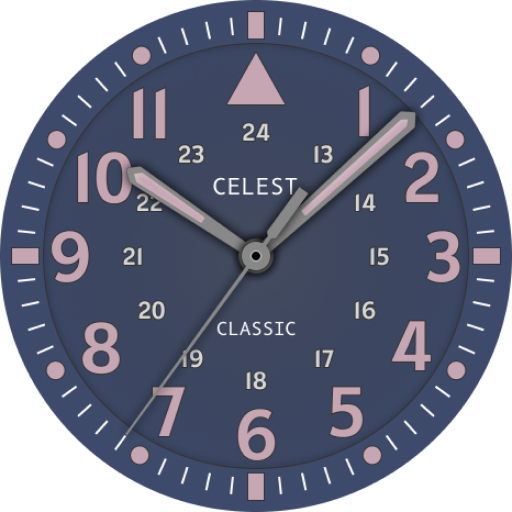
CELEST5419 Military Watch
Paid
Similar Apps
Digital OLED
Free
Digital Mod Black watchface
Free

Watch face 10h08.com #57
Free

NTV553 - N-Digital Classic B
Paid
WFP 104 LCD watch face
Free

Digital xR Watch Face
Free

SamWatch Digital Z 2023
Paid

MIMIX Digital D1 Watchface
Paid
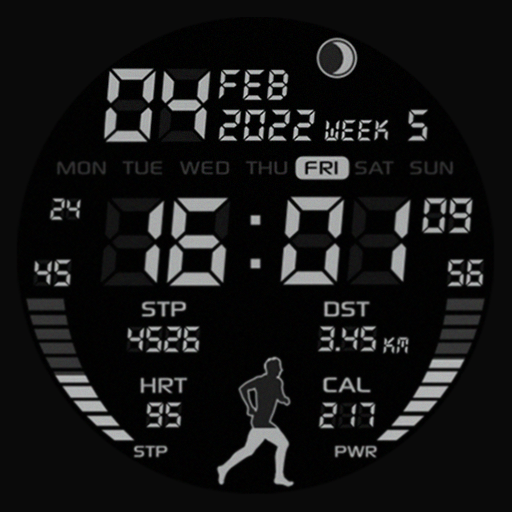
SG-37
Paid

MFT WF 25
Paid
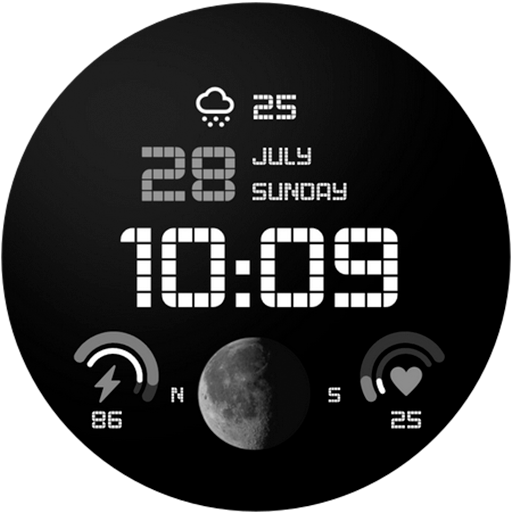
MW29 Minimal Digital Watch
Free
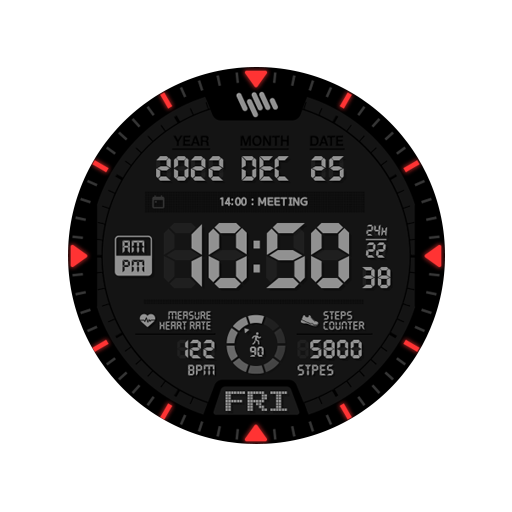
SamWatch Digital G 2023
Free

MW34 Minimal Digital Watch
Free

JND0050
Free
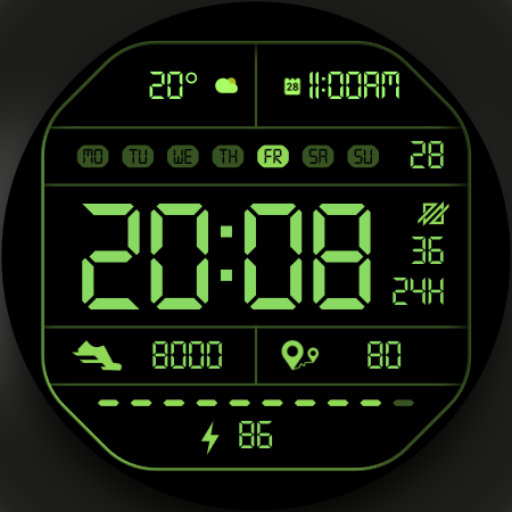
DADAM41: Retro LCD Watch Face
Paid

JJ-Digital014-Pixel
Paid
Scan this QR code to download

Forwarding you to the page at Google Play market in seconds...
Open Google Play market now