
CELEST5494 Artistic Watch vVARY
CELEST Watches


/
About this app
Sleek and elegant classic watch face from CELEST Watches
A watch face from CELEST Watches to transform your Wear OS device with a stylish design that's a pleasure to wear.
ABOUT THIS DESIGN ↴
Enhance your smartwatch’s aesthetic with an engaging digital watch face, highlighting a captivating image of a Corgie as the default backdrop. Explore ten alluring variations, each featuring the exquisite beauty of a well-known dog breed. Whether it’s the majestic Belgian Shepard or the playful Beagle, these enchanting representations will bring an extra touch of sophistication to your wrist. The streamlined digital display guarantees seamless timekeeping. Customize the appearance even more with 12 accent color options, enabling you to coordinate your watch face with your mood or attire.
INSTALLATION GUIDE ↴
Having trouble installing your watch face from the Google Play Store? Follow these steps for a smooth setup:
✅ Watch Face Installed on Your Phone but Not on Your Watch?
This happens because the Play Store may install a companion app instead. To install directly on your watch:
1. Use the Play Store on Your Watch – Open Google Play on your smartwatch, search for the watch face name, and install it directly.
2. Use the Play Store Dropdown Menu – On your phone, tap the small triangular icon next to the "Install" button (https://i.imgur.com/boSIZ5k.png). Then, select your watch as the target device (https://i.imgur.com/HsZD0Xo.jpeg).
3. Try a Web Browser – Open the Play Store in a web browser on your PC, Mac, or laptop to manually select your watch (https://i.imgur.com/Rq6NGAC.png).
✅ Still Not Showing?
If the watch face doesn’t appear on your watch, open your watch's companion app on your phone (for Samsung devices, this is the Galaxy Wearable app):
- Navigate to the Downloaded section under watch faces.
- Find the watch face and tap to install it (https://i.imgur.com/Zi79PFr.png).
✅ Need More Help?
If you're still experiencing issues, contact us at info@celest-watches.com, and we'll help you resolve it quickly.
CUSTOMIZATION OPTIONS ↴
Opion #1: 10 background image variations of different dog breeds
Opion #2: 12 accent color variations
Opion #3: 5 AOD background dimming options from 50 to 100%
EXPLORE MORE & GET DISCOUNTS ↴
📌 Full Catalog: https://celest-watches.com/product-category/compatibility/wear-os/
📌 Exclusive Discounts for Wear OS: https://celest-watches.com/product-category/availability/on-sale-on-google-play/
STAY CONNECTED ↴
📸 Instagram: https://www.instagram.com/celestwatches/
📘 Facebook: https://www.facebook.com/celeswatchfaces
🐦 Twitter/X: https://twitter.com/CelestWatches
🎭 Threads: https://www.threads.net/@celestwatches
📌 Pinterest: https://pinterest.com/celestwatches/
🎵 TikTok: https://www.tiktok.com/@celestwatches
📝 Tumblr: https://www.tumblr.com/blog/celestwatches
📢 Telegram: https://t.me/celestwatcheswearos
🎁 Donate: https://buymeacoffee.com/celestwatches
ABOUT THIS DESIGN ↴
Enhance your smartwatch’s aesthetic with an engaging digital watch face, highlighting a captivating image of a Corgie as the default backdrop. Explore ten alluring variations, each featuring the exquisite beauty of a well-known dog breed. Whether it’s the majestic Belgian Shepard or the playful Beagle, these enchanting representations will bring an extra touch of sophistication to your wrist. The streamlined digital display guarantees seamless timekeeping. Customize the appearance even more with 12 accent color options, enabling you to coordinate your watch face with your mood or attire.
INSTALLATION GUIDE ↴
Having trouble installing your watch face from the Google Play Store? Follow these steps for a smooth setup:
✅ Watch Face Installed on Your Phone but Not on Your Watch?
This happens because the Play Store may install a companion app instead. To install directly on your watch:
1. Use the Play Store on Your Watch – Open Google Play on your smartwatch, search for the watch face name, and install it directly.
2. Use the Play Store Dropdown Menu – On your phone, tap the small triangular icon next to the "Install" button (https://i.imgur.com/boSIZ5k.png). Then, select your watch as the target device (https://i.imgur.com/HsZD0Xo.jpeg).
3. Try a Web Browser – Open the Play Store in a web browser on your PC, Mac, or laptop to manually select your watch (https://i.imgur.com/Rq6NGAC.png).
✅ Still Not Showing?
If the watch face doesn’t appear on your watch, open your watch's companion app on your phone (for Samsung devices, this is the Galaxy Wearable app):
- Navigate to the Downloaded section under watch faces.
- Find the watch face and tap to install it (https://i.imgur.com/Zi79PFr.png).
✅ Need More Help?
If you're still experiencing issues, contact us at info@celest-watches.com, and we'll help you resolve it quickly.
CUSTOMIZATION OPTIONS ↴
Opion #1: 10 background image variations of different dog breeds
Opion #2: 12 accent color variations
Opion #3: 5 AOD background dimming options from 50 to 100%
EXPLORE MORE & GET DISCOUNTS ↴
📌 Full Catalog: https://celest-watches.com/product-category/compatibility/wear-os/
📌 Exclusive Discounts for Wear OS: https://celest-watches.com/product-category/availability/on-sale-on-google-play/
STAY CONNECTED ↴
📸 Instagram: https://www.instagram.com/celestwatches/
📘 Facebook: https://www.facebook.com/celeswatchfaces
🐦 Twitter/X: https://twitter.com/CelestWatches
🎭 Threads: https://www.threads.net/@celestwatches
📌 Pinterest: https://pinterest.com/celestwatches/
🎵 TikTok: https://www.tiktok.com/@celestwatches
📝 Tumblr: https://www.tumblr.com/blog/celestwatches
📢 Telegram: https://t.me/celestwatcheswearos
🎁 Donate: https://buymeacoffee.com/celestwatches
Version Information
- Version
- -
- Downloads
- 500+
- Updated on
- Jul 18, 2025
- Released
- Jan 6, 2024
- Requires
- Android Varies with device
What's New
Updated to latest target API.
Ratings & Reviews
Developer Response
More from CELEST Watches
See more apps
CELEST5415 Retro Digital Watch
Paid

CELEST5412 Analog Watch
Paid

CELEST5401 Minimalist Watch
Paid

CELEST5403 Sport Watch
Paid
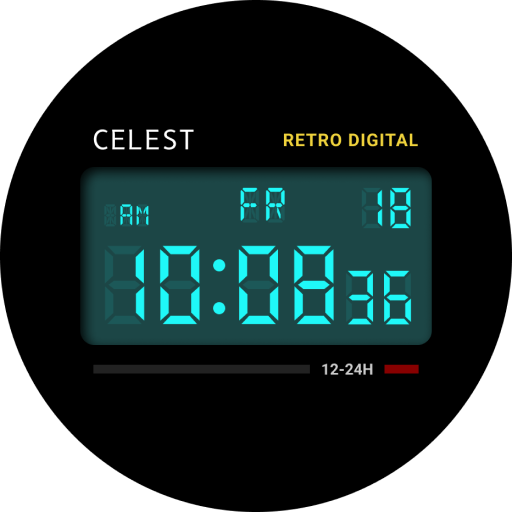
CELEST5404 Retro Digital Watch
Paid
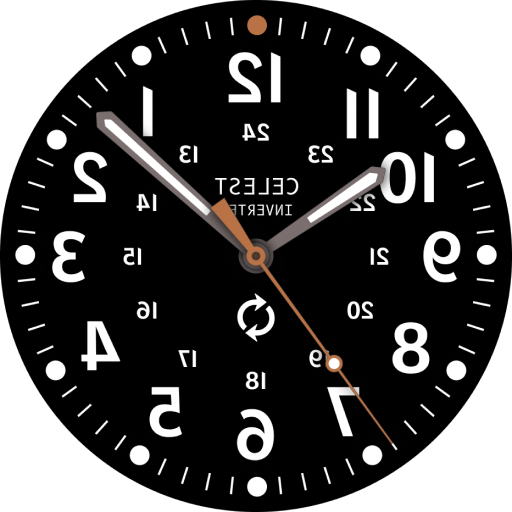
CELEST5405 Mirrored Watch
Paid

CELEST5409 Military Watch
Paid

CELEST5402 Retro Digital Watch
Paid

CELEST5413 Analog Watch
Paid

CELEST5410 Diver Watch
Paid

CELEST5414 Amart analog Watch
Paid

CELEST1000 Military Watch
Paid

CELEST5418 Military Watch
Paid
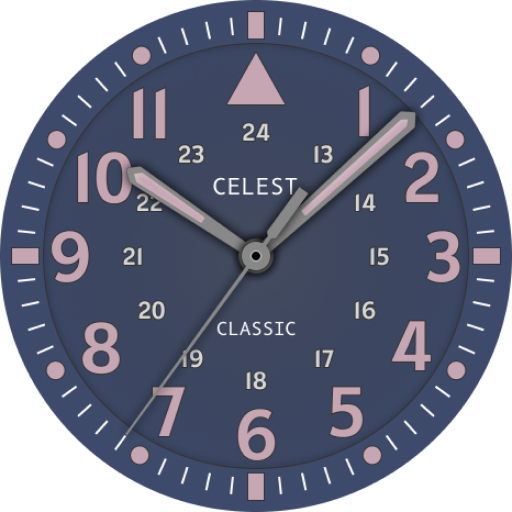
CELEST5419 Military Watch
Paid
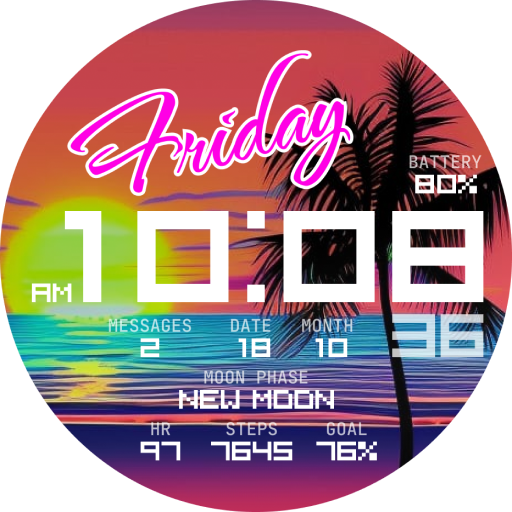
CELEST5421 Smart Watch
Paid

CELEST5422 Minimalist Watch
Paid