
CELEST5497 Animated Watch vVARY
CELEST Watches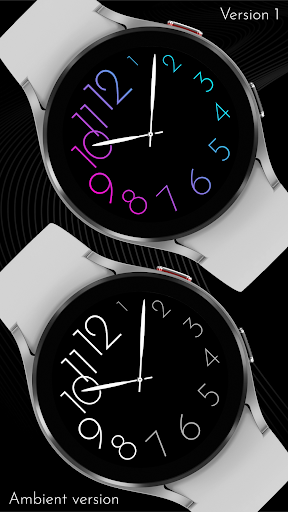


About this app
Developer Description
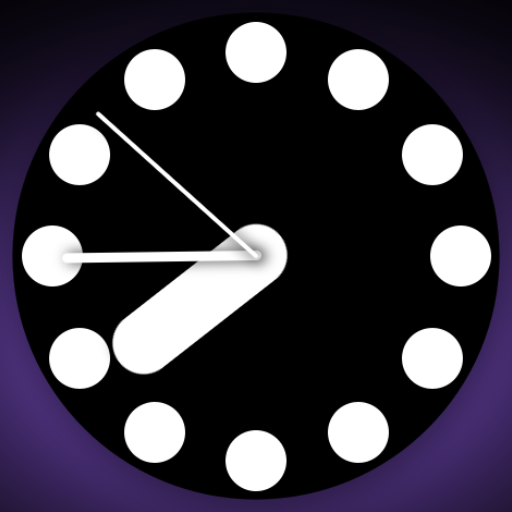
Sleek and elegant classic watch face from CELEST Watches
Unleash your individuality by selecting from nine distinct color variations, each imbued with its own unique charm. Whether you prefer the fiery intensity of a sunset or the serenity of a twilight sky, there's a color palette to match your style.
Further personalize your timepiece with two complication placement options, allowing you to seamlessly integrate additional information without compromising the watch face's sleek aesthetic. Whether you prioritize your fitness goals with a steps counter or prefer a subtle date display, the choice is yours to make.
INSTALLATION GUIDE ↴
When attempting to install a watch face from the official Google Play Android app, you may encounter several issues.
In cases where the watch face is installed on your phone but not on your watch, the developer has included a companion app to enhance visibility on the Play Store. You can uninstall the companion app from your phone and look for a triangular symbol next to the Install button in the Play Store app (https://i.imgur.com/OqWHNYf.png). This symbol indicates a dropdown menu, where you can pick your watch as the target for installation.
Alternatively you can try to open the Play Store in a web browser on your laptop, Mac or PC. This will enable you to visually select the correct device for installation (https://i.imgur.com/Rq6NGAC.png).
[Samsung] If you followed the aforementioned instructions and the watch face still doesn't appear on your watch, open the Galaxy Wearable app. Navigate to the Downloaded section within the app, and you'll find the watch face there (https://i.imgur.com/mmNusLy.png). Simply click on it to initiate the installation.
WATCH FACE DETAILS ↴
Features:
- Animated gradient number colors
- 9 color variants
- 2 complication placement options
CATALOG & DISCOUNTS↴
Our online catalog: https://celest-watches.com/product-category/compatibility/wear-os/
Wear OS discounts: https://celest-watches.com/product-category/availability/on-sale-on-google-play/
FOLLOW US ↴
Instagram: https://www.instagram.com/celestwatches/
Facebook: https://www.facebook.com/celeswatchfaces
Twitter: https://twitter.com/CelestWatches
Telegram: https://t.me/celestwatcheswearos
What's New
Version Information
- Version
- -
- Downloads
- 100+
- Updated on
- Jul 18, 2025
- Released
- Jan 28, 2024
- Requires
- Android Varies with device
Statistics
Google Play Rating History
Rating Distribution
Downloads Over Time
CELEST5497 Animated Watch has been downloaded times. Over the past 30 days, it averaged downloads per day.
Shaded area shows 30-day prediction based on historical trends
Historical data collection started recently. More data points will be available over time.
ApkTrusted Ratings & Reviews
More from CELEST Watches
See more apps
CELEST5415 Retro Digital Watch
Paid

CELEST5409 Military Watch
Paid

CELEST5413 Analog Watch
Paid
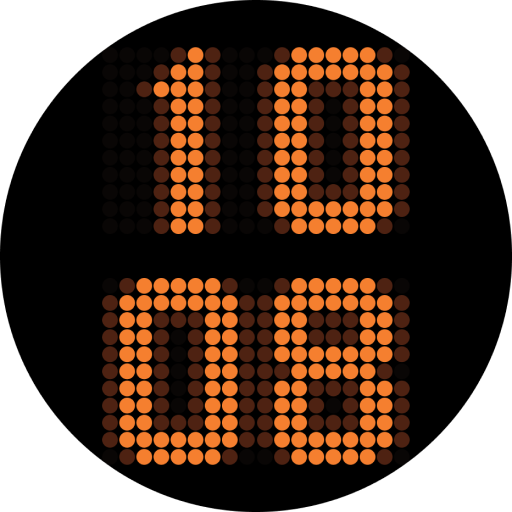
CELEST5401 Minimalist Watch
Paid

CELEST5402 Retro Digital Watch
Paid

CELEST5403 Sport Watch
Paid
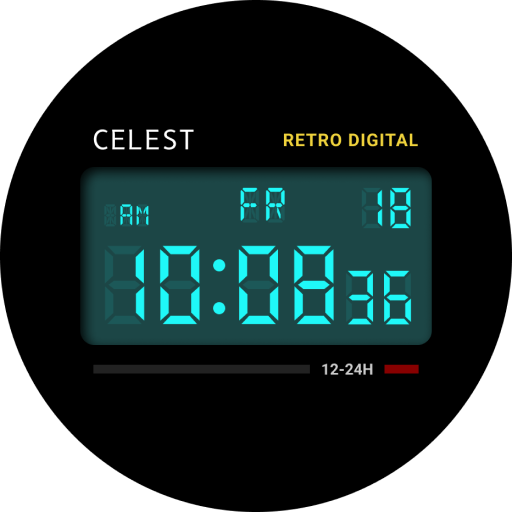
CELEST5404 Retro Digital Watch
Paid

CELEST1000 Military Watch
Paid

CELEST5410 Diver Watch
Paid
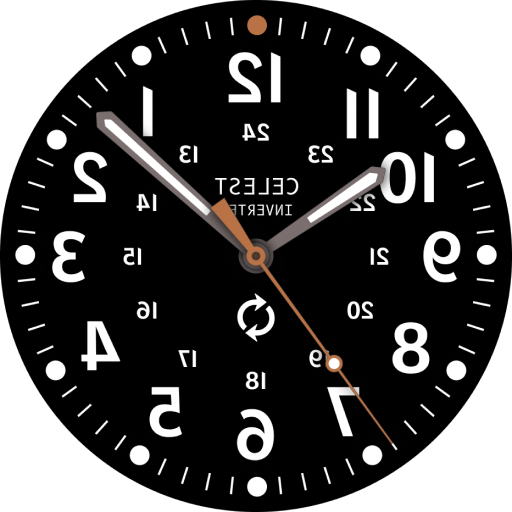
CELEST5405 Mirrored Watch
Paid

CELEST5412 Analog Watch
Paid

Simple Interval Timer
Paid

CELEST5414 Amart analog Watch
Paid

Mini Reader
Paid

CELEST5418 Military Watch
Paid
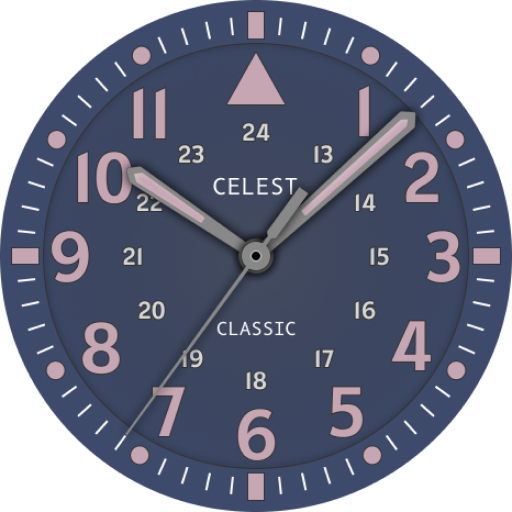
CELEST5419 Military Watch
Paid
Similar Apps

Watch Face CHAOTIC COLOR HOURS
Paid
Large minimalism
Free
THE ROTATING EARTH
Paid

Classic Ocean Watch Face
Paid
Destructive Second Hand
Paid

Ocean Analog Watch Face
Paid

Colorful Watch Face
Free

Fall Numbers Watch Face
Paid
JHW Analog 7: Watch face
Free
Sweet Pink Watch Face
Free
Hurry up! Watch Face
Free
Neon watchface
Free

Casual Blue Red Watch Face
Paid
Big Hand Watch Face
Free

Neon Watch Face
Free

Dark Metal Saber Watch Face
Paid
Scan this QR code to download

Forwarding you to the page at Google Play market in seconds...
Open Google Play market now