
CELEST5547 Analog Watch vVARY
CELEST Watches


About this app
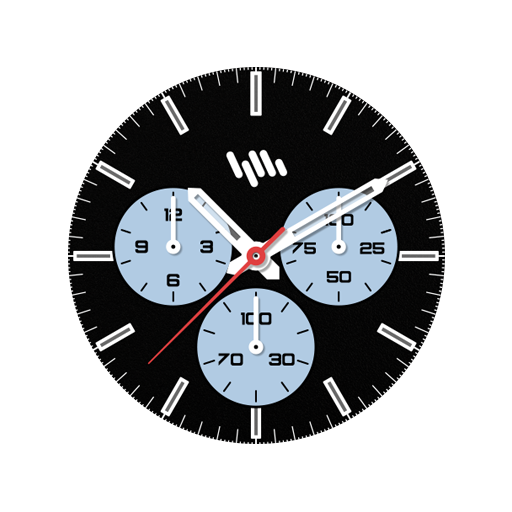
The CELEST5547 Analog Watch app solves the problem of bland and uninspiring watch faces for Android users, offering a sleek and elegant classic design that benefits those seeking a sophisticated look. This app stands out in the Personalization category due to its simplicity and focus on aesthetics, but may fall short in terms of customization options compared to more feature-rich alternatives. Given its paid model without ads or in-app purchases, it caters to users willing to pay for a high-quality, distraction-free experience. The lack of user rating data and limited downloads, however, raise questions about its popularity and community engagement.
Pros
- The app's paid model without ads ensures a clean and uninterrupted user experience, which is a significant advantage for those who value simplicity and are willing to pay for it.
- With zero permissions required, the app poses minimal risk to user privacy, making it an attractive option for those concerned about data security.
- The developer's website and email provide clear channels for support and feedback, indicating a level of commitment to customer service.
- The app's focus on a single, well-designed watch face means that it does one thing very well, potentially appealing to users who prefer a straightforward, uncomplicated experience.
- The absence of in-app purchases means that users know exactly what they're getting for their money, with no additional costs or surprises.
Cons
- The lack of user ratings and limited download numbers raise concerns about the app's popularity and the size of its community, which could impact long-term support and updates.
- The app's simplicity, while a pro for some, may be a con for users looking for more customization options or features beyond a basic watch face.
- The paid model, while ad-free, may deter some potential users who are accustomed to free alternatives or are unwilling to pay for what they perceive as a simple watch face.
- The 'Varies with device' specification for Android requirements and version could lead to compatibility issues or confusion among users with different devices.
Best for: The ideal user for the CELEST5547 Analog Watch app is likely an adult with a moderate to high level of technical skill, who values simplicity, elegance, and is willing to pay a small fee for a high-quality, ad-free watch face experience, and is possibly looking for a classic, uncomplicated design to personalize their Android device.
Developer Description
Sleek and elegant classic watch face from CELEST Watches
🎁 BOGO Promotion: https://celest-watches.com/bogo/
This sophisticated watch face draws inspiration from classic timepieces while embracing a contemporary aesthetic. The clean lines, minimalist design, and subtle color palette create a timeless look that complements any style. The watch face features three subdials: one for the day of the week, one for the date, and one for 24-hour time.
With 10 distinct color variations, you can personalize the watch face to match your mood or outfit. From classic navy and elegant white to vibrant hues, there's a color scheme to suit every preference.
INSTALLATION GUIDE ↴
When attempting to install a watch face from the official Google Play Android app, you may encounter several issues.
In cases where the watch face is installed on your phone but not on your watch, the developer has included a companion app to enhance visibility on the Play Store. You can uninstall the companion app from your phone and look for a triangular symbol next to the Install button in the Play Store app (https://i.imgur.com/OqWHNYf.png). This symbol indicates a dropdown menu, where you can pick your watch as the target for installation.
Alternatively you can try to open the Play Store in a web browser on your laptop, Mac or PC. This will enable you to visually select the correct device for installation (https://i.imgur.com/Rq6NGAC.png).
[Samsung] If you followed the aforementioned instructions and the watch face still doesn't appear on your watch, open the Galaxy Wearable app. Navigate to the Downloaded section within the app, and you'll find the watch face there (https://i.imgur.com/mmNusLy.png). Simply click on it to initiate the installation.
WATCH FACE DETAILS ↴
Customization:
- 10 background color variations
CATALOG & DISCOUNTS↴
Our online catalog: https://celest-watches.com/product-category/compatibility/wear-os/
Wear OS discounts: https://celest-watches.com/product-category/availability/on-sale-on-google-play/
FOLLOW US ↴
Instagram: https://www.instagram.com/celestwatches/
Facebook: https://www.facebook.com/celeswatchfaces
Twitter: https://twitter.com/CelestWatches
Telegram: https://t.me/celestwatcheswearos
Privacy
Given that the CELEST5547 Analog Watch app requires zero permissions, it poses a very low risk to user privacy. However, as with any app, users should be cautious when purchasing from less popular developers and ensure they're downloading from trusted sources like the official Play Store. Regularly reviewing the app's permissions and privacy policy, if one is provided, is also advisable.
Tips
To get the most out of the CELEST5547 Analog Watch, users should first ensure their device is compatible and meets the necessary Android requirements. Setting up the watch face is straightforward, but exploring the developer's website may provide additional tips or themes. For optimal performance, closing unnecessary apps and ensuring the device's software is up to date can help maintain a smooth user experience.
What's New
Version Information
- Version
- -
- Downloads
- 100+
- Updated on
- Jul 18, 2025
- Released
- Nov 19, 2024
- Requires
- Android Varies with device
Statistics
Google Play Rating History
Rating Distribution
Downloads Over Time
CELEST5547 Analog Watch has been downloaded times. Over the past 30 days, it averaged downloads per day.
Shaded area shows 30-day prediction based on historical trends
Historical data collection started recently. More data points will be available over time.
ApkTrusted Ratings & Reviews
More from CELEST Watches
See more apps
CELEST5415 Retro Digital Watch
Paid

CELEST5409 Military Watch
Paid

CELEST5413 Analog Watch
Paid
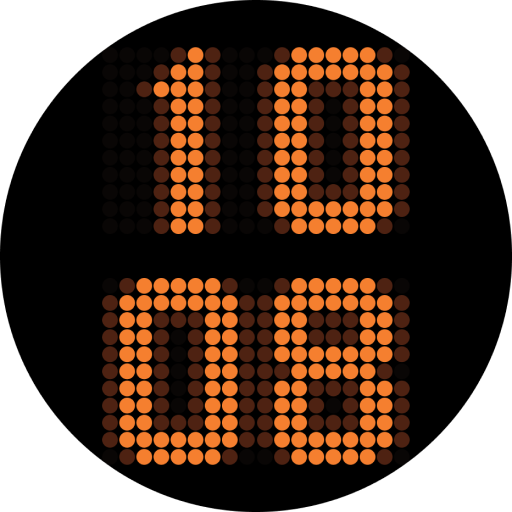
CELEST5401 Minimalist Watch
Paid

CELEST5402 Retro Digital Watch
Paid

CELEST5403 Sport Watch
Paid
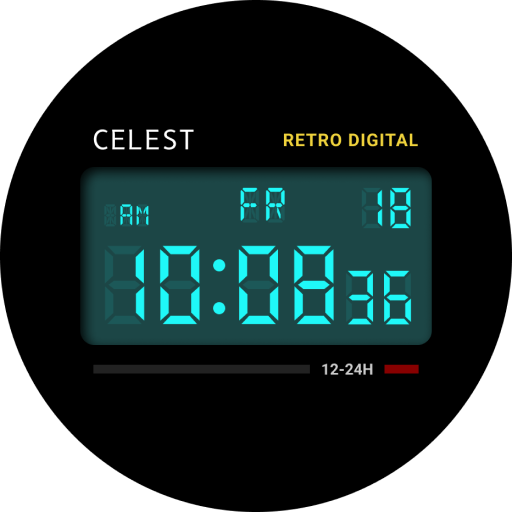
CELEST5404 Retro Digital Watch
Paid

CELEST1000 Military Watch
Paid

CELEST5410 Diver Watch
Paid
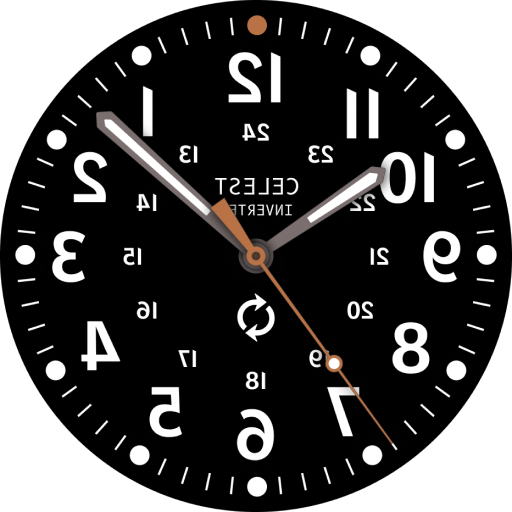
CELEST5405 Mirrored Watch
Paid

CELEST5412 Analog Watch
Paid

Simple Interval Timer
Paid

CELEST5414 Amart analog Watch
Paid

Mini Reader
Paid

CELEST5418 Military Watch
Paid
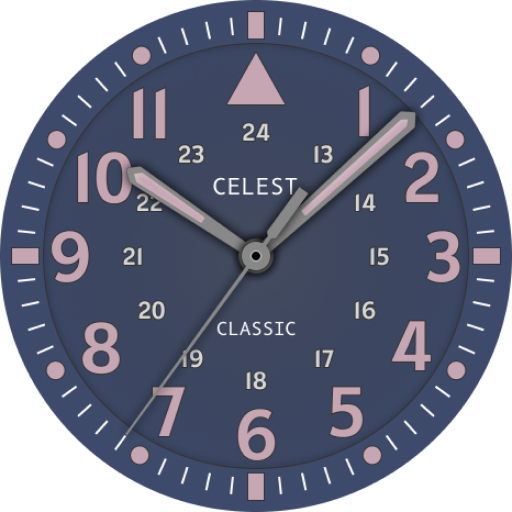
CELEST5419 Military Watch
Paid
Similar Apps
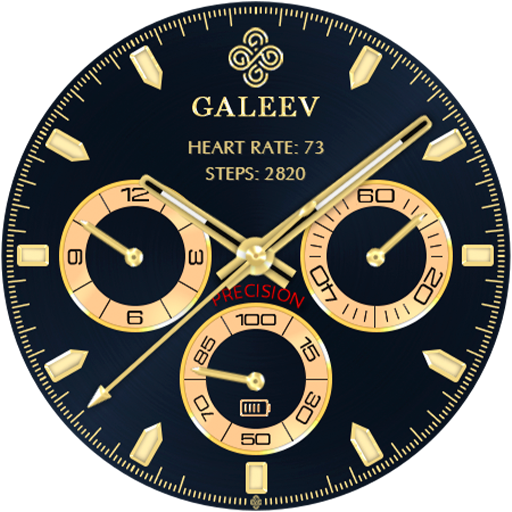
Galeev Precision Watch Face
Paid

SamWatch Steelo Series 3 2021
Paid

SD69
Free

JW097 jwstudio
Paid
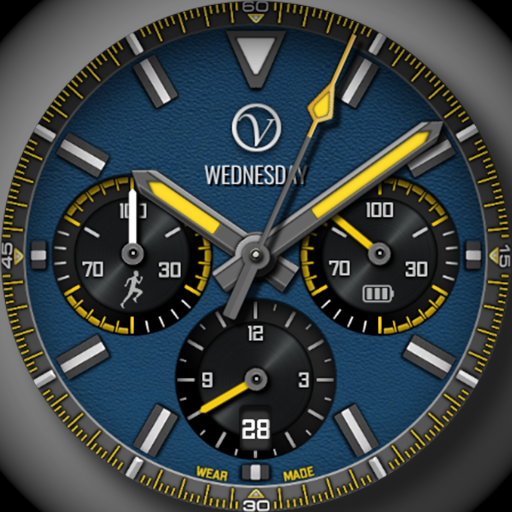
Analog HANLORD VStyle
Paid
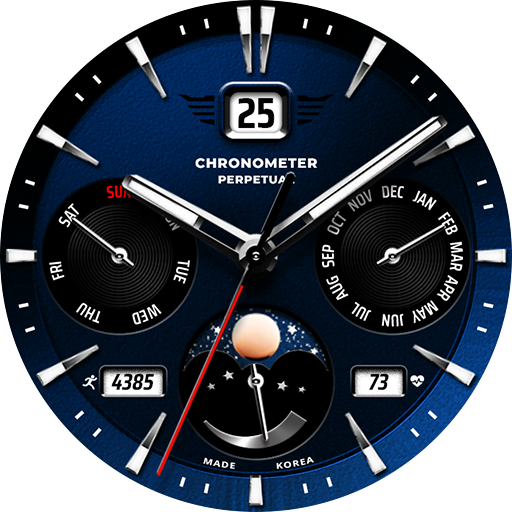
JW016 jwstudio
Paid

JW084 jwstudio
Paid

WTW M11B3 Classic watch face
Paid
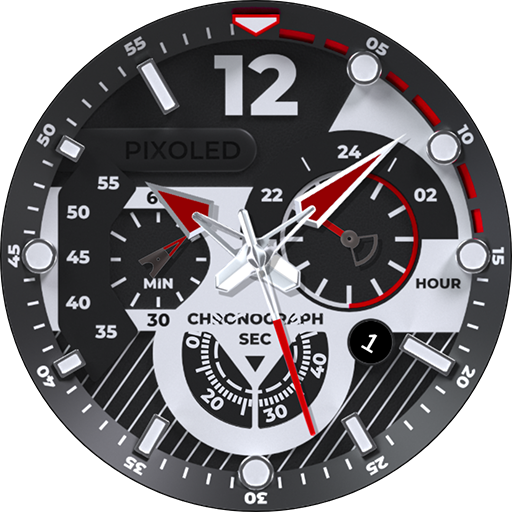
Analog Watchface V1
Paid

AA curren
Free
SamWatch Analog Isis
Free

JW238 CHRONO
Free

JW194 jwstudio
Paid
Scan this QR code to download

Forwarding you to the page at Google Play market in seconds...
Open Google Play market now