
CELEST5552 Analog Watch vVARY
CELEST Watches


About this app
Developer Description
Sleek and elegant classic watch face from CELEST Watches
🎁 BOGO Promotion: https://celest-watches.com/bogo/
This sophisticated watch face draws inspiration from classic timepieces while embracing a contemporary aesthetic. The clean lines, minimalist design, and subtle color palette create a timeless look that complements any style. The watch face features three subdials: one for the day of the week, one for the date, and one for 24-hour time.
With 10 distinct color variations, you can personalize the watch face to match your mood or outfit. From emerald green and elegant white to vibrant hues, there's a color scheme to suit every preference.
For added functionality, you can replace the default subdials (day of the week, date, 24-hour time) with 3 optional circular complications, such as a step counter or heart rate monitor.
INSTALLATION GUIDE ↴
When attempting to install a watch face from the official Google Play Android app, you may encounter several issues.
In cases where the watch face is installed on your phone but not on your watch, the developer has included a companion app to enhance visibility on the Play Store. You can uninstall the companion app from your phone and look for a triangular symbol next to the Install button in the Play Store app (https://i.imgur.com/OqWHNYf.png). This symbol indicates a dropdown menu, where you can pick your watch as the target for installation.
Alternatively you can try to open the Play Store in a web browser on your laptop, Mac or PC. This will enable you to visually select the correct device for installation (https://i.imgur.com/Rq6NGAC.png).
[Samsung] If you followed the aforementioned instructions and the watch face still doesn't appear on your watch, open the Galaxy Wearable app. Navigate to the Downloaded section within the app, and you'll find the watch face there (https://i.imgur.com/mmNusLy.png). Simply click on it to initiate the installation.
WATCH FACE DETAILS ↴
Customization:
- 10 style variations
- 3 optional circular complications
- Multiple-color background options for the complications
Please note that in order to use complications it is advised to set backgrounds for them in custom options 2, 3 and 4!
CATALOG & DISCOUNTS↴
Our online catalog: https://celest-watches.com/product-category/compatibility/wear-os/
Wear OS discounts: https://celest-watches.com/product-category/availability/on-sale-on-google-play/
FOLLOW US ↴
Instagram: https://www.instagram.com/celestwatches/
Facebook: https://www.facebook.com/celeswatchfaces
Twitter: https://twitter.com/CelestWatches
Telegram: https://t.me/celestwatcheswearos
What's New
Version Information
- Version
- -
- Downloads
- 100+
- Updated on
- Jul 18, 2025
- Released
- Nov 17, 2024
- Requires
- Android Varies with device
Statistics
Google Play Rating History
Rating Distribution
Downloads Over Time
CELEST5552 Analog Watch has been downloaded times. Over the past 30 days, it averaged downloads per day.
Shaded area shows 30-day prediction based on historical trends
Historical data collection started recently. More data points will be available over time.
CELEST5552 Analog Watch users say on Google Play
 Brendon Hall
Absolutely love this one. So many calories variations. I time value.
ApkTrusted Ratings & Reviews
More from CELEST Watches
See more apps
CELEST5415 Retro Digital Watch
Paid

CELEST5409 Military Watch
Paid

CELEST5413 Analog Watch
Paid
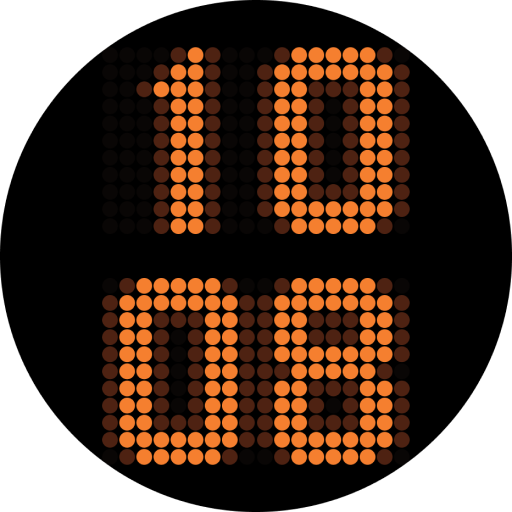
CELEST5401 Minimalist Watch
Paid

CELEST5402 Retro Digital Watch
Paid

CELEST5403 Sport Watch
Paid
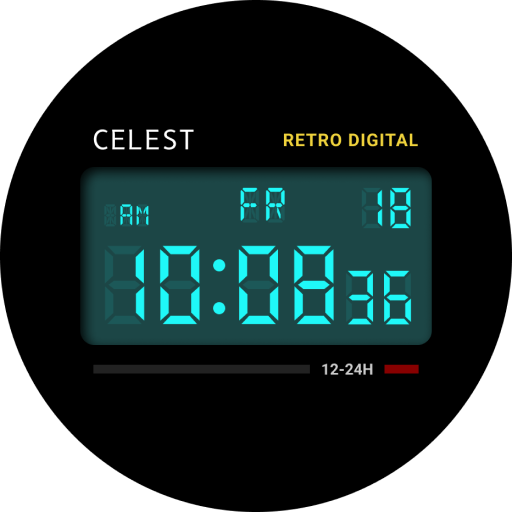
CELEST5404 Retro Digital Watch
Paid

CELEST1000 Military Watch
Paid

CELEST5410 Diver Watch
Paid
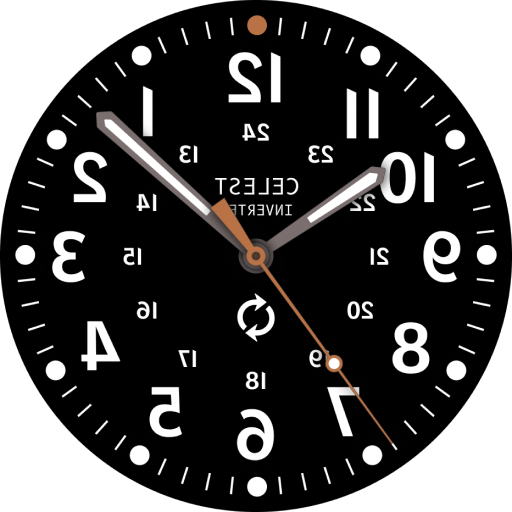
CELEST5405 Mirrored Watch
Paid

CELEST5412 Analog Watch
Paid

Simple Interval Timer
Paid

CELEST5414 Amart analog Watch
Paid

Mini Reader
Paid

CELEST5418 Military Watch
Paid
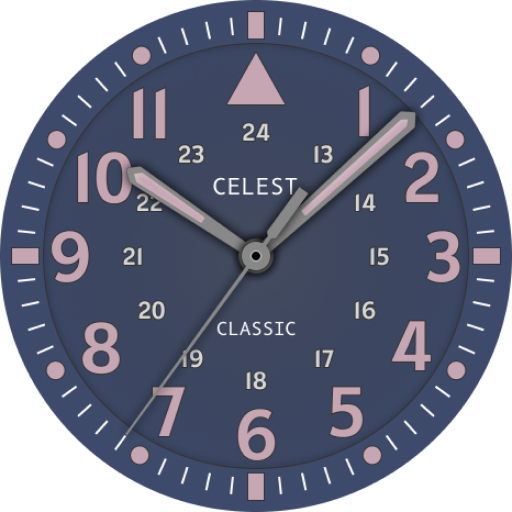
CELEST5419 Military Watch
Paid
Scan this QR code to download

Forwarding you to the page at Google Play market in seconds...
Open Google Play market now