
CELEST5562 Retro Digital Watch vVARY
CELEST Watches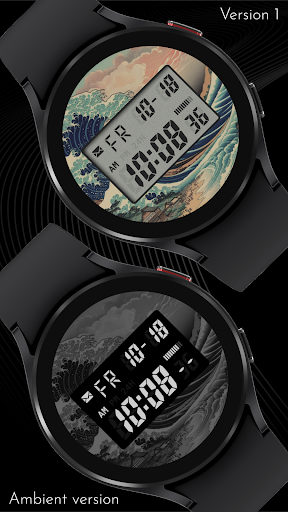
About this app
Developer Description
Sleek and elegant classic watch face from CELEST Watches
🎁 BOGO Promotion: https://celest-watches.com/bogo/
A watch face from CELEST Watches to transform your Wear OS device with a stylish design that's a pleasure to wear.
ABOUT THIS DESIGN ↴
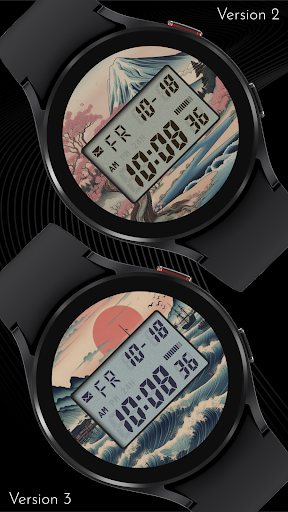
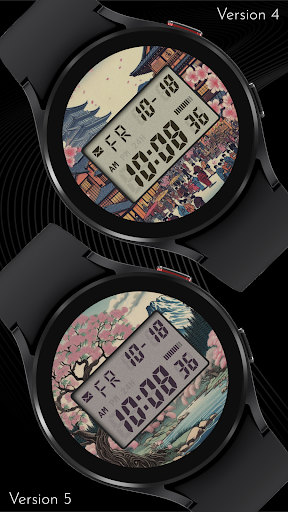
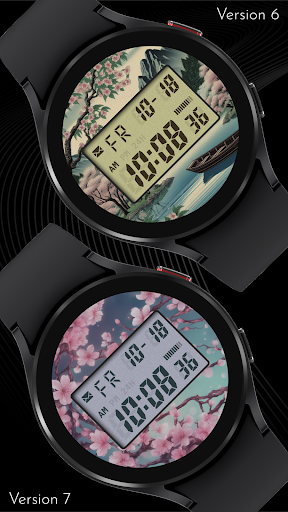
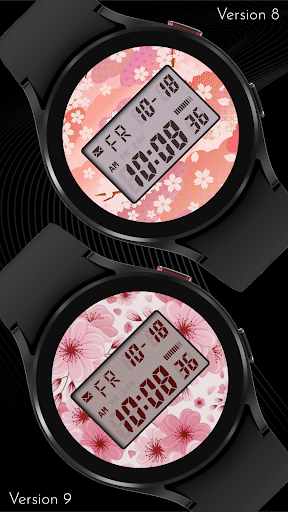
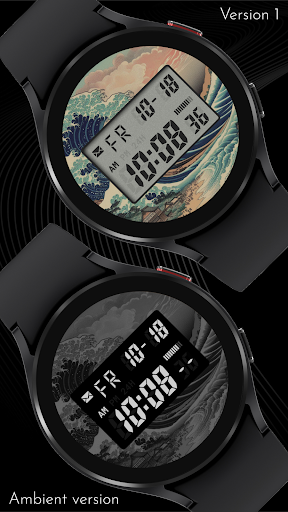
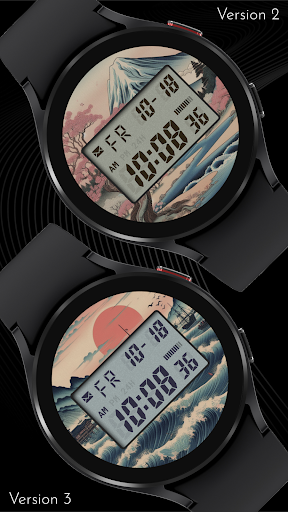
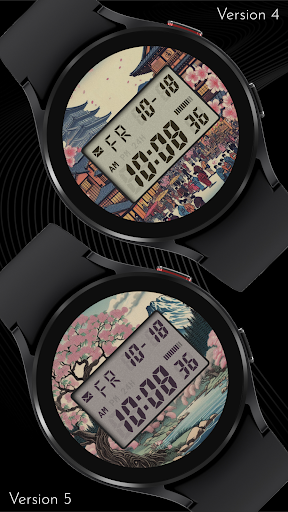
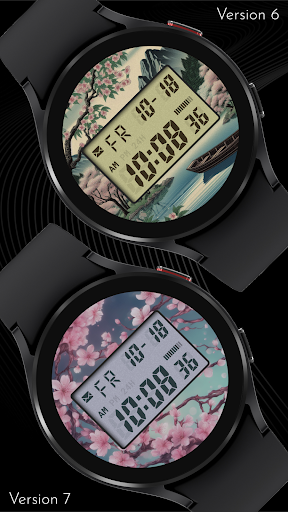
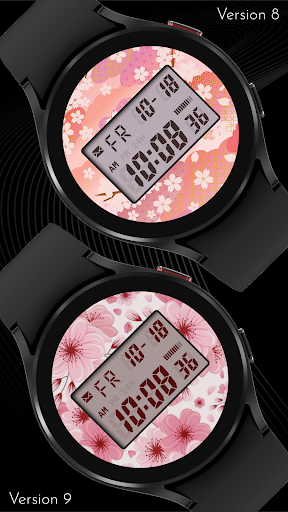
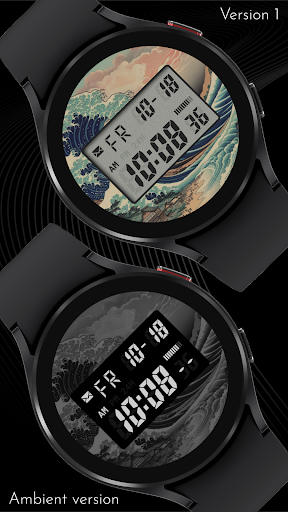
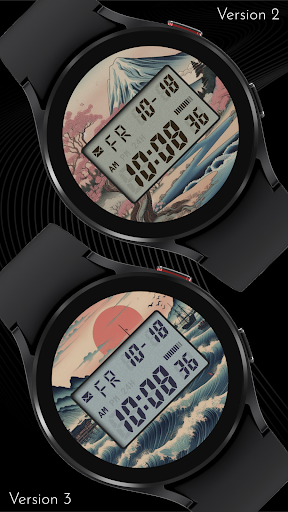
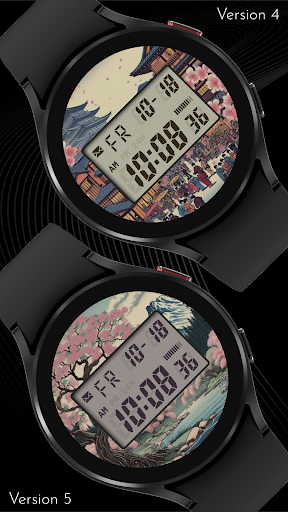
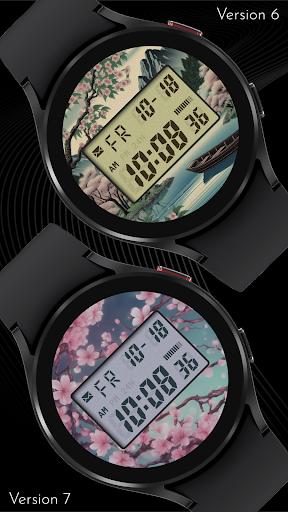
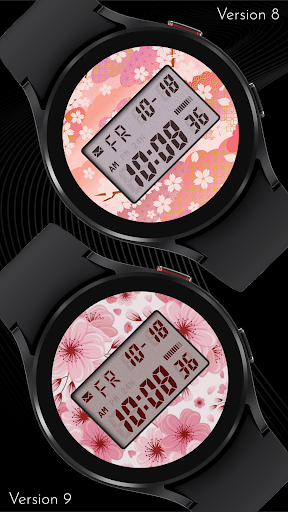
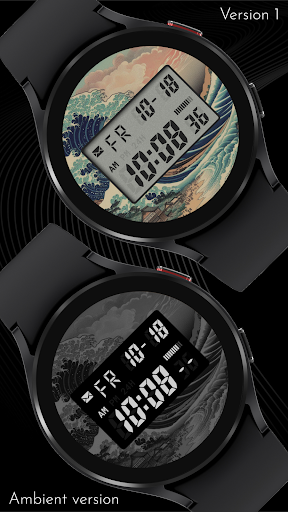
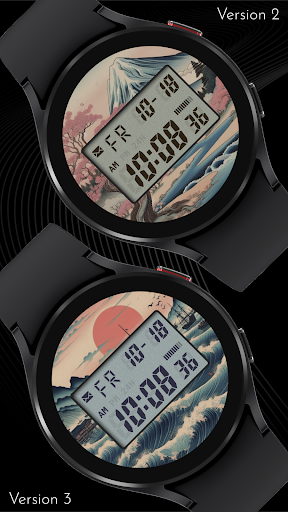
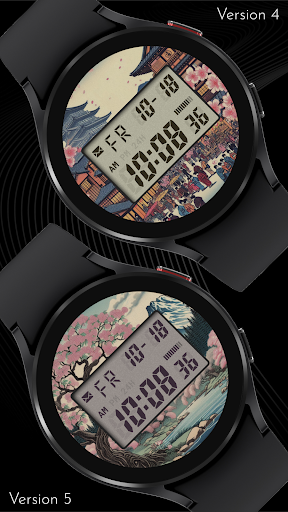
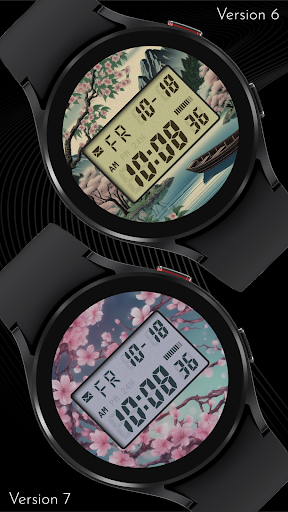
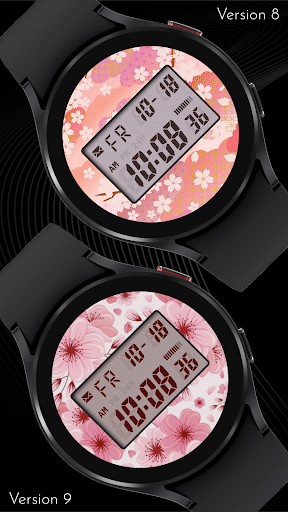
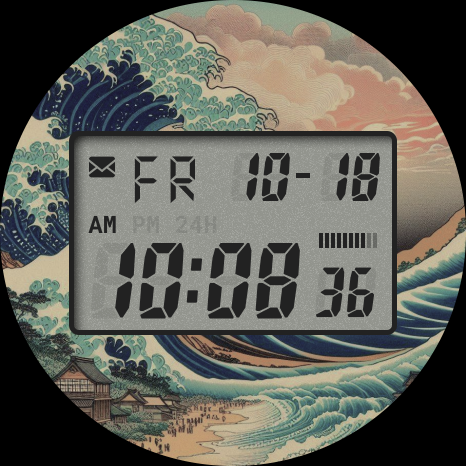
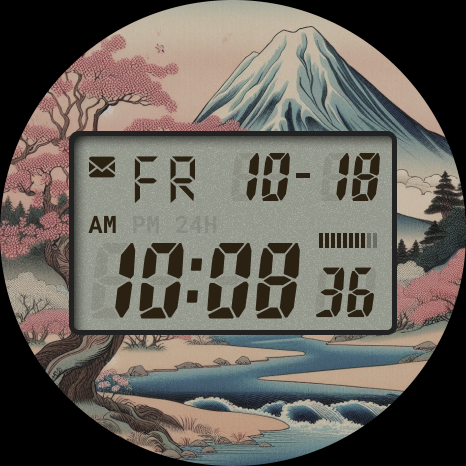
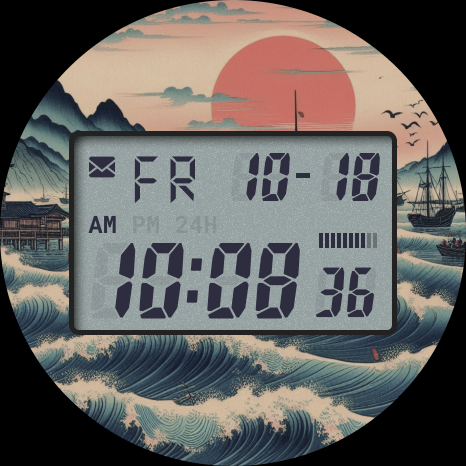
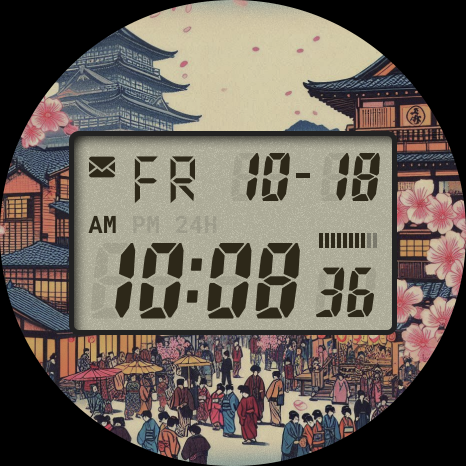
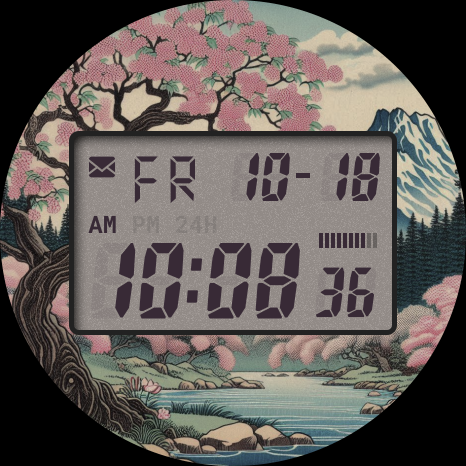
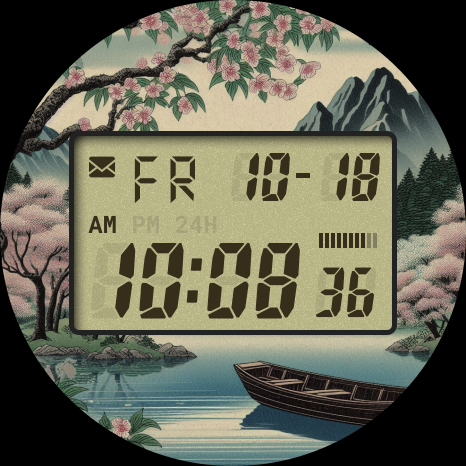
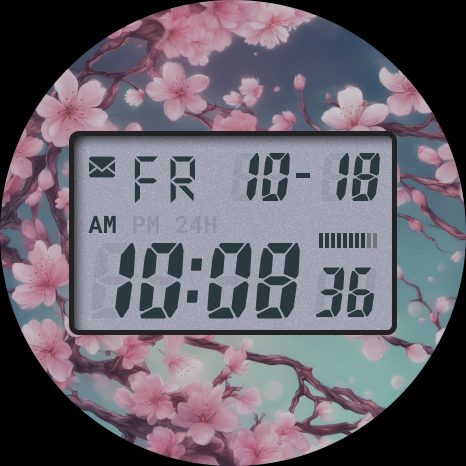
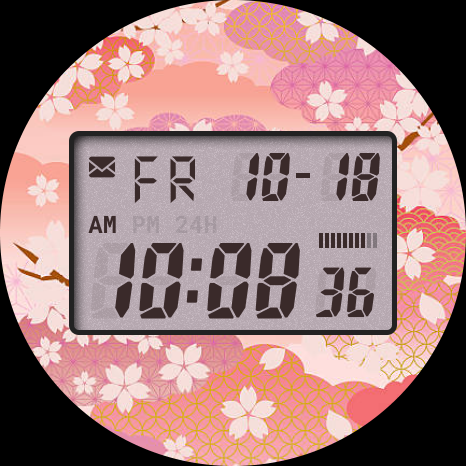
Immerse yourself in the serene beauty of traditional Japanese art with this unique watch face. Drawing inspiration from classic Japanese woodblock prints, this design encapsulates the tranquility of nature through its delicate waves and soft hues. With ten distinct variations, each echoing the artistry of the original prints, you can carry a piece of timeless art on your wrist. Each element harmonizes to create a calming aesthetic, offering a subtle yet profound connection to the natural world, right from your wrist.
Beyond its artistic appeal, this watch face offers a wealth of customization to suit your personal style and functional needs. Select from ten vibrant LCD background and foreground colors to perfectly match your mood or outfit. Enhance your daily efficiency by setting up four invisible circular complications as app shortcuts, providing quick and easy access to your most-used applications. Experience the fusion of art and utility, all while staying effortlessly on time.
INSTALLATION GUIDE ↴
Having trouble installing your watch face from the Google Play Store? Follow these steps for a smooth setup:
✅ Watch Face Installed on Your Phone but Not on Your Watch?
This happens because the Play Store may install a companion app instead. To install directly on your watch:
1. Use the Play Store on Your Watch – Open Google Play on your smartwatch, search for the watch face name, and install it directly.
2. Use the Play Store Dropdown Menu – On your phone, tap the small triangular icon next to the "Install" button (https://i.imgur.com/boSIZ5k.png). Then, select your watch as the target device (https://i.imgur.com/HsZD0Xo.jpeg).
3. Try a Web Browser – Open the Play Store in a web browser on your PC, Mac, or laptop to manually select your watch (https://i.imgur.com/Rq6NGAC.png).
✅ Still Not Showing?
If the watch face doesn’t appear on your watch, open your watch's companion app on your phone (for Samsung devices, this is the Galaxy Wearable app):
- Navigate to the Downloaded section under watch faces.
- Find the watch face and tap to install it (https://i.imgur.com/Zi79PFr.png).
✅ Need More Help?
If you're still experiencing issues, contact us at info@celest-watches.com, and we'll help you resolve it quickly.
CUSTOMIZATION OPTIONS ↴
Option #1: Background image (10 options)
Option #2: LCD background color (10 options)
Option #3: LCD text color (10 options)
Option #4: Option to disable the AOD background to help conserve battery
Option #5: AOD background dim options (70-60-50-40-30%)
Option #6: 4 invisible circular complications to set up app shortcuts
EXPLORE MORE & GET DISCOUNTS ↴
📌 Full Catalog: https://celest-watches.com/product-category/compatibility/wear-os/
📌 Exclusive Discounts for Wear OS: https://celest-watches.com/product-category/availability/on-sale-on-google-play/
STAY CONNECTED ↴
📸 Instagram: https://www.instagram.com/celestwatches/
📘 Facebook: https://www.facebook.com/celeswatchfaces
🐦 Twitter/X: https://twitter.com/CelestWatches
🎭 Threads: https://www.threads.net/@celestwatches
📌 Pinterest: https://pinterest.com/celestwatches/
🎵 TikTok: https://www.tiktok.com/@celestwatches
📝 Tumblr: https://www.tumblr.com/blog/celestwatches
📢 Telegram: https://t.me/celestwatcheswearos
🎁 Donate: https://buymeacoffee.com/celestwatches
What's New
Version Information
- Version
- -
- Downloads
- 1K+
- Updated on
- Jul 18, 2025
- Released
- Feb 8, 2025
- Requires
- Android Varies with device
Statistics
Google Play Rating History
Rating Distribution
Downloads Over Time
CELEST5562 Retro Digital Watch has been downloaded times. Over the past 30 days, it averaged downloads per day.
Shaded area shows 30-day prediction based on historical trends
Historical data collection started recently. More data points will be available over time.
CELEST5562 Retro Digital Watch users say on Google Play
 C. S.
C. S.
Very nice, just wish I could make the display smaller or more transparent to see the art better. Thanks!
 Hijanah2805
nice
 PHR33k
cool but it's unclear how to make the watch face look like the ambient option. followed instructions given by developers but it did not work. The image is not grey scale as shown. after further instructions the issue is still not resolved.
 Kat Hawkinson (Kat)
this app is awful. I've tried numerous times to use as a watch face and this skin literally just closes without me being able to set the face. don't waste your money buying this.
ApkTrusted Ratings & Reviews
More from CELEST Watches
See more apps
CELEST5415 Retro Digital Watch
Paid

CELEST5409 Military Watch
Paid

CELEST5413 Analog Watch
Paid
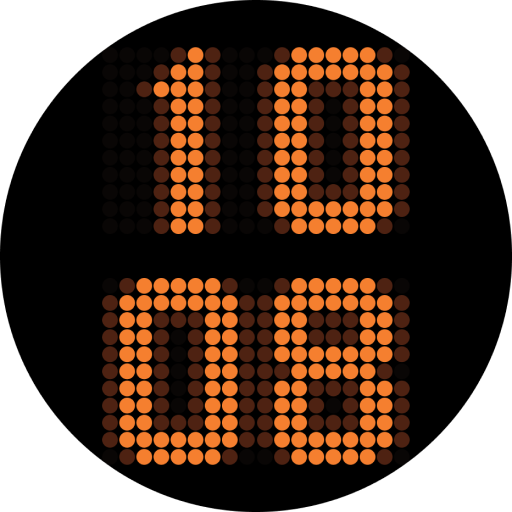
CELEST5401 Minimalist Watch
Paid

CELEST5402 Retro Digital Watch
Paid

CELEST5403 Sport Watch
Paid
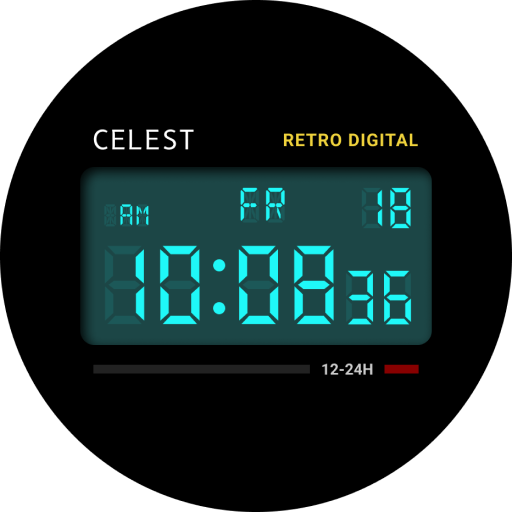
CELEST5404 Retro Digital Watch
Paid

CELEST1000 Military Watch
Paid

CELEST5410 Diver Watch
Paid
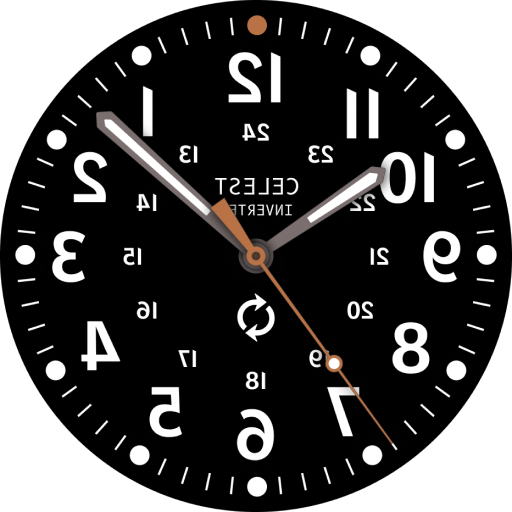
CELEST5405 Mirrored Watch
Paid

CELEST5412 Analog Watch
Paid

Simple Interval Timer
Paid

CELEST5414 Amart analog Watch
Paid

Mini Reader
Paid

CELEST5418 Military Watch
Paid
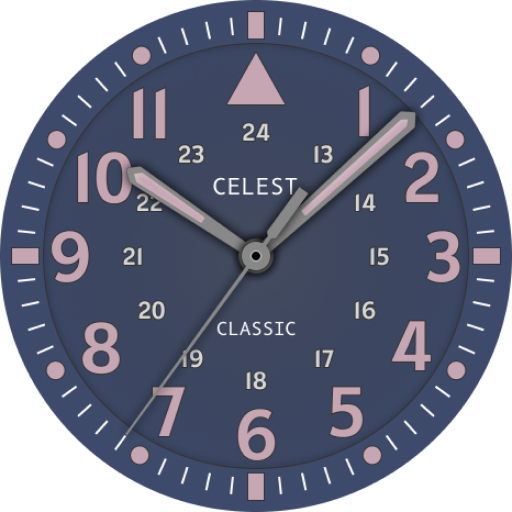
CELEST5419 Military Watch
Paid
Scan this QR code to download

Forwarding you to the page at Google Play market in seconds...
Open Google Play market now