
CELEST5573 Data Hub Watch vVARY
CELEST Watches


About this app
Developer Description
Sleek and elegant classic watch face from CELEST Watches
🎁 BOGO Promotion: https://celest-watches.com/bogo/
⚠️ Pixel Watch 3 (45mm) Notice:
Weather forecast for day 5+ may not display correctly on this model. No issues have been reported on other devices so far.
===
A watch face from CELEST Watches to transform your Wear OS device with a stylish design that's a pleasure to wear.
ABOUT THIS DESIGN ↴
Keep informed with this customizable watch face, offering a clear 5-day weather forecast alongside current conditions. Personalize your display with a choice of 9 colorful backgrounds or 9 simple dark gradients. Further customize the look with 24 text color options. The watch face also features a prominent time and date display and supports multiple languages for a user-friendly experience.
INSTALLATION GUIDE ↴
Having trouble installing your watch face from the Google Play Store? Follow these steps for a smooth setup:
✅ Watch Face Installed on Your Phone but Not on Your Watch?
This happens because the Play Store may install a companion app instead. To install directly on your watch:
1. Use the Play Store on Your Watch – Open Google Play on your smartwatch, search for the watch face name, and install it directly.
2. Use the Play Store Dropdown Menu – On your phone, tap the small triangular icon next to the "Install" button (https://i.imgur.com/boSIZ5k.png). Then, select your watch as the target device (https://i.imgur.com/HsZD0Xo.jpeg).
3. Try a Web Browser – Open the Play Store in a web browser on your PC, Mac, or laptop to manually select your watch (https://i.imgur.com/Rq6NGAC.png).
✅ Still Not Showing?
If the watch face doesn’t appear on your watch, open your watch's companion app on your phone (for Samsung devices, this is the Galaxy Wearable app):
- Navigate to the Downloaded section under watch faces.
- Find the watch face and tap to install it (https://i.imgur.com/Zi79PFr.png).
✅ Need More Help?
If you're still experiencing issues, contact us at info@celest-watches.com, and we'll help you resolve it quickly.
CUSTOMIZATION OPTIONS ↴
Opion #1: 24 text color options
Opion #2: Default black and 9 vibrant background options
Opion #3: 9 additional dark gradient background option
EXPLORE MORE & GET DISCOUNTS ↴
📌 Full Catalog: https://celest-watches.com/product-category/compatibility/wear-os/
📌 Exclusive Discounts for Wear OS: https://celest-watches.com/product-category/availability/on-sale-on-google-play/
STAY CONNECTED ↴
📸 Instagram: https://www.instagram.com/celestwatches/
📘 Facebook: https://www.facebook.com/celeswatchfaces
🐦 Twitter/X: https://twitter.com/CelestWatches
🎭 Threads: https://www.threads.net/@celestwatches
📌 Pinterest: https://pinterest.com/celestwatches/
🎵 TikTok: https://www.tiktok.com/@celestwatches
📝 Tumblr: https://www.tumblr.com/blog/celestwatches
📢 Telegram: https://t.me/celestwatcheswearos
🎁 Donate: https://buymeacoffee.com/celestwatches
What's New
Version Information
- Version
- -
- Downloads
- 100+
- Updated on
- Sep 14, 2025
- Released
- May 2, 2025
- Requires
- Android Varies with device
Statistics
Google Play Rating History
Rating Distribution
Downloads Over Time
CELEST5573 Data Hub Watch has been downloaded times. Over the past 30 days, it averaged downloads per day.
Shaded area shows 30-day prediction based on historical trends
Historical data collection started recently. More data points will be available over time.
CELEST5573 Data Hub Watch users say on Google Play
 Senad
Senad
Very nice and clean watch face.
ApkTrusted Ratings & Reviews
More from CELEST Watches
See more apps
CELEST5415 Retro Digital Watch
Paid

CELEST5409 Military Watch
Paid

CELEST5413 Analog Watch
Paid
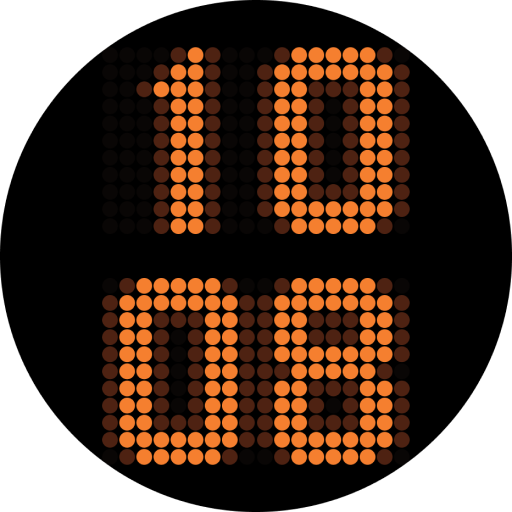
CELEST5401 Minimalist Watch
Paid

CELEST5402 Retro Digital Watch
Paid

CELEST5403 Sport Watch
Paid
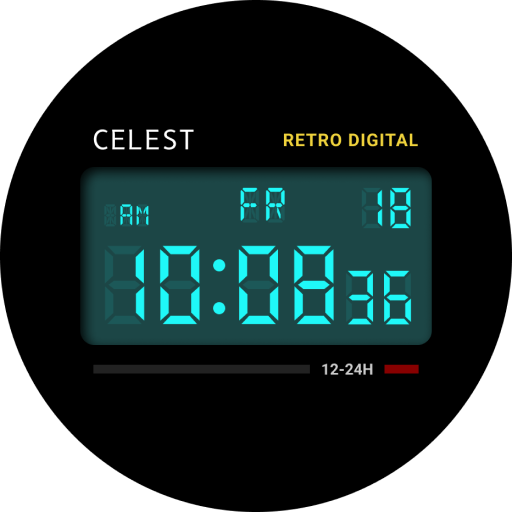
CELEST5404 Retro Digital Watch
Paid

CELEST1000 Military Watch
Paid

CELEST5410 Diver Watch
Paid
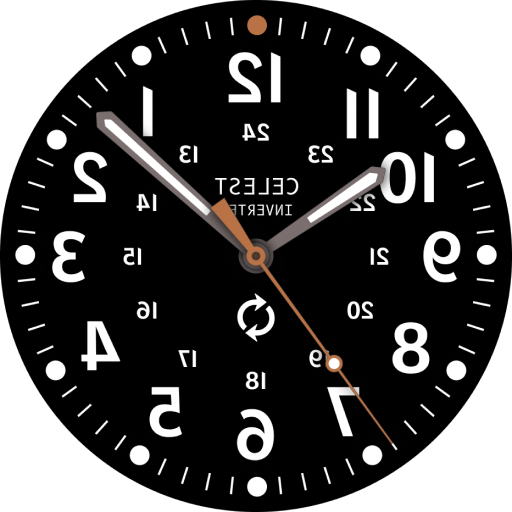
CELEST5405 Mirrored Watch
Paid

CELEST5412 Analog Watch
Paid

Simple Interval Timer
Paid

CELEST5414 Amart analog Watch
Paid

Mini Reader
Paid

CELEST5418 Military Watch
Paid
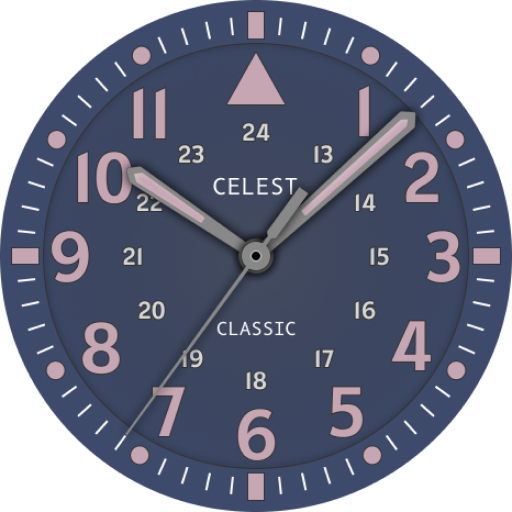
CELEST5419 Military Watch
Paid
Scan this QR code to download

Forwarding you to the page at Google Play market in seconds...
Open Google Play market now