
CELEST5578 Data Hub Watch vVARY
CELEST Watches










About this app
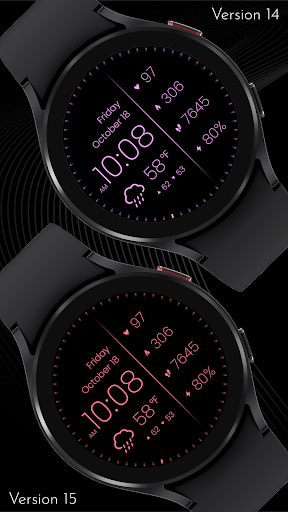
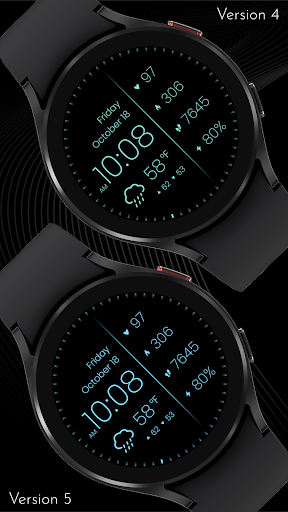
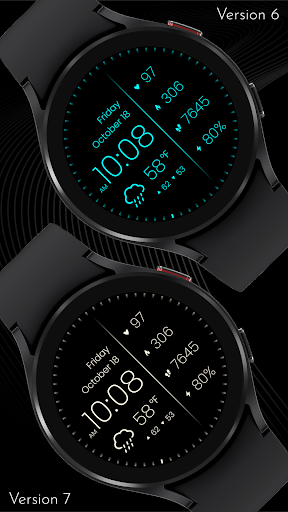
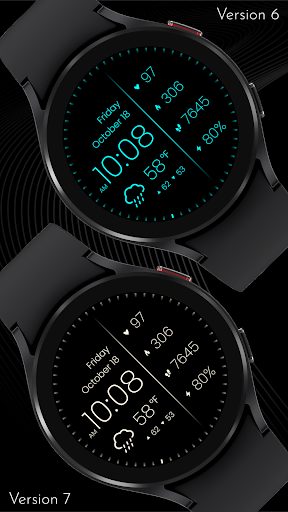
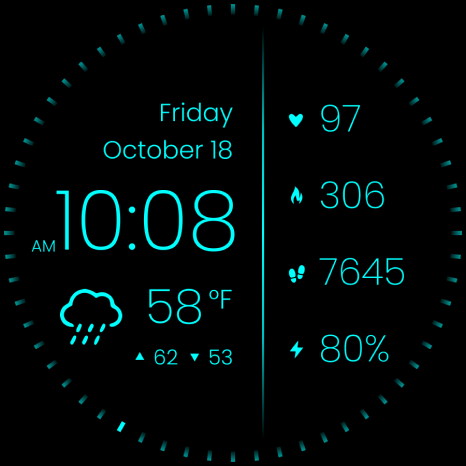
The CELEST5578 Data Hub Watch app solves the problem of cluttered and unreadable watch faces by providing a clear and simple design that features essential information such as weather, date, and fitness metrics. This app benefits users who value simplicity and readability on their watch face, particularly those who engage in fitness activities or need quick access to weather information. Compared to alternatives in the Personalization category, this app stands out for its excellent user rating and minimalistic approach. However, its limited functionality and lack of customization options might fall short for users seeking more complex or personalized watch faces.
Pros
- The app has an excellent user rating of 4.9/5, indicating a high level of user satisfaction and social proof, which is a significant advantage in the Personalization category.
- With no ads or in-app purchases, the app provides a clean and uninterrupted user experience, making it a great choice for users who value simplicity and are willing to pay a one-time fee of $0.99.
- The developer's reputation, as evident from their professional website and email, suggests a commitment to quality and customer support, which is a significant plus for users.
- The app's minimalistic design and limited functionality result in a lightweight and efficient app that consumes minimal system resources, making it suitable for a wide range of devices.
- The app's clear and simple design makes it highly accessible, particularly for users who may struggle with complex or cluttered watch faces.
Cons
- The app's limited functionality and lack of customization options might be a concern for users who seek more complex or personalized watch faces, potentially limiting its appeal to a broader audience.
- Although the app has a high user rating, the limited number of downloads and ratings might raise concerns about the app's popularity and long-term support, which could impact its development and updates.
- The app's website and email support suggest a professional approach, but the lack of transparency about update frequency and future development plans might be a concern for users who value ongoing support and improvements.
- The app's requirement for varying Android versions might lead to compatibility issues on certain devices, potentially affecting its performance and user experience.
Best for: The ideal user for this app is a health-conscious individual, likely between the ages of 25 and 50, who values simplicity, readability, and ease of use on their watch face, and is willing to pay a one-time fee for a high-quality, ad-free experience that provides essential fitness and weather metrics at a glance.
Developer Description
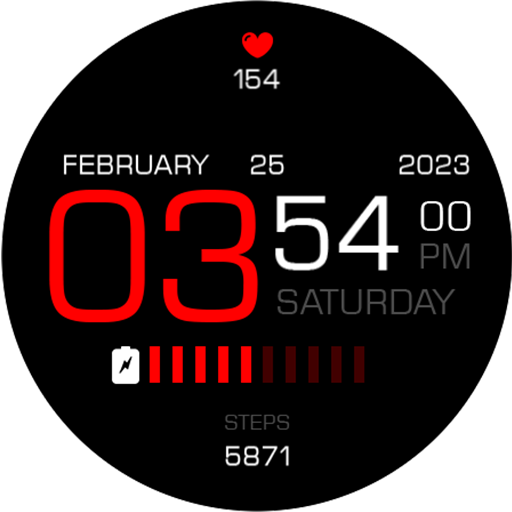
Clear readability watch face featuring weather, date & fitness metrics
🎁 BOGO Promotion: https://celest-watches.com/bogo/
This watch face is designed for optimal readability, especially for seniors and those with poor eyesight. It features a high-contrast display with large, clear white text and icons on a black background, making the time, date, weather (in Celsius or Fahrenheit), and activity metrics easy to see. All displayed texts are fully multilingual.
** Features **
- 20 vibrant color accent options to match your style
- Weather display in Celsius or Fahrenheit
- Multilingual support for all text elements
- High-contrast design ensures excellent visibility in all conditions
** Compatibility **
- This watch face requires Wear OS 5+ for weather functionality. Compatible with all Wear OS smartwatches running version 5 or later.
** Installation Help & Troubleshooting **
- Use the dropdown menu next to "Install" on your phone to select your watch model or install directly from your watch's Play Store app
- Updating weather data may take time after installation but switching to another watch face and switching back or restarting both the watch and phone usually helps
- Check out our installation and troubleshooting guide: https://celest-watches.com/installation-troubleshooting/
- Contact us at info@celest-watches.com for quick support
** Discover More **
Browse our full collection of premium Wear OS watch faces:
🔗 https://celest-watches.com
💰 Exclusive discounts available
** Support & Community **
📧 Support: info@celest-watches.com
📱 Follow @celestwatches on Instagram or sign up to our newsletter!
Privacy
Given the app's zero permission requests, it is likely that no sensitive data is being collected, and the app's functionality is self-contained. However, users should still be cautious when installing any app, and it is recommended to monitor the app's behavior and review any future updates for potential changes in permission requests or data collection. Additionally, users should ensure they are downloading the app from a trusted source to avoid any potential malware or security risks.
Tips
To get the most out of this app, users should first ensure their watch is properly connected and configured, then explore the app's settings to customize the layout and data display to their preferences. Additionally, users can optimize the app's performance by closing unnecessary background apps and ensuring their device has sufficient storage and memory. Finally, users can integrate this app with other fitness or weather apps to enhance its functionality and create a more comprehensive user experience.
What's New
Version Information
- Version
- -
- Downloads
- 500+
- Updated on
- Jul 18, 2025
- Released
- Jun 9, 2025
- Requires
- Android Varies with device
Statistics
Google Play Rating History
Rating Distribution
Downloads Over Time
CELEST5578 Data Hub Watch has been downloaded times. Over the past 30 days, it averaged downloads per day.
Shaded area shows 30-day prediction based on historical trends
Historical data collection started recently. More data points will be available over time.
CELEST5578 Data Hub Watch users say on Google Play
 JEFFER33
When I first installed it worked, after that face does not scale correctly to Pixel Watch 4. It appears too large. I have uninstalled and reinstalled but still doesn't work. Too bad it's a nice face. UPDATE: Developer responded with Help. Set watch face and restart watch. It worked!! Thank you. Nice and clean minimal watch face.
ApkTrusted Ratings & Reviews
More from CELEST Watches
See more apps
Simple Interval Timer
Paid

Mini Reader
Paid

Névnapp – Sose felejtsd el!
Paid

CELEST5432 Retro Digital Watch
Paid

CELEST3020 Minimalist Watch
Paid

CELEST5425 Analog Watch
Paid

CELEST1310 Minimalist Watch
Paid

CELEST5448 Minimalist Watch
Paid

CELEST1000 Military Watch
Paid
CELEST5401 Minimalist Watch
Paid

CELEST5402 Retro Digital Watch
Paid

CELEST5403 Sport Watch
Paid
CELEST5404 Retro Digital Watch
Paid
CELEST5405 Mirrored Watch
Paid

CELEST5409 Military Watch
Paid

CELEST5410 Diver Watch
Paid
Similar Apps

PW93 Digit Ease Watch Face
Paid

MW32 Minimal Digital Watch
Paid

TVV Minimal 4 Watch Face
Paid
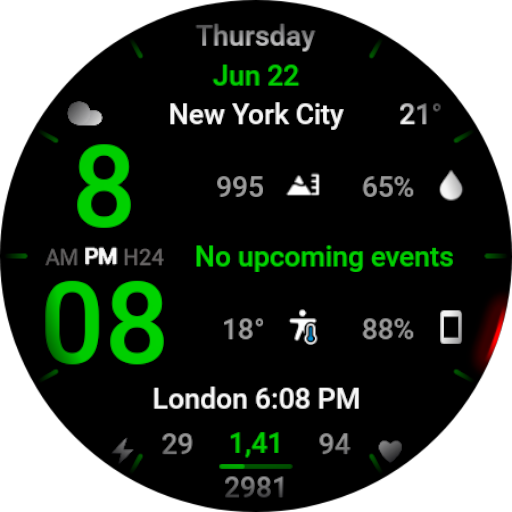
WR 001 Digital Watch Face
Paid

Minimal & Digital Smart - RE26
Paid
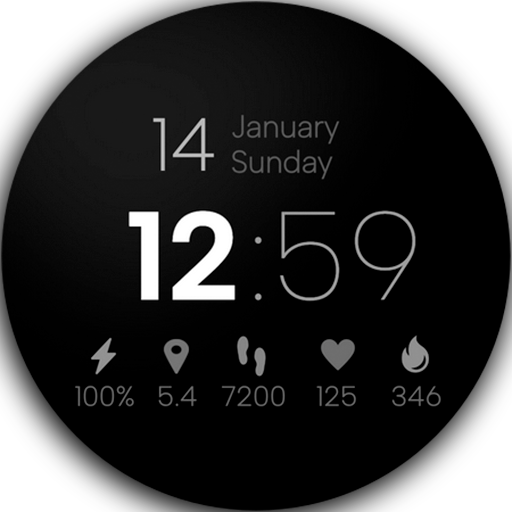
Minimal Digital Watch Face Pro
Paid
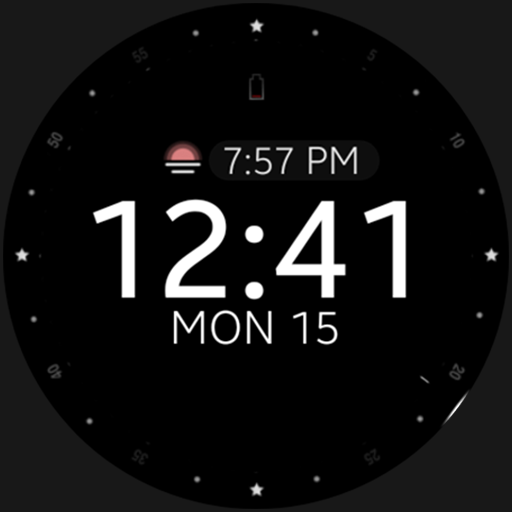
Battery v2 Digital watch face
Paid
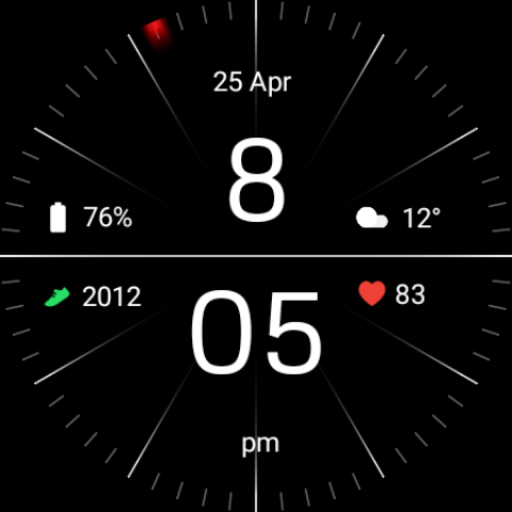
Minimal Black Watch Face
Free
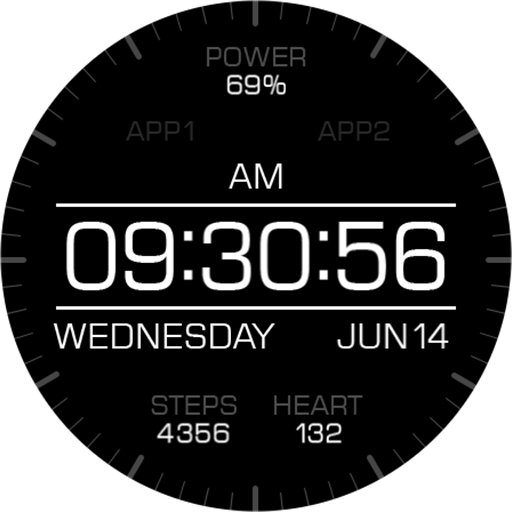
Key066 Digital Watch Face
Paid
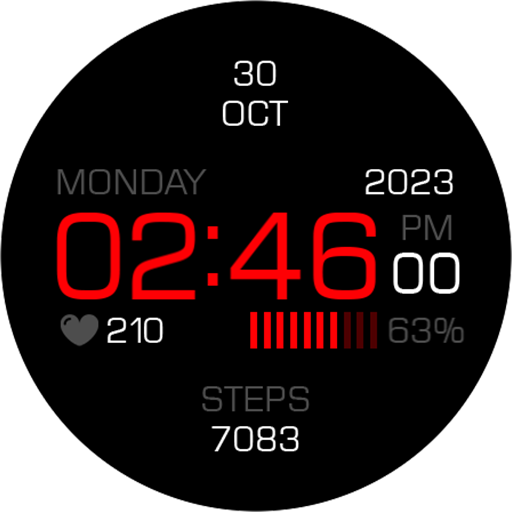
Key099 Digital Watch Face
Paid
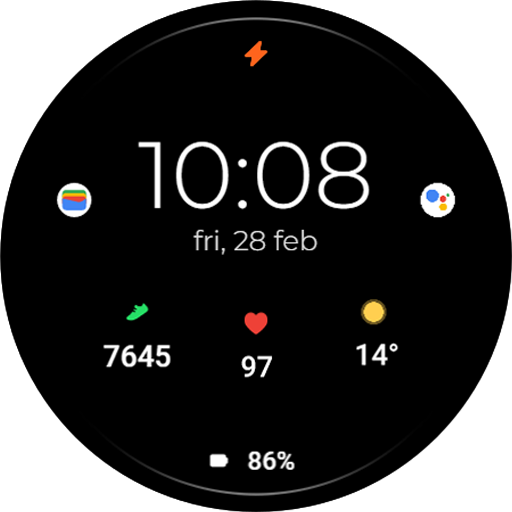
TVV Minimal 5 Watch Face
Paid

SG-152
Paid
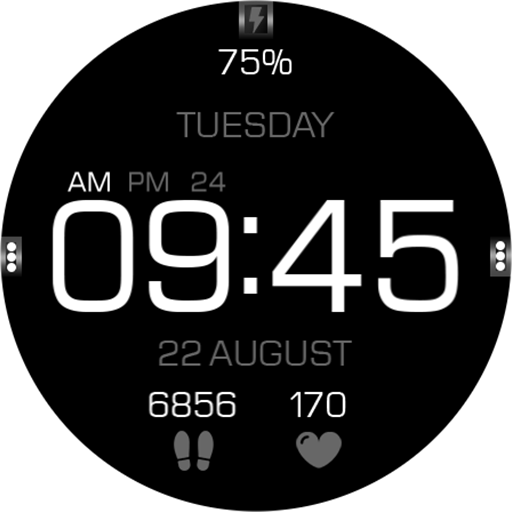
Key056 Digital Watch Face
Paid

Minimal - Digital - RE11
Paid
Key069 Digital Watch Face
Paid

EXD036: Digital Watch Face
Paid
Scan this QR code to download

Forwarding you to the page at Google Play market in seconds...
Open Google Play market now