
CFS132 Premium vVARY
CFS Creative Face Studio



About this app
Developer Description
Watch face Wear OS
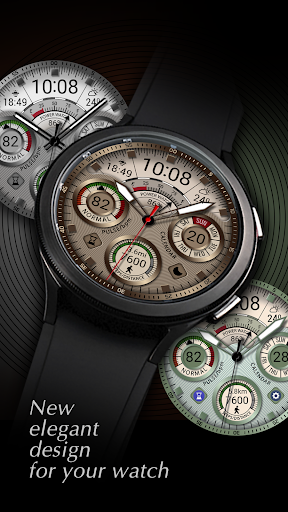
Watch face information:
- 6х elegant color styles
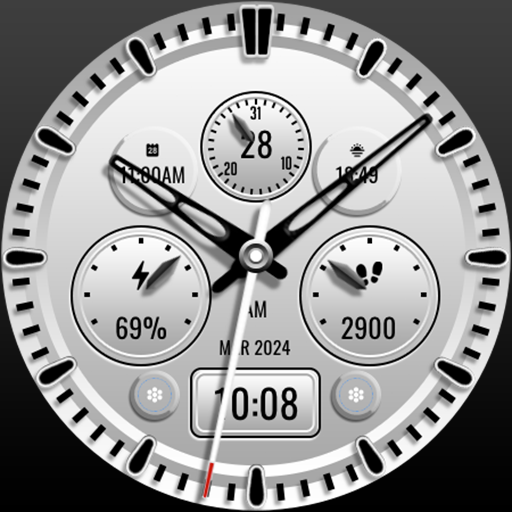
- 6х sets of hands
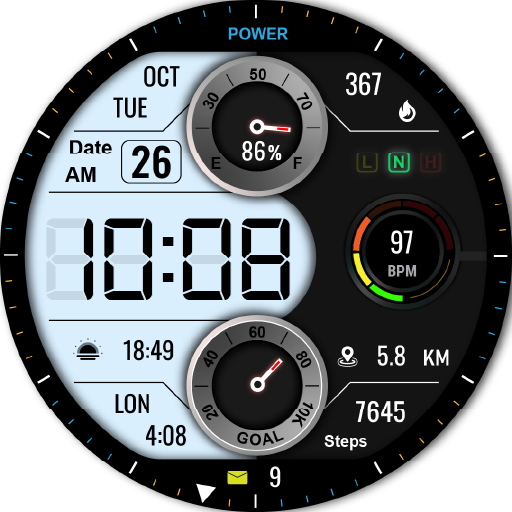
- Digital time in 12/24 format, depending on the phone settings
- The ability to disable the leading zero of the hour
- Date
- Days of the week in 10 languages *
- Steps
- Moved Distance KM/MI**
- Heart rate
- Battery level of the watch
- Complications and custom shortcuts
- AOD with 3 brightness levels
*Please select the language of the days of the week you need in the watch face settings.
- English
- French
- Spanish
- Portuguese
- German
- Russian
- Indonesian
- Turkish
- Italian
- Korean
**Distance KM/MI:
Please select km or miles in the watch settings.
The watch face uses an arithmetic formula to calculate the distance:
1 km = 1312 steps
1 mile = 2100 steps.
The Samsung Wearable app doesn't always allow you to customize complex watch faces.
It's not the developers' fault.
In this case, we recommend to customize the watch face directly on the watch.
To customization the watch face, touch and hold the watch display.
If you have any difficulties using our watch face, do not rush to express your dissatisfaction with low ratings.
You can inform us about this directly on seslihediyye@gmail.com. We will try to help you.
TELEGRAM:
https://t.me/CFS_WatchFaces
seslihediyye@gmail.com
Thank you for choosing our watch faces!
Version Information
- Version
- -
- Downloads
- 500+
- Updated on
- Aug 8, 2025
- Released
- Aug 8, 2025
- Requires
- Android Varies with device
Statistics
Google Play Rating History
Rating Distribution
Downloads Over Time
CFS132 Premium has been downloaded times. Over the past 30 days, it averaged downloads per day.
Shaded area shows 30-day prediction based on historical trends
Historical data collection started recently. More data points will be available over time.
CFS132 Premium users say on Google Play
 Patrick A Corrente
This is definitely one of the greatest. Clarity and readability is super, lots of personal use selections, many important features are already included on the face, and enough color tweaking to make it interesting. I have to say I was really surprised and am glad I happened upon these watch face creators, they have gone a brilliant bit of work here.
 Gordon Vick
this is a great watch face.I love the look of it. However the BP number does not appear. Disappointing.
ApkTrusted Ratings & Reviews
More from CFS Creative Face Studio
See more apps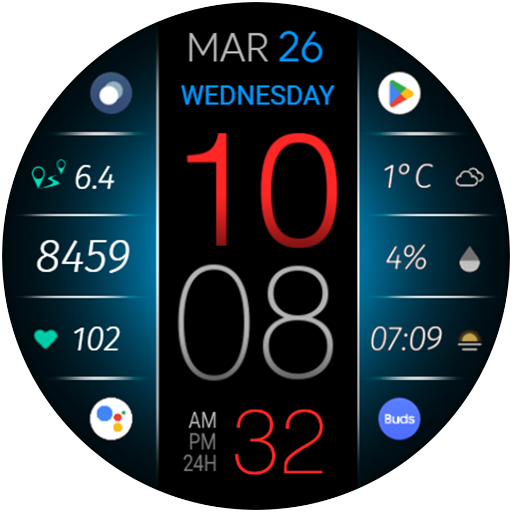
CFS116 Big Time
Paid
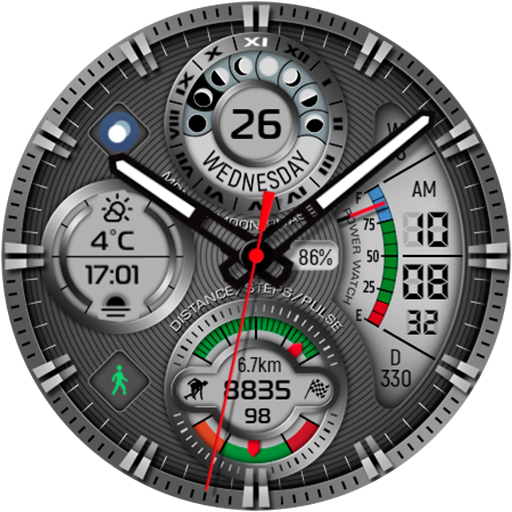
CFS109 Luxury Watch Face
Paid
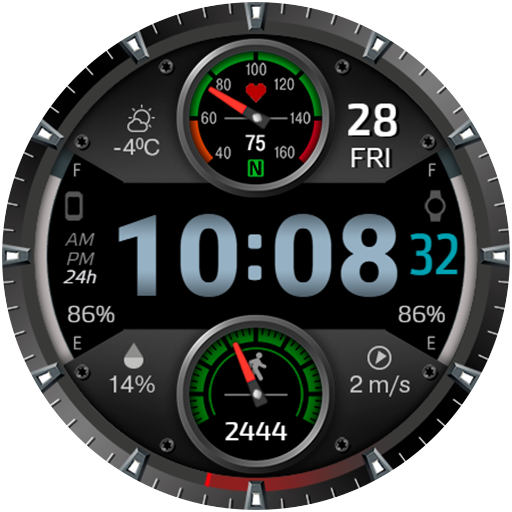
CFS112 Sport Watch
Paid
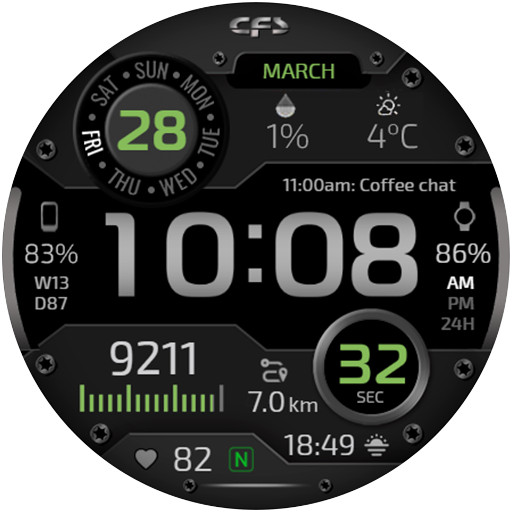
CFS118 Digital
Paid

CFS107 Happy Valentine’s Day
Paid
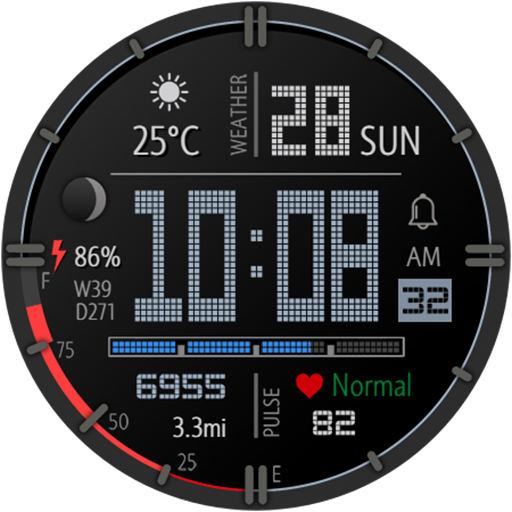
CFS114 Pixel
Paid
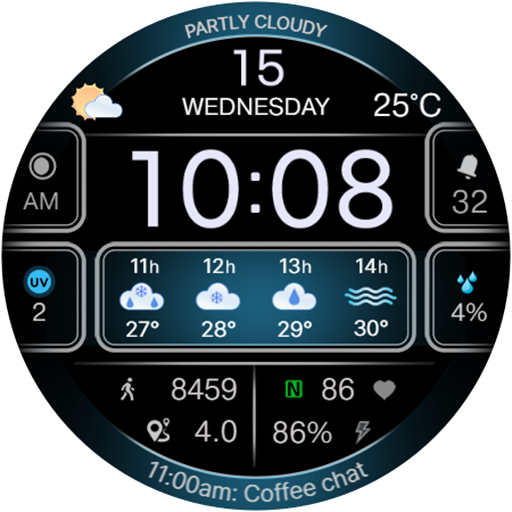
CFS103 Weather
Paid
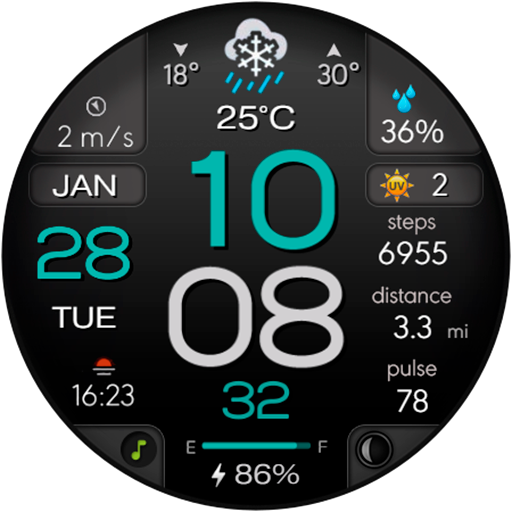
CFS108 Digital
Free
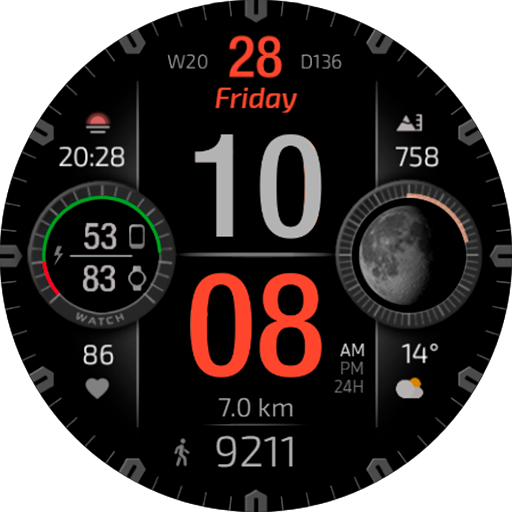
CFS117 Digital
Paid
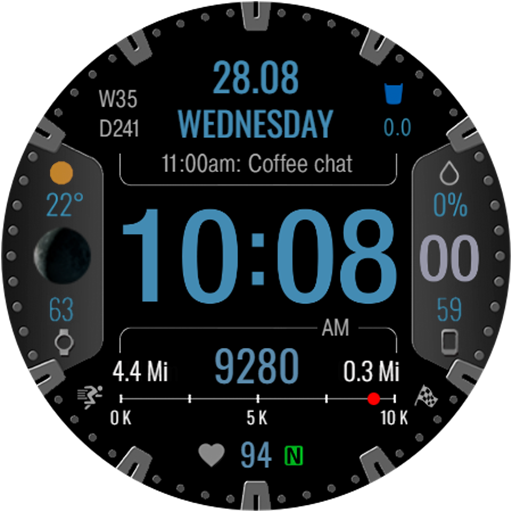
CFS104 Digital
Paid
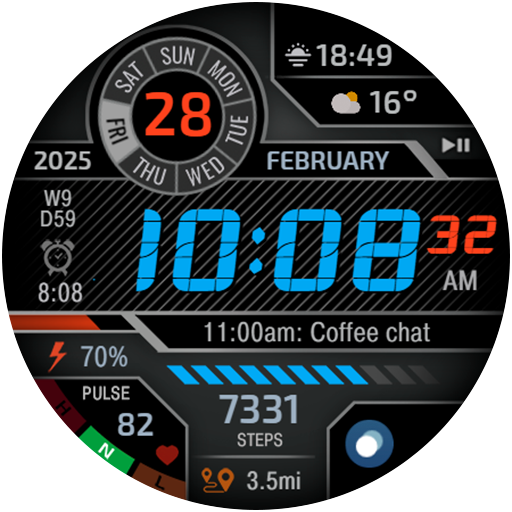
CFS111 Digital
Paid
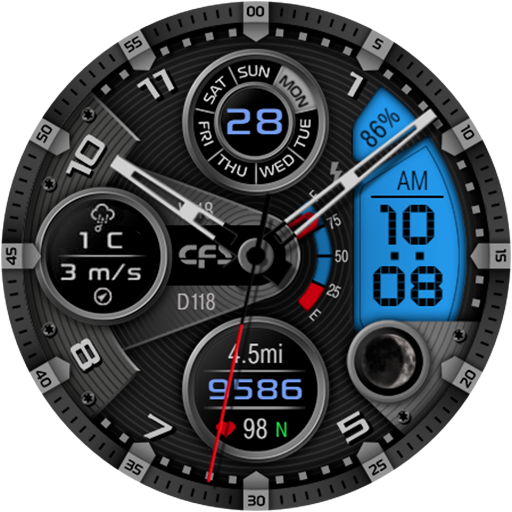
CFS110 Hybrid Fusion
Paid
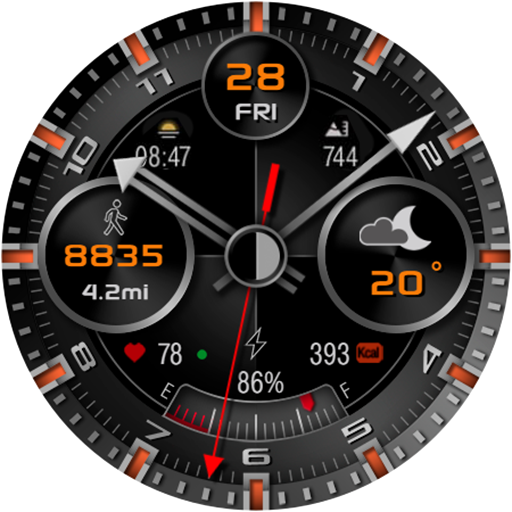
CFS106 Classic modern
Paid
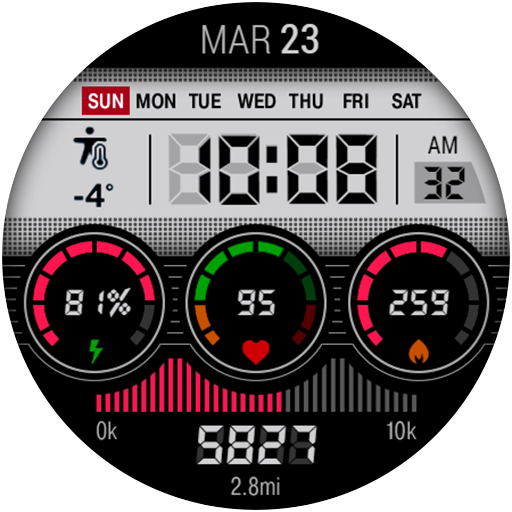
CFS115 Color Electro
Paid
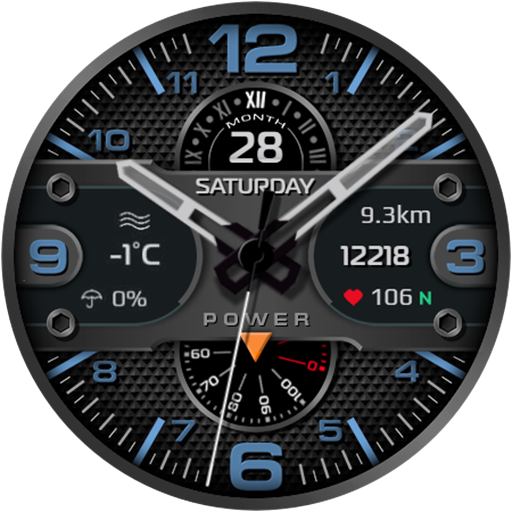
CFS101 Analog Mechanics
Paid
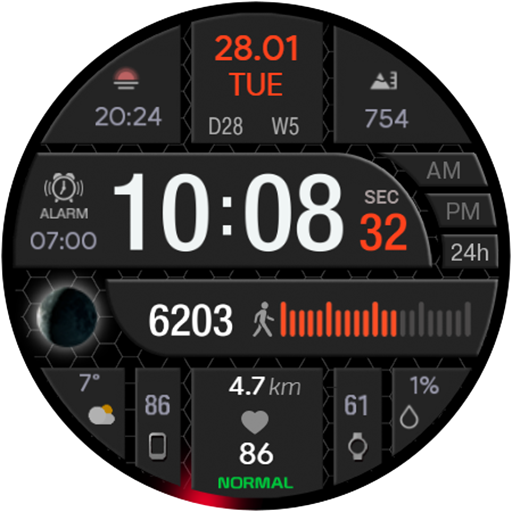
CFS105 Digital
Paid
Similar Apps
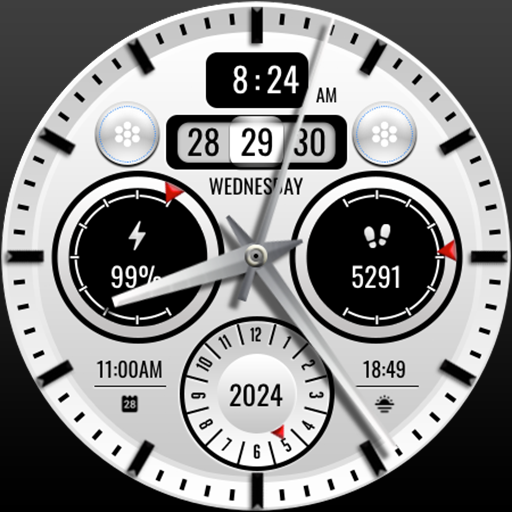
MJ143 Tuxedo Hybrid
Free
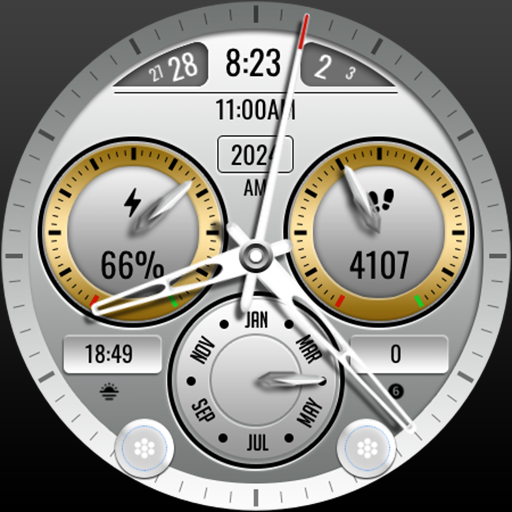
MJ140 Elegant Hybrid
Free

MJ151 Speedo Sporty
Free
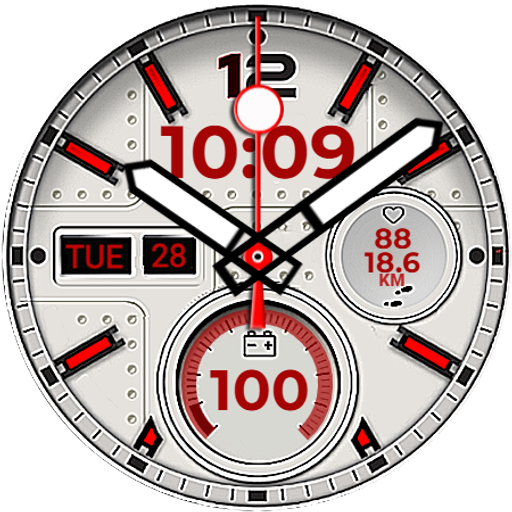
BLACK HOWK
Paid

Analog RATUN URX10 Watch face
Paid

FLW118 Simplify Beauty
Paid
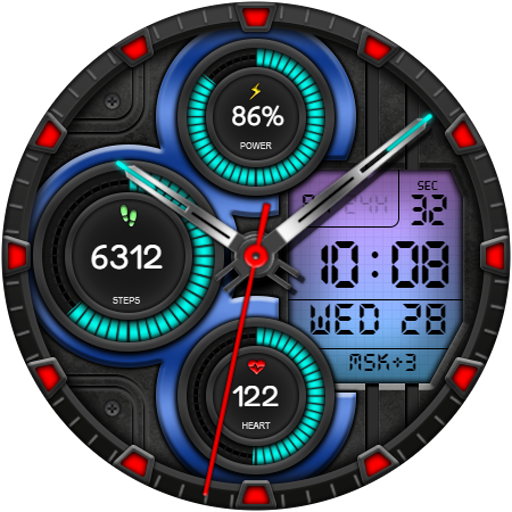
Hybrid NURDA URX51 Watch face
Paid
HKR049
Free

CLA009 Analog Classic
Paid

KZY013
Free

ZKin Watch Warm Light Quartz
Free
![AE ACTIVE [DIGITAL] icon](https://play-lh.googleusercontent.com/KxIH-scJxsAqsYQt3_EvF-2J8wkoK5Pd4HPbOyhH_b41gGOFi-DCHam1K7bZQO9OPJM)
AE ACTIVE [DIGITAL]
Paid

DB040 Hybrid Sport
Paid

Tancha S68 Realistic Elegant
Paid

DADAM52: Classic Watch Face
Free
MJ137 Suit it Up
Paid
Scan this QR code to download

Forwarding you to the page at Google Play market in seconds...
Open Google Play market now