
Analog & Digital watch face vVARY
CHESTER WATCH FACES



About this app
Developer Description
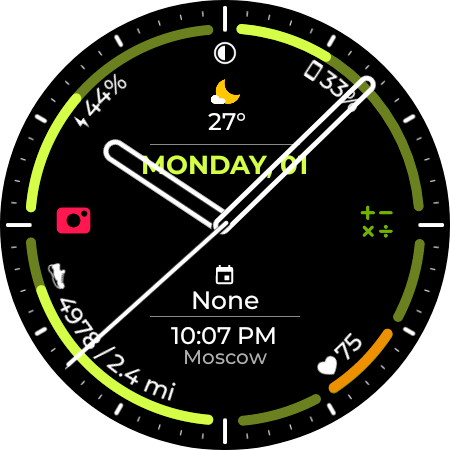
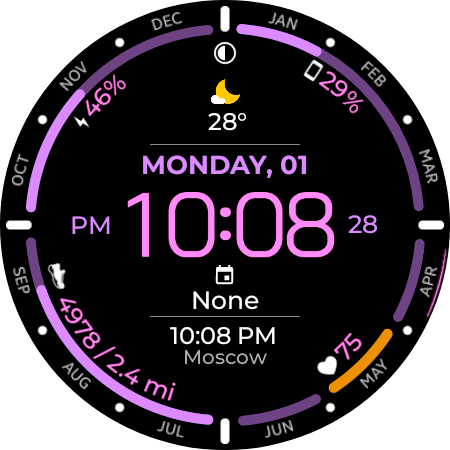
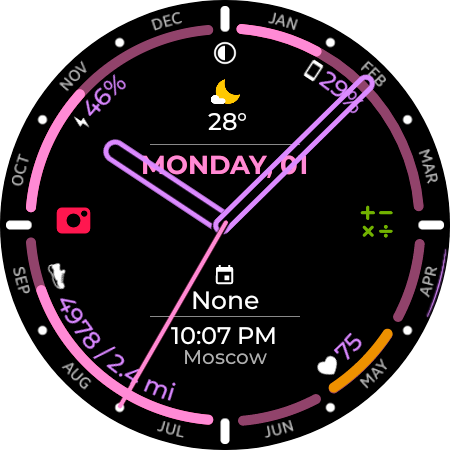
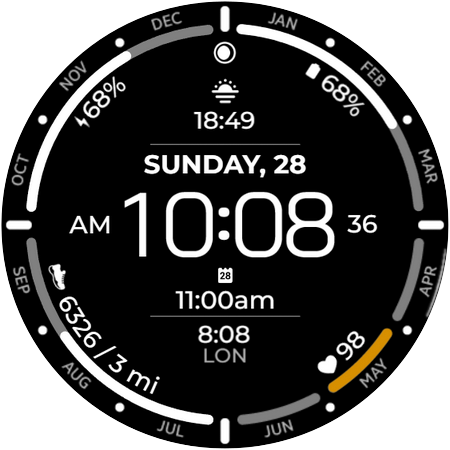
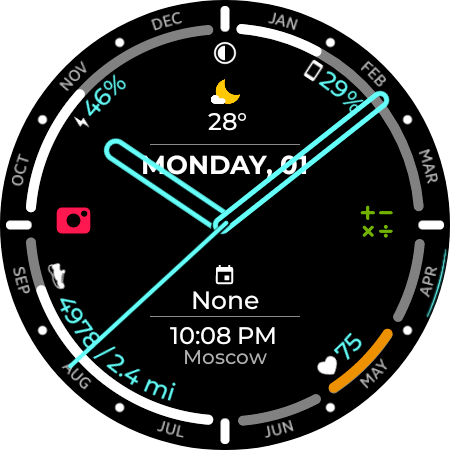
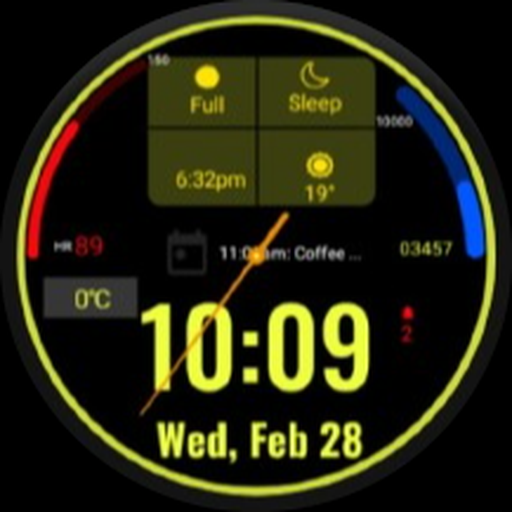
Hybrid watch face for Wear OS, with more settings and information displayed.
Main functions:
- Time.
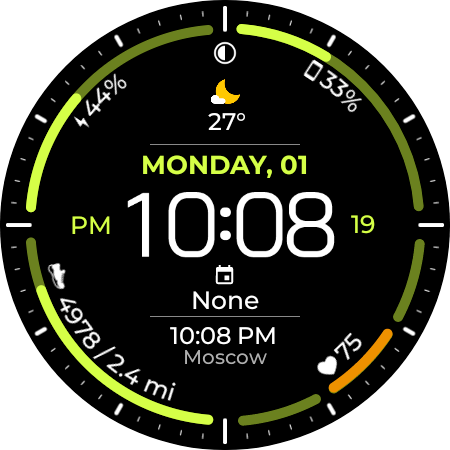
- Date, month and day of the week.
- Battery status.
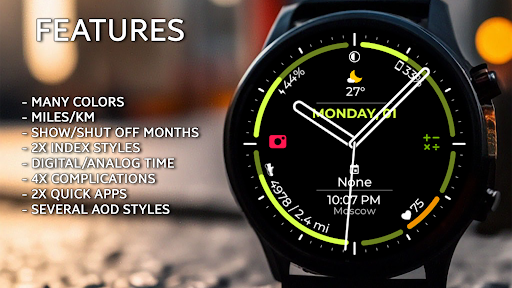
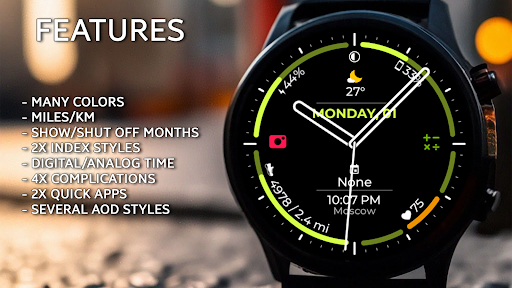
- Time display selection (Analog/Digital)
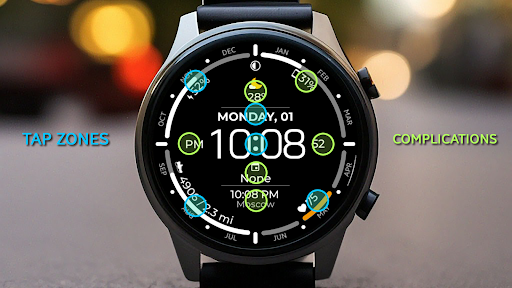
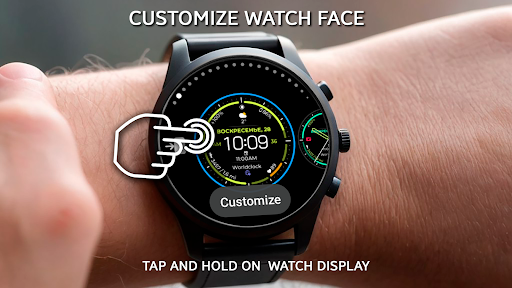
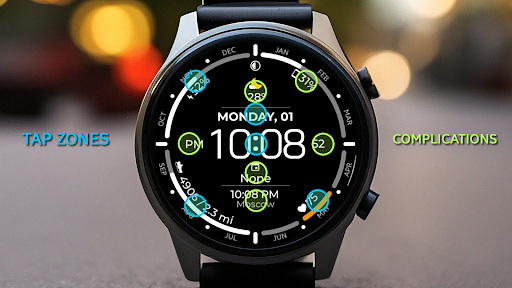
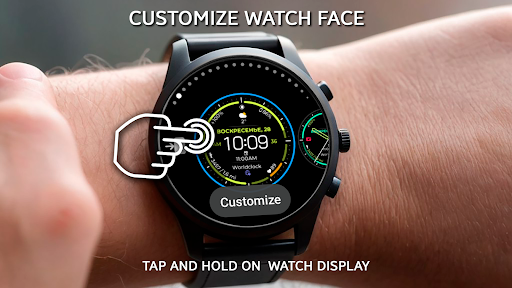
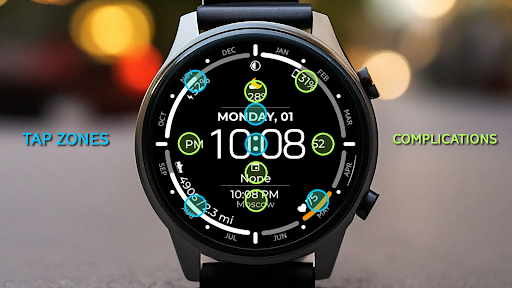
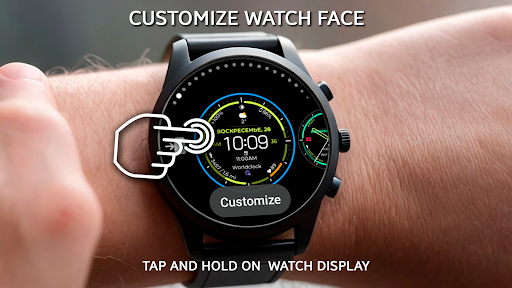
- Complications for selecting information displayed on the watch face.
- Automatic switching between 12/24 hour time format.
- Multilingual.
- Tap of zones.
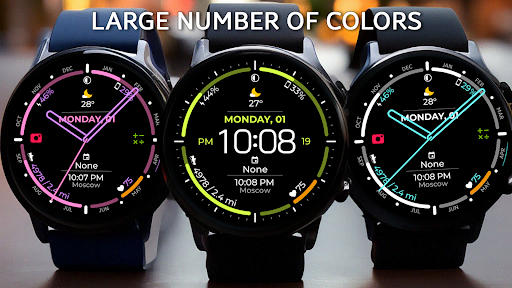
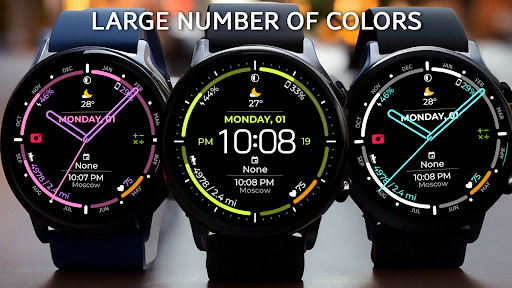
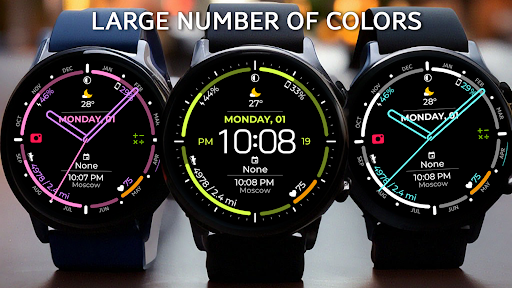
- 30 style colors.
- Moon phase.
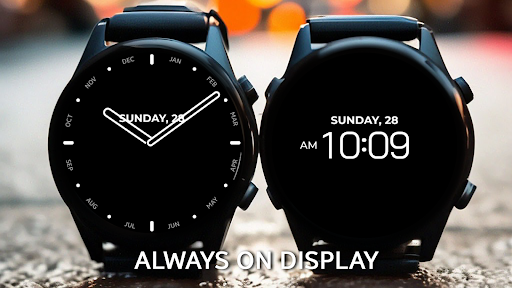
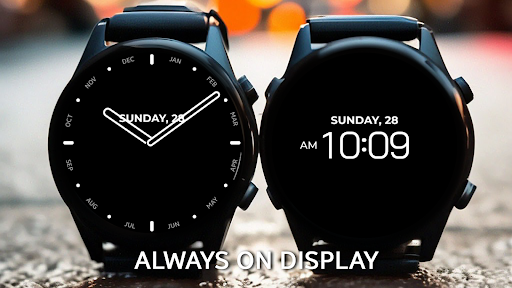
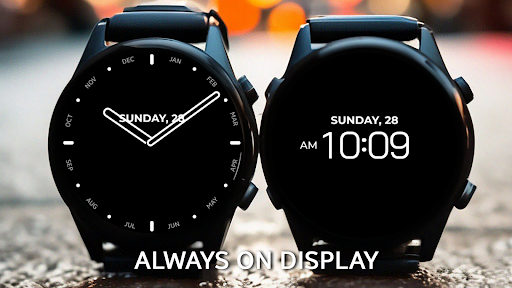
- AOD style settings.
- Select whether to display the distance traveled in miles or kilometers (Select in the watch face settings).
- Two index styles.
- Ability to hide months.
Compatible with all Wear OS API 33+ devices such as Google Pixel Watch, Samsung Galaxy Watch 4/5/6/7/8, Galaxy Watch ULTRA, etc.
Not suitable for rectangular watches.
If you have any questions about installing the watch face: https://chesterwf.com/installation-instructions/
Check out our other watch faces on the Google Play Store:
https://play.google.com/store/apps/dev?id=6421855235785006640
Follow us on social networks to stay up to date with our latest releases:
- Newsletter and website: https://ChesterWF.com
- Telegram channel: https://t.me/ChesterWF
- Instagram: https://www.instagram.com/samsung.watchface
Support:
- Please contact: info@chesterwf.com
Thank you!
Version Information
- Version
- -
- Downloads
- 1K+
- Updated on
- Oct 2, 2025
- Released
- Apr 1, 2024
- Requires
- Android Varies with device
Statistics
Google Play Rating History
Rating Distribution
Downloads Over Time
Analog & Digital watch face has been downloaded times. Over the past 30 days, it averaged downloads per day.
Shaded area shows 30-day prediction based on historical trends
Historical data collection started recently. More data points will be available over time.
Analog & Digital watch face users say on Google Play
 Fam Stack
AOD bug fixed, awesome watch face!
 Mark Davies
Looks fantastic! The Distance calculation by steps is a bit off. I've done 2.8miles but it reports 2miles on the watch face. Would like to see a battery icon instead of lightening bolt and the calendar complication could do with the title for when the event takes place.
ApkTrusted Ratings & Reviews
More from CHESTER WATCH FACES
See more apps
Chester Retro Style watch face
Paid
Chester SkyPilot watch face
Paid

Chester Active Weather
Paid
Chester Big inform watch face
Paid

Chester Neo watch face
Paid
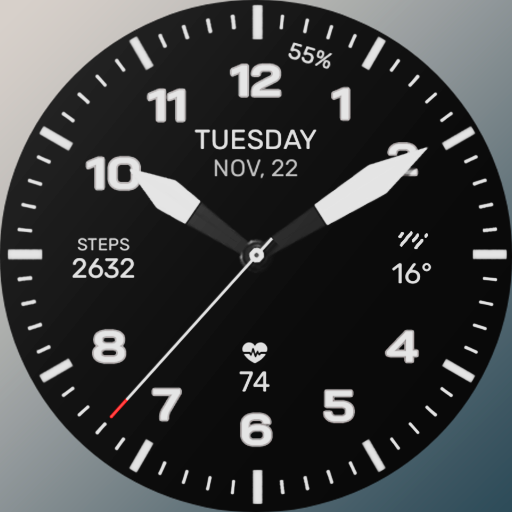
Chester Dark watch face
Paid

Chester LCD modern watch face
Paid

Chester Active WX
Paid
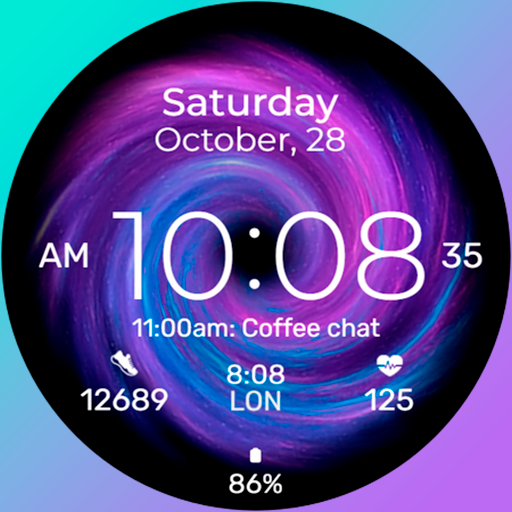
Chester Galaxy Star watch face
Paid

Chester Neo Analog watch face
Paid

Chester Classic Beyond
Paid

Chester LCD watch face
Paid
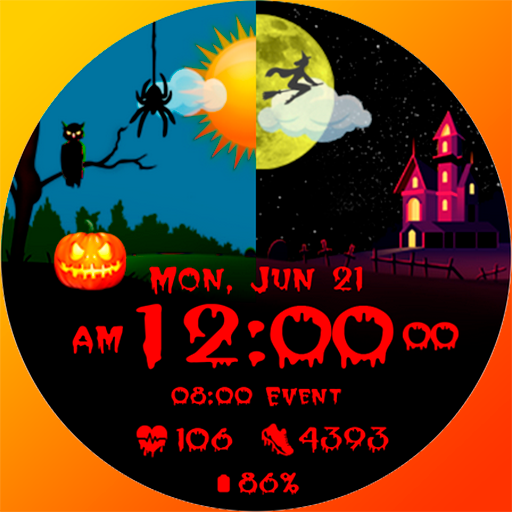
Chester HALLOWEEN watch face
Paid
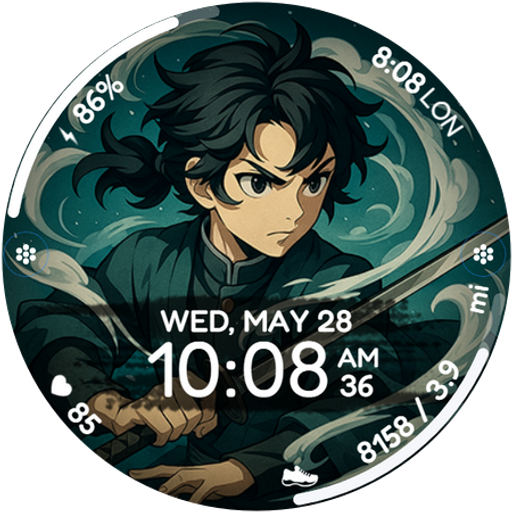
Chester Anime Ronin
Paid

Blocks World game watch face
Paid
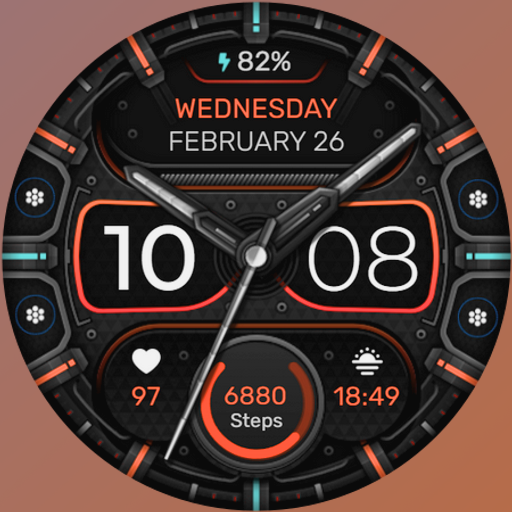
Chester Brutal Classic
Paid
Similar Apps

HMK AD038
Paid
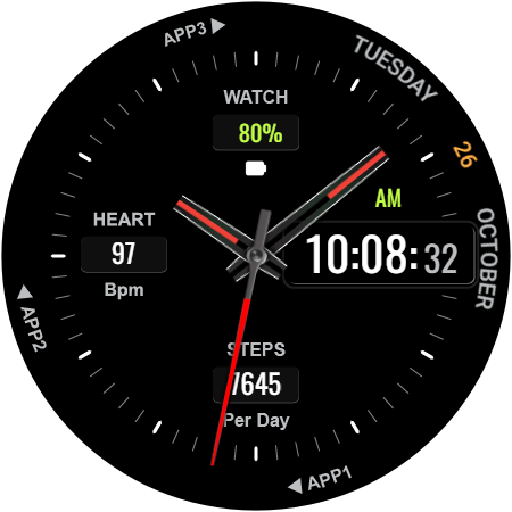
HKR001
Free

Minimalist Analogue - RE44
Paid

Clean Analog watch face
Paid

Polar Analog: Watch face
Paid

Classic Watch Face
Paid

DMM18 Diabetic Watch Face
Free
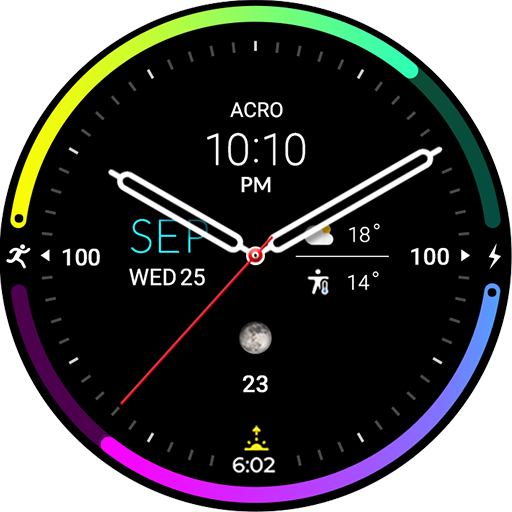
ACRO Aqua Night AN47 Watchface
Paid
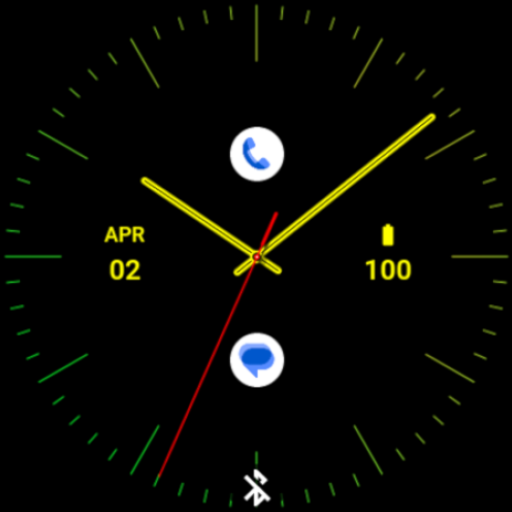
Sleek Mango Watch Face
Paid

Mane WatchFace A101
Free

Luminous Color Ring ZKin Watch
Paid

Minimal 53 Hybrid Watch Face
Paid

DMM17 Diabetic Watch Face XL
Free
Watchify
Paid

Nebula Watch Face
Free

WIN Classic Minimal Hybrid
Paid
Scan this QR code to download

Forwarding you to the page at Google Play market in seconds...
Open Google Play market now