
Oogly Digital Ultra X v2.0.5
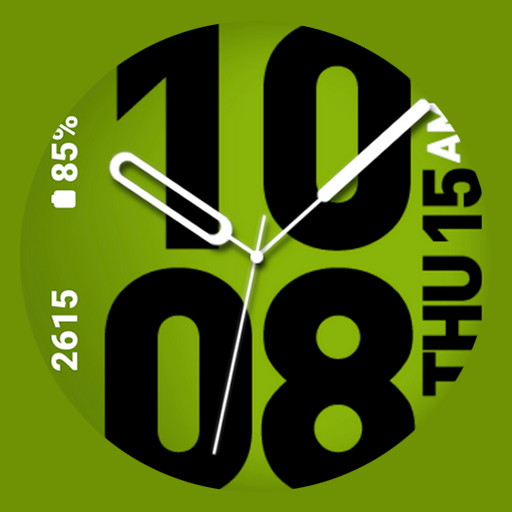
Oogly Watch Face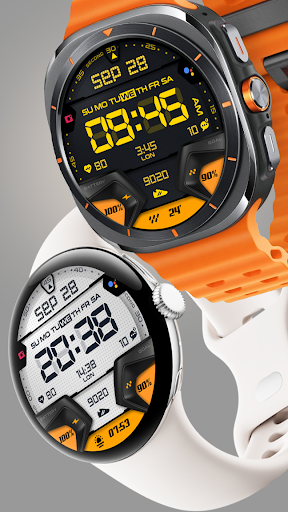
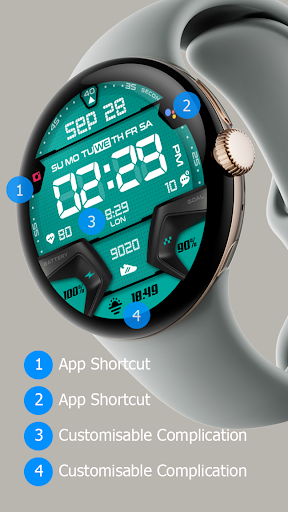
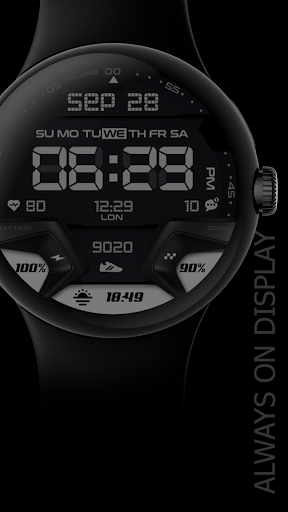
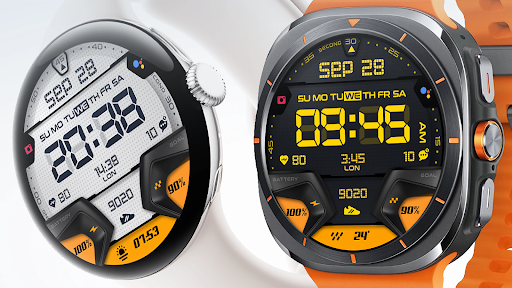
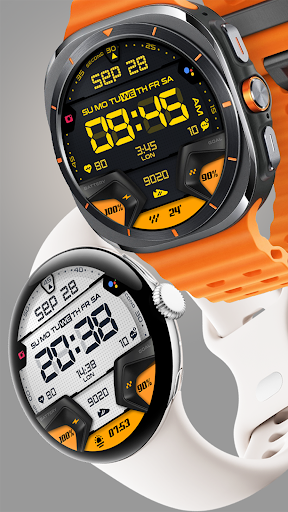



About this app
Developer Description
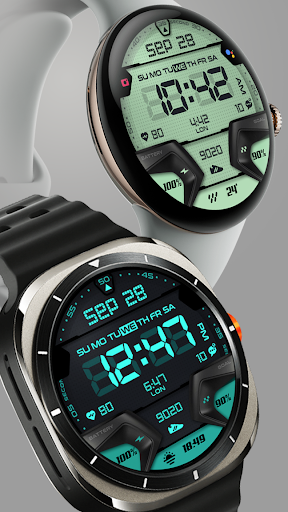
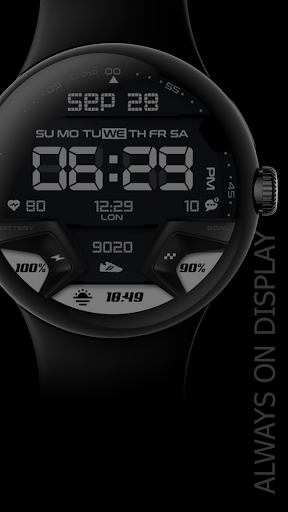
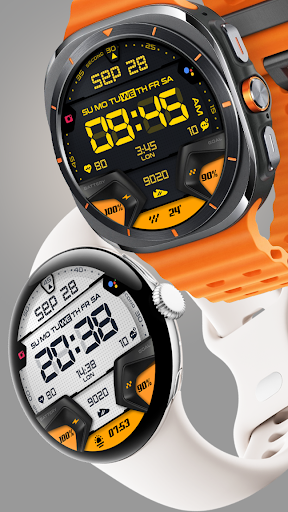
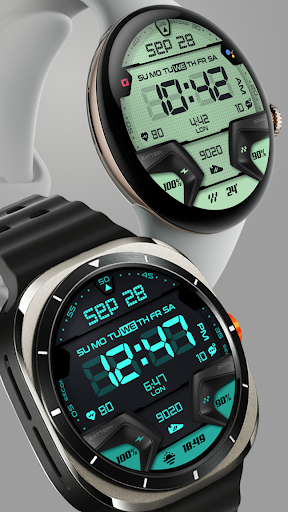
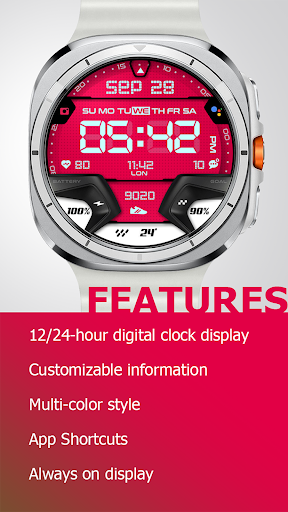
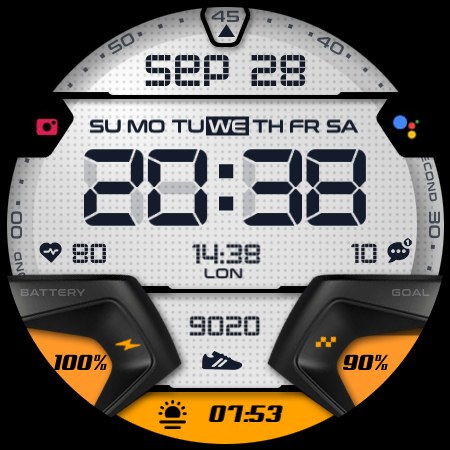
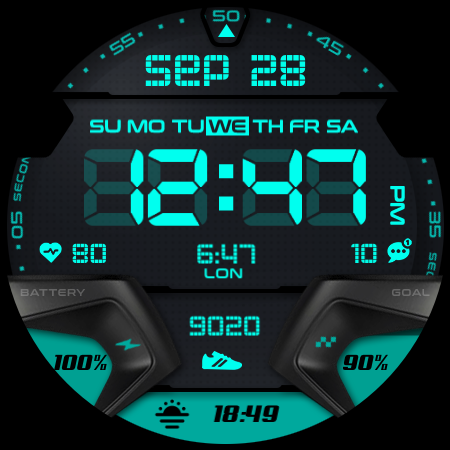
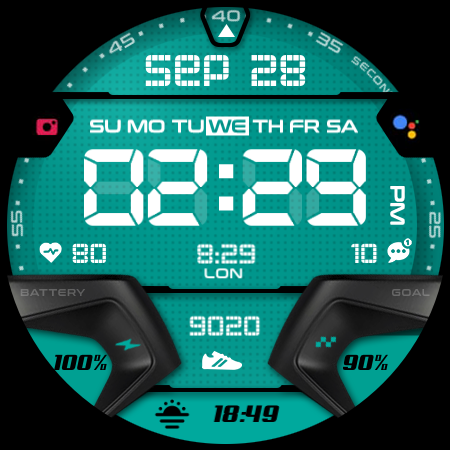
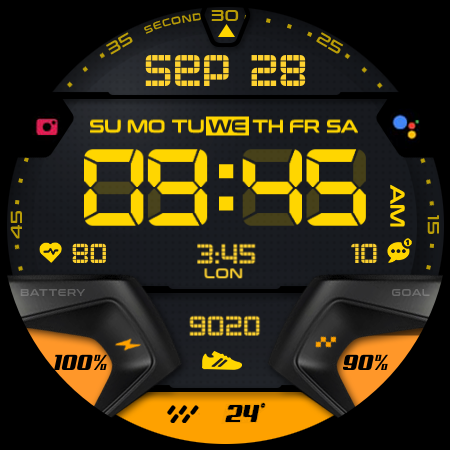
A digital realistic watchface that can be customized with a dark or light theme
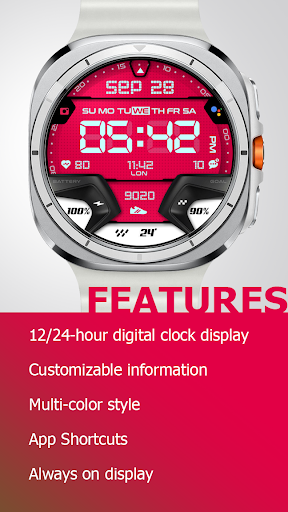
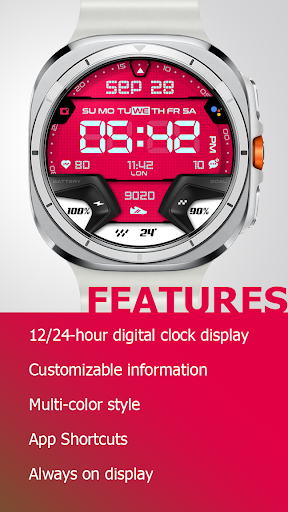
Feature :
- 12/24-hour digital clock display
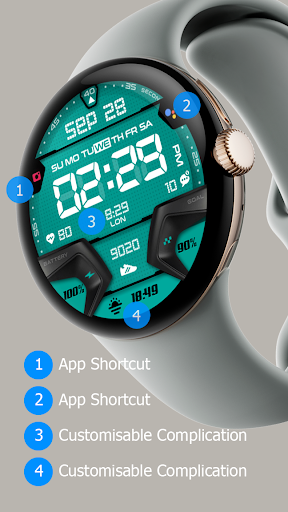
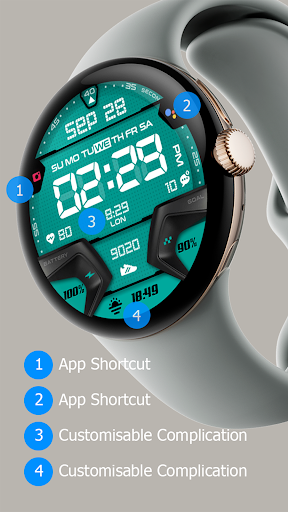
- Customizable information
- Multi-color style
- App Shortcuts
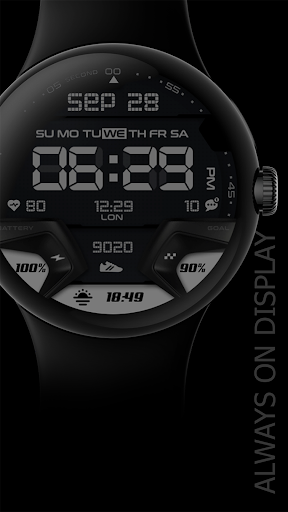
- Always on display
After few minutes, find the watch face on the watch. It is not automatically shown on the main list. Open the watch face list (tap and hold current active watch face) then scroll to the far right. Tap add watch face and find it there.
If you still have problem, contact us at ooglywatchface@gmail.com
What's New
Version Information
- Version
- 2.0.5
- Downloads
- 500+
- Updated on
- Sep 6, 2025
- Released
- Aug 12, 2024
- Requires
- Android Varies with device
Statistics
Google Play Rating History
Rating Distribution
Downloads Over Time
Oogly Digital Ultra X has been downloaded times. Over the past 30 days, it averaged downloads per day.
Shaded area shows 30-day prediction based on historical trends
Historical data collection started recently. More data points will be available over time.
Oogly Digital Ultra X users say on Google Play
 Marc Allen
Sporty look and polished graphics 👍
 Jeremiah Dudek
This is awesome. 5 stars if the leading zero in 12 hour format is removed.
 Jorge Désirat
It's gorgeous but it makes my gw5 pro slow while swipe screens or pull top/bottom. If it ever has a fix I'll buy more(love the Oogly Digital Centro)
ApkTrusted Ratings & Reviews
More from Oogly Watch Face
See more apps
Oogly Strato X Duo
Paid
Oogly Strato X Duo
Paid

Oogly Athlete ECG Animation
Paid

Oogly Aegis X
Paid

Oogly Atmos
Paid

Oogly Attivita
Paid

Oogly Big Dark Minimal
Paid

Oogly Big Minimal Digital
Paid
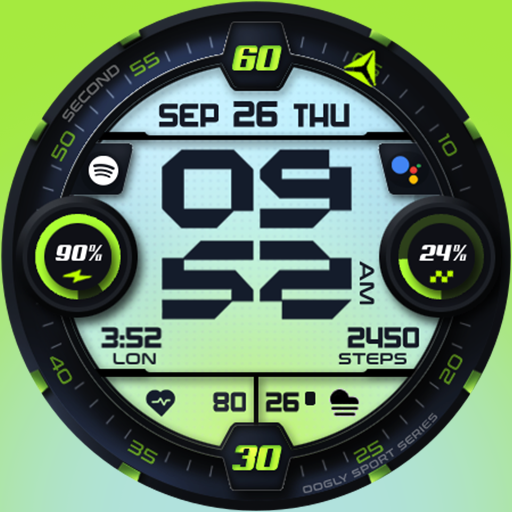
Oogly Sport Digital Ultra
Paid

Oogly Athlete
Paid

Oogly Army Analog
Paid

Oogly Army
Free

Oogly Deluxe Sporty Hybrid
Paid

Oogly Deluxe Hybrid
Free
Oogly Big Hybrid Minimal
Paid

Oogly Celesta Luna
Paid
Scan this QR code to download

Forwarding you to the page at Google Play market in seconds...
Open Google Play market now