FSW222 WATCHFACE vVARY
FS Watch face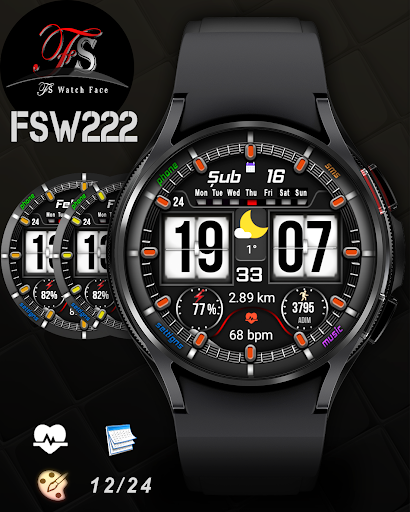


/
About this app
Stylish and great watch face for Wear OS
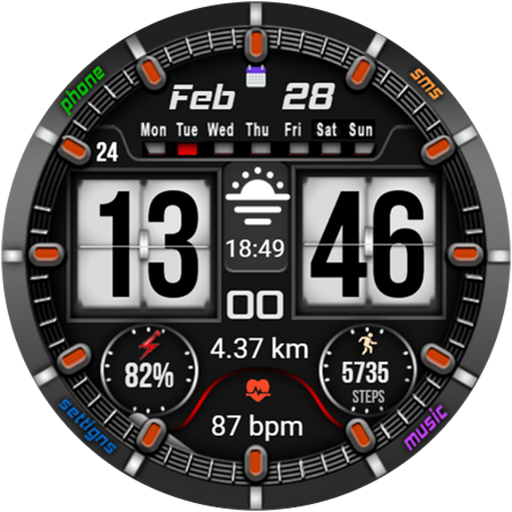
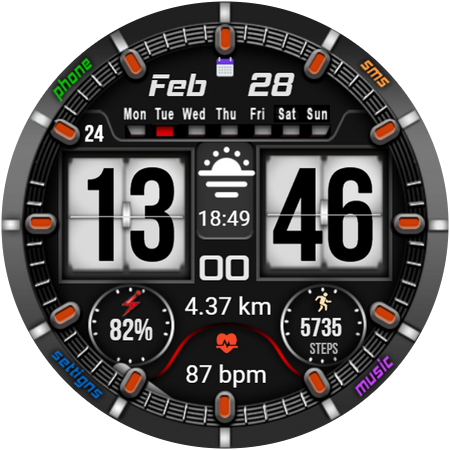
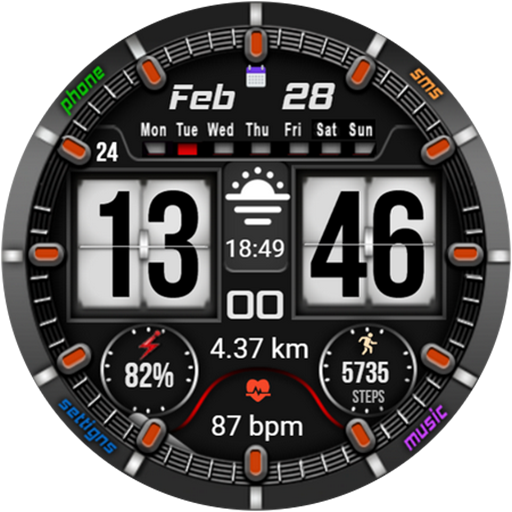
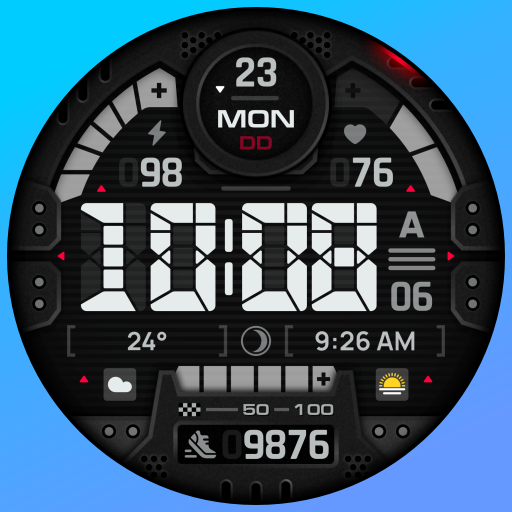
The FSW222 is a Digital watch Face for Wear OS by FS Design
[For Wear OS devices only]
Stylish and great watch face for Wear OS
FEATURES>
- Digital time
- Low battery consumption.
- Multilingual
- 12/24 hour format
- Step counter
- Heart rate
- Battery charge
- Date
Note: If you can't see the watch face on your watch after installing it, please follow the steps below
1-long press on your watch screen and scroll the screen to the last screen
2-click add watch and find your watch face
Watch face customization:
1 - Touch and hold display
2 - Tap on customize option
How to install?
1.Swipe to on the watch screen
2.Click on the Google Play app icon
3.Click it a type ''fsw205'' and search
4.Select watch face and click ''Install.'
Or
Open the mobile app and click the ''INSTALL WATCH FACE ON WATCH'
NOTE:
if you see message "Your devices are not compatible", use Play Store on WEB browser from PC / Laptop instead of app on phone.
PLEASE FOLLOW ME:)
FS WATCHFACES WEB SITE: http://fswatchfaces.com/
FACEBOOK: https://m.facebook.com/groups/717379668440579?ref=bookmarks
FACEBOOK PAGE: https://www.facebook.com/Fs-design-2300540343310561/?ref=bookmarks
İNSTAGRAM: https://www.instagram.com/fs.watchface/?hl=tr
TWİTTER :https://twitter.com/FWatchface
YOUTUBE : https://www.youtube.com/channel/UC7TilQYOQyATjVZxoP_V0QQ?view_as=subscriber
[For Wear OS devices only]
Stylish and great watch face for Wear OS
FEATURES>
- Digital time
- Low battery consumption.
- Multilingual
- 12/24 hour format
- Step counter
- Heart rate
- Battery charge
- Date
Note: If you can't see the watch face on your watch after installing it, please follow the steps below
1-long press on your watch screen and scroll the screen to the last screen
2-click add watch and find your watch face
Watch face customization:
1 - Touch and hold display
2 - Tap on customize option
How to install?
1.Swipe to on the watch screen
2.Click on the Google Play app icon
3.Click it a type ''fsw205'' and search
4.Select watch face and click ''Install.'
Or
Open the mobile app and click the ''INSTALL WATCH FACE ON WATCH'
NOTE:
if you see message "Your devices are not compatible", use Play Store on WEB browser from PC / Laptop instead of app on phone.
PLEASE FOLLOW ME:)
FS WATCHFACES WEB SITE: http://fswatchfaces.com/
FACEBOOK: https://m.facebook.com/groups/717379668440579?ref=bookmarks
FACEBOOK PAGE: https://www.facebook.com/Fs-design-2300540343310561/?ref=bookmarks
İNSTAGRAM: https://www.instagram.com/fs.watchface/?hl=tr
TWİTTER :https://twitter.com/FWatchface
YOUTUBE : https://www.youtube.com/channel/UC7TilQYOQyATjVZxoP_V0QQ?view_as=subscriber
Version Information
- Version
- -
- Downloads
- 100+
- Updated on
- -
- Released
- Feb 23, 2023
- Requires
- Android Varies with device
Ratings & Reviews
Developer Response
More from FS Watch face
See more apps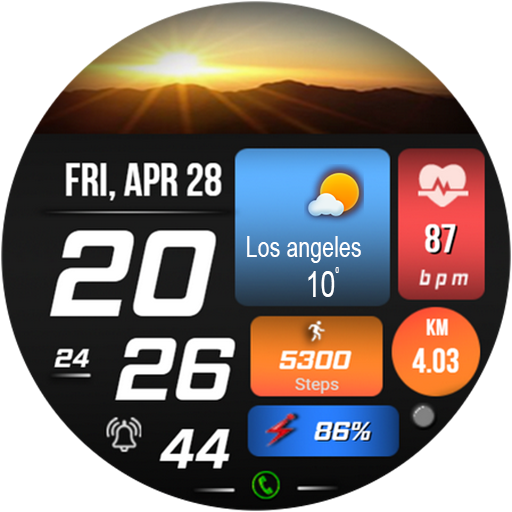
FSW231 WATCHFACE
Paid
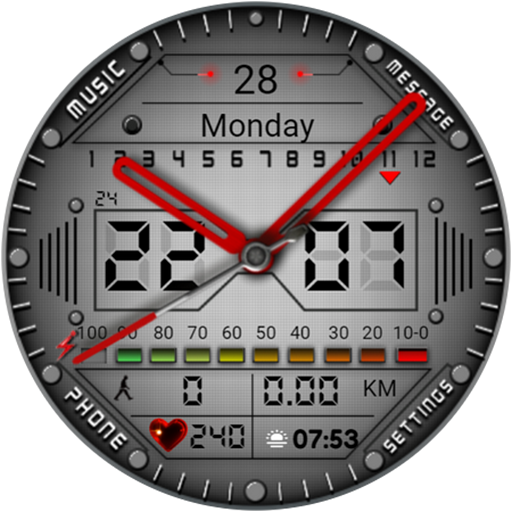
FSW213 WATCHFACE
Free
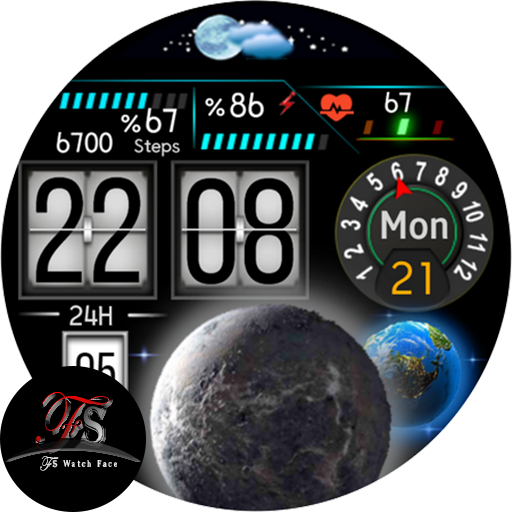
FS W158 DIGITAL WATCHFACE
Free

FS W246 Watchface
Paid
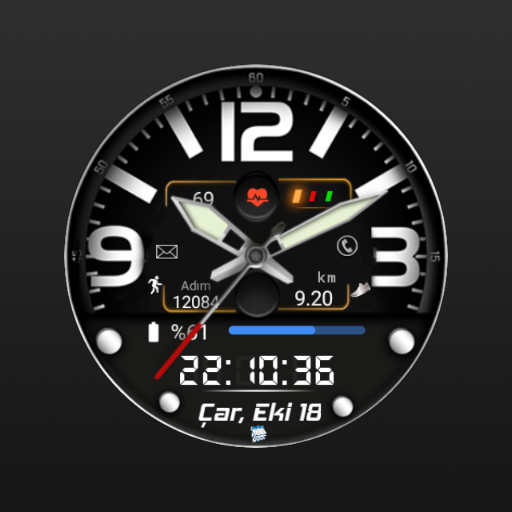
FSW244 Hybrid Watchface
Paid
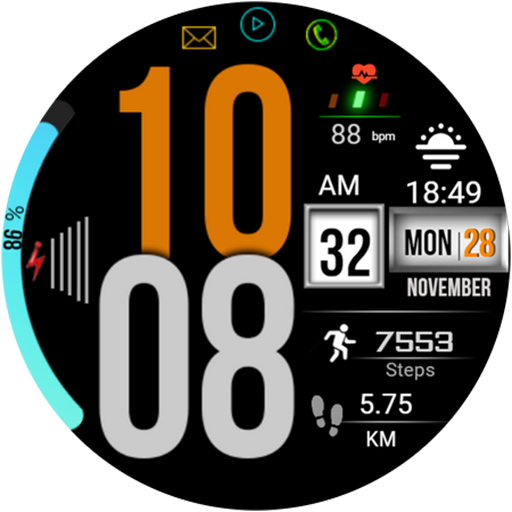
FSW214 WATCHFACE
Paid

FSW215 WATCHFACE
Paid

moon&earth themed watchface
Free
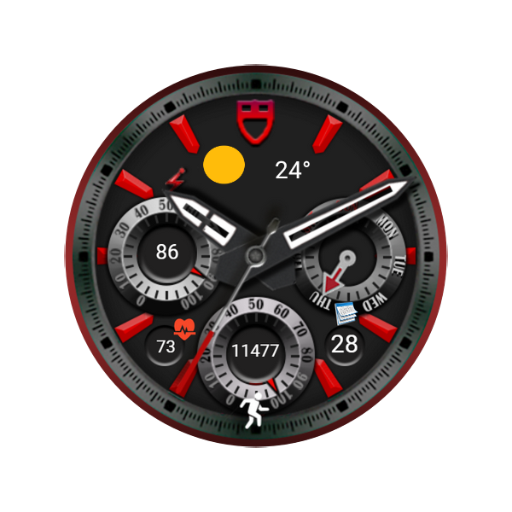
FSW240 Analog Watch face
Paid
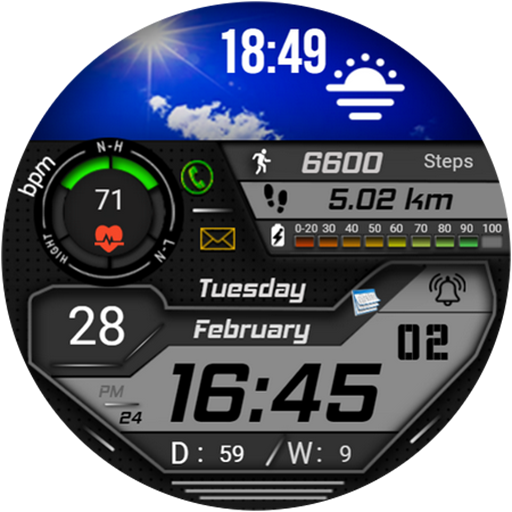
FSW223 Watchface
Paid

FS W243 Watchface
Paid

FS Gamer Digital Watchface
Paid

FSW 245 Watchface
Paid

fsanimal watchface
Paid
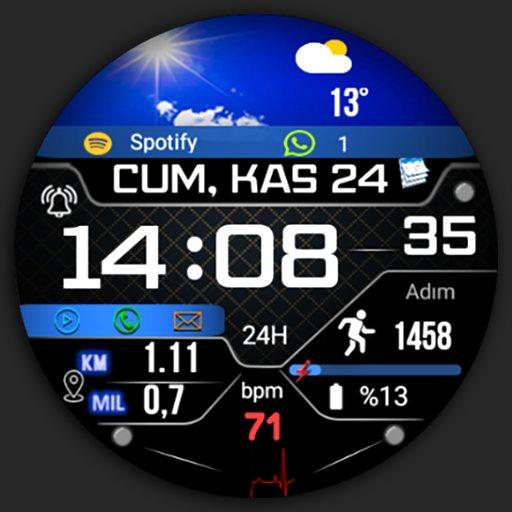
FSW247 Watchface
Paid

FSW248 digital Watchface
Paid
Similar Apps

V Ultrastaff_7x
Paid
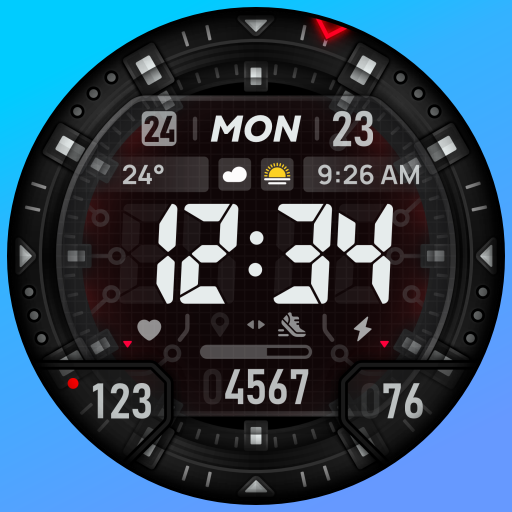
SH018 Watch Face, WearOS watch
Free

ML2U 273 Watch Face
Paid
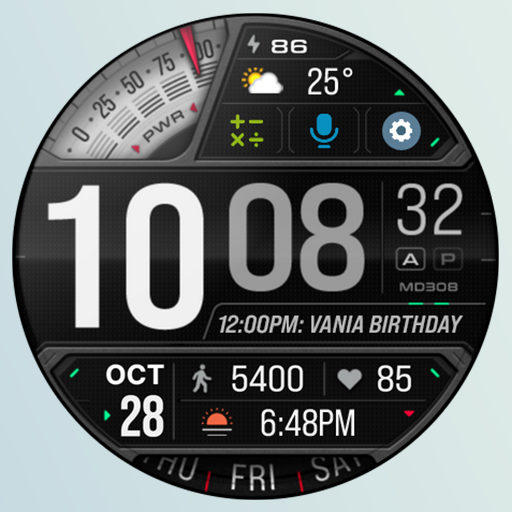
MD308 Digital watch face
Free
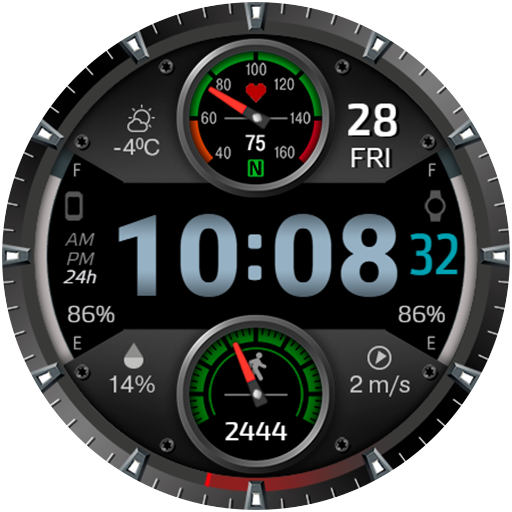
CFS112 Sport Watch
Paid
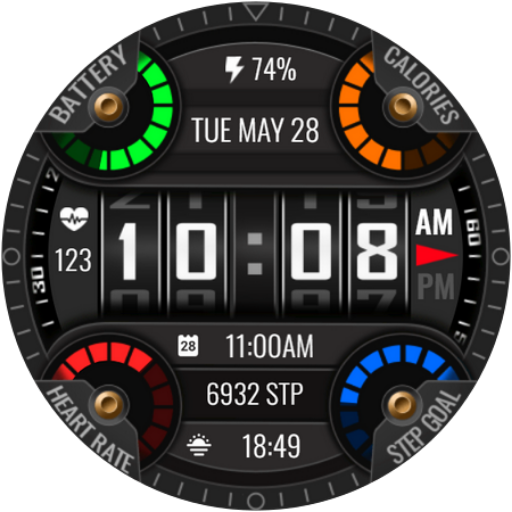
Altitude
Paid

CFS128 Flip Calendar
Paid

JND0024U
Paid

BRN150 - COCKPIT
Free
SH067 Watch Face, WearOS watch
Paid

ORB-07 Clarity
Paid

MD310 Digital watch face
Paid

HMKWatch Digital 055
Paid

BRN155 - TREZO
Paid

Hybrid FORC URX107 Watch face
Paid

PW40 Digiverse Watch
Paid