
Iris509 Digital Watch Face vVARY
Iriswatchfaces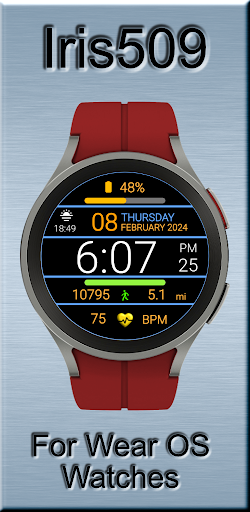



About this app
Developer Description
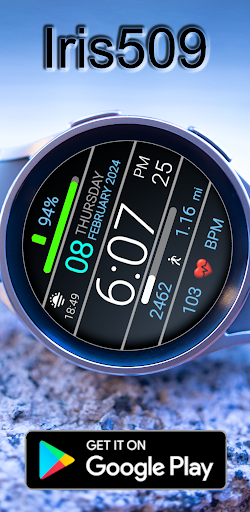
Watch face for WEAR OS Watches
⚠️ Requires Wear OS 4 or newer Compatible: Galaxy Watch 6 · 7 · Ultra · Pixel Watch 2/3 · OnePlus Watch 2 · TicWatch Pro 5
Not compatible with Watch4 / Watch5 series
If you have problems installing this watch face on your watch it is most likely that your watch is not compatible with the Wear OS software platform.
For more information on watch compatibility Please visit the site below
https://free-5181333.webadorsite.com/information
If you do have problems, feel free to contact us at iriswatchfaces@gmail.com before you leave a review. We can help you with any questions that you may have and offer some guidance.
Special Notes:
The 12- and 24-hour time setting is controlled by the setting of your time format on your smartphone.
Features:
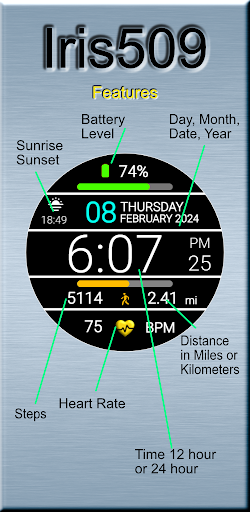
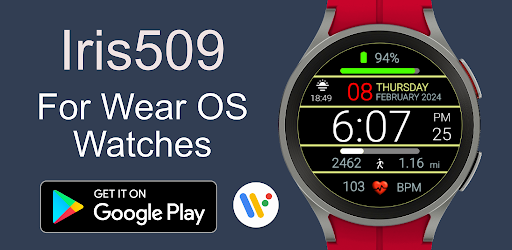
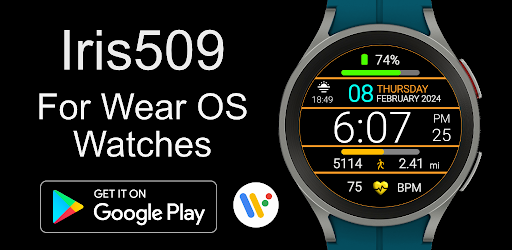
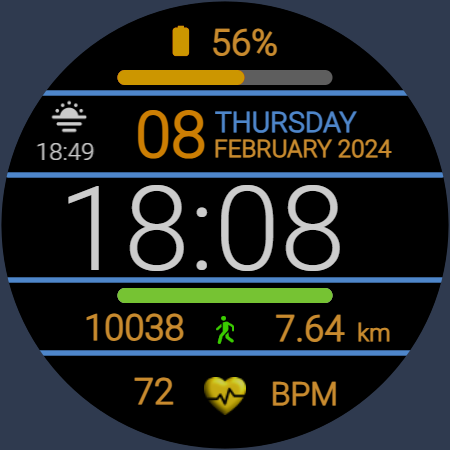
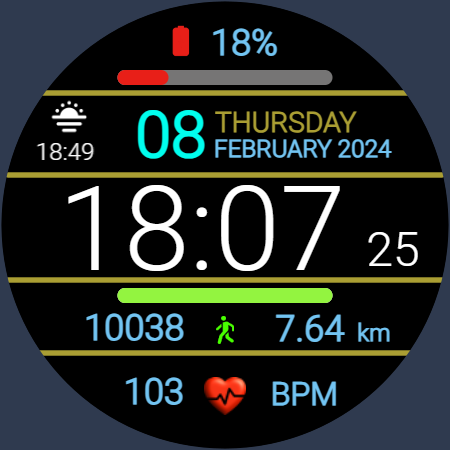
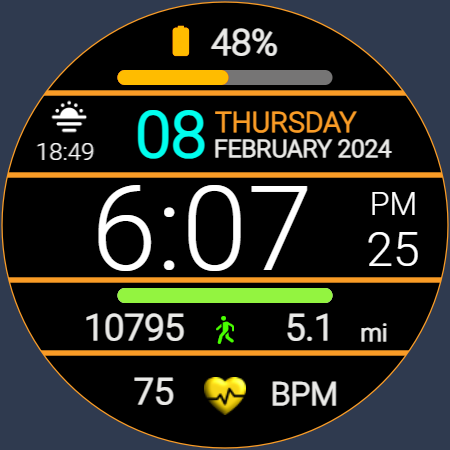
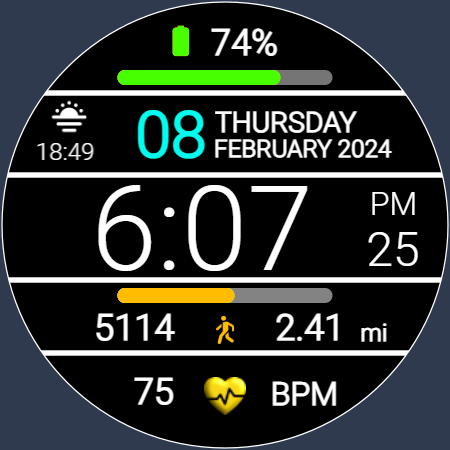
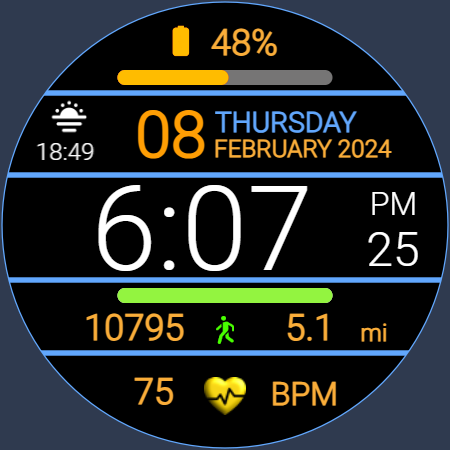
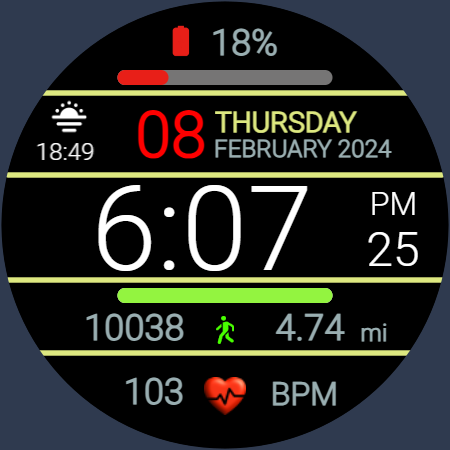
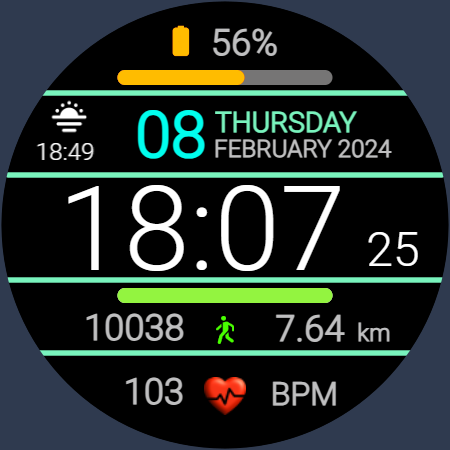
• The Time is displayed is either 12 hour or 24-hour format and is automatically set by your phone time format setting.
• Day, Date, Month and Year
• Battery status with gauge
• Heart Rate
• Step Count
• Distance mi or km
• Sunrise and sunset
• Most Languages Supported
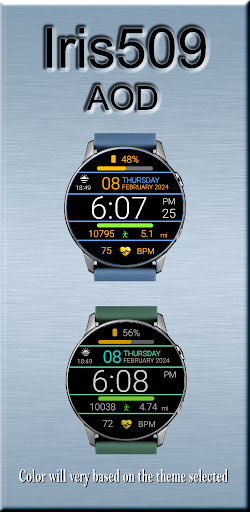
• AOD Mode
Additional Links:
Instagram: https://www.instagram.com/iris.watchfaces/
Website: https://free-5181333.webadorsite.com/
Installation guide (companion app): https://www.youtube.com/watch?v=IpDCxGt9YTI
________________________________________
⚠️ If you are using the companion app to install the watch face and your watch is not compatible it will not be installed.
Compatibility Disclaimer
The minimum required software version of your watch is Wear OS 4. Some older watches may receive this update in the future, which would then make them compatible.
If your watch does not meet the requirements, the watch face will not be installed. This is due to device compatibility and not an issue with the watch face app itself.
If you encounter any installation issues, please contact us at iriswatchfaces@gmail.com before leaving a review—we’re happy to help resolve the problem. When everything is compatible, installation should be quick and seamless.
Thank you for your understanding!
What's New
Version Information
- Version
- -
- Downloads
- 1K+
- Updated on
- Jul 2, 2025
- Released
- Feb 10, 2024
- Requires
- Android Varies with device
Statistics
Google Play Rating History
Rating Distribution
Downloads Over Time
Iris509 Digital Watch Face has been downloaded times. Over the past 30 days, it averaged downloads per day.
Shaded area shows 30-day prediction based on historical trends
Historical data collection started recently. More data points will be available over time.
Iris509 Digital Watch Face users say on Google Play
 Shikder Ripon
anek valo app
ApkTrusted Ratings & Reviews
More from Iriswatchfaces
See more apps
Iris502 Digital Watch Face
Free
Iris4013 Digital Watch Face
Free
Iris22 Digital Watch Face
Free

Iris4012 Digital Watch Face
Free

Iris4010 Digital Watch Face
Free

Multi Function Digital Iris534
Paid

Iris500 Digital Watch Face
Paid

Classic Analog Watch Iris501
Paid
Iris526 Classic Analog Watch
Paid

Iris503 Digital Watch Face
Paid

Iris505 Digital Watch Face
Paid

Iris506 Digital Watch Face
Paid

Iris508 Digital Watch Face
Paid

Iris512 Multi-Function Digital
Paid
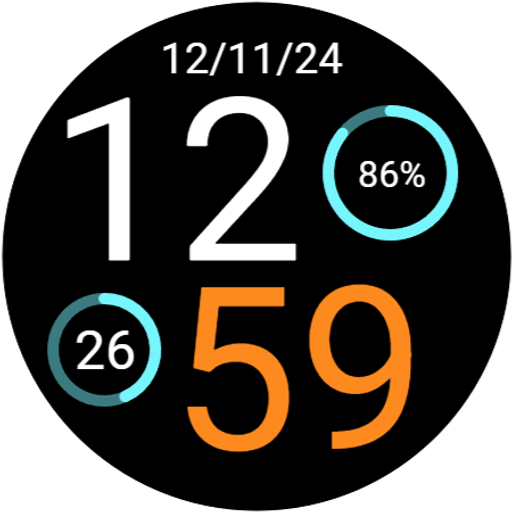
Digital Watch Face Iris513
Paid

Iris514 Digital Watch Face
Paid
Similar Apps

PK003
Paid

Dark Multifunctional ZKinWatch
Paid

TVV Digital 4 Watch Face
Paid

TVV Sport 4 Digital Watch Face
Paid
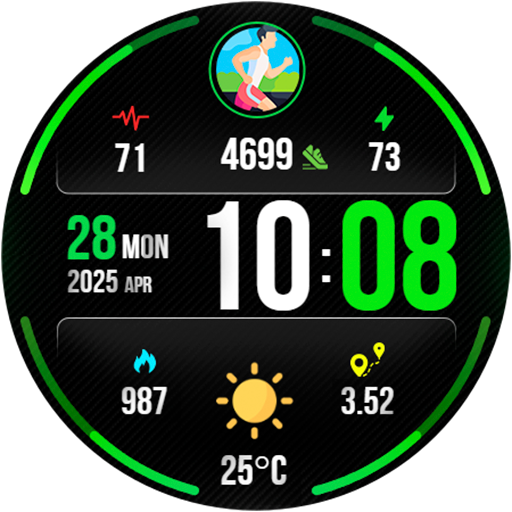
Digital PulseMotion Watch Face
Paid

Digital Dashboard 7
Paid
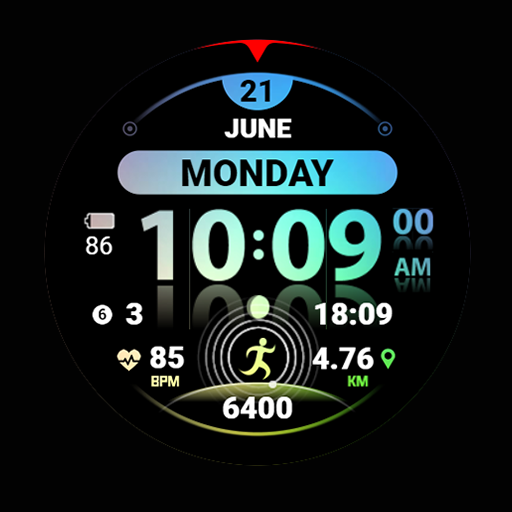
Ficture Reflecto Light
Free

KZY101
Free
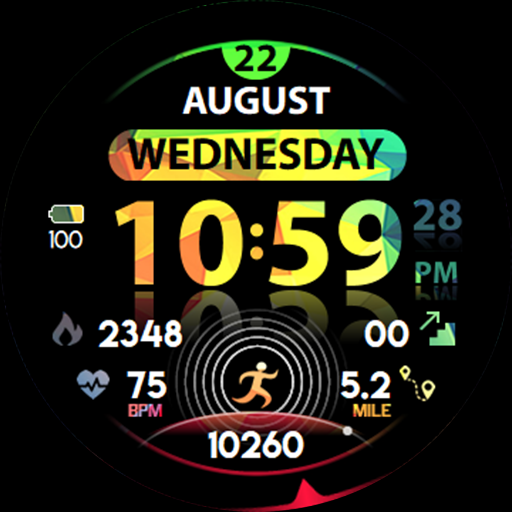
Ficture Reflecto
Paid

GW Weather 3
Free

Grid Precision Watch Face
Paid

PKG001
Paid
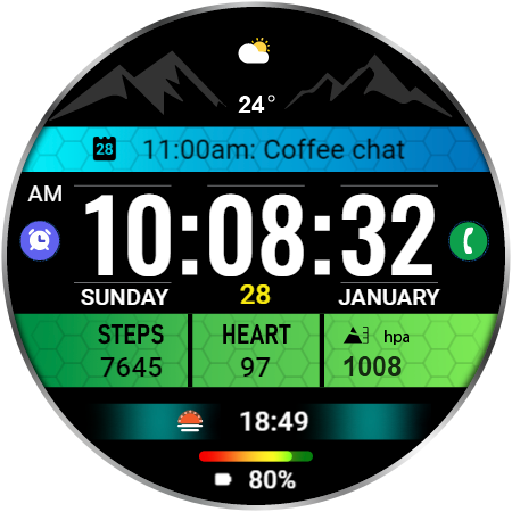
HKR003
Free

PUSH Watch Face
Paid
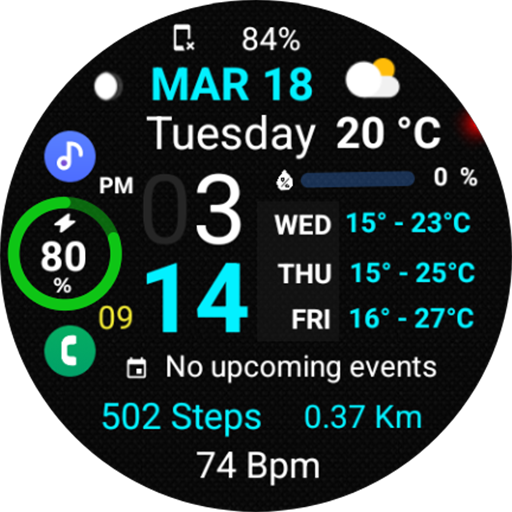
Informative Weather Day NTV578
Free
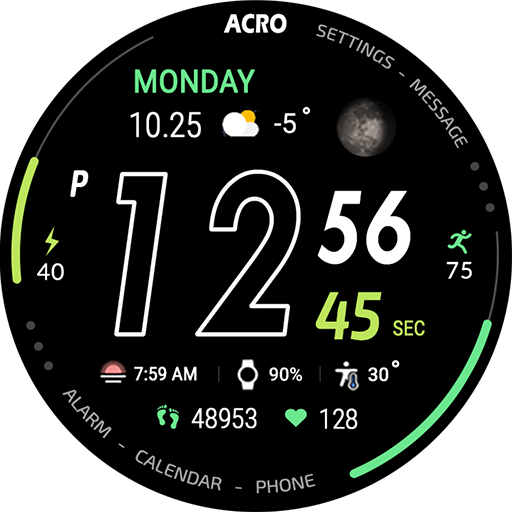
ACRO Sport Run2 Watchface
Paid
Scan this QR code to download

Forwarding you to the page at Google Play market in seconds...
Open Google Play market now