JND0105 vVARY
JacoNaudeDesign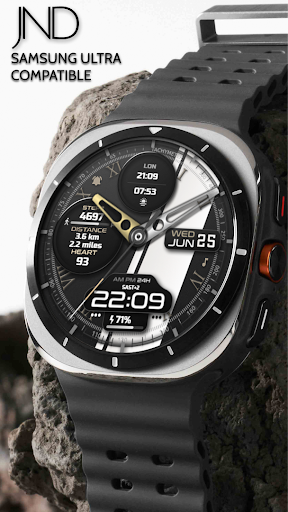
About this app
Developer Description
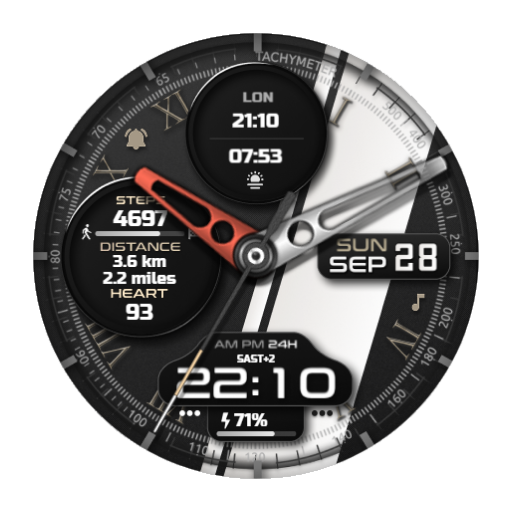
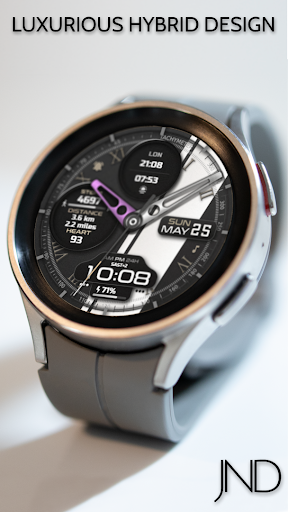
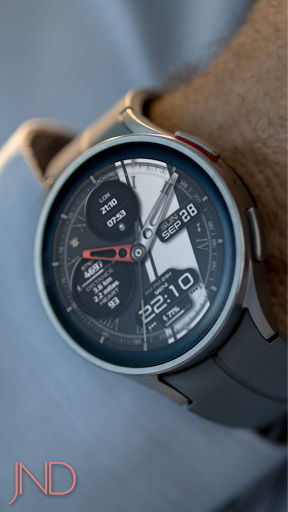
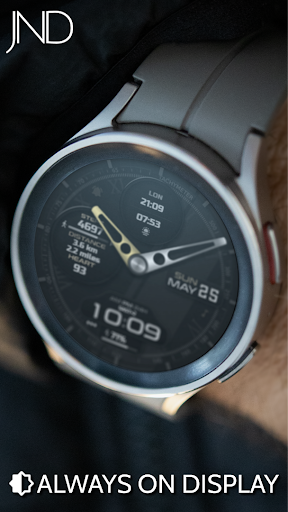
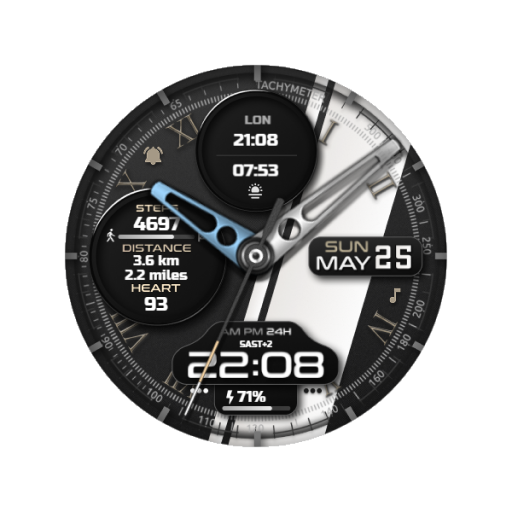
The JND0105 is a Luxurious Looking Hybrid Watch face for Wear OS.
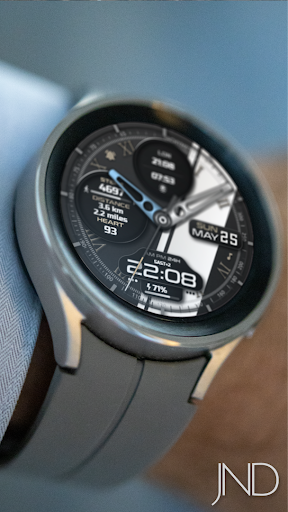
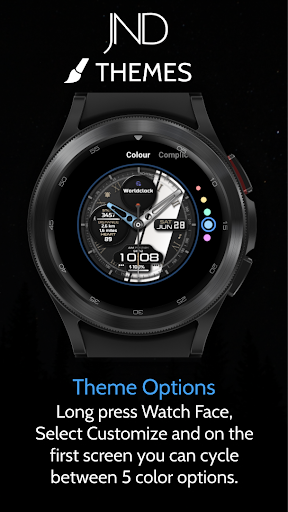
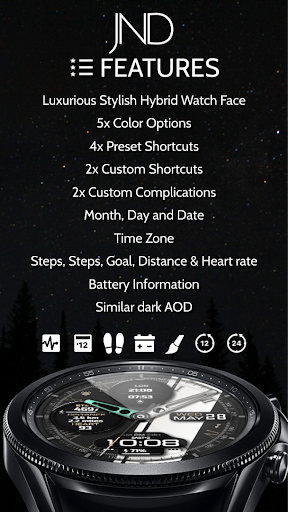
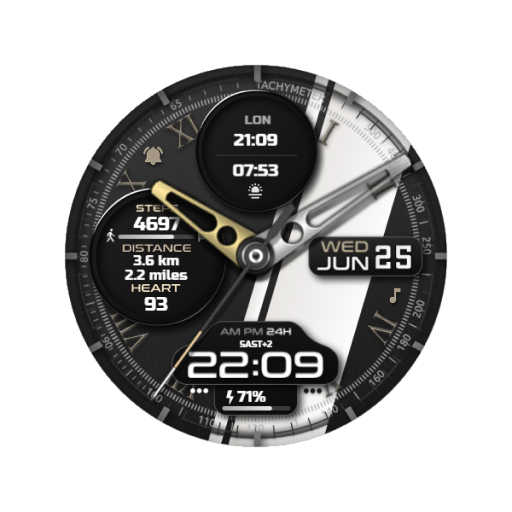
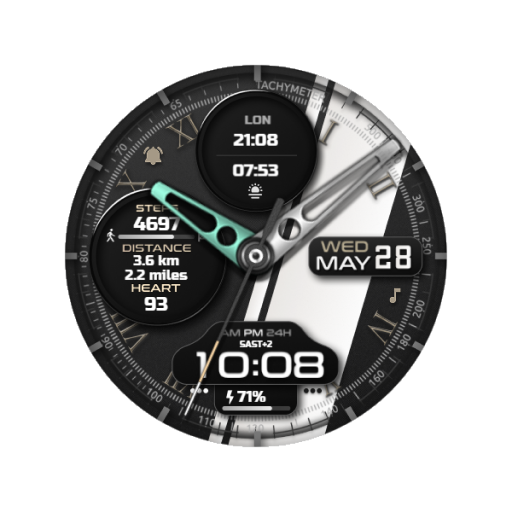
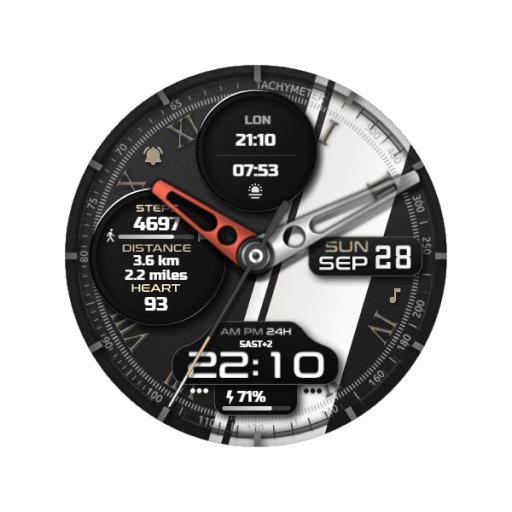
The JND0105 is a high quality detailed hybrid sports watch face with a lot of customization options and a luxurious design. Features include, 5x Color Options, 4x Shortcuts, 2x Customizable shortcuts, 2x Customizable Complications, Battery, Date, Time Zone, Steps, Steps Goal Percentage, Distance & Heart rate.
A dark always on display ensures great style and battery life.
Some features may not be available on all watches and this dial is not suitable for square or rectangular watches.
FEATURES
- 12/24hr Format: Syncs with your phone settings.
- Date.
- Time Zone.
- Distance in Km and Mile.
- Steps Goal Percentage.
- Battery Information.
- Steps and Heart Rate Monitoring.
- 5x Different Color Options.
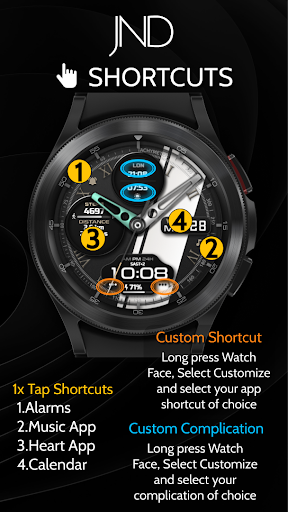
- 2x Customizable Shortcuts.
- 2x Customizable Complications.
- Similar Always On Display Mode.
- 4x Preset App Shortcuts:
Calendar
Heart App
Music Player
Alarms
INSTALLATION NOTES:
1 - Make sure the watch and phone is properly connected.
2 - Select target device from drop down in Play Store and select both Watch and Phone.
3. On your phone you can open up the Companion App and follow the instructions.
After a few minutes the watch face will transferred on watch : check the watch faces installed by the Wearable app on the phone.
IMPORTANT NOTE:
Please Make sure you have enabled all permissions from settings > applications. And also when prompted after installing face and when long pressing to customize complication.
INFORMATION ON HEART RATE:
The first time you use the face or put on the watch the heart rate is measured. After the first measurement, the watch face will automatically measure your heart rate every 10 minutes.
For any assistance please reach out to us at support@jaconaudedesign.com
Reach out to me on my other channels for ideas and promotions plus new releases.
WEB: www.jaconaudedesign.com
INSTAGRAM: https://www.instagram.com/jaconaude2020/
Thank you and enjoy.
Version Information
- Version
- -
- Downloads
- 1K+
- Updated on
- Aug 23, 2025
- Released
- Jun 7, 2025
- Requires
- Android Varies with device
Statistics
Google Play Rating History
Rating Distribution
Downloads Over Time
JND0105 has been downloaded times. Over the past 30 days, it averaged downloads per day.
Shaded area shows 30-day prediction based on historical trends
Historical data collection started recently. More data points will be available over time.
JND0105 users say on Google Play
 shahriar shahraki
it did not install in my Galaxy Watch 7!!!
ApkTrusted Ratings & Reviews
More from JacoNaudeDesign
See more apps


Similar Apps
Hybrid Lobun Watch Face
Paid

N-SPORT709 AnalogC Watch Face
Paid

Mechanical Candy ZKin Watch
Paid

FSW290 Hybrid Watch face
Paid

MD335 Hybrid watch face
Paid

Tancha S89 Hybrid Watch Face
Paid

Colorful Hybrid Watch Face
Paid

MJ175 Hybrid Stylish Watch
Paid

Hybrid DIALS URX68 Watch face
Paid

MD311 Analog watch face
Paid

Hybrid DURON URX42 Watch face
Paid

BRN171 - DIGIO
Free

Wolf IV - Watch face
Free

N-SPORT655 Analog Digital Face
Paid

ZKin WatchFace White Machinery
Paid

World Time 057
Paid
Scan this QR code to download

Forwarding you to the page at Google Play market in seconds...
Open Google Play market now