JW232 jwstudio icon

JW232 jwstudio vVARY

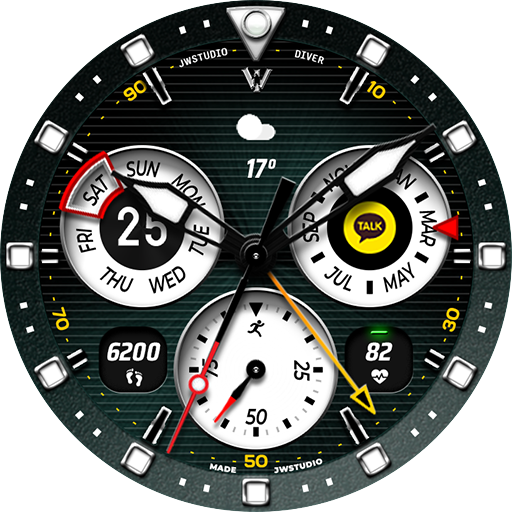
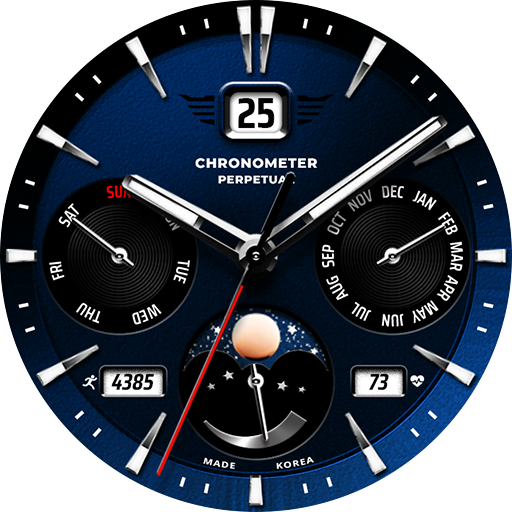
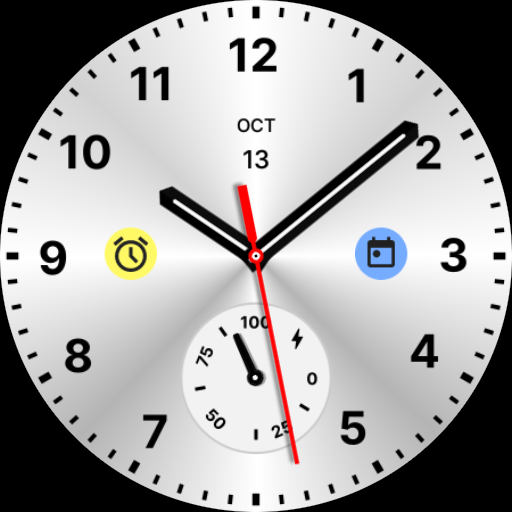
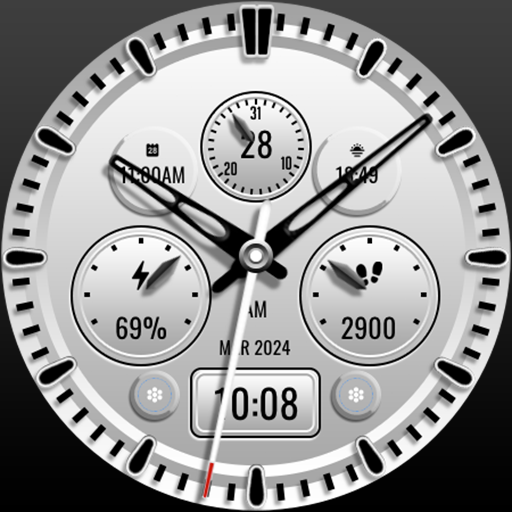
JW232 jwstudio screenshot 0 JW232 jwstudio screenshot 1 JW232 jwstudio screenshot 2 JW232 jwstudio screenshot 3 JW232 jwstudio screenshot 4 JW232 jwstudio screenshot 5 JW232 jwstudio screenshot 6 JW232 jwstudio screenshot 7 JW232 jwstudio screenshot 8 JW232 jwstudio screenshot 9 JW232 jwstudio screenshot 10 JW232 jwstudio screenshot 11 JW232 jwstudio screenshot 12 JW232 jwstudio screenshot 13 JW232 jwstudio screenshot 14 JW232 jwstudio screenshot 15 JW232 jwstudio screenshot 16 JW232 jwstudio screenshot 17 JW232 jwstudio screenshot 18 JW232 jwstudio screenshot 19 JW232 jwstudio screenshot 20 JW232 jwstudio screenshot 21 JW232 jwstudio screenshot 22 JW232 jwstudio screenshot 23 JW232 jwstudio screenshot 24 JW232 jwstudio screenshot 25 JW232 jwstudio screenshot 26 JW232 jwstudio screenshot 27 JW232 jwstudio screenshot 28 JW232 jwstudio screenshot 29 JW232 jwstudio screenshot 30 JW232 jwstudio screenshot 31 JW232 jwstudio screenshot 32 JW232 jwstudio screenshot 33 JW232 jwstudio screenshot 34 JW232 jwstudio screenshot 35 JW232 jwstudio screenshot 36 JW232 jwstudio screenshot 37 JW232 jwstudio screenshot 38

About this app

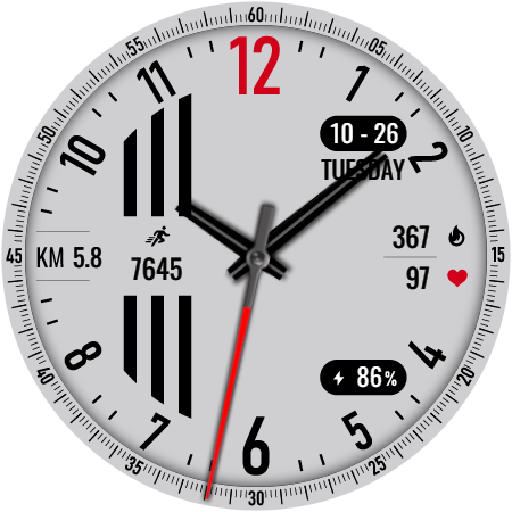
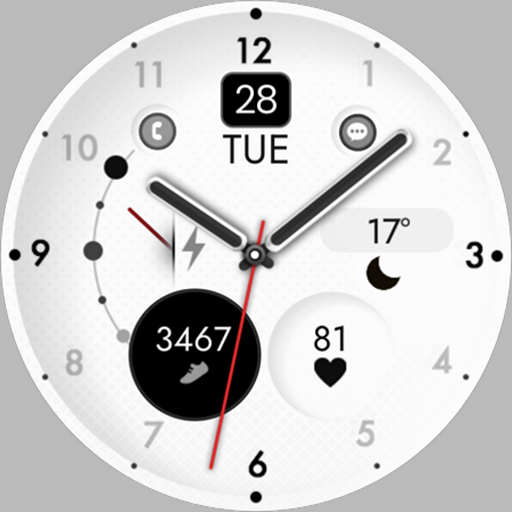
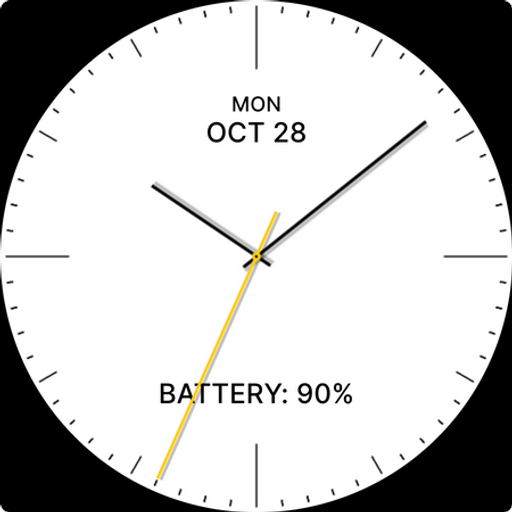
The JW232 jwstudio app provides high-quality watchfaces for Wear OS 5.0 or higher, catering to users seeking personalized and stylish designs for their smartwatches. This app benefits users who value customization and are looking for unique watchfaces that reflect their personality. Compared to other personalization apps, JW232 jwstudio stands out with its focus on watchfaces, but its limited functionality and lack of user ratings may deter some potential users. Overall, the app's niche focus and paid model may appeal to a specific audience, but its overall value proposition is somewhat limited.

Pros

  • The app offers high-quality watchfaces that are specifically designed for Wear OS 5.0 or higher, ensuring compatibility and a polished user experience.
  • With no ads and no in-app purchases, the app provides a clean and uninterrupted experience for users who are willing to pay the one-time fee of $1.49.
  • The developer's presence on Instagram and provision of an email address suggest a level of transparency and willingness to engage with users, which can be beneficial for feedback and support.
  • The app requires no permissions, which is a significant advantage in terms of user privacy and security, as it minimizes the risk of data collection or misuse.
  • The app's small size and lack of complex features may result in efficient performance and minimal battery drain, making it a good choice for users who prioritize simplicity and resource efficiency.

Cons

  • The app's limited functionality, focusing solely on watchfaces, may not justify the paid model for some users who expect more comprehensive personalization options.
  • The lack of user ratings and limited download numbers may indicate a small user base, which can be a concern for users who rely on community feedback and updates.
  • The app's compatibility with varying Android versions may lead to inconsistencies in performance or compatibility issues with certain devices, which could negatively impact the user experience.
  • The developer's website being an Instagram page may not provide the level of detailed information or support that some users expect from a dedicated website, potentially limiting the app's appeal.

Best for: The ideal user for JW232 jwstudio is a tech-savvy individual, likely between the ages of 25 and 45, who owns a smartwatch compatible with Wear OS 5.0 or higher, values customization, and is willing to pay a small fee for high-quality, unique watchfaces that reflect their personal style and preferences.

Developer Description

High-quality watchfaces for Wear OS 5.0 of higher

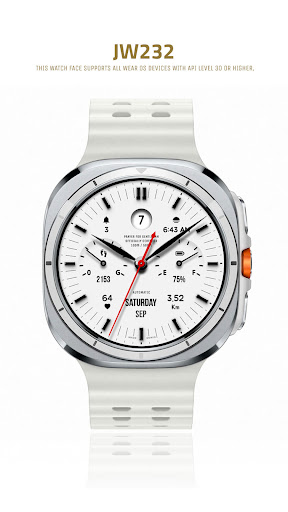
This watch face supports all Wear OS devices with API level 30 or higher, such as Samsung Galaxy Watch 4, 5, 6, 7, 8, Pixel Watch, etc.

+++++++++++++++++++++++++++++++++++++++++++++++

[How to install]
Before pressing the payment button, make sure your watch is selected.
Select your watch by pressing the small triangle next to the payment button.

Select the menu at the top right of the Play Store app (three dots) > Share > Chrome browser > Install on other devices > Clock and proceed.

After installation, select it from the download list, register it as a favorite, and use it. You can view the download list by clicking 'Add Watch Screen' on the far right of the favorites list that appears when you press the watch screen.

+++++++++++++++++++++++++++++++++++++++++++++++

[function]
- 5 preset app shortcut
- 1 customizable shortcut keys
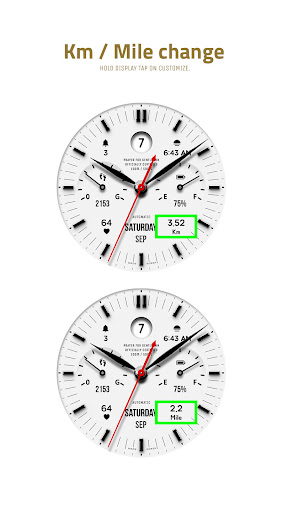
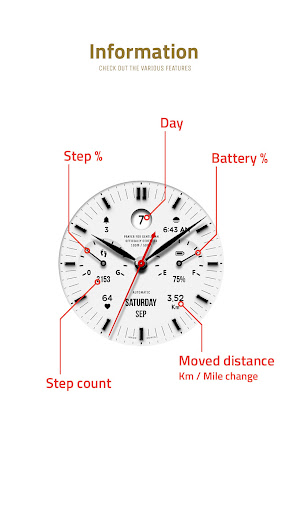
- 2 customizable fields/information display
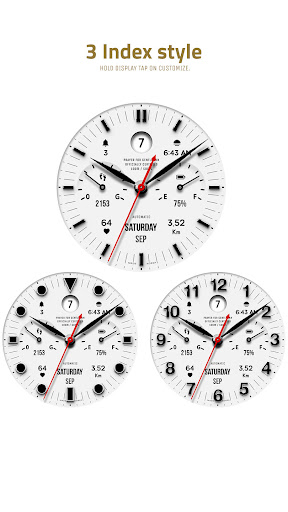
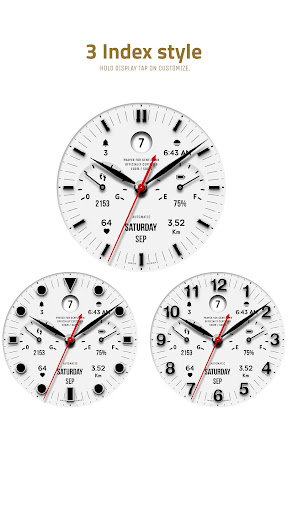
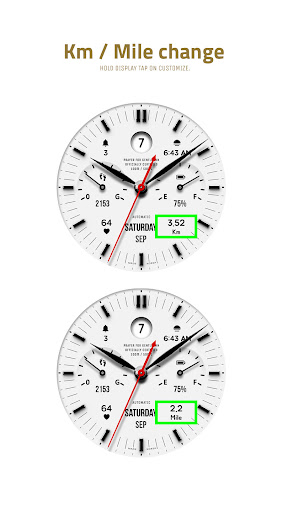
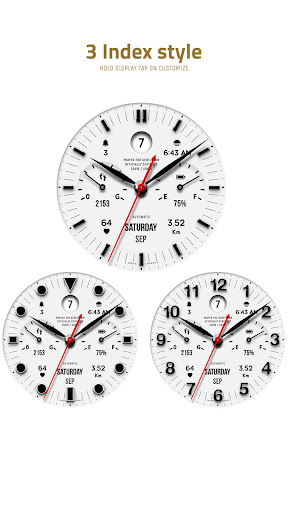
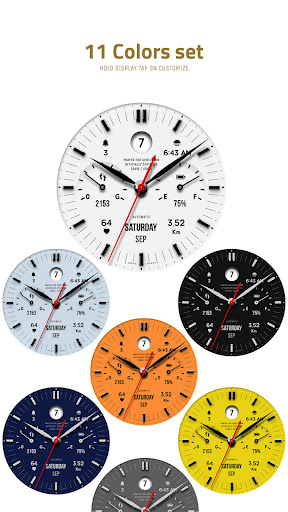
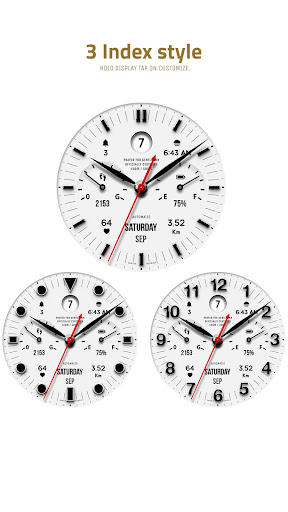
- Changeable background color, hands, index

+++++++++++++++++++++++++++++++++++++++++++++++

[Custom]
1 - Touch and hold the display.
2 - Tap on Custom Options


For inquiries, please contact the email below.
jenniferwatches@gmail.com

Privacy

Given that the app requires no permissions, the risk of data collection or misuse is significantly minimized. However, users should still be cautious when purchasing apps from lesser-known developers and ensure they are buying from trusted sources. It is also advisable to monitor the app's performance and watch for any unexpected behavior or updates that may change its permission requirements.

Tips

To get the most out of JW232 jwstudio, users should first explore the different watchface designs to find the ones that best suit their style. Additionally, users can optimize the app's performance by ensuring their smartwatch is running the latest version of Wear OS and by closing unnecessary apps to conserve battery life. For a more personalized experience, users can also provide feedback to the developer through the provided email address or Instagram page.

What's New

v1.2 update
- Support Android Target SDK 33 (Wear OS 5)
- Support Companion app Target API level 35

Version Information

Version
-
Downloads
100+
Updated on
Jul 26, 2025
Released
Sep 15, 2024
Requires
Android Varies with device

Statistics

Google Play Rating History

Current
Average
Range

Rating Distribution

Total Ratings:

Downloads Over Time

JW232 jwstudio has been downloaded times.

Total Downloads
Last 30 Days
Avg Daily Est.

Shaded area shows 30-day prediction based on historical trends

Historical data collection started recently. More data points will be available over time.

JW232 jwstudio users say on Google Play

★★★★★
vasos adams vasos adams

Beautiful, clear and customizable!

0 Dec 8, 2024

ApkTrusted Ratings & Reviews

0.0
0 ratings
5
0
4
0
3
0
2
0
1
0
✓ Thank you! Your review has been submitted and will be published after admin approval.
Be the first to write a review...

More from JWstudio

See more apps

Similar Apps

Explore Tags

Browse all tags