
Key WF17 Digital Watch Face vVARY
Key Watch FaceScreenshots


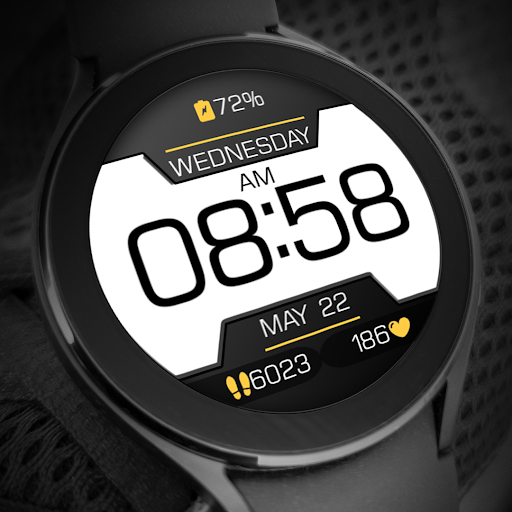
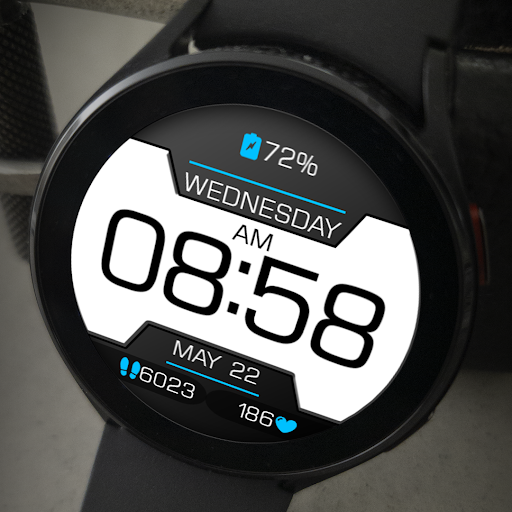
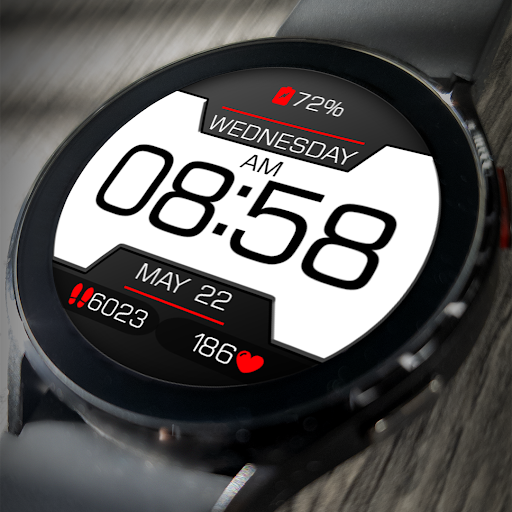


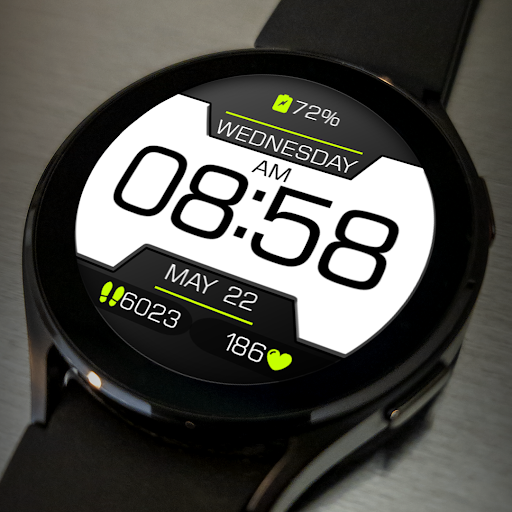
/
About this app
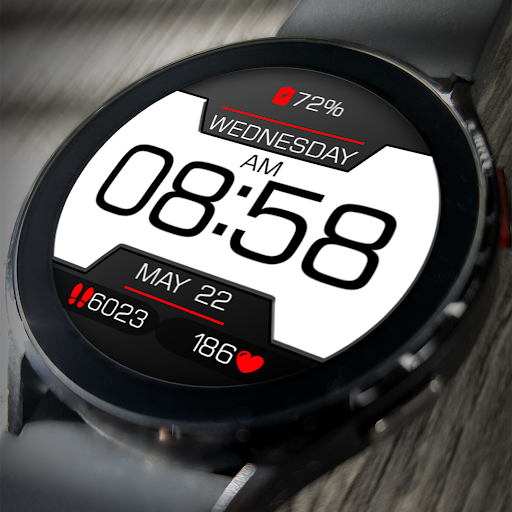
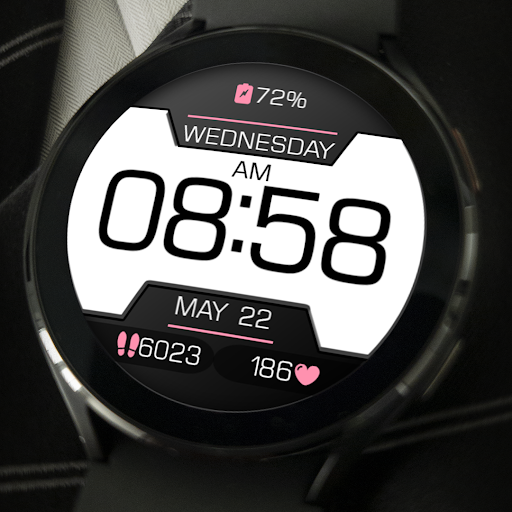
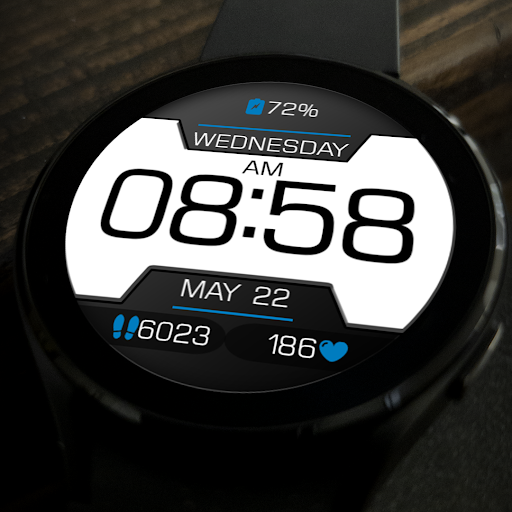
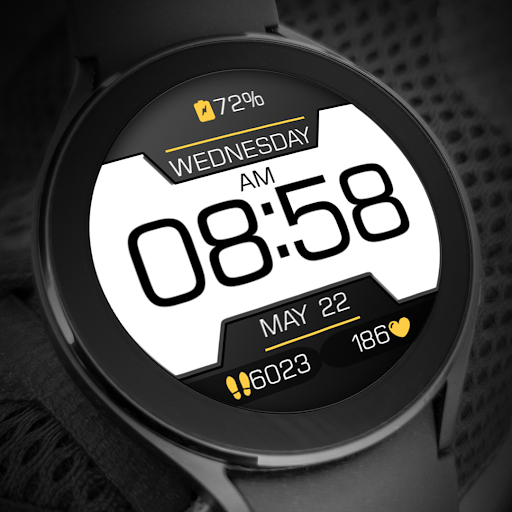
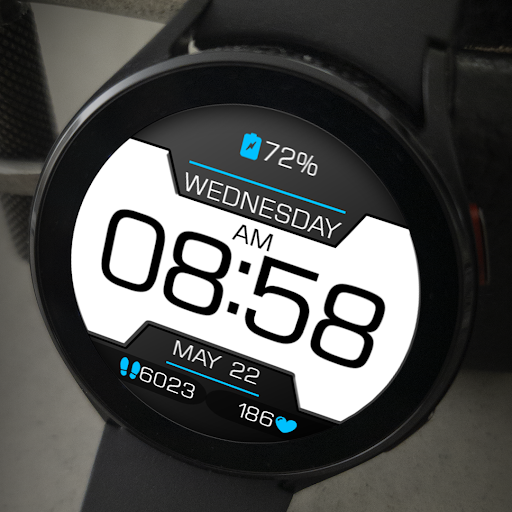
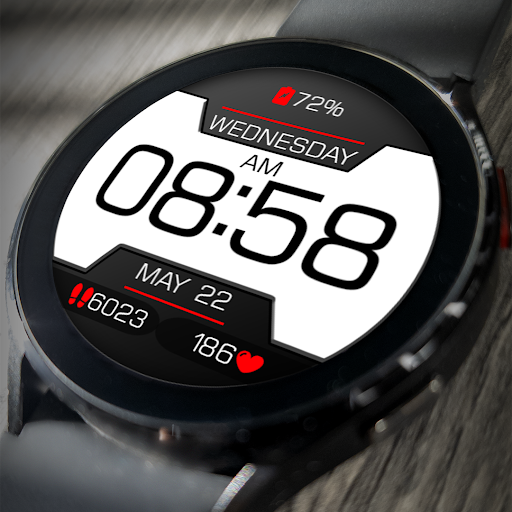
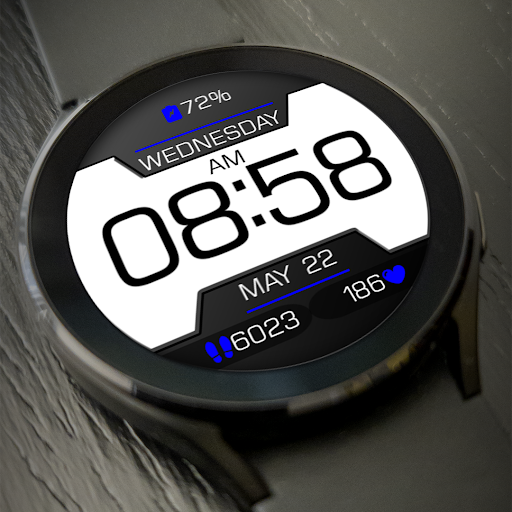
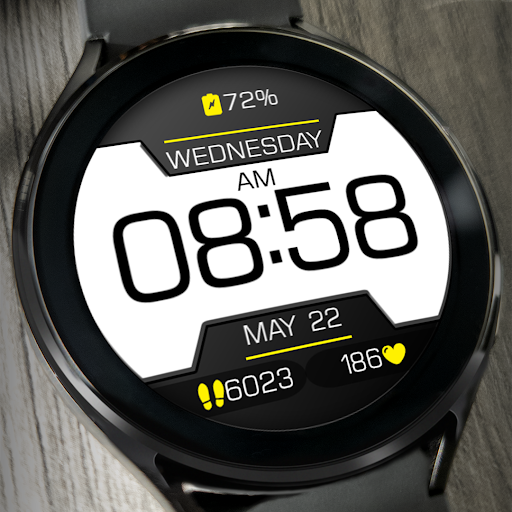
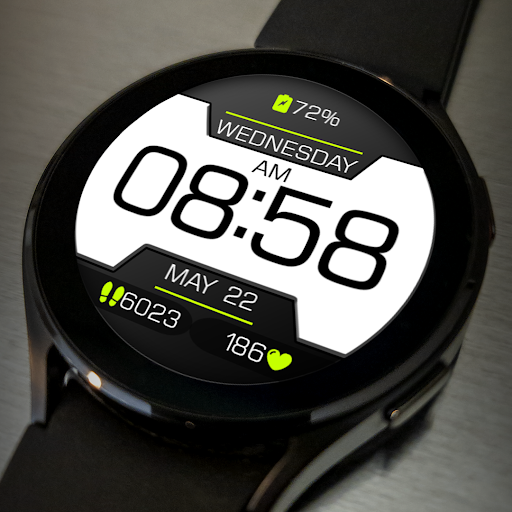
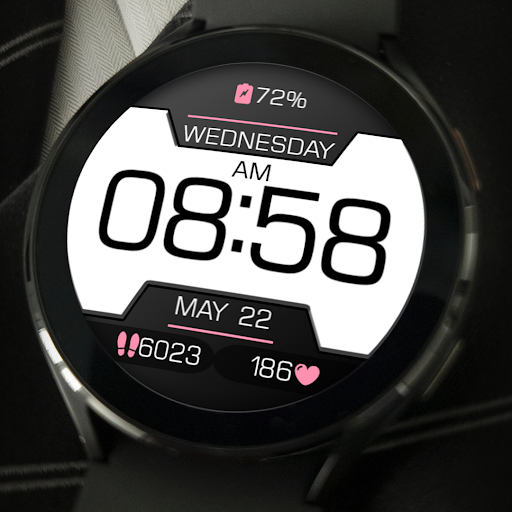
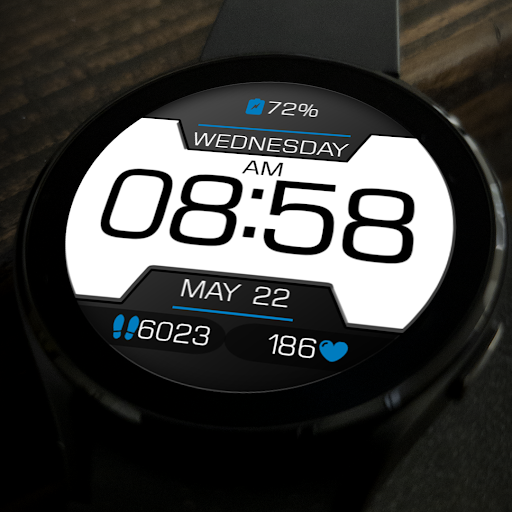
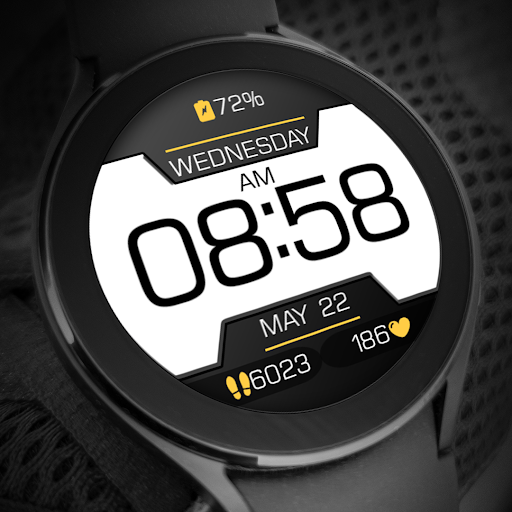
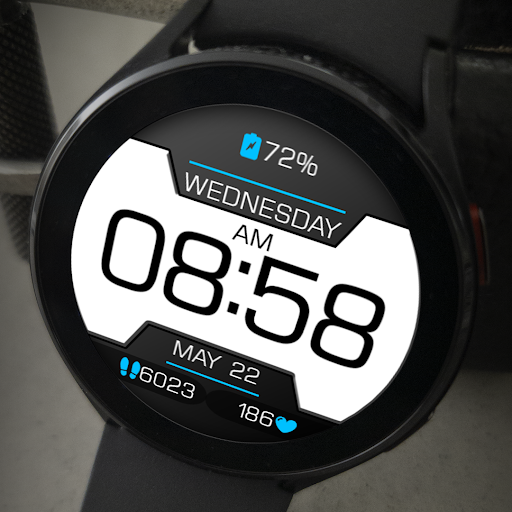
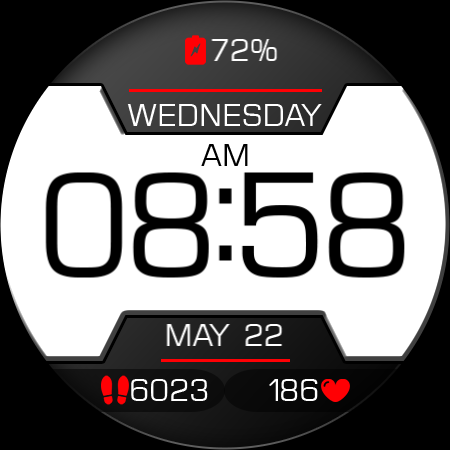
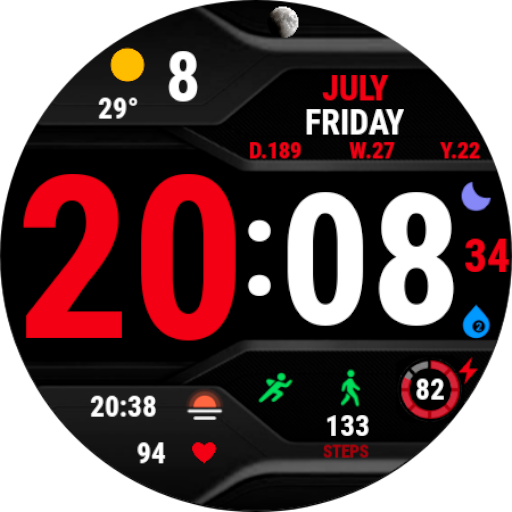
Key WF17 is a Digital Watch Face with Stylish Design for Wear OS
Buy One Get One, BOGO Promotion :
1. Buy any of our Watch Faces
2. Send email to syauqiyhidayah@gmail.com
3. Attach RECEIPT from Google to the email
4. Wait for the Coupon
5. You can not choose the free WF
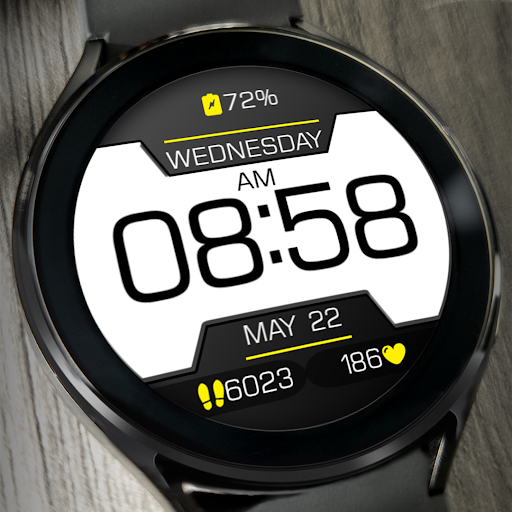
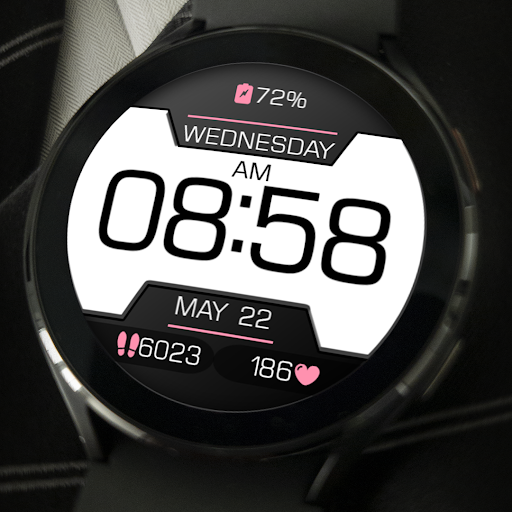
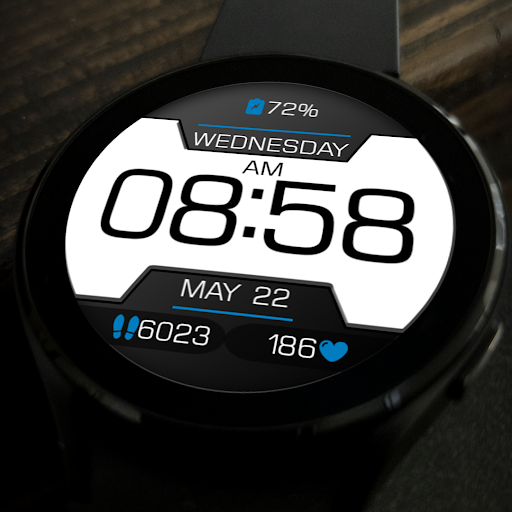
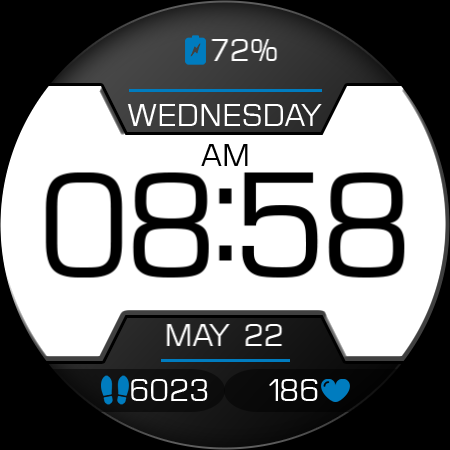
Key WF17 is a Digital Watch Face with Stylish Design for Wear OS. Key WF17 has 8 favorite theme colors. Users can customize the theme colors to their fashion style. Looks elegant while still providing clear information on your smart watch.
Features
- 12/24H digital time format
- Month, Date, and Day Name
- Heart Rate Information
- Step Count Information
- Battery Percent Information
- Have 8 theme colors
IMPORTANT!
This is a Wear OS Watch Face app. This app only supports smartwatch devices running with WEAR OS
AOD:
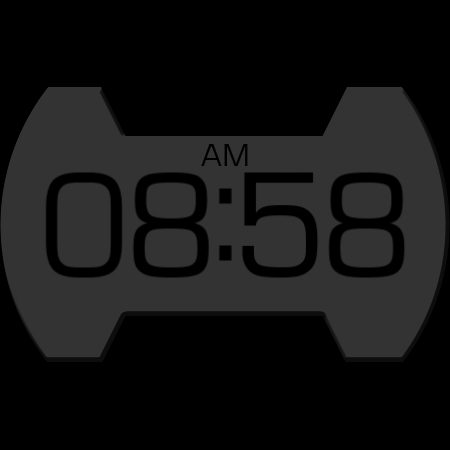
Displaying digital clock information with 12H/24H digital time format. AOD still features a stylish design with battery saving power.
Color adjustments:
1. Press and hold your finger at center on the watch display.
2. Press the button to adjust.
3. Swipe left or right to switch between the different customizable items.
4. Swipe up or down to change the options/color of the items.
1. Buy any of our Watch Faces
2. Send email to syauqiyhidayah@gmail.com
3. Attach RECEIPT from Google to the email
4. Wait for the Coupon
5. You can not choose the free WF
Key WF17 is a Digital Watch Face with Stylish Design for Wear OS. Key WF17 has 8 favorite theme colors. Users can customize the theme colors to their fashion style. Looks elegant while still providing clear information on your smart watch.
Features
- 12/24H digital time format
- Month, Date, and Day Name
- Heart Rate Information
- Step Count Information
- Battery Percent Information
- Have 8 theme colors
IMPORTANT!
This is a Wear OS Watch Face app. This app only supports smartwatch devices running with WEAR OS
AOD:
Displaying digital clock information with 12H/24H digital time format. AOD still features a stylish design with battery saving power.
Color adjustments:
1. Press and hold your finger at center on the watch display.
2. Press the button to adjust.
3. Swipe left or right to switch between the different customizable items.
4. Swipe up or down to change the options/color of the items.
Version Information
- Version
- -
- Downloads
- 500+
- Updated on
- -
- Released
- Apr 6, 2024
- Requires
- Android Varies with device
Ratings & Reviews
Developer Response
More from Key Watch Face
See more apps
Digital Watch Face Key 001
Paid
Digital Watch Face Key 003
Paid

Digital Watch Face Key 006
Paid

Digital Watch Face Key 016
Paid
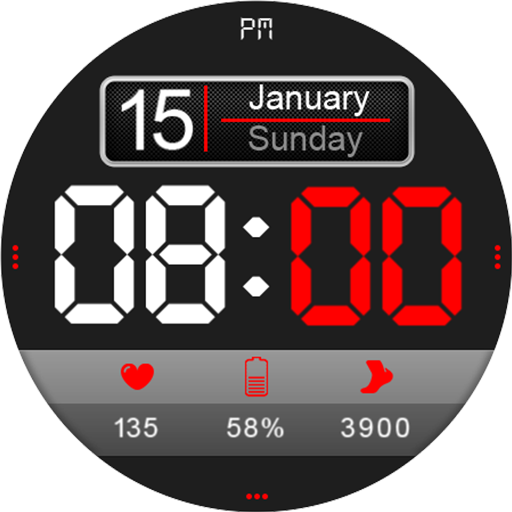
Digital Watch Face Key 014
Paid
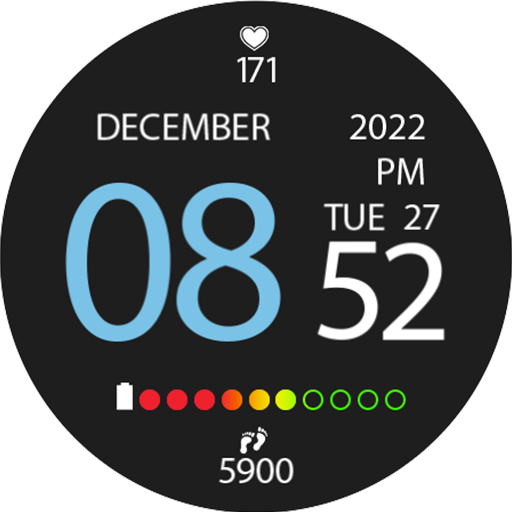
Digital Watch Face Key 009
Paid

Digital Watch Face Key 007
Paid

Digital Watch Face Key 008
Paid

Digital Watch Face Key 005
Paid

Digital Watch Face Key 010
Paid
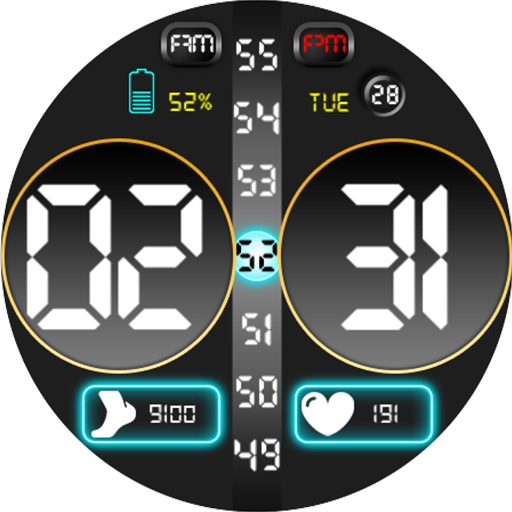
Digital Watch Face Key 011
Paid

Digital Watch Face Key 012
Paid

Digital Watch Face Key 013
Paid
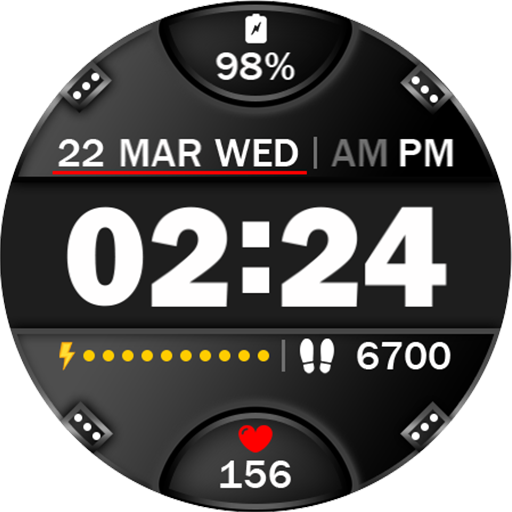
Digital Watch Face Key 015
Paid

Digital Watch Face Key 002
Paid
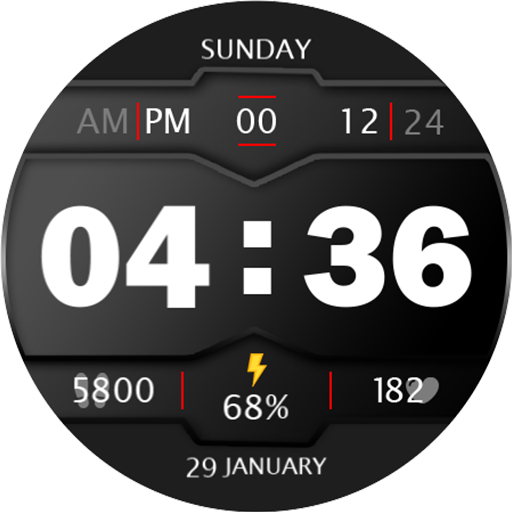
Digital Watch Face Key 017
Paid
Similar Apps

PW32 Time Digits Watch
Paid

Wave Fury Watch Face
Paid

Phantom - LCD v2 | watch face
Paid

Digital CABRUM Watch face
Free
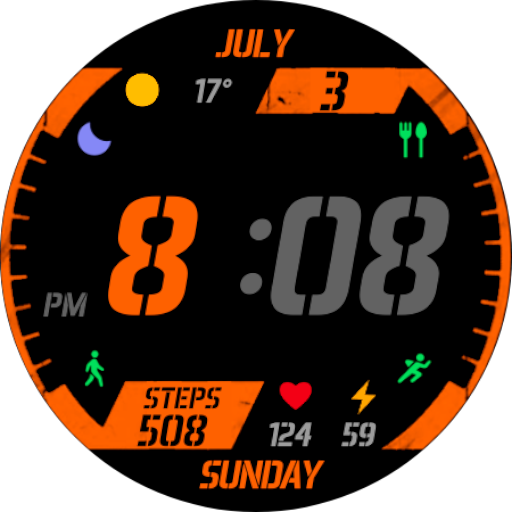
SportMini Watch Face Wear OS
Paid
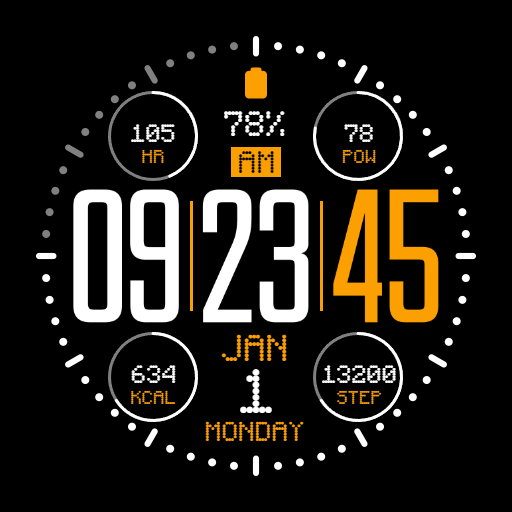
IWF AL1 watchface
Paid

SamWatch Digital Mut 2021
Paid

Core Time Watch Face
Paid

CELEST5516 Sport Watch
Paid
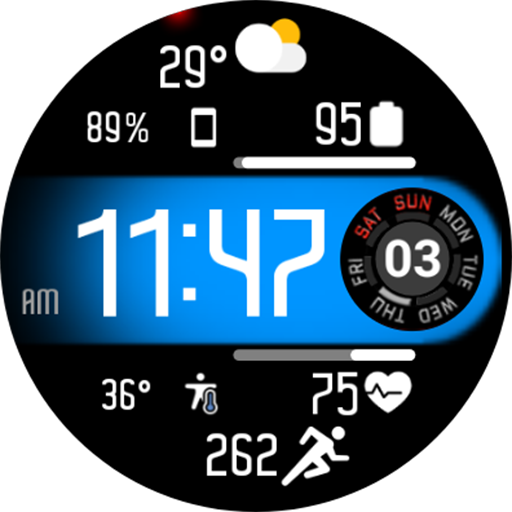
Aircraft Digital Face NTV558
Free
Sport V2 Watch Face Wear OS
Paid

JND0120
Paid

Colorful sports ZKin Watch
Paid

JND0010U
Paid

Star Traveller for Wear OS
Paid

NWF 09 - watch face
Paid