
KZY140 vVARY
Kzy Watchfaces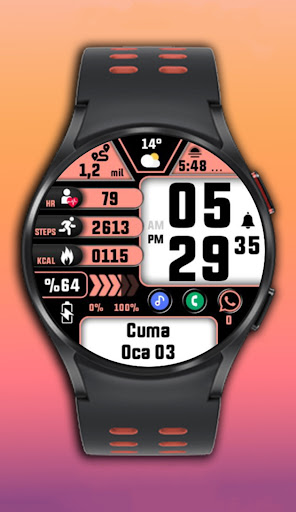


/
About this app
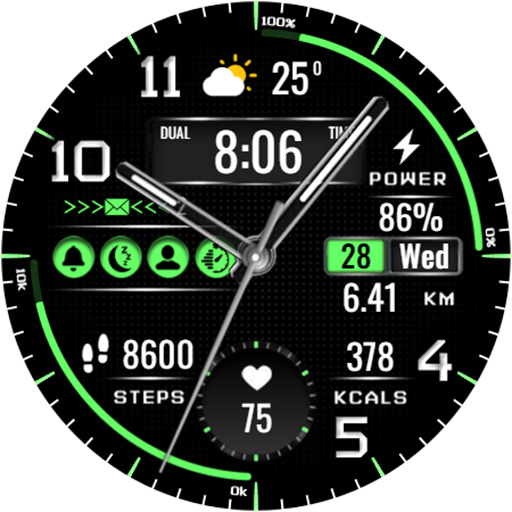
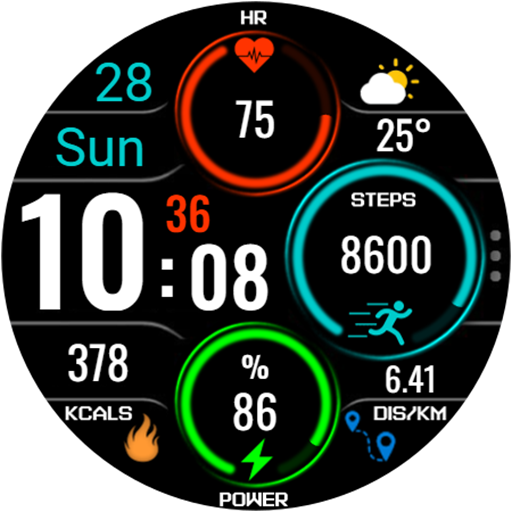
KZY140 is made for Wear OS
KZY140 is made for Wear OS
Watch face setup notes on smartwatch: The Phone app just acts as a placeholder to make it easier to set up and find the watch face on your Wear OS watch. You must select your tracking device from the setup drop-down menu
Steps Counter
Distance options(km&miles)
Sunset/Sunrise-Weather
Complications
Color variants-Date
Heart rate-Kcal-Power
12/24h-Am/Pm Format
Digital clock-Alarm
AOD(Always-On Display)
for wear OS
This Wear OS watch face makes your daily life easier with its versatile features!
Watch face customization:1- Touch and hold the screen2- Tap Customize
Some features may not be available on some watches. This watch face is suitable for Samsung Galaxy Watch 4,5,6, Pixel Watch etc. It is compatible with . Supports all Wear OS devices with API level 30+
If the watch face still doesn't appear on your watch, open the Galaxy Wearable app. Go to the Downloads section of the app and you will find the watch face there. Just click on it to start the installation.
Watch face setup notes on smartwatch: The Phone app just acts as a placeholder to make it easier to set up and find the watch face on your Wear OS watch. You must select your tracking device from the setup drop-down menu
Steps Counter
Distance options(km&miles)
Sunset/Sunrise-Weather
Complications
Color variants-Date
Heart rate-Kcal-Power
12/24h-Am/Pm Format
Digital clock-Alarm
AOD(Always-On Display)
for wear OS
This Wear OS watch face makes your daily life easier with its versatile features!
Watch face customization:1- Touch and hold the screen2- Tap Customize
Some features may not be available on some watches. This watch face is suitable for Samsung Galaxy Watch 4,5,6, Pixel Watch etc. It is compatible with . Supports all Wear OS devices with API level 30+
If the watch face still doesn't appear on your watch, open the Galaxy Wearable app. Go to the Downloads section of the app and you will find the watch face there. Just click on it to start the installation.
Version Information
- Version
- -
- Downloads
- 100+
- Updated on
- Sep 19, 2025
- Released
- Mar 7, 2025
- Requires
- Android Varies with device
What's New
KZY140 is made for Wear OS
Ratings & Reviews
Developer Response
More from Kzy Watchfaces
See more apps







Similar Apps

SMZ ACTIVITY5
Paid

SamWatch PointColor 47
Paid

SH082 Watch Face, WearOS watch
Paid
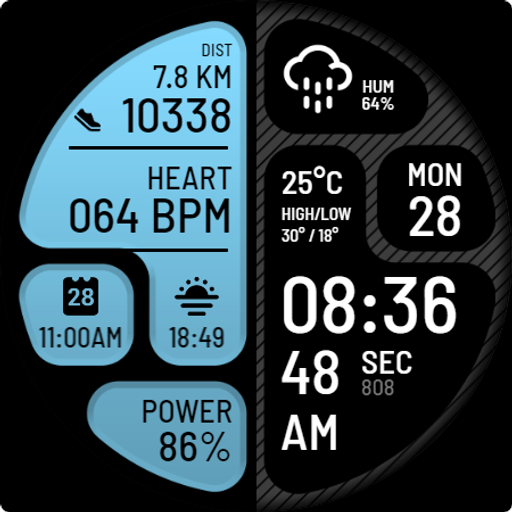
ANNU Watch Face
Free

PRIME 012 Digital Retro
Free
![[69D] W2077 icon](https://play-lh.googleusercontent.com/5oG2-vauYDE4aouzYbN9H4NaDcLgbdg4s7zpkcQlMb3A3llFQNRaPstbbWinVvJ7QA)
[69D] W2077
Paid
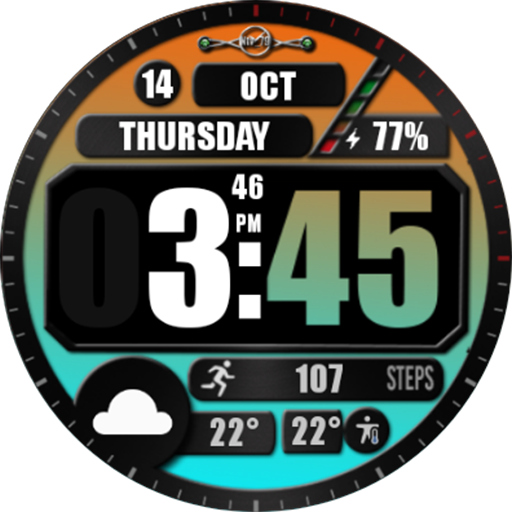
NTV514 - Hybrid Watch Face
Free
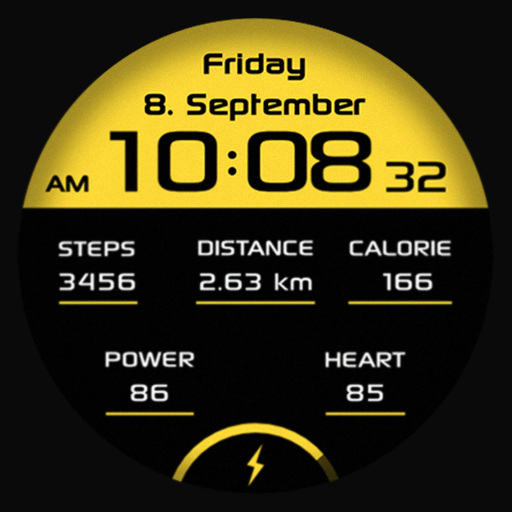
SG Sport 2
Free

JND0089
Paid

SY08 Wear OS Watch Face
Paid
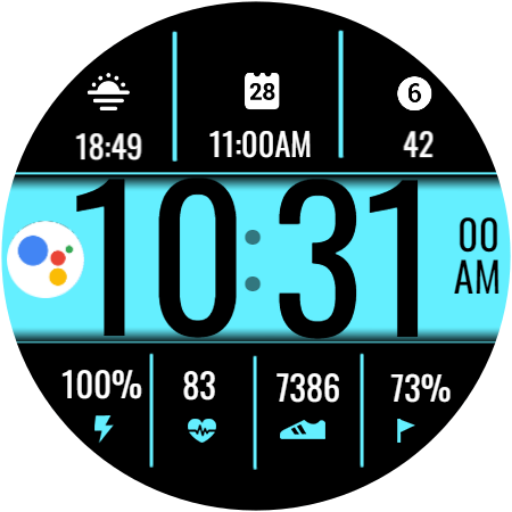
Digital Sport V16
Paid

SamWatch SIGN I 2023
Paid

N-SPORT665 Digital Watch Face
Paid

Night ver 07 - watch face
Paid
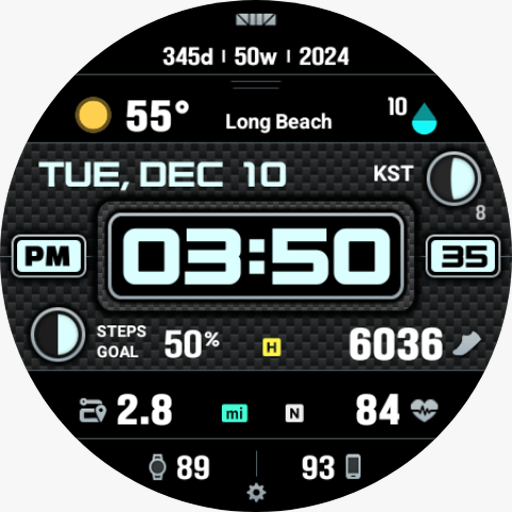
SMZ EXC90
Paid

325 PS
Paid