Lavanda - Flowers vVARY
CHESTER WATCH FACES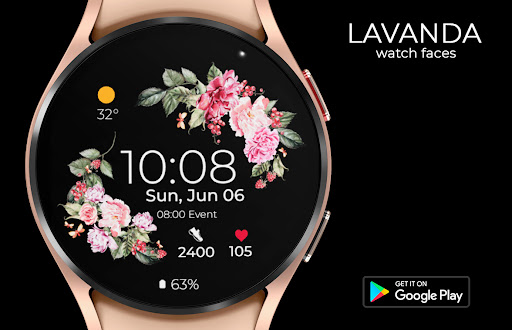






About this app
Developer Description
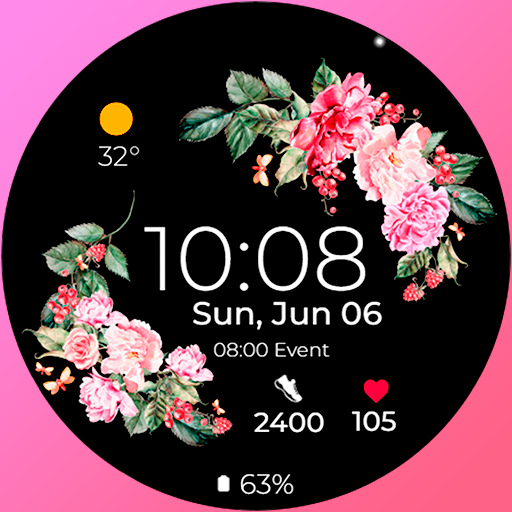
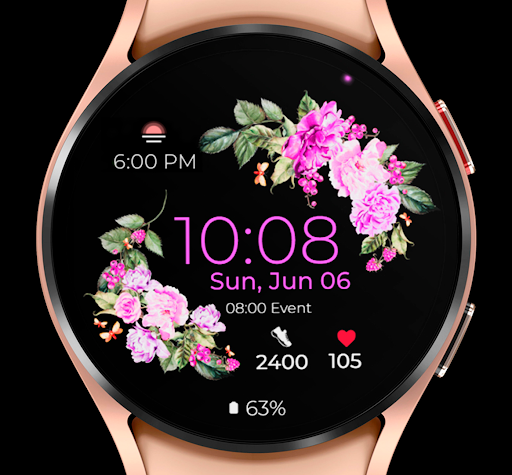
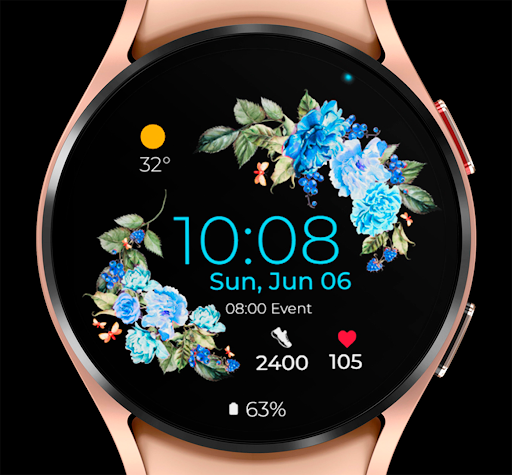
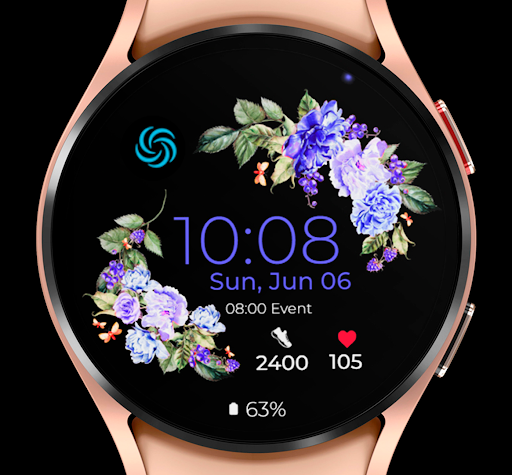
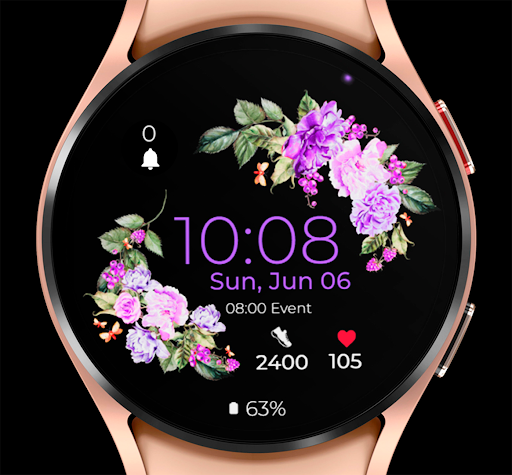
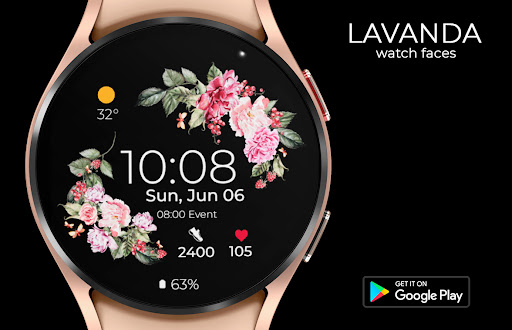
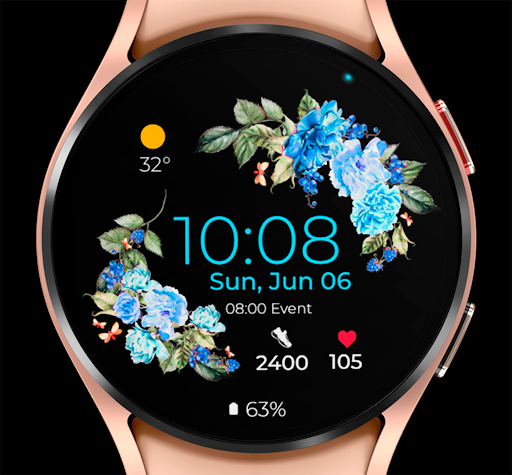
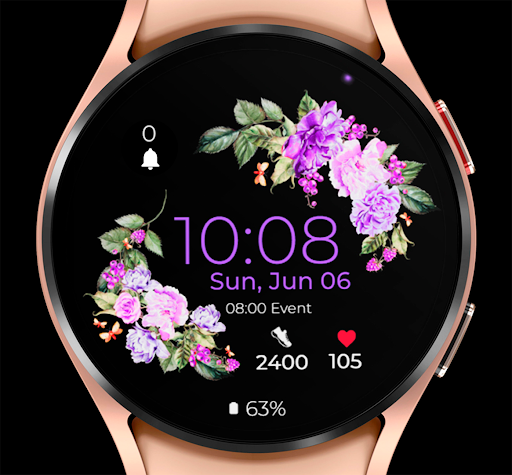
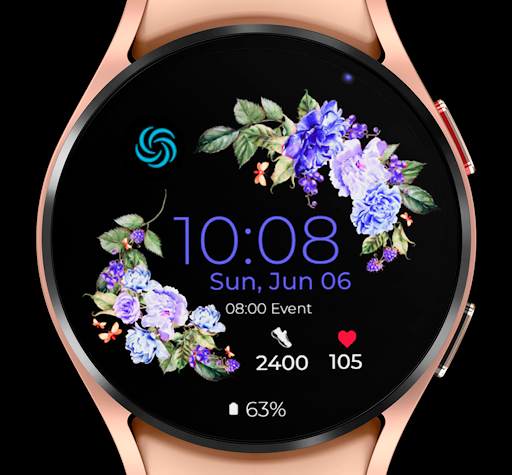
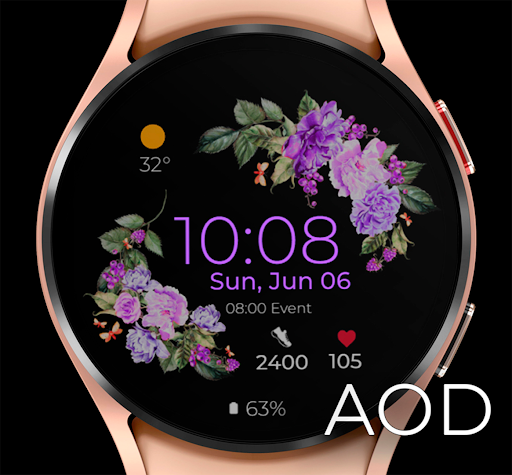
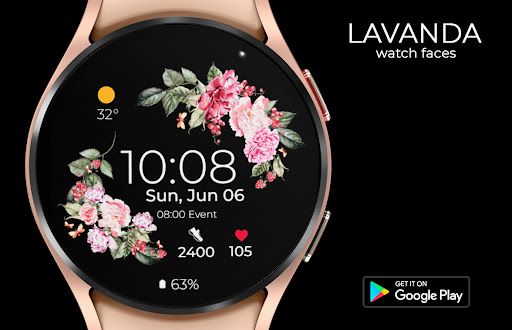
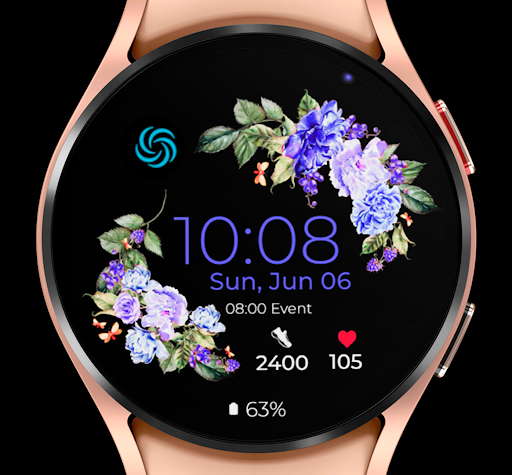
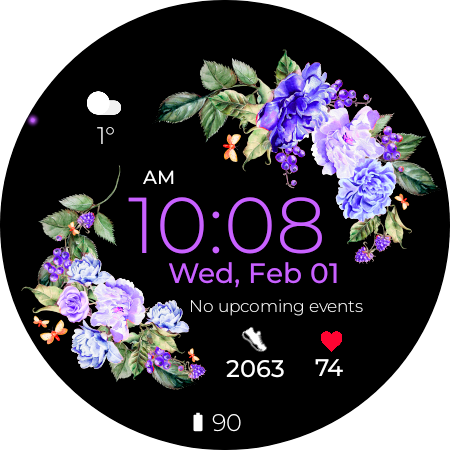
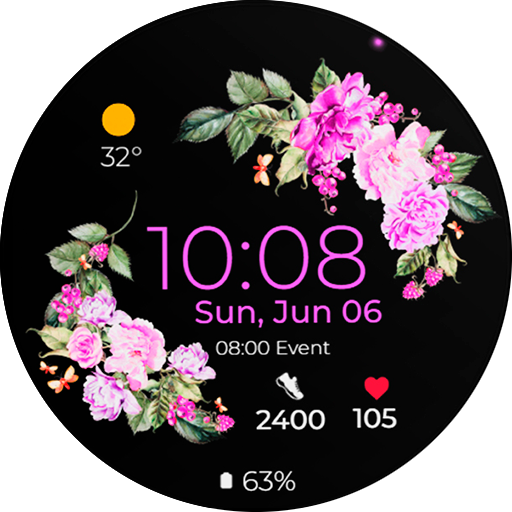
Watch face for Wear OS.
The main functions of the watch face:
- Date, month and day of the week.
- Heart rate. (Automatic measurement of heart rate once an hour. Manual measurement by pressing the readings.)
- Walked steps per day.
- Two zones to select applications for quick access.
- Two zones of complications to display selected information.
- Sixteen text colors.
- Five colors of lanterns.
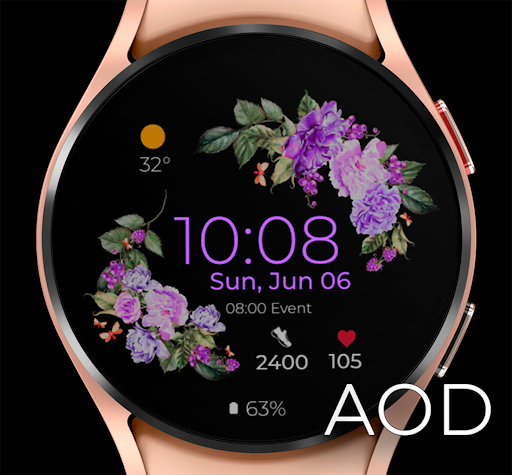
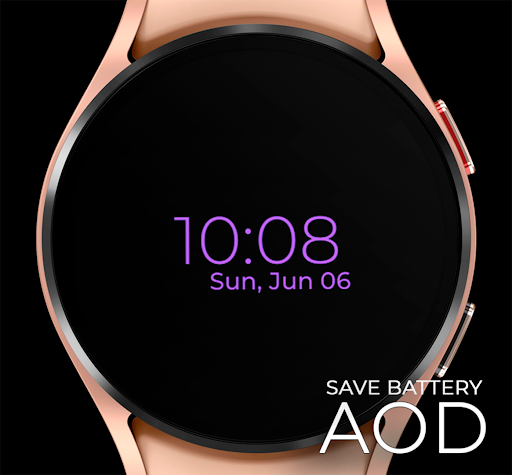
- Two AOD modes.
- Multilingual.
I hope you enjoy wearing this watch face on your watch!
Version Information
- Version
- -
- Downloads
- 10K+
- Updated on
- Jul 20, 2025
- Released
- Jul 10, 2022
- Requires
- Android Varies with device
Statistics
Google Play Rating History
Rating Distribution
Downloads Over Time
Lavanda - Flowers has been downloaded times. Over the past 30 days, it averaged downloads per day.
Shaded area shows 30-day prediction based on historical trends
Historical data collection started recently. More data points will be available over time.
Lavanda - Flowers users say on Google Play
 Amber Campbell
Works perfectly fine on my Galaxy watch 4. It downloads the app, follow the instructions on the app, and then it shows up on your wearables app. Plain and simple. Not sure what other reviews are complaining about! It's very customizable, which was surprising when I opened it initially. There's even more spots to customize than shown which is cool. I opted to keep it simple though! And it's so gorgeous!
 Merras
It's pretty,I'm using this background for my Galaxy 5 watch. The only thing that bothers me is the icon on the very top and looks to be a recycled battery, it does nothing except take space and I can'tfind a way to remove it.
 Krystle Knight
Works great but can't get the bpm to measure.
 Mary Ann C
This does not fill the space in the face of my Galaxy watch. It only fills the center as if it was for a smaller watch.
 Tabbetha Jekyll Frankenstein
It told me to hit the button on my mobile device to complete the setup, then charged me twice. I was like whatever, if it works I juat don't care. Then the face did not work. If it does, there are far too many steps involved for downloading a watch face. I requested a refund, it told me it could not because the policy does not support that. I tried to contact support, no reply. I would NOT recommend this because even if you have an issue, there is no way to resolve and no refund available. :(
ApkTrusted Ratings & Reviews
More from CHESTER WATCH FACES
See more apps
Chester SkyPilot watch face
Paid

Chester Active Weather
Paid
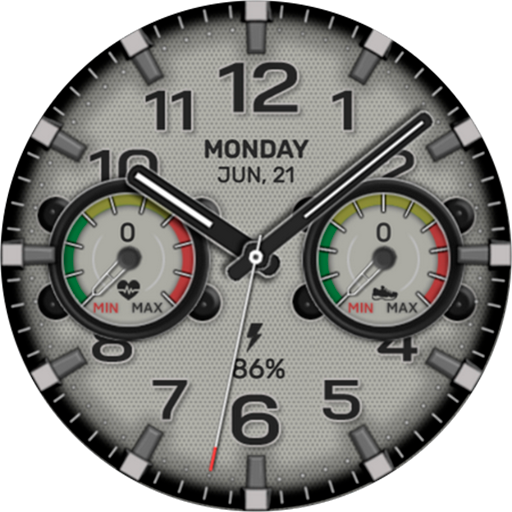
Chester Retro Style watch face
Paid
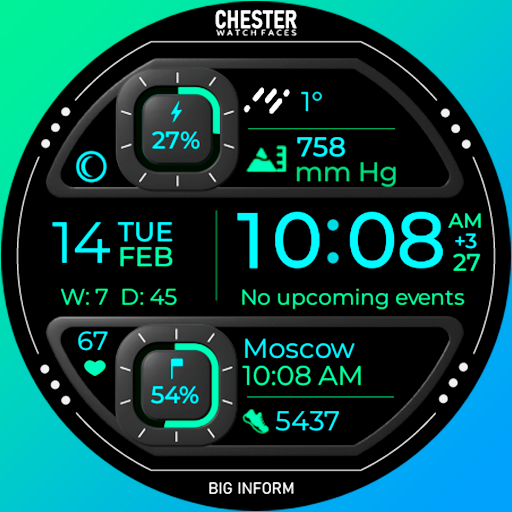
Chester Big inform watch face
Paid

Chester Neo watch face
Paid

Chester LCD modern watch face
Paid

Chester Active WX
Paid
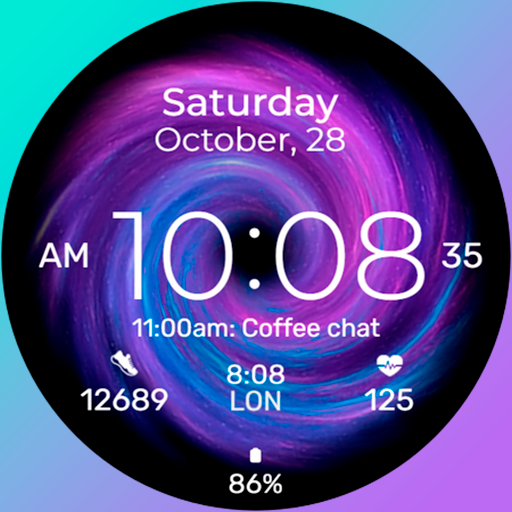
Chester Galaxy Star watch face
Paid

Chester Classic Beyond
Paid

Chester LCD watch face
Paid
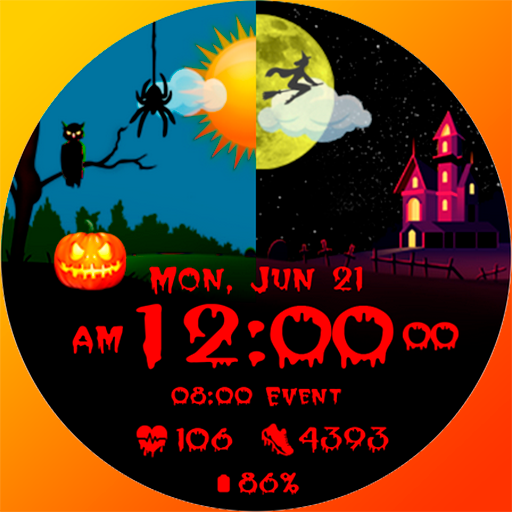
Chester HALLOWEEN watch face
Paid

Chester Neo Analog watch face
Free
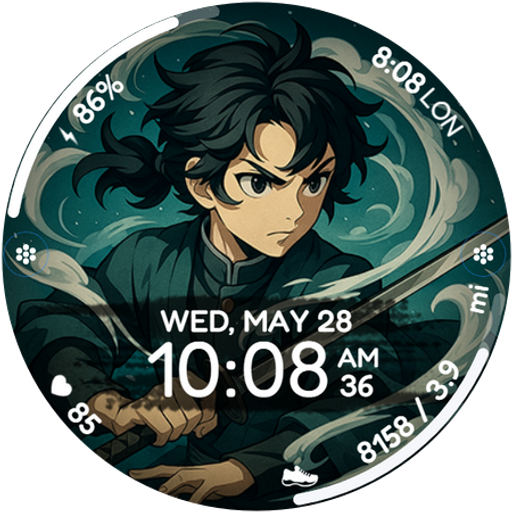
Chester Anime Ronin
Paid
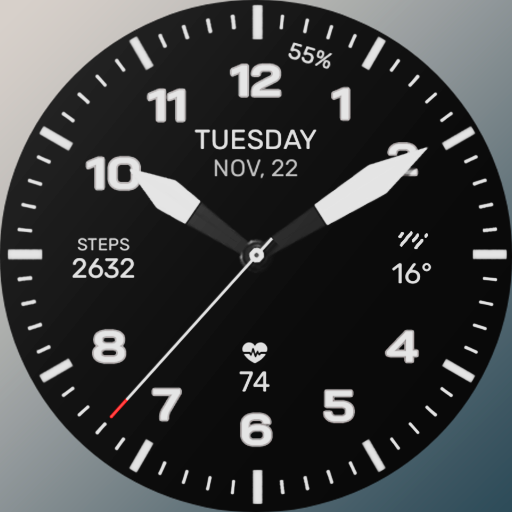
Chester Dark watch face
Free

Blocks World game watch face
Paid
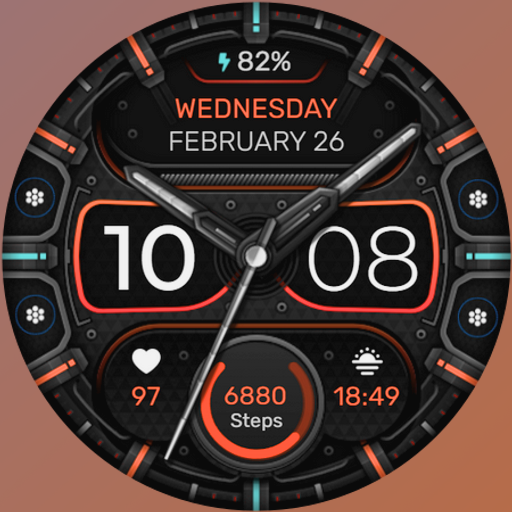
Chester Brutal Classic
Paid
Similar Apps

Wedding Anniversary Watch Face
Free
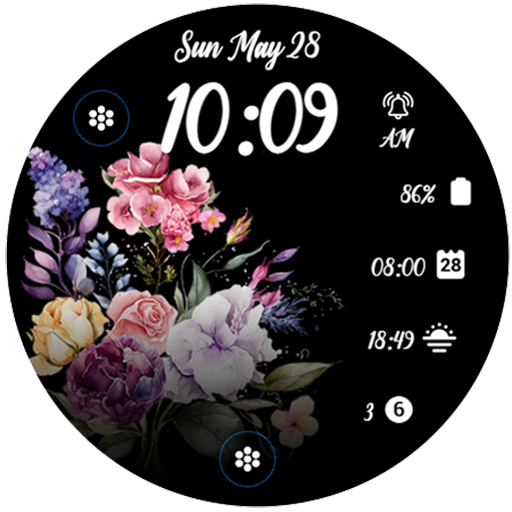
Spring Flower 2
Paid
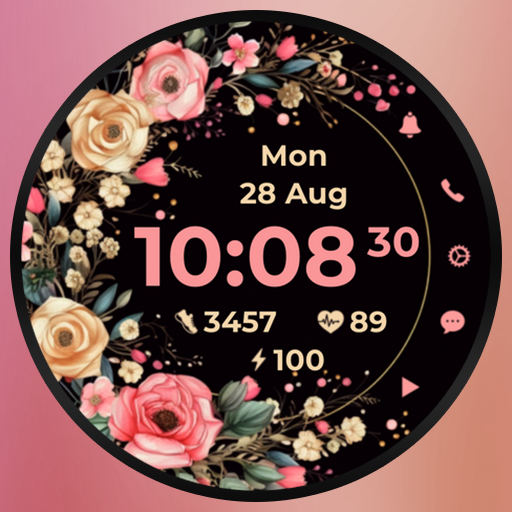
AZ266 Rose Flower Watch Face
Free
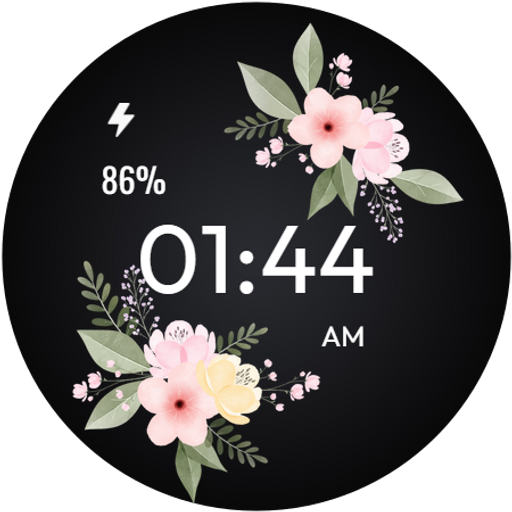
Floral WatchFace - FLOR-06
Free
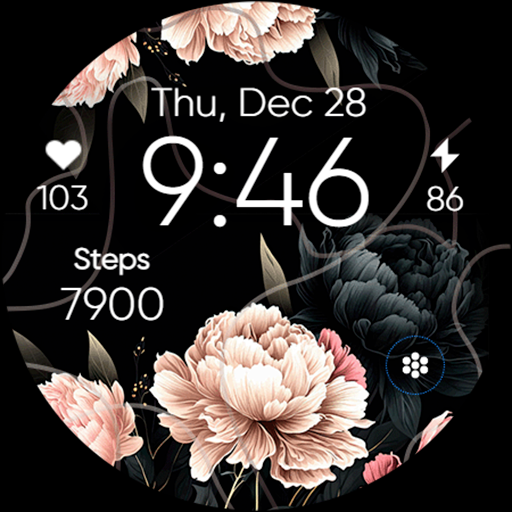
Flowers & Bright - ReS02
Free

Simple Floral 3 Watch Face
Free

Flowers Frame - Seasonal
Paid
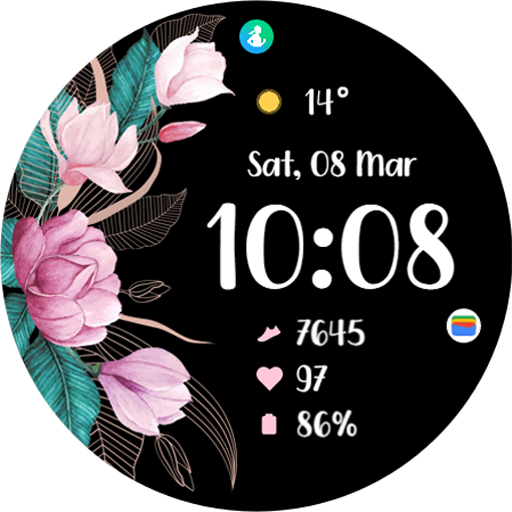
TVV Spring 2 Watch Face
Free

Bloom Digital Watch Face
Paid

Flower Heart Watchface
Paid

PW06 Blossom Watch Face
Paid

Simple Wildflowers Watch Face
Paid
Simple Floral Watch Face
Paid

Simple Floral 4 watch face
Paid

Summer Flowers Frame - ReS36
Paid
EY01 Flowers Watch Face
Free
Scan this QR code to download

Forwarding you to the page at Google Play market in seconds...
Open Google Play market now