Military Watch Face - F01 vVARY
Artistry Time Studios


About this app
Developer Description
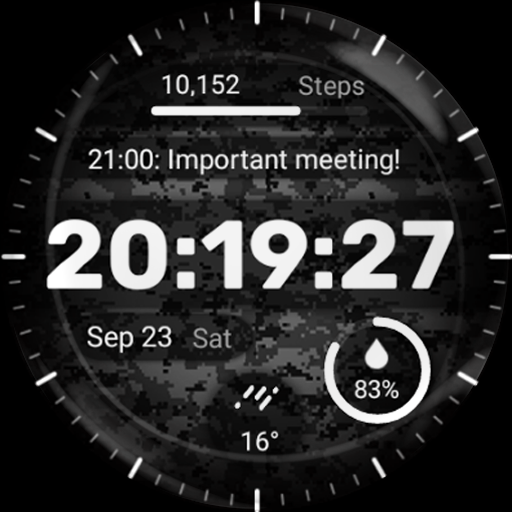
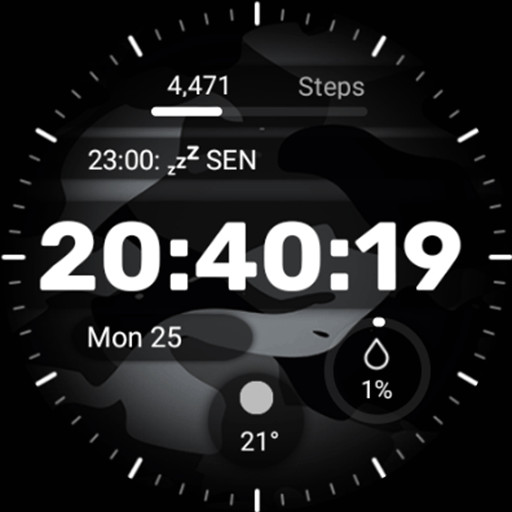
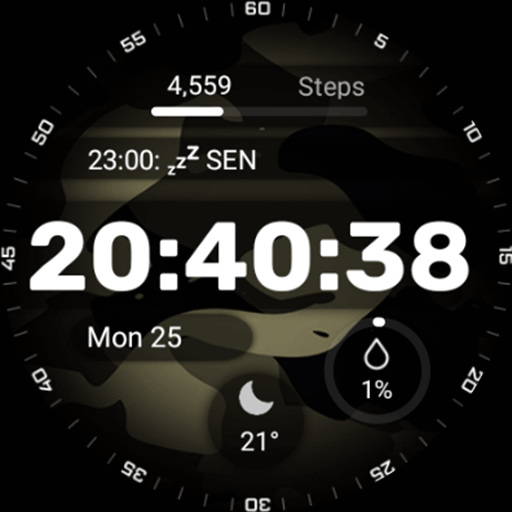
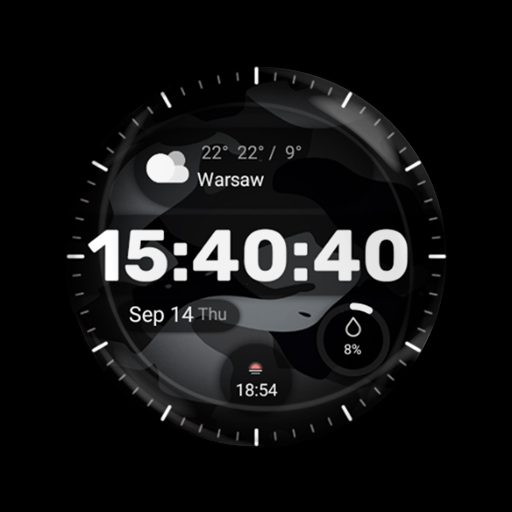
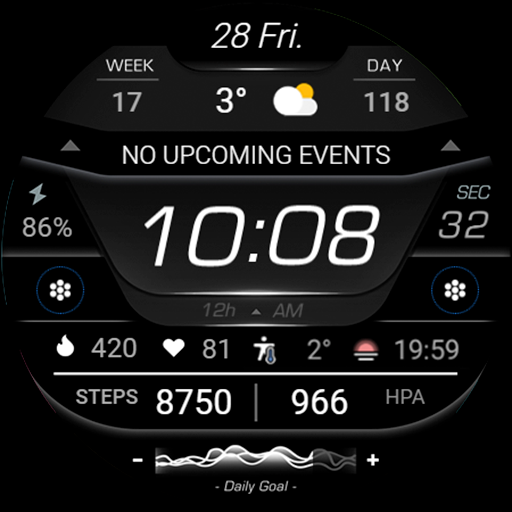
Military Watch Face is a stylish and functional watch face designed for Wear OS.
- Camouflage Design: The watch face showcases a range of authentic camouflage patterns, allowing you to express your unique style and appreciation for military-inspired fashion.
- 4x Customizable Complications: Stay informed at a glance with customizable complications that display useful information such as date, weather, steps taken, heart rate, and more. With the Military Watch Face, you can even customize up to three different complications according to your preferences.
Installation Guide: Ensure a smooth setup with this step-by-step guide: Watch [Installation Guide 📣](https://tinyurl.com/4p9rcmww).
Enjoy the specially designed Always On Display ambient mode, conserving power during idle times. Please note that this feature may consume more battery. ⚡
Manual Installation: In case of automatic installation issues, follow these steps:
1. Ensure your watch is connected to Wi-Fi. 📶
2. Visit the Play Store on your watch. 🛒
3. Tap "More on devices" (if available). 📲
4. Click "Install" next to your watch on the list. This will immediately install the watch face. 🔄
5. If you encounter issues, wait for up to 1 hour for the "Install" button to reset. ⏳
What's New
Version Information
- Version
- -
- Downloads
- 50K+
- Updated on
- Aug 24, 2025
- Released
- Sep 18, 2023
- Requires
- Android Varies with device
Statistics
Google Play Rating History
Rating Distribution
Downloads Over Time
Military Watch Face - F01 has been downloaded times. Over the past 30 days, it averaged downloads per day.
Shaded area shows 30-day prediction based on historical trends
Historical data collection started recently. More data points will be available over time.
Military Watch Face - F01 users say on Google Play
 Peyman S
lovely watchface, but the dim mode no good.i wish the dim mode was the whole watchface as it is beautiful. could you do that please? thank you ,great watchface .
 Camila Hernandez
Man idk
 Robert Stephens
So overall the watch face works well on my Samsung watch and I'm not having any of the issues other people seem to be having, except for 1. The date, below the time says "Tue Oc...". Literally just that. So I have to use complication 2 for the date as well. I would also like to suggest a blank option on index. (it's a digital face, not analog). And more color options would be nice. Specifically, red, blue and green. I just found one more problem... 12:45am is not 24:45, it's 00:45.
 Jemma Green
It would not download on my Watch5. it did on my phone, but I could not find any possible way to get it on my watch.
 Brian Peter
Poorly designed. It doesn't use fixed digit widths, so every second the entire time jumps around on the screen when the seconds change. Very amateur looking.
ApkTrusted Ratings & Reviews
More from Artistry Time Studios
See more apps

Similar Apps

SamWatch Digital VI
Paid

VF Inform Watch Face
Paid

Dgt BigMod Informer Watch face
Paid
EXD035: Digital Watch Face
Paid
CFS104 Digital
Paid
EXD109: Digital Watch Face
Paid
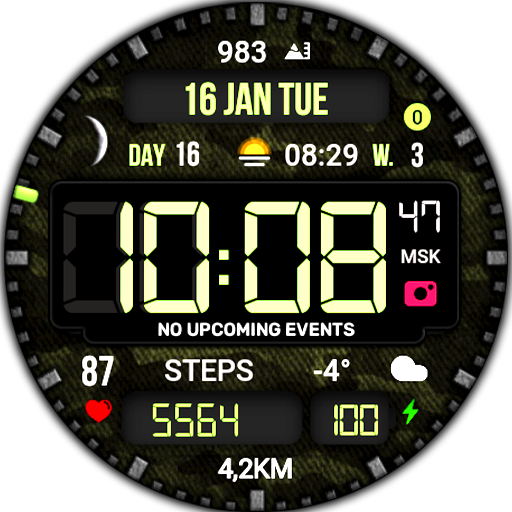
Digital Mod Black watchface
Paid

Key WF40 Digital Watch Face
Paid

Minimal - Digital - RE11
Paid

PW85 App Launch Watch Face
Paid
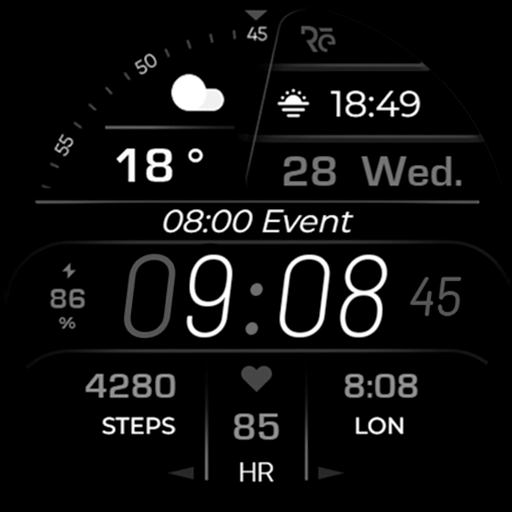
Minimal - Digital - RE13
Paid

Chester Digital sport
Free
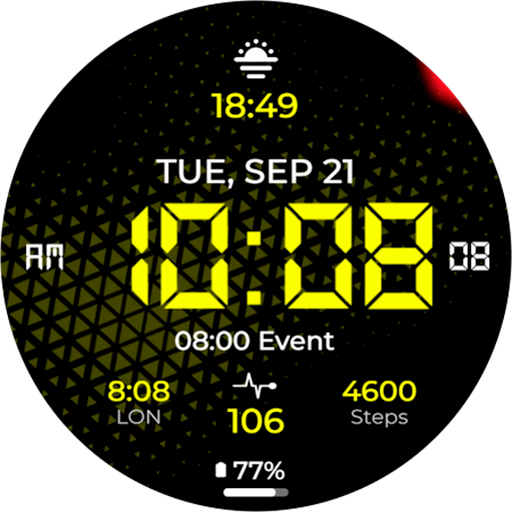
Chester Sport LCD
Free
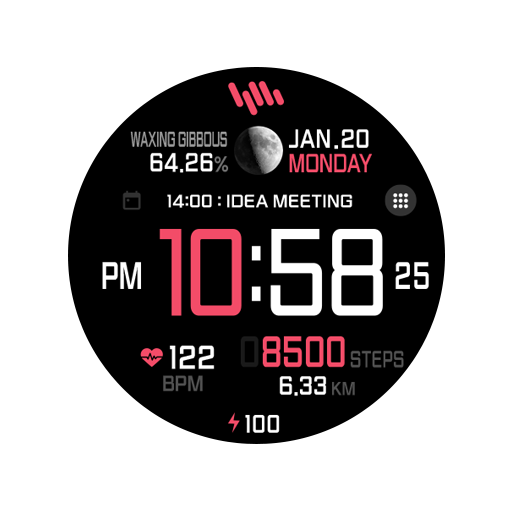
SamWatch Simple I 2023
Paid

MD332 Digital watch face
Paid
Health Tracking Fitness - RE22
Free
Scan this QR code to download

Forwarding you to the page at Google Play market in seconds...
Open Google Play market now