
N-SPORT688 Hybird Color Face vVARY
N-SPORT WATCH FACE





About this app
Developer Description
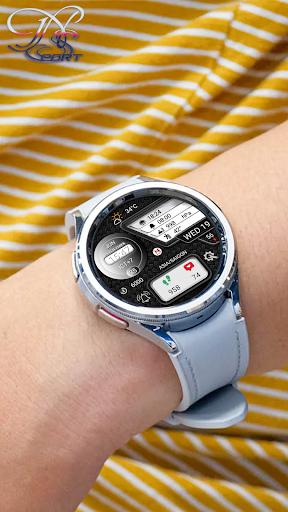
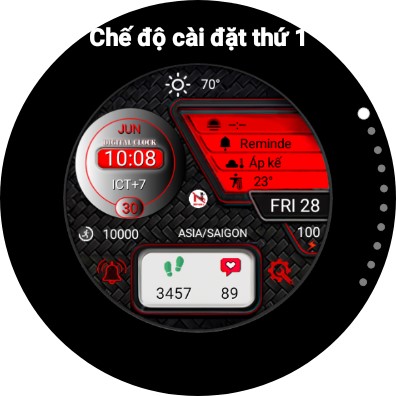
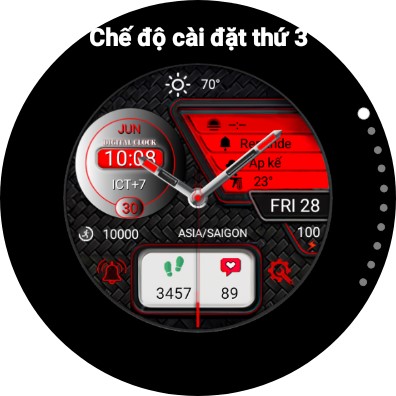
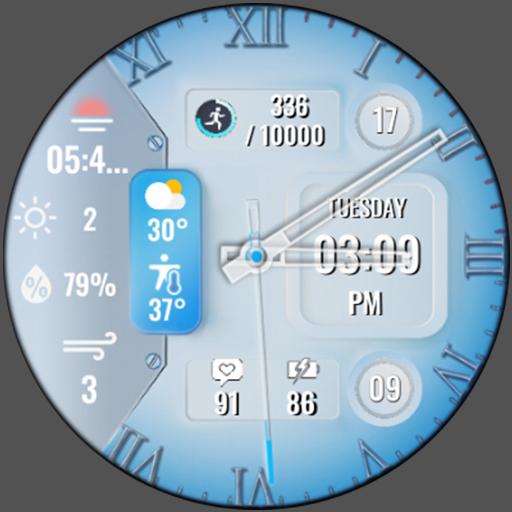
N-SPORT688 analog/digital watch face samsung watch 4,5,6 with many customization
N-Sport 688 Watch face is designed in a dynamic sports/classic styles, allows you to track analog and digital time in the most intuitive way. You can customize colors, backgrounds and many accompanying complication options.
🔊 Highlights:
- Analog
- Digital time (12H/24Hr)
- X5 Custom Complication (For user -defined date)
- X10 Custom Backgrounds (For user -defined date)
- X10 Color Customization (For user -defined date)
- X2 Shortcuts to access widget: Alarm, Setting.
- Health information: Heart rate, Steps ...
- Day of the week, Day of the month & Month in year.
- Display Battery % Current, GMT
- Always ON Display support
🎁Don't forget to receive the offer Buy 1 Get 1 at:
https://nsportwatchface.com/promotion
I will also be happy to receive any feedback in the Play Store. What you like, what you don't like or suggestions for the future. I try to have everything in perspective.
🚀Important: N-SPORT Watch Face support only smartwatch devices which are running with WEAR OS API Level 30+ . For example: Samsung Galaxy Watch6/Watch 5/ Watch 4 classic, Pixel Watch, etc.
❤️Heart rate measurement (Version 1.0.4):
Heart rate measurement has been changed. (Previously manual, now automatic). Set the measurement interval in the watch's health settings (Watch settings > Health).
📬If you have trouble installing, please read the instructions here:
https://nsportwatchface.com/instruction-install/
Or contact me: admin@nsportwatchface.com for help.
👉 Let’s keep in touch!
🔗Set up application shortcuts and custom combinations:
shortcut = link to a widget
custom = change value
1. Press and hold the watch screen.
2. Press the customize button.
3. Swipe from right to left until you encounter "complications".
Click on them to make the desired settings.
That's all!
✨If you like this design, you should definitely check out my other creations. More designs will be available for Wear OS in the future.
Just check out my website: https://nsportwatchface.com
✨Follow Facebook Page to stay updated with new watch faces: https://www.facebook.com/N.Sport.SamsungWatchFaces
✨If you have an older Galaxy watch running Tizen OS?
Don't worry. Visit my page on the Galaxy Store to see its exclusive designs:
https://galaxy.store/nsportss
✨Visit Group Facebook Coupons & Discount here:
https://www.facebook.com/groups/n.sport.samsungwatchfaces
👉If you want to see the most detailed video, follow me at Youtube channel:
https://www.youtube.com/@NSPORTWATCHFACE
👉Social N-sport Watch Face:
+ Istagram:
https://www.instagram.com/nsportwatchface
+ Threads.net:
https://www.threads.net/nsportwatchface
+ Telegram channel:
https://t.me/N_SPORTsamsungwatchface
Thank you so much for watching this far.
Wishing you good health and see you again in new designs in the future.
Best regards!
Version Information
- Version
- -
- Downloads
- 10+
- Updated on
- -
- Released
- Jun 19, 2024
- Requires
- Android Varies with device
Statistics
Google Play Rating History
Rating Distribution
Downloads Over Time
N-SPORT688 Hybird Color Face has been downloaded times. Over the past 30 days, it averaged downloads per day.
Shaded area shows 30-day prediction based on historical trends
Historical data collection started recently. More data points will be available over time.
N-SPORT688 Hybird Color Face users say on Google Play
 Jacob l Krief
Very original design. I have a lot of watchfaces, but this one stands out as being very unique.
ApkTrusted Ratings & Reviews
More from N-SPORT WATCH FACE
See more apps
N-SPORT214 Mechals Watch Face
Paid

N-SPORT222 Mechanical NS Watch
Paid

N-SPORT147 Unique Style Watch
Paid

N-SPORT221 Coral Watch Face
Paid

N-SPORT1 Tôi Yêu Việt Nam
Free
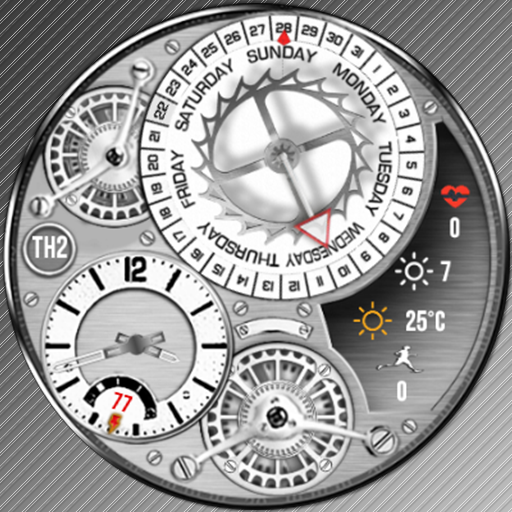
N-SPORT156 Analog Animat Watch
Paid

N-SPORT161 UltraView WatchFace
Paid
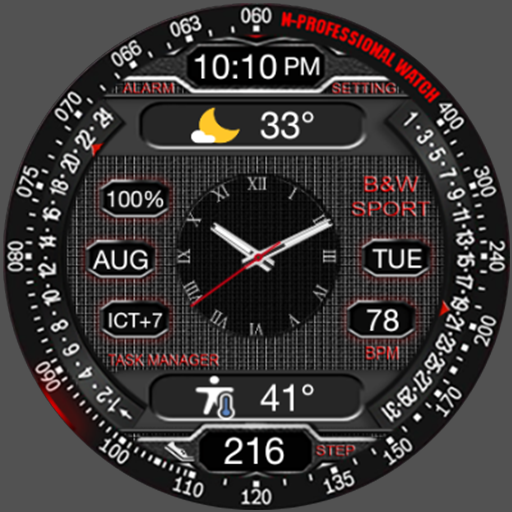
N-SPORT198 Center Hybird Face
Paid

N-SPORT122 ENERGY METER Watch
Paid
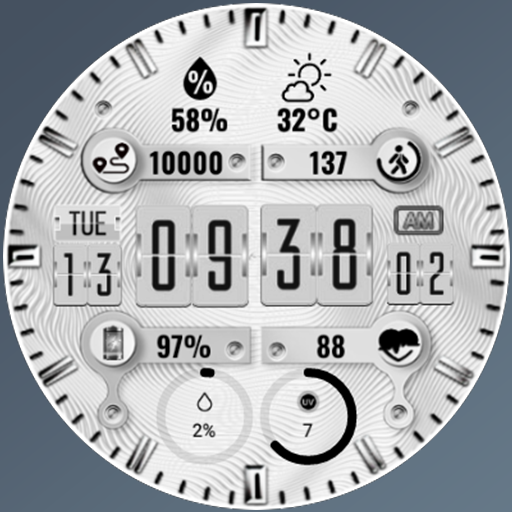
N-SPORT146 Big Dial Watch Face
Paid

N-SPORT11 I Love VIET NAM
Free

N-SPORT242 UltraView WatchFace
Paid

N-SPORT268 AlwaySmileWatchFace
Paid
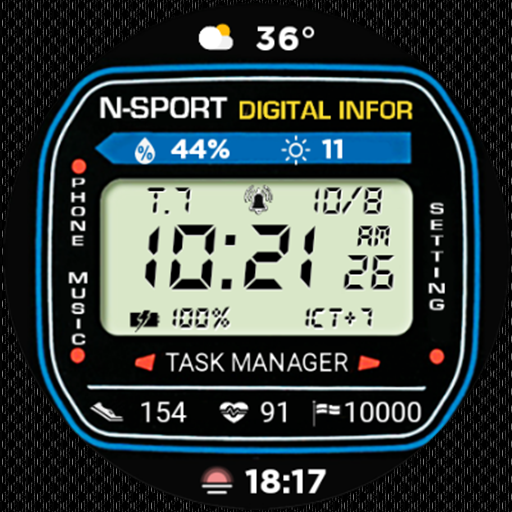
N-SPORT408 Classic Dial Face
Paid

N-SPORT284 Hybird Color Face
Paid
N-SPORT299 BlueCoral Watch
Paid
Scan this QR code to download

Forwarding you to the page at Google Play market in seconds...
Open Google Play market now