
Niponight vVARY
Nighty.Watch.Faces





About this app
Developer Description
Hybrid Clock, Date and Day, Different Colors, Editable Complications
1+1 (buy one get one free)
Send a screenshot of your purchase to nightywatchfaces@gmail.com to get your free promo code
Please Pay Attention:
You need to select your WEAR OS device in the installation dropdown menu to install the watch face on your watch. The phone app is a placeholder for easier installation.
You need to manually enable permissions (Sensors and Complication Data) for full functionality.
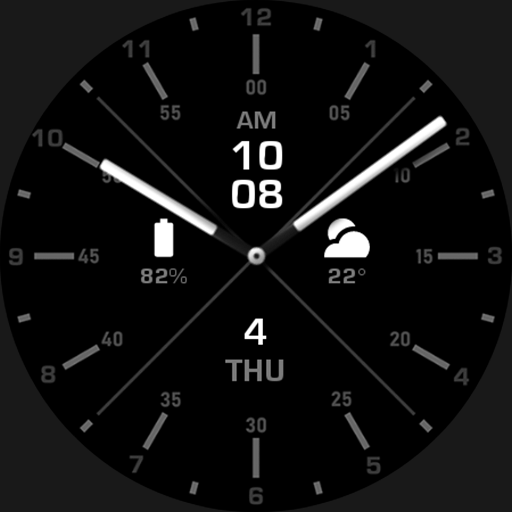
Niponight - Watch Face
Features:
• Simple and Minimalistic Design
• Customizable
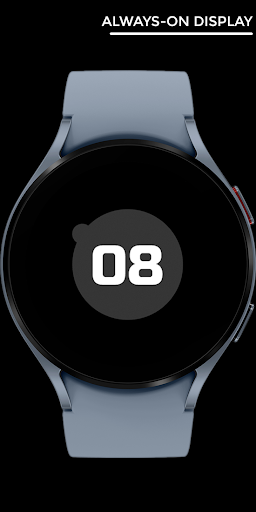
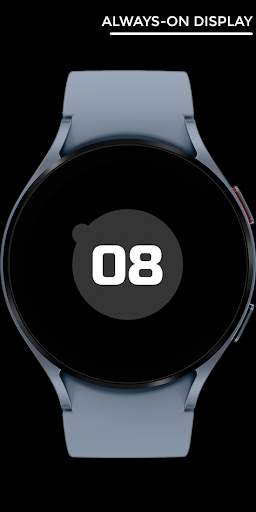
• Efficient AOD
• App Shortcuts
Specifications:
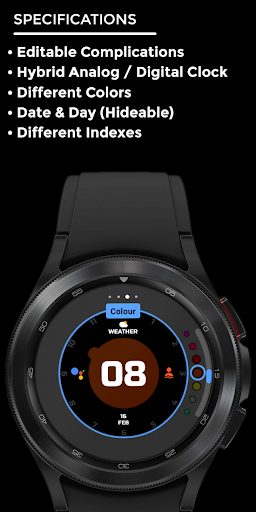
• Editable Complications
• Hybrid Clock
• Different Colors
• Date and Day (Hideable)
• Different Indexes
- Single-Tap on the Specified Icons in the watch face image To Open Specified Apps
- Styles and Complications Can be Customized In the Watch Face Settings (Long-Press in the Middle)
** If You receive this error "Your Device isn't compatible with this version" you can search and download the watch face from Play Store app on your watch or use your web browser on your PC or phone **
You can contact me by email or on Instagram directly.
I appreciate your feedback.
Website
https://nighty-watch-faces.mailchimpsites.com/
https://www.instagram.com/nighty.watch.faces/
nightywatchfaces@gmail.com
What's New
• Simple and Minimalistic Design
• Customizable
• Efficient AOD
• App Shortcuts
Specifications:
• Editable Complications
• Hybrid Clock
• Different Colors
• Date and Day (Hideable)
• Different Indexes
Version Information
- Version
- -
- Downloads
- 100+
- Updated on
- Jun 14, 2023
- Released
- Jun 14, 2023
- Requires
- Android Varies with device
Statistics
Google Play Rating History
Rating Distribution
Downloads Over Time
Niponight has been downloaded times. Over the past 30 days, it averaged downloads per day.
Shaded area shows 30-day prediction based on historical trends
Historical data collection started recently. More data points will be available over time.
Niponight users say on Google Play
 SAIF ALi
Looks good but not compatible with my fossil gen 4 watch
 Dat Vo
Please make the index brighter :((
 Vicky Vikky
How to install on watch ? No app icon on phone as well after installing
ApkTrusted Ratings & Reviews
More from Nighty.Watch.Faces
See more apps
Night ver 42 - watch face
Paid
Nighty Digital 40 - watch face
Paid

Abstract night - watch face
Paid
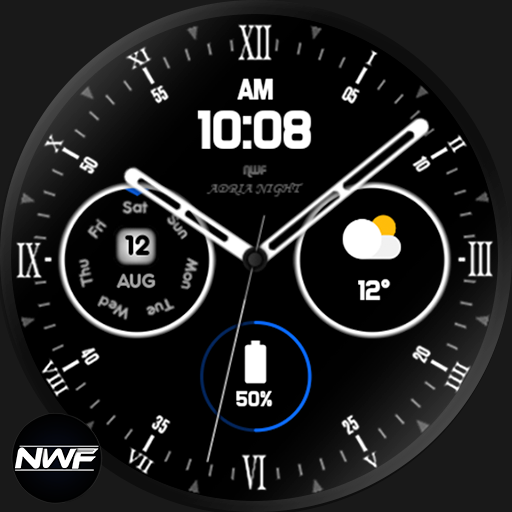
Adria Night - watch face
Paid

Ballnight - watch face
Paid

Betanight - watch face
Paid

Bobanight - watch face
Paid

Centernight - watch face
Paid

Cnight - watch face
Free

Colonight - watch face
Paid

Fire Night
Free
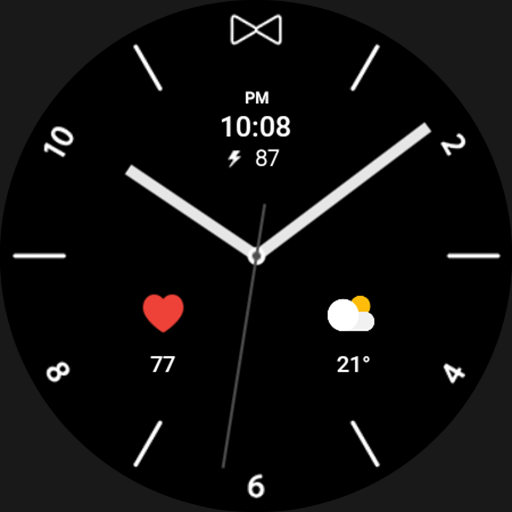
Flash Night - watch face
Paid
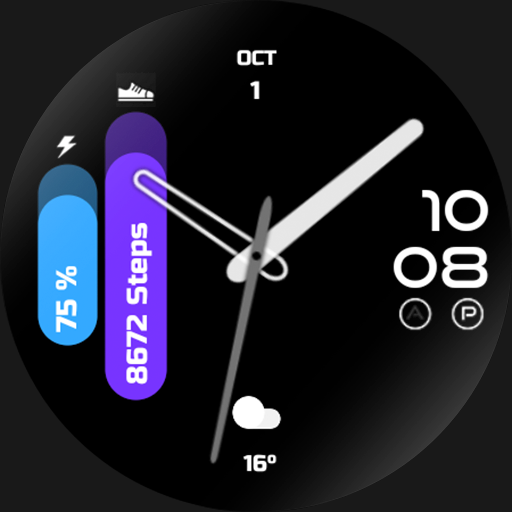
Germanight - watch face
Paid
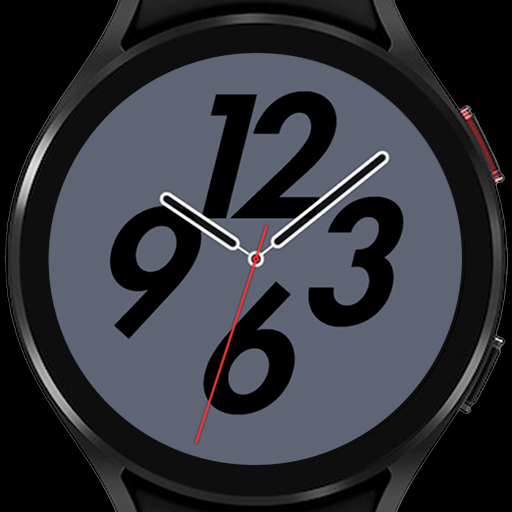
Go Night
Free

GP Night - watch face
Paid
Interinight - watch face
Paid
Scan this QR code to download

Forwarding you to the page at Google Play market in seconds...
Open Google Play market now