
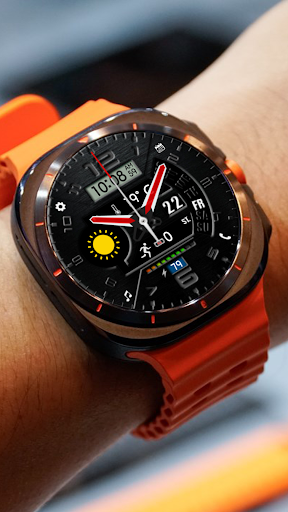
NTV296 - Hybrid Watch face vVARY
NTV Watchfaces






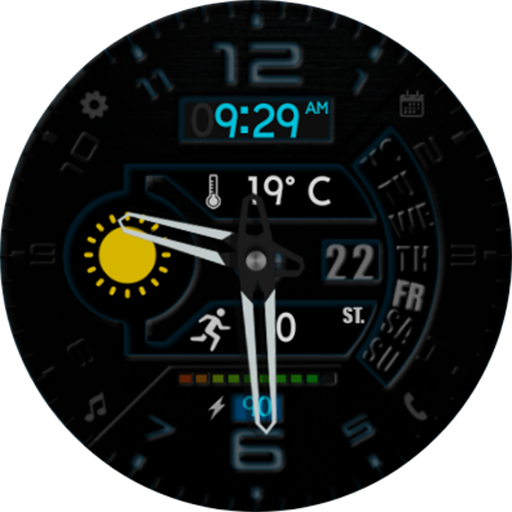
About this app
Developer Description
Watchface for Wear OS 5+ API 34+ Galaxy Watch 4, 5, 6, 7, 8, Ultra, Google Pixel
- Remove 4 pre-set app shortcuts and replace with 4 custom app shortcuts
- Remove C, F letter in Customize/Step icon
- And some other optimizations
- Update target API level
* Watch face Customize:
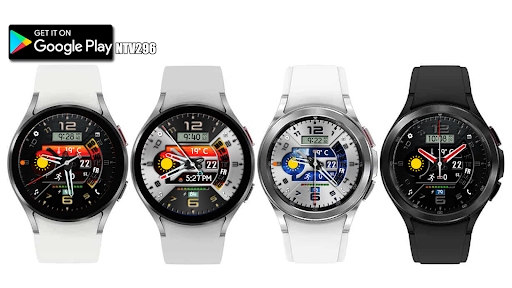
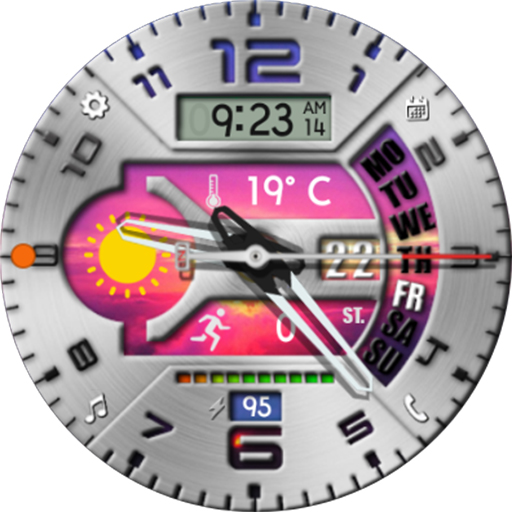
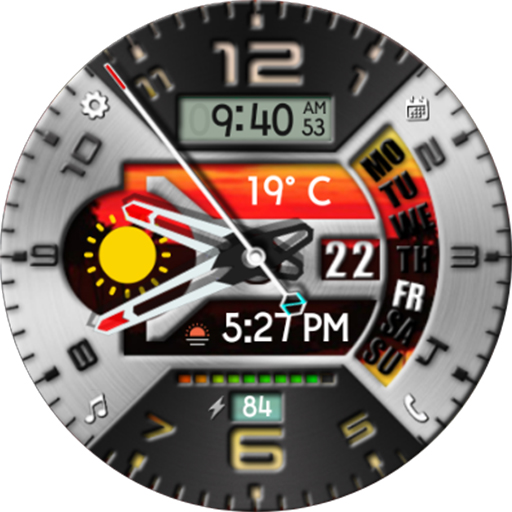
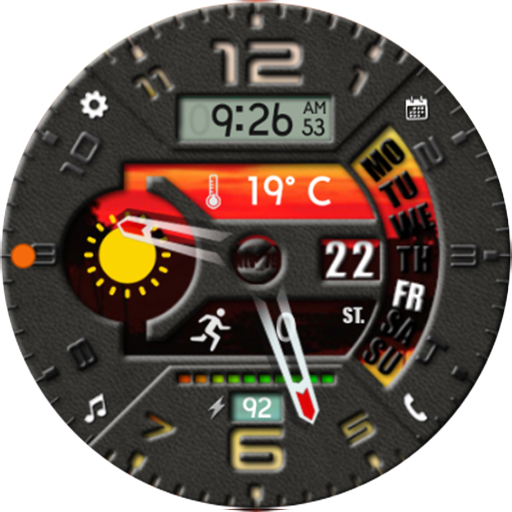
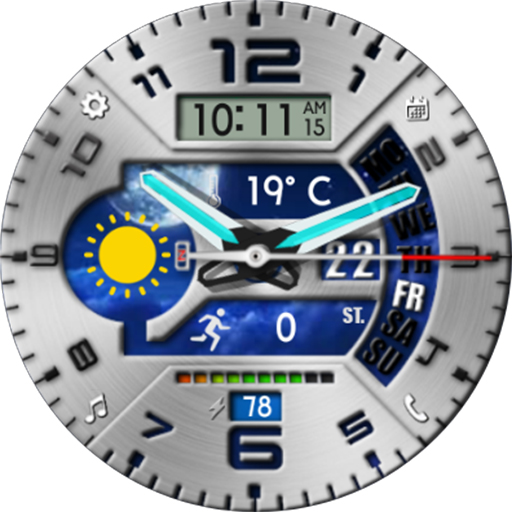
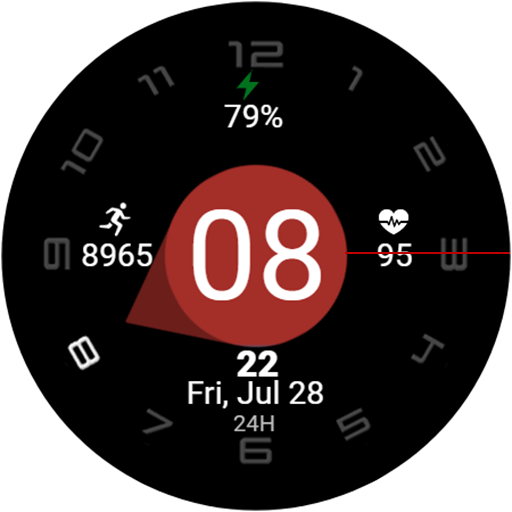
- Tap Digital LCD to change 6 colors
- Press and hold screen, press Customize to customize:
+ Cover: x6 (above background)
+ Background: x6 (bottom background)
+ Hand style: x6 (1 hide all)
+ Step Icon: show or hide
+ Complication: x6 (*)
- 4 custom app shortcuts
- 2 custom information displays
Recommend for custom information display complications:
1. Weather
2. Step count (Sunset/sunrise, Alarm...). If you don't select "Step count", please hide "Step icon" in Customize/Step icon
* You can also choose to display other content according to your preferences and in accordance with the display area.
* Watch face Features: (*)
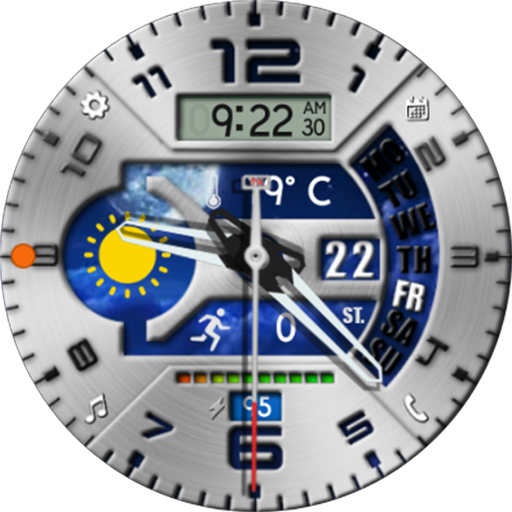
- Digital clock: 12H/24H change with phone settings
- Analog clock: 5 colors and hide (change in Customize/Hands)
- Day
- Date
- Battery percentage: number and dot bar
- AOD mode
...
(*) some features may not be available on some watches.
______________
📧 Any suggestions, questions, please email at: ntv579@gmail.com
______________
Persionnalize your watch with Ntv Watchfaces!
+ Google Store: https://play.google.com/store/apps/dev?id=8003850771982135982
+ Coupon and share: https://t.me/NewWatchFaces
+ Telegram channel: https://t.me/NewWatchFacesLink
+ Watchface Reviews: https://t.me/wfreview
+ Fb Page: https://www.facebook.com/newwatchfaces
+ Instagram: https://www.instagram.com/Ntv_79
+ YouTube: http://youtube.com/c/ntv79
Thanks all of you for always supporting me!
What's New
* Update V9.0.0
- Remove 4 pre-set app shortcuts and replace with 4 custom app shortcuts
- Remove C, F letter in Customize/Step icon
- And some other optimizations
- Update target API level
Version Information
- Version
- -
- Downloads
- 100+
- Updated on
- Sep 5, 2025
- Released
- Oct 25, 2021
- Requires
- Android Varies with device
Statistics
Google Play Rating History
Rating Distribution
Downloads Over Time
NTV296 - Hybrid Watch face has been downloaded times. Over the past 30 days, it averaged downloads per day.
Shaded area shows 30-day prediction based on historical trends
Historical data collection started recently. More data points will be available over time.
NTV296 - Hybrid Watch face users say on Google Play
 Gopal Goenka
This is a Grand Design, Clean Classic Watchface. Love the various customisations. Thanks Tran Nghia.
ApkTrusted Ratings & Reviews
More from NTV Watchfaces
See more apps
Colorful Info WatchFace NTV005
Paid

NTV002 - Minimal II watch face
Paid
Minimal Classic Face NTV564
Paid
24H - Big Digital Sport NTV009
Paid
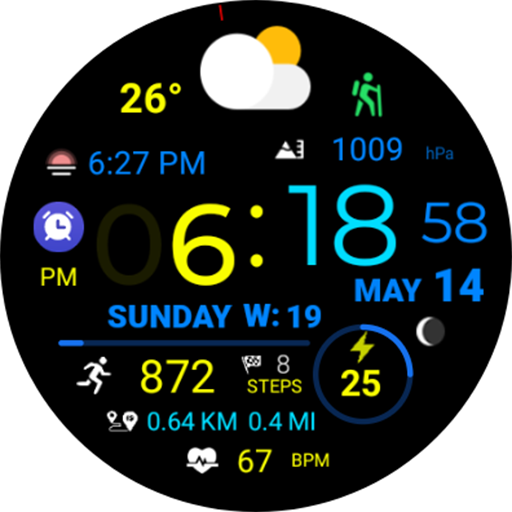
Digital Weather Sport NTV318
Paid
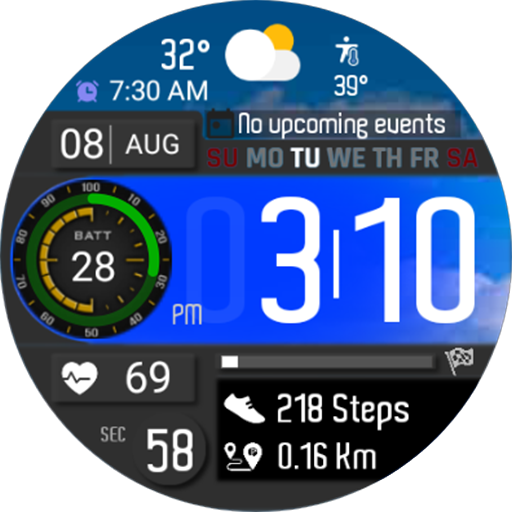
Digital Weather Sport NTV561
Paid

Digital Color Minimal NTV007
Paid

Classic Minimal Plus NTV559
Paid
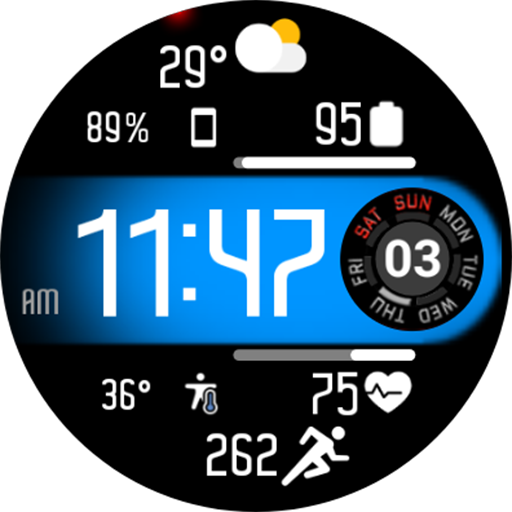
Aircraft Digital Face NTV558
Paid
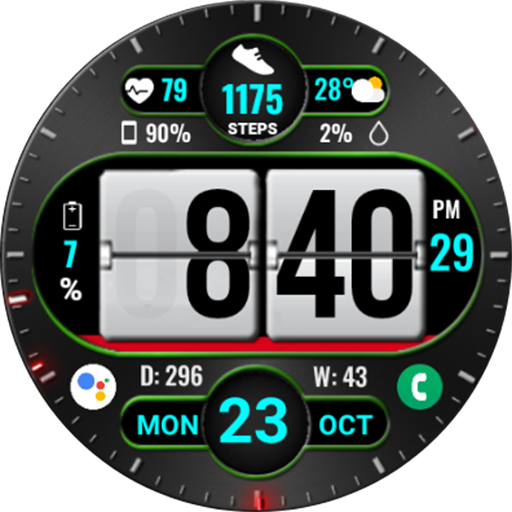
Flip Style WearOS NTV279
Paid

Car Color Hybrid Face NTV172
Paid

Modern Minimal Plus II NTV565
Paid
Modern and Minimal Plus NTV560
Paid

NTV001 - N-Minimal Watch face
Paid

12H - Big Digital Sport NTV008
Paid

Big Digital Scratch NTV557
Paid
Scan this QR code to download

Forwarding you to the page at Google Play market in seconds...
Open Google Play market now