
OniOn watchface 009 vVARY
Yangpa







About this app
Developer Description
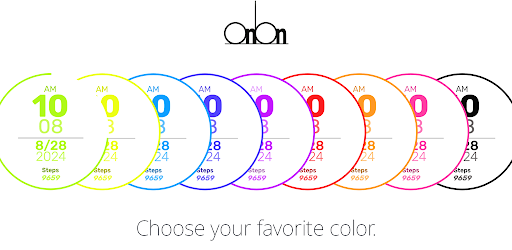
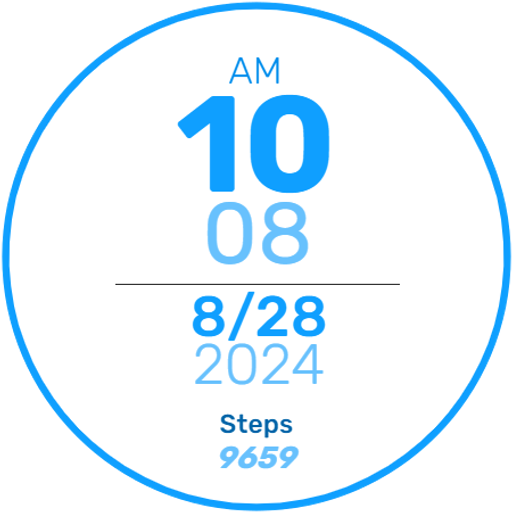
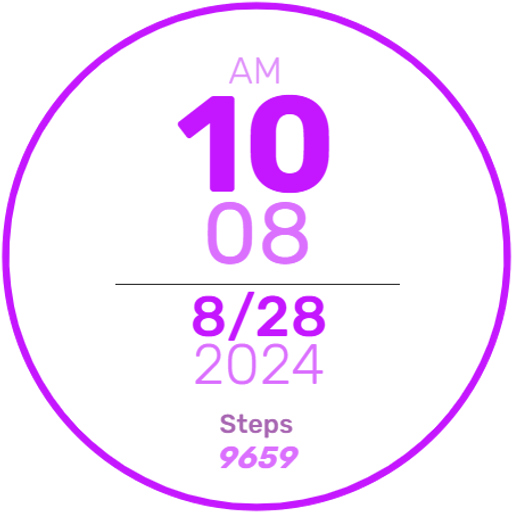
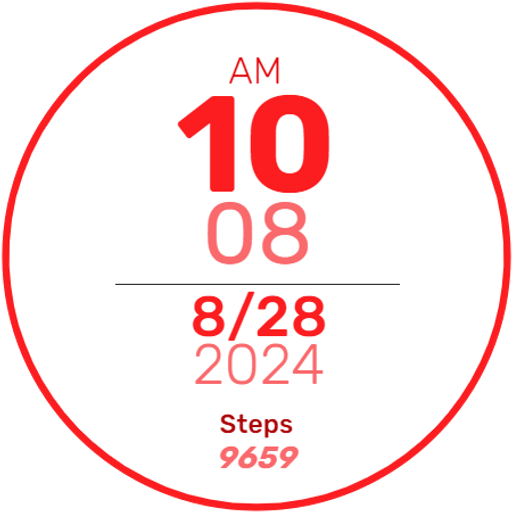
Stylish Digital Watchface.
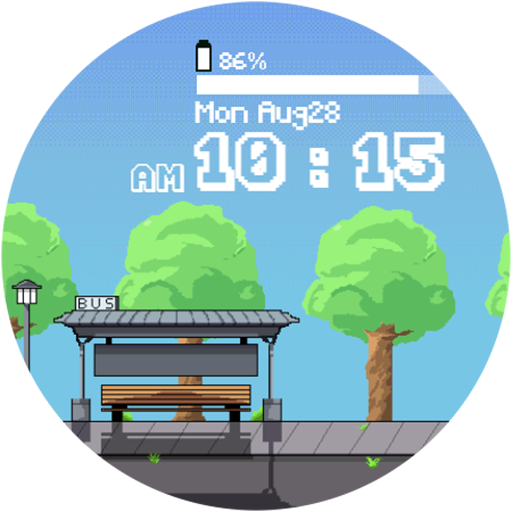
- Divided by am/pm, the time is displayed as a digital clock.
- The battery capacity is displayed.
- Theme of 9colors
- Step count
*** Installation Notes***
1. Make sure your watch is properly connected to your phone
2. Tap the Install button on the screen of the phone app to install the clock screen after a few minutes.
- The Phone app only acts as a placeholder to make it easy to install and find the watch screen on your Wear OS watch.
- Don't worry if it stops in the payment loop. Even if you receive a second payment request, you will only be charged once. Please wait 5 minutes or restart your watch and try again. (This may be a synchronization issue between the device and Google server.)
*** If you receive a "no compatible device" error, please use a web browser instead of a mobile app
Version Information
- Version
- -
- Downloads
- 500+
- Updated on
- -
- Released
- Aug 23, 2024
- Requires
- Android Varies with device
Statistics
Google Play Rating History
Rating Distribution
Downloads Over Time
OniOn watchface 009 has been downloaded times. Over the past 30 days, it averaged downloads per day.
Shaded area shows 30-day prediction based on historical trends
Historical data collection started recently. More data points will be available over time.
ApkTrusted Ratings & Reviews
More from Yangpa
See more apps




Similar Apps

Honeydew Fit Watch Face
Paid

Green Gradient Watch Face
Paid
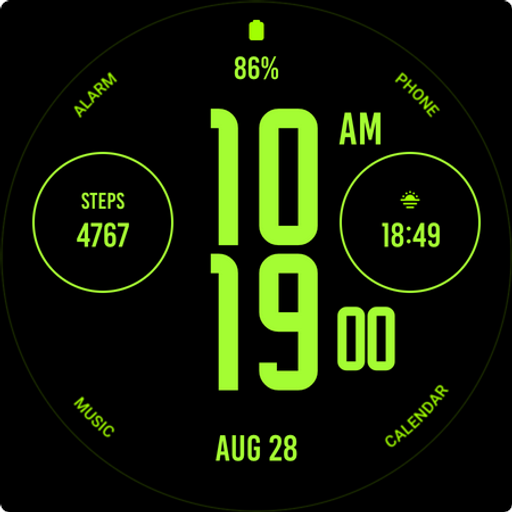
Green Nation Watch Face
Paid
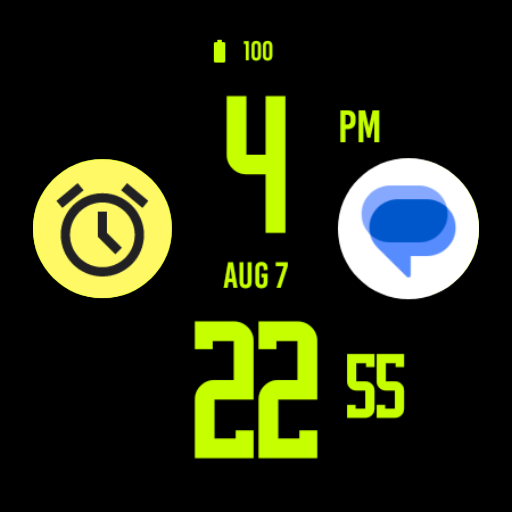
Hero Green Watch Face
Paid

FX Watch! Face1
Free

Dissected Watch Face
Paid
JAZZ Watch Face
Free

Mango Gradient Watch Face
Paid
Night Stars - Watch face
Paid

CC Clean 15 Watch Face
Paid
Flat Green Watch Face
Paid

ARS stacked
Paid

CC Digital 21 watch face
Paid
RACE - Big digital watch face
Free

Big Text - Digital Watchface
Paid

Walking Watch Face
Paid
Scan this QR code to download

Forwarding you to the page at Google Play market in seconds...
Open Google Play market now