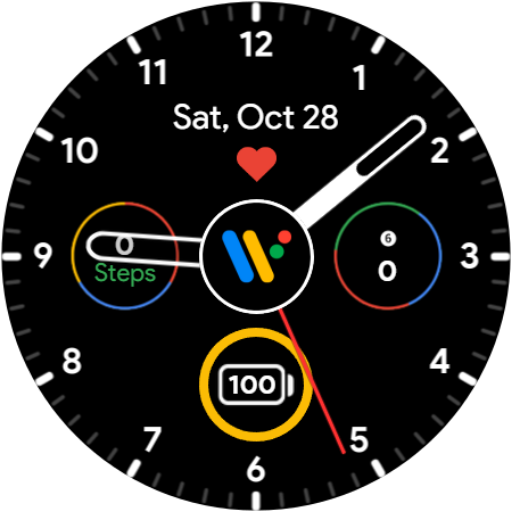
Pixel Style Analog Watch Face vVARY
Minimalistic Watch Faces


About this app
Developer Description
A basic Wear OS style watch face. Read description before installing!
IMPORTANT #1: To use the watch face you must:
1. Hold down on your current watch face to enter selection mode.
2. Scroll to the right until you see "+" and click on it.
3. Scroll until you see "Pixel Style Analog", and select it.
4. Read "IMPORTANT #2".
IMPORTANT #2: Make sure you allow all permissions requested! In case you accidentally denied access to health data, restart your watch. To do this, you just need to power your watch off and turn it back on.
Features:
• Preset battery complication
• Preset date complication
• Preset heart rate complication (click the Wear OS logo to update)
• 2 customizable complications
• Customizable (transparent) hour & minute hands
• AOD supported
• Does not store any of your personal data
• Battery efficient
Bug report & suggestions:
Contact minimalisticwatchfaces@gmail.com
Wear OS by Google and Pixel are trademarks of Google LLC.
What's New
Version Information
- Version
- -
- Downloads
- 500+
- Updated on
- Jul 30, 2024
- Released
- Jun 3, 2023
- Requires
- Android Varies with device
Statistics
Google Play Rating History
Rating Distribution
Downloads Over Time
Pixel Style Analog Watch Face has been downloaded times. Over the past 30 days, it averaged downloads per day.
Shaded area shows 30-day prediction based on historical trends
Historical data collection started recently. More data points will be available over time.
Pixel Style Analog Watch Face users say on Google Play
 Brett Calder
I love this watch face (I use the third option). I had an issue when I had the watch brick on me and in resetting, support was right on it to get me back in action. Thanks 🙏
 Dave Bostock
Freezes my TicWatch Atlas 4.0 wearOS and my Pixel Watch 3 5.0 wesrOS
ApkTrusted Ratings & Reviews
More from Minimalistic Watch Faces
See more apps
Similar Apps

Sporty Analog Watch Face
Paid

Nighty Analog 08 - watch face
Paid

Night 38 - watch face
Paid

Nighty Hybrid 02 - watch face
Paid

Night 53 - watch face
Paid

YamWatch Analog 13
Paid

AR 4
Free

Nighty Analog 09 - watch face
Free

Black Colored Widget ZKinWatch
Paid
SamWatch Simple Analog 27
Free
Dash Analog Watch face
Paid
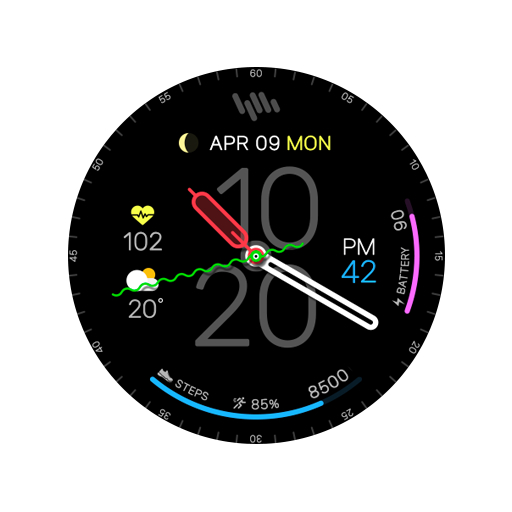
SamWatch Simple Analog 23 2023
Free

Nighty Analog 15 - watch face
Free
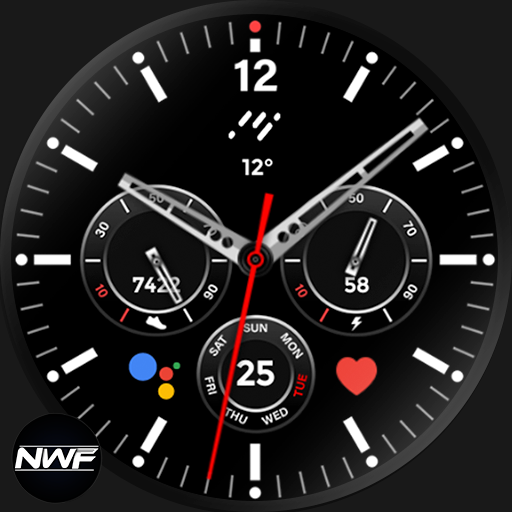
Nighty Analog 06 - watch face
Paid

Expanse Watch Face for Wear OS
Free

Classic Signature 9
Paid
Scan this QR code to download

Forwarding you to the page at Google Play market in seconds...
Open Google Play market now