
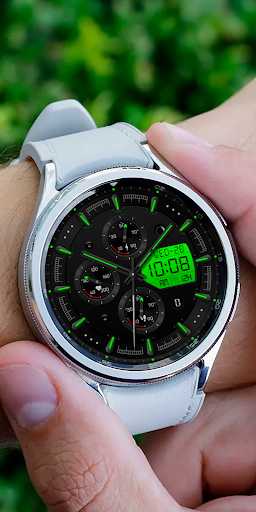
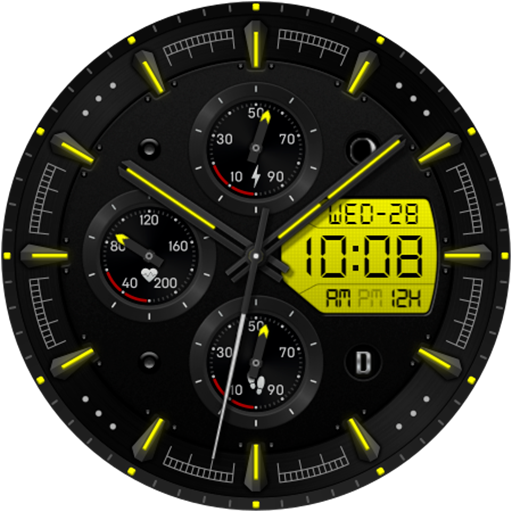
Predator DW02 Watch face vVARY
VividTick Studio






About this app
Developer Description
Watch face for Wear OS
Dial Information:
- The dial supports automatic switching of the time format 12h/24h
- Changeable background colors (tap & hold to customize & change colors)
- Steps
- Battery
- Heart
- Date
- Aod Mode
Check also DenWork Studio home page on Play Store:
https://play.google.com/store/apps/dev?id=8465646571009144507
Version Information
- Version
- -
- Downloads
- 10+
- Updated on
- -
- Released
- May 24, 2025
- Requires
- Android Varies with device
Statistics
Google Play Rating History
Rating Distribution
Downloads Over Time
Predator DW02 Watch face has been downloaded times. Over the past 30 days, it averaged downloads per day.
Shaded area shows 30-day prediction based on historical trends
Historical data collection started recently. More data points will be available over time.
ApkTrusted Ratings & Reviews
More from VividTick Studio
See more apps


Similar Apps
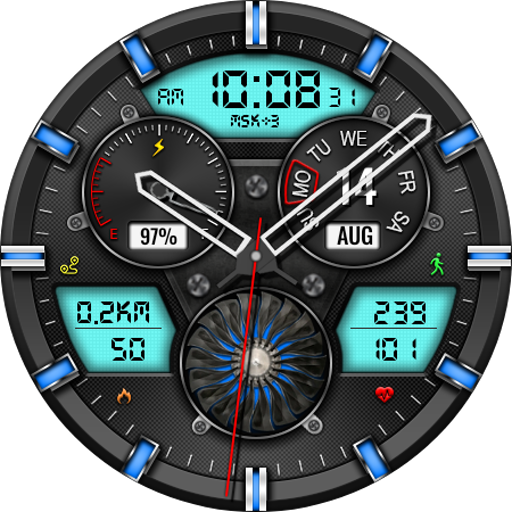
Hybrid CLOUD URX138 Watch face
Paid
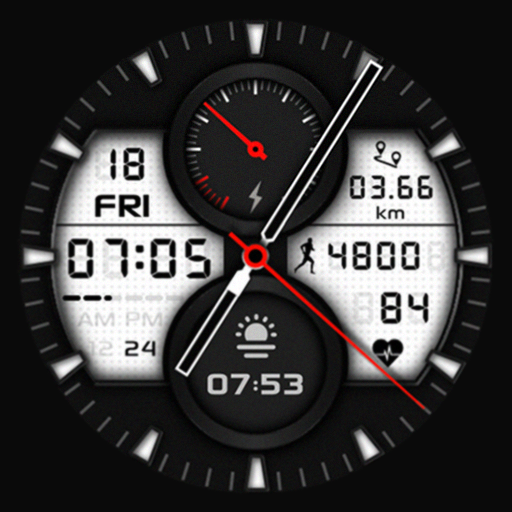
SG-114
Paid

ISAAC WATCH Gentleman digital
Paid

CWF014 Hybrid Watch Face
Paid
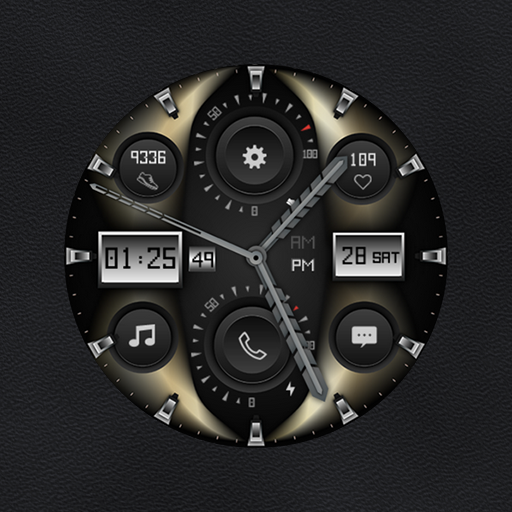
W-Design WOS090 - Watch Face
Paid
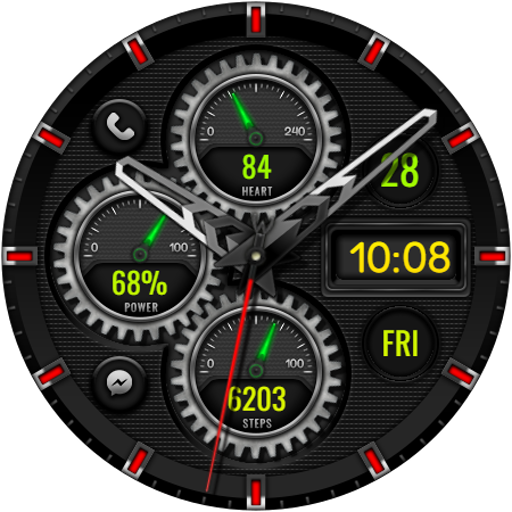
Hybrid DORSANT DW01 Watch face
Free
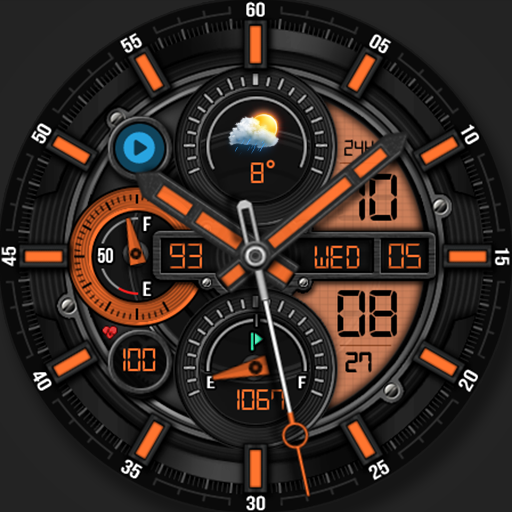
WFP 302 Modern watch face
Paid

MJ178 Elegant Hybrid WatchFace
Free

KTdL
Paid

Voron KNIGHT Watch Face
Paid

MINAGON URX106 Watch face
Paid

Hybrid Zanes Watch Face
Paid

Lotus Hybrid Watch Face
Paid

Hybrid RUMINT URX33 Watch face
Paid

KZY049
Free
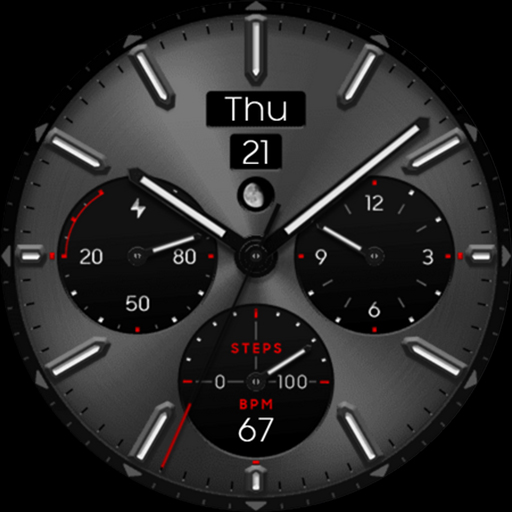
OBSIDIAN Titanium analog class
Paid
Scan this QR code to download

Forwarding you to the page at Google Play market in seconds...
Open Google Play market now