
PRIME 001 - Retro Watch Face vVARY
PRADO DESIGN ® Watch Faces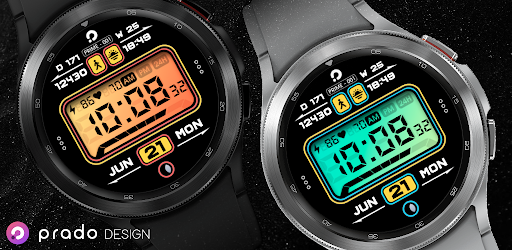

About this app
Developer Description
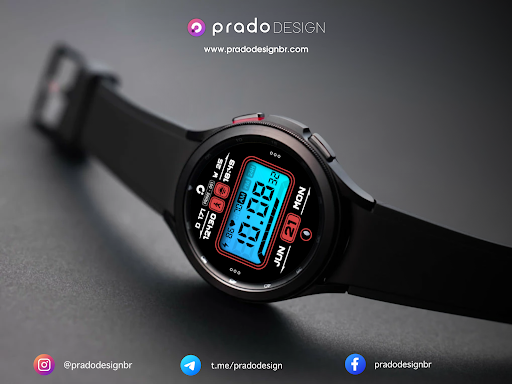
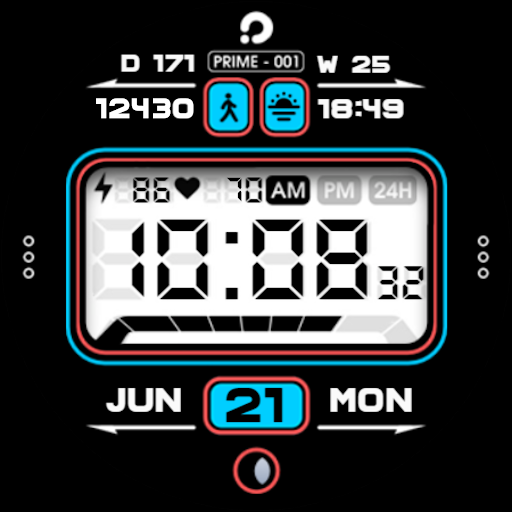
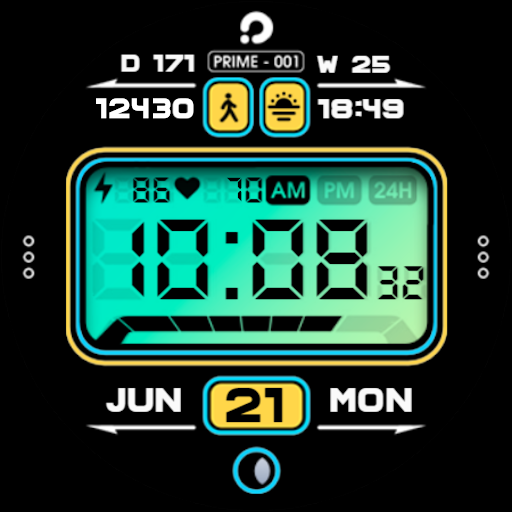
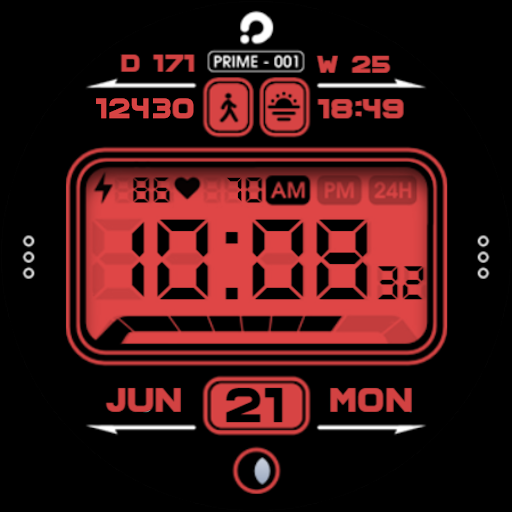
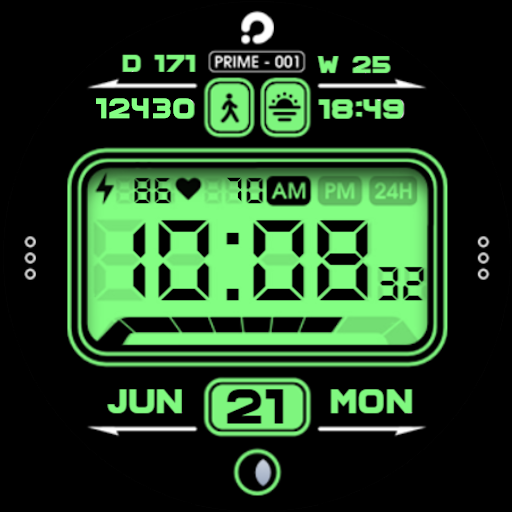
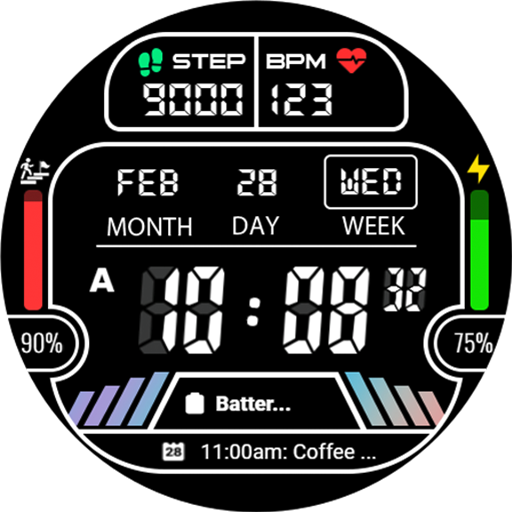
Retro - Oldschool - Digital Watch Face
Telegram Channel
https://t.me/pradodesign
ATTENTION
If you see the message "Your devices are not compatible", go to the Play Store in your browser.
Make sure you have enabled all permission from settings > applications.
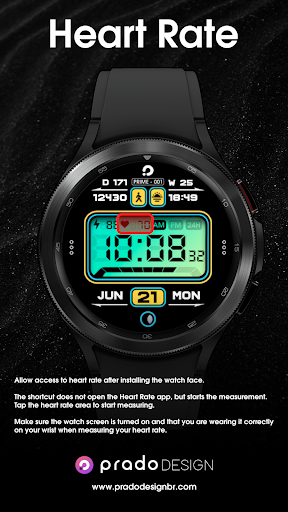
Heart Rate
Allow access to heart rate after installing the watch face.
The shortcut does not open the Heart Rate app, but starts the measurement.
Tap the heart rate area to start measuring.
Make sure the watch screen is turned on and that you are wearing it correctly on your wrist when measuring your heart rate.
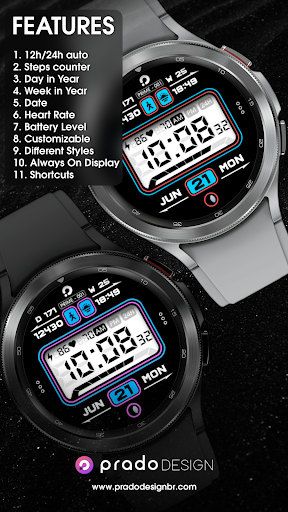
Features:
1. 12h/24h based on your phone settings
2. Day in Year
3. Week in Year
4. Step counter
5. Date
6. Heart Rate
7. Battery Level
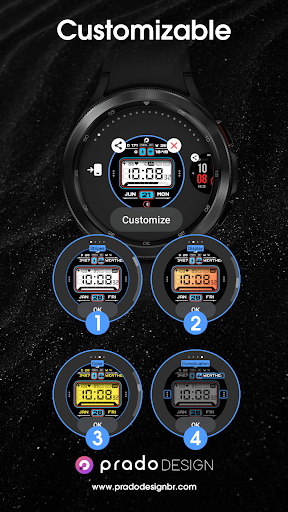
8. Customizable
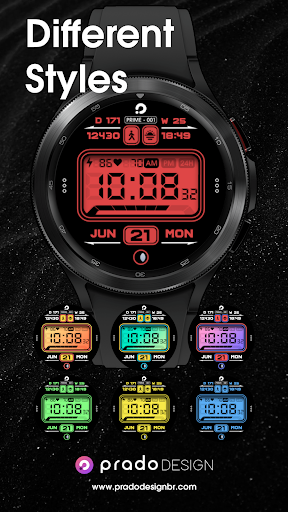
9. Different Styles
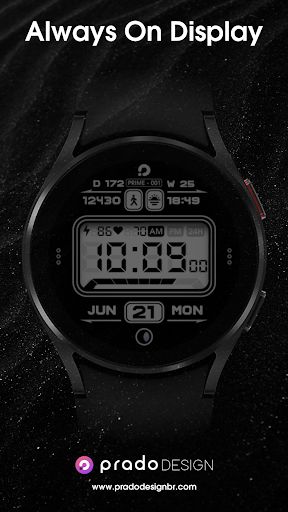
10. Always On Display
11. Shortcuts
Touch and hold the display, then tap on customize option.
Some features may not be available on different watches and phones.
Newsletter
Sign up to stay updated with new watch faces and promotions!
https://pradodesignbr.com/newsletter
Website
https://pradodesignbr.com
https://www.instagram.com/pradodesignbr
https://www.facebook.com/pradodesignbr
Version Information
- Version
- -
- Downloads
- 500+
- Updated on
- -
- Released
- Jan 13, 2022
- Requires
- Android Varies with device
Statistics
Google Play Rating History
Rating Distribution
Downloads Over Time
PRIME 001 - Retro Watch Face has been downloaded times. Over the past 30 days, it averaged downloads per day.
Shaded area shows 30-day prediction based on historical trends
Historical data collection started recently. More data points will be available over time.
PRIME 001 - Retro Watch Face users say on Google Play
 vasos adams
Very nice retro!
 Mike Mistkin
Love the look, issue is the Always On display is super dim so unfortunately I can't use it. Really wish the AOD was bright like the stock faces. I emailed the developer and it got bounced back so can't even email developer. Going to refund this unfortunately but it's a shame because it looks really amazing and i love the look so much. Easily worth the money if you don't use AOD.
 Rob Nicol
Won't allow it to work on the Samsung 4 watch
ApkTrusted Ratings & Reviews
More from PRADO DESIGN ® Watch Faces
See more apps
P003 Modern Digital
Paid
ACTIVE 41 Digital Watch Face
Free
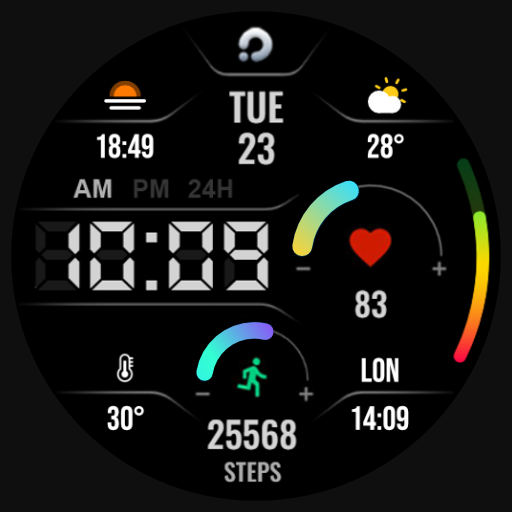
ACTIVE 11 Digital Watch Face
Paid

ACTIVE 42 Digital Watch Face
Free

PRADO 93 Weather Watch Face
Paid

PRADO Ultra Pro Hybrid
Paid

Hello Autumn
Paid

PRADO 84 Digital Watch Face
Paid

PRADO 92 Weather Watch Face
Paid

ACTIVE 39 Hybrid Watch Face
Paid

PRADO 91 Digital Watch Face
Paid

PRADO 77 Digital Watch Face
Paid

ACTIVE 44 Hybrid Watch Face
Paid

ACTIVE 48 Futuristic Digital
Paid

ACTIVE 51 Futuristic Digital
Paid
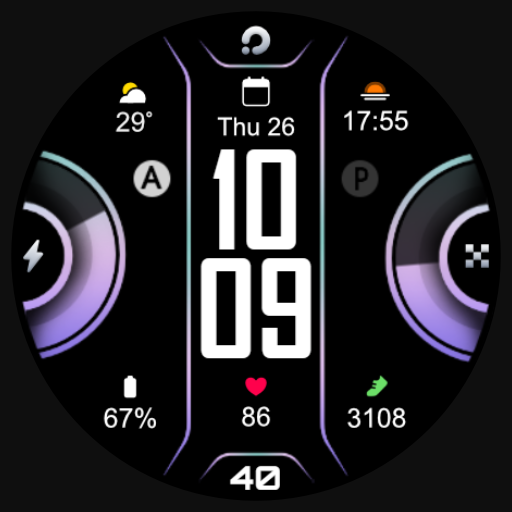
ACTIVE 55 Digital Watch Face
Paid
Similar Apps
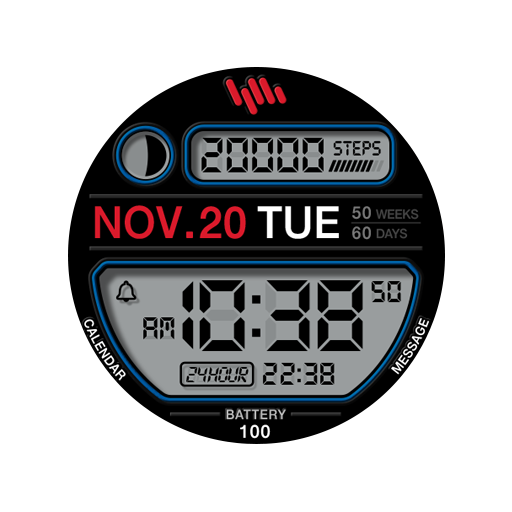
SamWatch Digital Amun
Paid
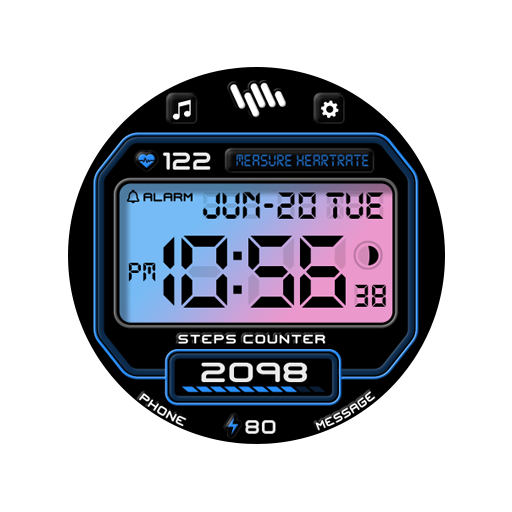
SamWatch Digital Shu 2
Free

SamWatch Digital Shu 2 2023
Paid

SamWatch Digital Amun 2
Paid
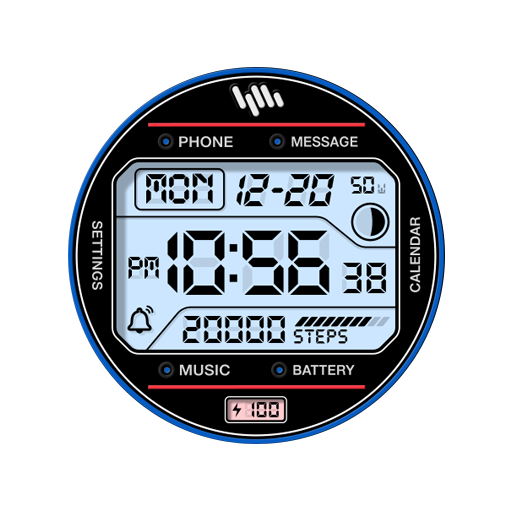
SamWatch Digital Shu 4
Paid

GYD004: Digital watchface
Paid

Vibrant Fit Digital
Paid

SamWatch Digital Shu 2 2025
Paid

SamWatch Digital Shu 2025
Paid

HKR039
Free
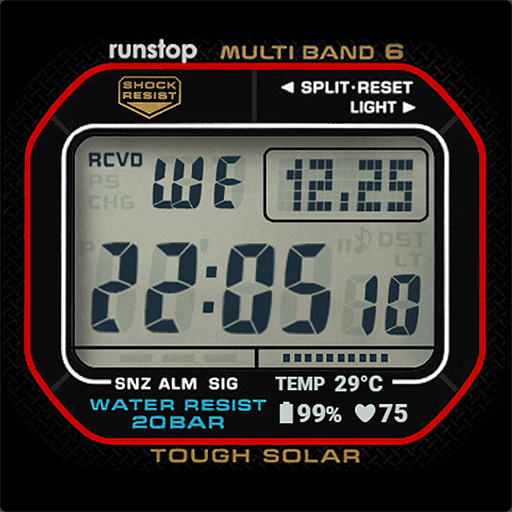
G-Shock Watch Face Casio 5610U
Paid

SamWatch Digital A 2022
Paid
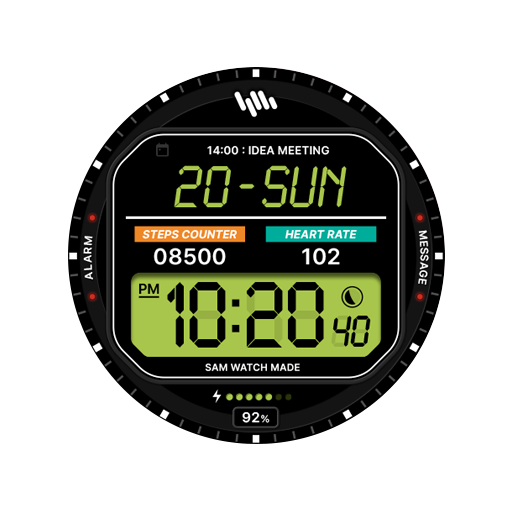
SamWatch Digital Osiris
Paid
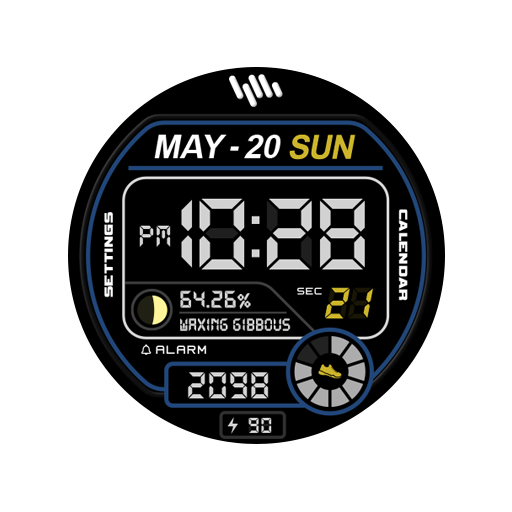
SamWatch Digital Shu
Paid
GYD011: GY Digital 011
Paid

Arrow face minimalist digital
Free
Scan this QR code to download

Forwarding you to the page at Google Play market in seconds...
Open Google Play market now