
PW16 Sophisticated Style vVARY
PW Watchfaces by PAPY WATCH DESIGN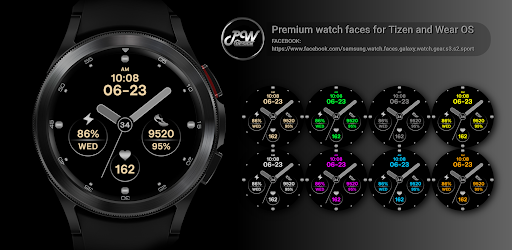



About this app
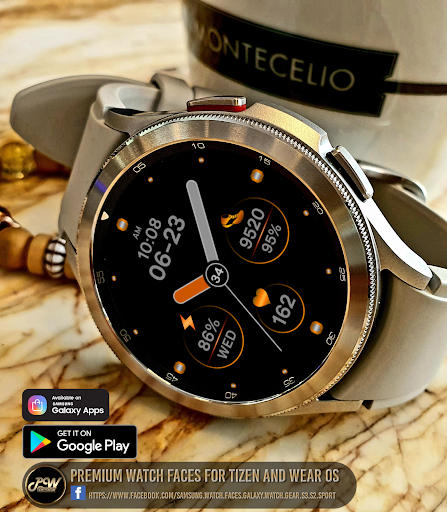
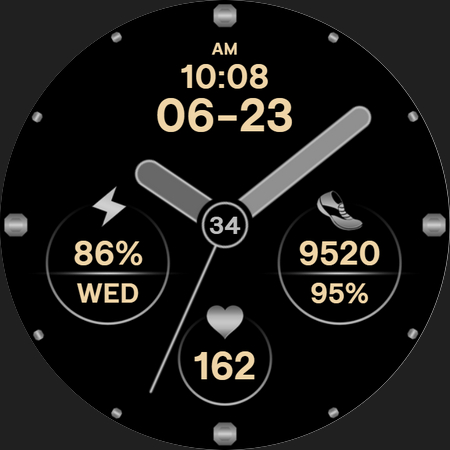
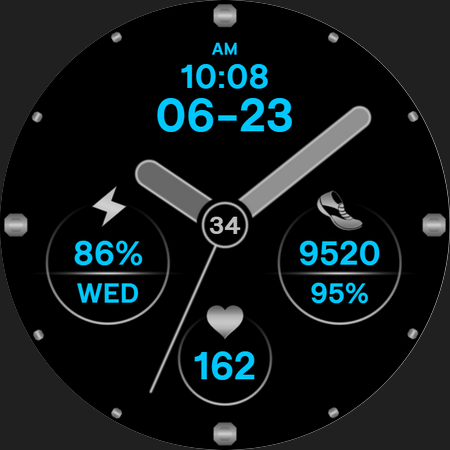
The PW16 Sophisticated Style app solves the problem of bland watch faces for Wear OS users, offering a stylish and sporty alternative. This app benefits users who value customization and are looking for a unique watch face that reflects their personal style. Compared to other personalization apps in the category, PW16 stands out with its sleek design, but falls short in terms of user ratings and download numbers. The app's lack of permissions is a notable advantage, indicating a focus on user privacy.
Pros
- The app's stylish and sporty design makes it a great option for users who want a unique watch face that reflects their personal style.
- With no permissions required, the app ensures a high level of user privacy and security, which is a significant advantage in the personalization category.
- The paid model of $0.99 is a reasonable price for a high-quality watch face, and the absence of ads and in-app purchases ensures a seamless user experience.
- The developer's website and email provide a clear channel for user support and feedback, indicating a commitment to customer satisfaction.
- The app's small size and varying Android requirement make it accessible to a wide range of devices and users.
Cons
- The app's limited download numbers and lack of user ratings make it difficult to gauge its overall quality and user satisfaction.
- The app's functionality may be limited compared to other watch face apps, which could be a concern for users who want more features and customization options.
- The developer's reputation is not well-established, which could be a concern for users who are hesitant to try new apps from unknown developers.
- The app's compatibility with various Wear OS devices is not explicitly stated, which could lead to compatibility issues for some users.
Best for: The ideal user for the PW16 Sophisticated Style app is a tech-savvy individual between the ages of 25-45 who values customization and personal style, and is looking for a unique watch face that reflects their personality, with a moderate level of technical expertise and a willingness to try new apps and features.
Developer Description
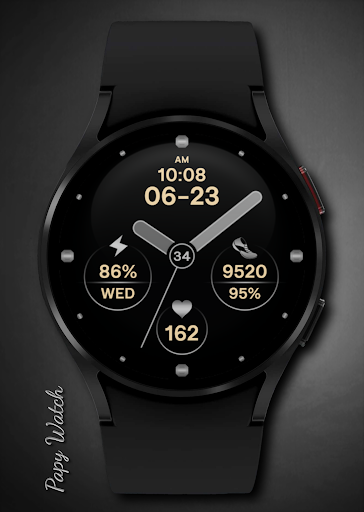
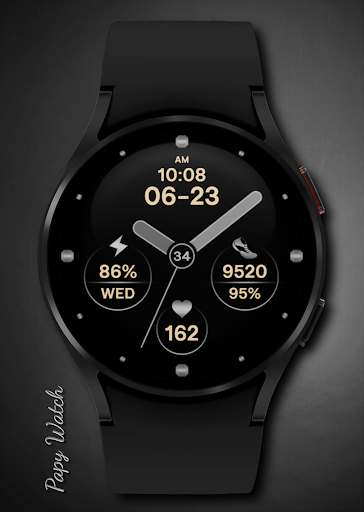
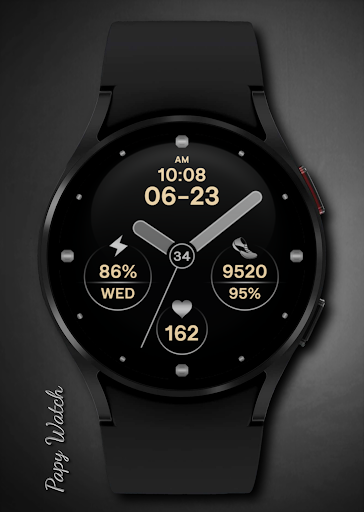
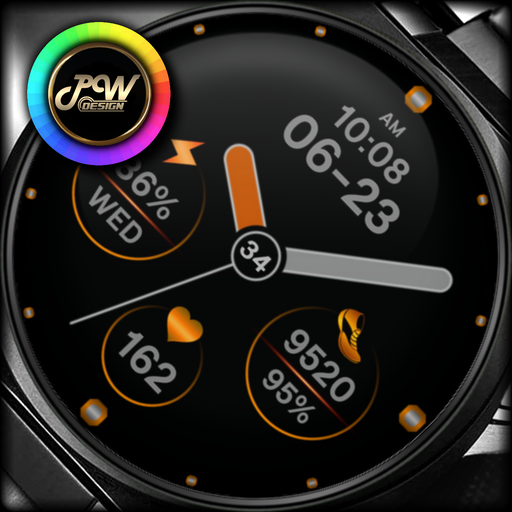
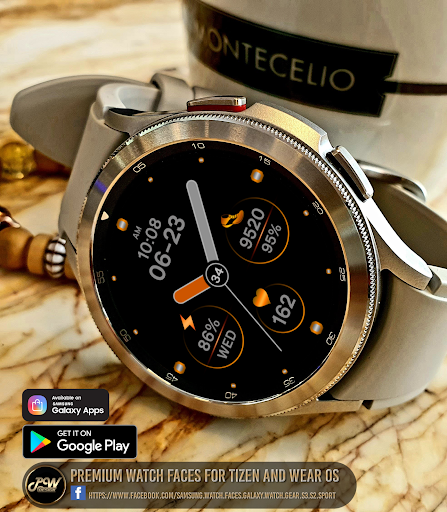
PWW16 - Analog Watch Face, is stylish Sport Watch Face for Wear OS
Telegram:
https://t.me/PW_Papy_Watch_Faces_Tizen_WearOS
FB:
https://www.facebook.com/samsung.watch.faces.galaxy.watch.gear.s3.s2.sport
Instagram:
https://www.instagram.com/gears3_watchface_papy_watch
PWW16 - Analog Watch Face, is stylish Sport Watch Face for Wear OS
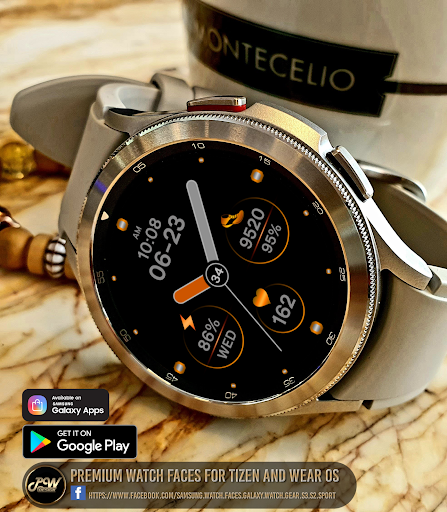
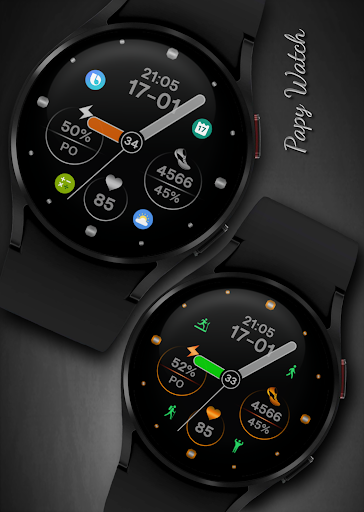
I would like to introduce you to a stylish watch face with a premium look and many setting options.
This watch face supports all Wear OS devices with API Level 28+
Some features may not be available on some watches.
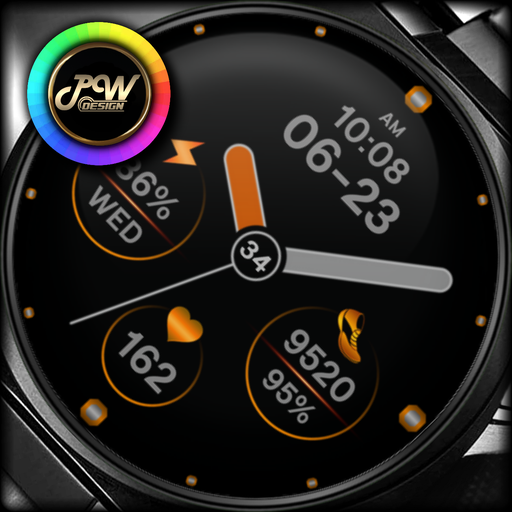
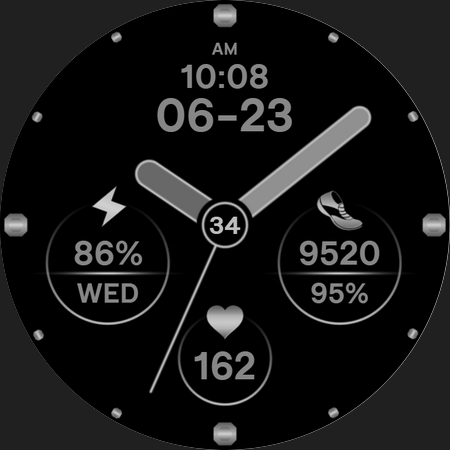
Contains information:
- 12/24hr Digital Time based on phone settings
- Date
- Day
- Steps
- Daily goals %
- Battery %
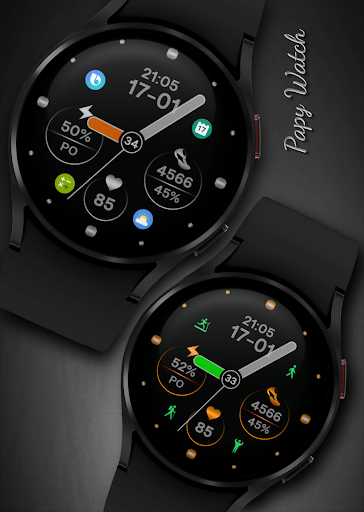
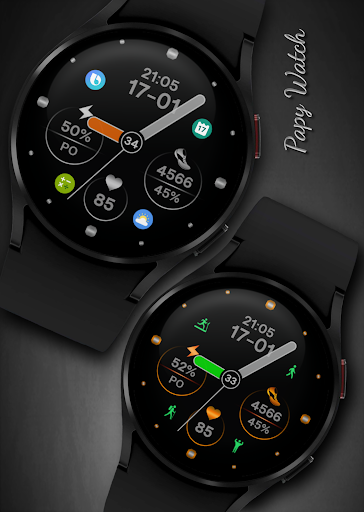
- 7 App Shortcuts - You can set any application you want
- Always ON Display
- BPM Heart Rate
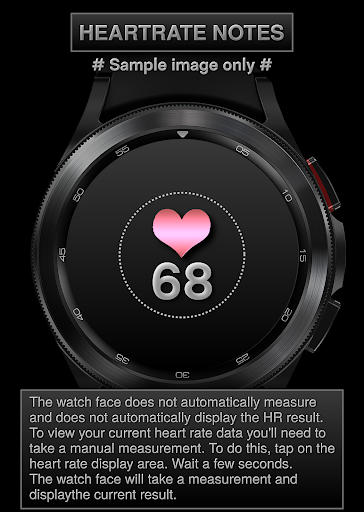
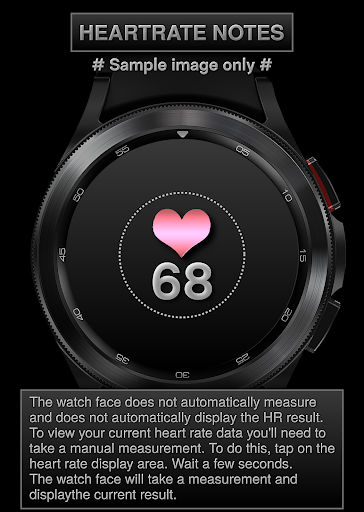
HEARTRATE NOTES:
The watch face does not automatically measure and does not automatically display the HR result.
To view your current heart rate data you'll need to
take a manual measurement.
To do this, tap on the heart rate display area.
Wait a few seconds. The watch face will take a
measurement and displaythe current result.
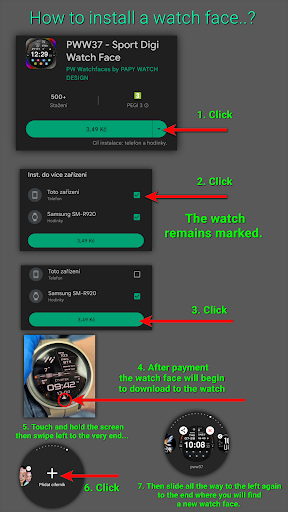
Installation Notes:
1 - Make sure the watch is properly connected to the phone
After a few minutes the watch face will transferred on watch : check the watch faces installed by the Wearable app on the phone.
or
2 - If you are having synchronization problems between your phone and Play Store, install the app directly from watch: search "PWW16" from Play Store on watch and hit on install button.
3 - Alternatively, try installing the watch face from web browser on your PC.
Make sure you have enabled all permissions from settings -> applications -> permissions.
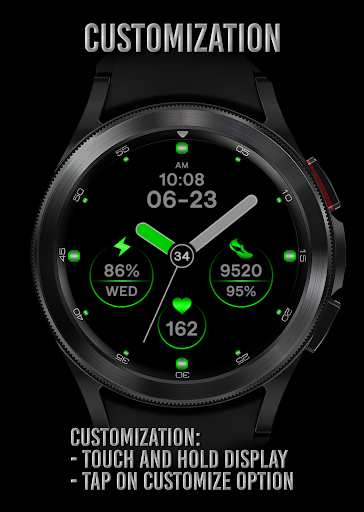
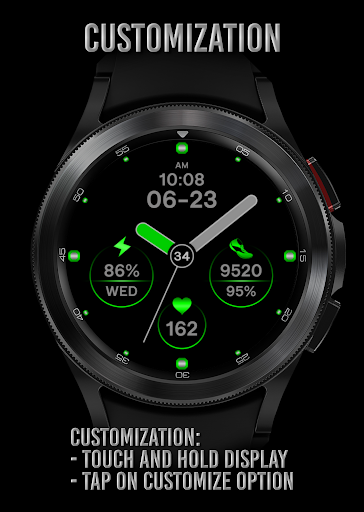
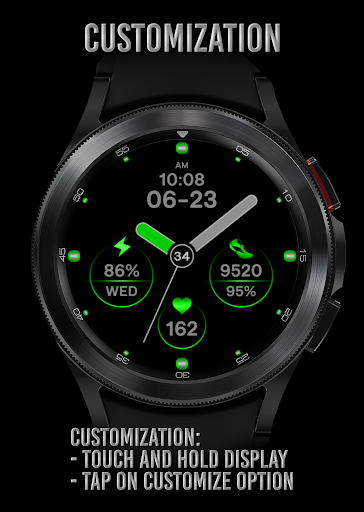
Customization:
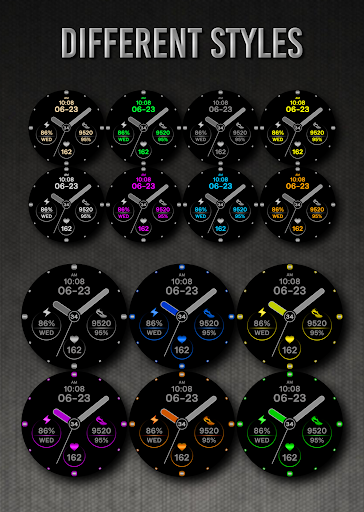
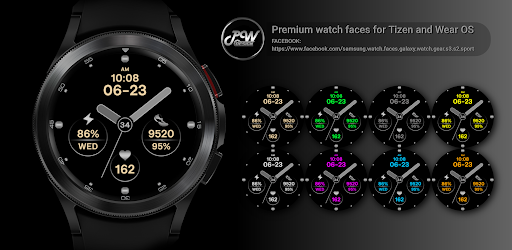
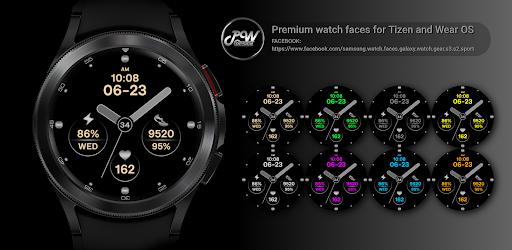
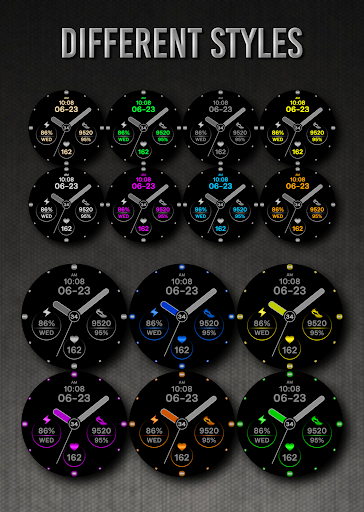
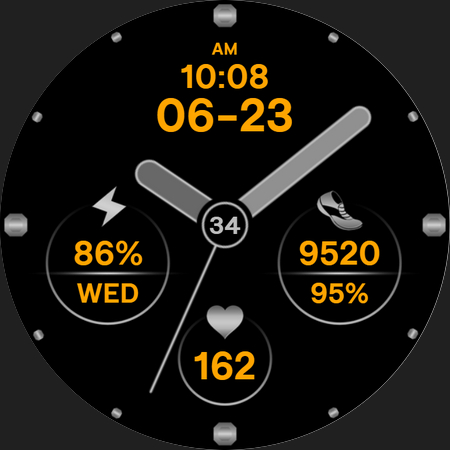
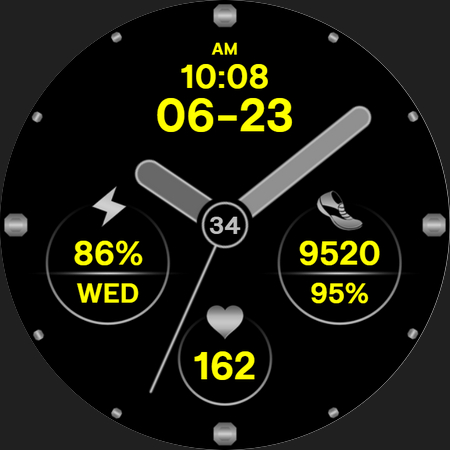
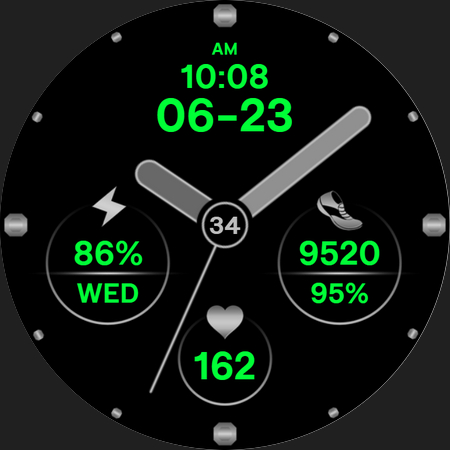
Possibility to change the color of the text
Possibility to change the color of the background
Possibility to change the color of the hands
Possibility to select any application you want 7x
- 1. Touch and hold display
- 2. Tap on customize option
✉ If you have any questions, please contact us by e-mail papy.hodinky@gmail.com
We will be happy to assist you!
Expression of the watch face:
Stylish, Cute, Fashionable, Elegant, Girly, Chic, Unique, Modern, Colorful, Simple, Minimalistic, Ladies, Women, Men, Female, Art, Nature, Pink, Purple, Gold, Black, Silver, Battery friendly
Privacy
Since the app requires no permissions, the risk of data collection and privacy breaches is minimal. However, users should still be cautious when downloading and installing apps from unknown developers, and should monitor their device's performance and battery life after installation. It is also recommended to check the developer's website and email for any updates or support.
Tips
To get the most out of the PW16 Sophisticated Style app, users should first ensure their Wear OS device is compatible with the app. They should also explore the app's settings and customization options to personalize their watch face. Additionally, users can optimize the app's performance by closing other resource-intensive apps and restarting their device regularly.
What's New
- Increased Watch Face Studio version to 1.8.10
Version Information
- Version
- -
- Downloads
- 100+
- Updated on
- Oct 9, 2025
- Released
- Jan 17, 2022
- Requires
- Android Varies with device
Statistics
Google Play Rating History
Rating Distribution
Downloads Over Time
PW16 Sophisticated Style has been downloaded times. Over the past 30 days, it averaged downloads per day.
Shaded area shows 30-day prediction based on historical trends
Historical data collection started recently. More data points will be available over time.
ApkTrusted Ratings & Reviews
More from PW Watchfaces by PAPY WATCH DESIGN
See more apps
PW85 App Launch Watch Face
Paid

PW88 Digital 3D Data Info
Paid
PW81 Big Digital Weather Watch
Paid

PW108 Smart Data Watch Face
Paid

PW106 MultiFunction Watch Face
Paid

PW49 Quick App Digi Watch Face
Paid

PW107 CustomHand Watch Face
Paid

PW105 Universal Watch Face
Free

PW101 Elegant Minimal Watch
Paid

PW104 App Launcher Watch Face
Paid

PW82 Multi-Purpose Hybrid
Paid

PW83 Color Ring Data Watch
Free

PW84 Clear View Big Time
Paid

PW103 Bold Hybrid Watch Face
Free

PW87 Digital Square Watch
Paid

PW102 Smart Analog Watch Face
Paid
Similar Apps
Complicated Analogue
Paid

WFP 236 Hybrid watch face
Paid
Regarder Midnight V2 Watchface
Paid

Chrono Fusion 2
Paid

OLED Analog Watch face
Paid
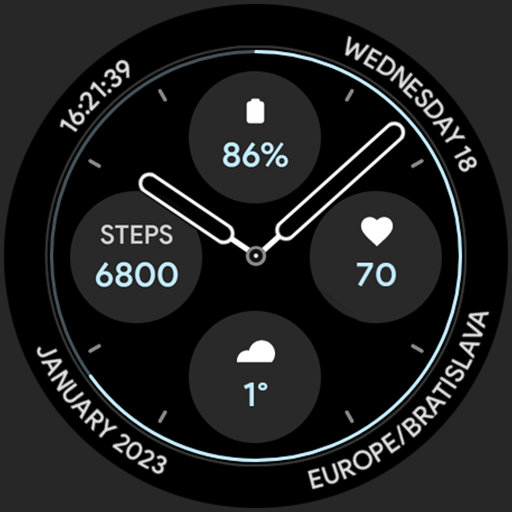
Casual Watch Face
Paid
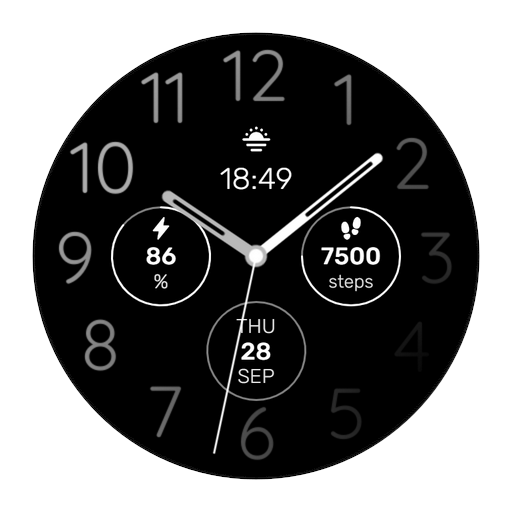
WES18 - Gradient Watch Face
Paid

JHW Analog You: Watch face
Free

Twin Zone Watch Face
Free

Evolution Watch Face Wear OS
Paid

HMKWatch Analog 125
Paid

Analog PRO: Watch face
Paid

Pixel Minimal URX112 Watchface
Paid

Proxima watch face Wear OS
Paid
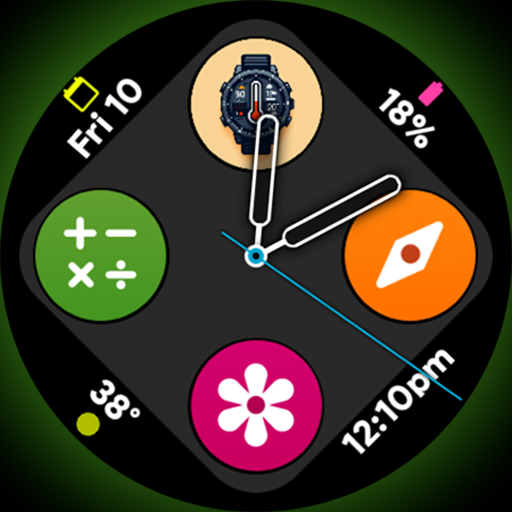
Arcolog - Watch face
Paid

Lumen Chrono
Paid
Scan this QR code to download

Forwarding you to the page at Google Play market in seconds...
Open Google Play market now