
PW21 Analog Refined Beauty vVARY
PW Watchfaces by PAPY WATCH DESIGN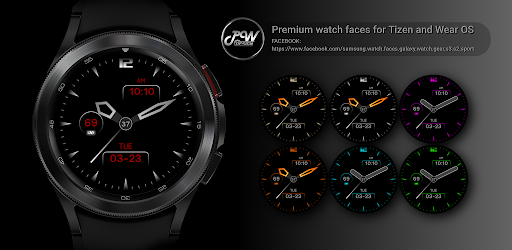

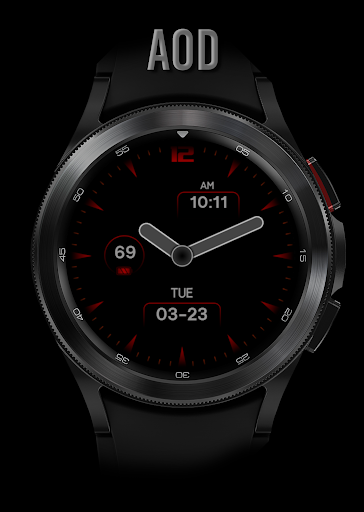
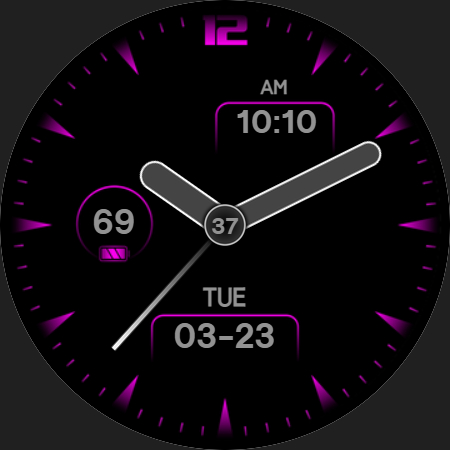
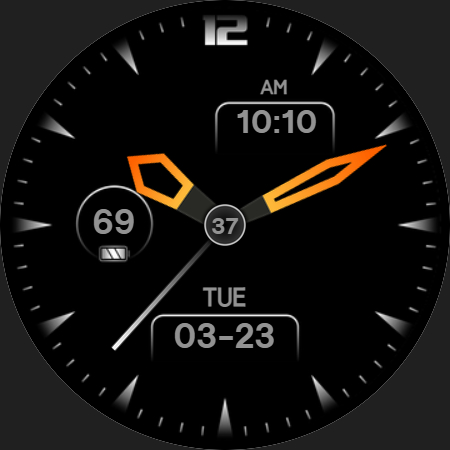
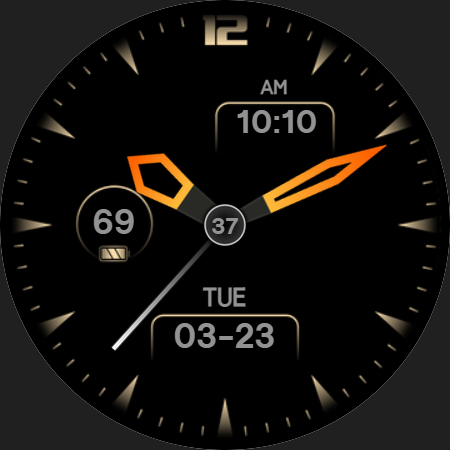
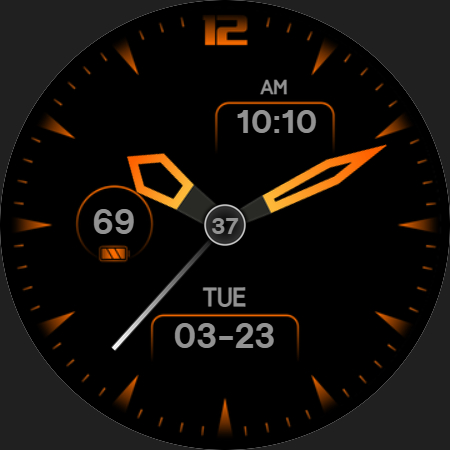
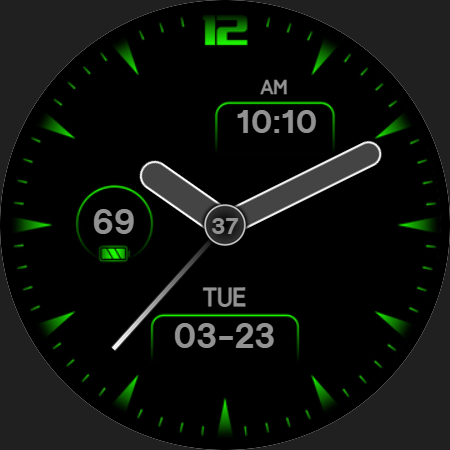
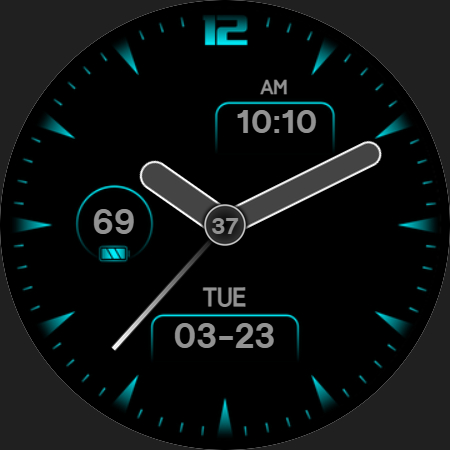
About this app
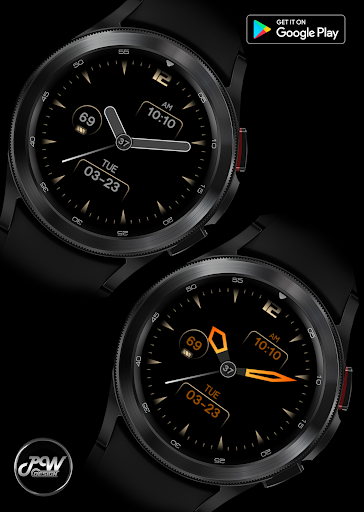
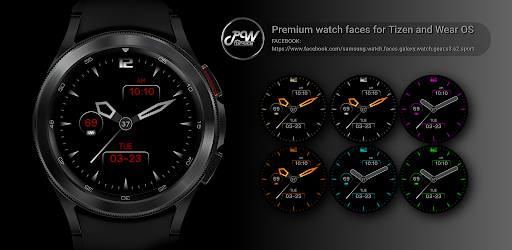
The PW21 Analog Refined Beauty watch face solves the problem of dull and uninspiring watch faces for Wear OS users, particularly those who value stylish and refined designs. This app benefits users who prioritize aesthetics and are willing to pay for high-quality designs. Compared to alternatives in the Personalization category, PW21 Analog Refined Beauty stands out for its unique design, but falls short in terms of user ratings and download numbers. The app's lack of ratings and limited download data may raise concerns about its overall quality and popularity.
Pros
- The PW21 Analog Refined Beauty watch face offers a unique and stylish design that is likely to appeal to users who value aesthetics and are willing to pay for high-quality designs.
- The app has a simple and straightforward monetization model, with a one-time payment of $1.49 and no in-app purchases or ads, which may be attractive to users who prefer a hassle-free experience.
- The developer, PW Watchfaces by PAPY WATCH DESIGN, has a dedicated website and email support, which may indicate a commitment to customer support and updates.
- The app requires no permissions, which may be a significant advantage for users who are concerned about privacy and security.
- The app's small size and lack of ads may result in improved performance and battery life compared to other watch face apps.
Cons
- The PW21 Analog Refined Beauty watch face has limited download data and no user ratings, which may raise concerns about its overall quality and popularity.
- The app's high price point of $1.49 may be a deterrent for some users, particularly those who are used to free or low-cost watch face apps.
- The app's lack of features and customization options may be a disappointment for users who are looking for more advanced functionality.
- The developer's website is hosted on Facebook, which may not be a professional or secure platform for customer support and updates.
Best for: The ideal user for the PW21 Analog Refined Beauty watch face is a tech-savvy individual between the ages of 25-45 who values stylish and refined designs, is willing to pay for high-quality apps, and has a Wear OS device, such as a Samsung Galaxy Watch or Google Wear OS smartwatch.
Developer Description
The PWW21 - Analog Watch Face is stylish Watch Face for Wear OS
TELEGRAM:
https://t.me/PW_Papy_Watch_Faces_Tizen_WearOS
INSTAGRAM:
https://www.instagram.com/papy_watch_gears3watchface/
https://www.facebook.com/samsung.watch.faces.galaxy.watch.gear.s3.s2.sport
SAMSUNG GALAXY STORE:
http://apps.samsung.com/gear/brandPage.as?sellerId=ev9qg93xra&brandId=0000001574
GOOGLE PLAY STORE:
https://play.google.com/store/apps/dev?id=8628007268369111939
The PWW21 - Analog Watch Face is stylish Watch Face for Wear OS
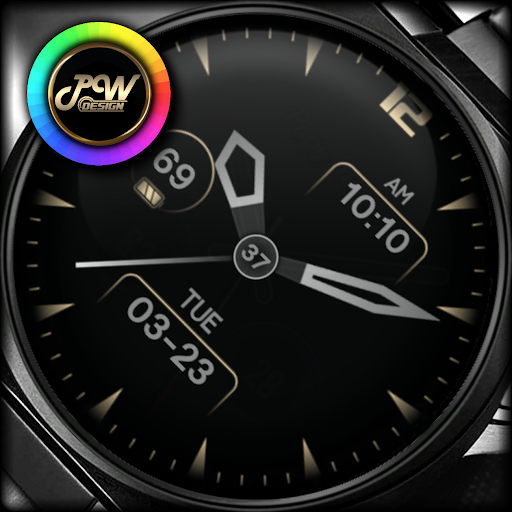
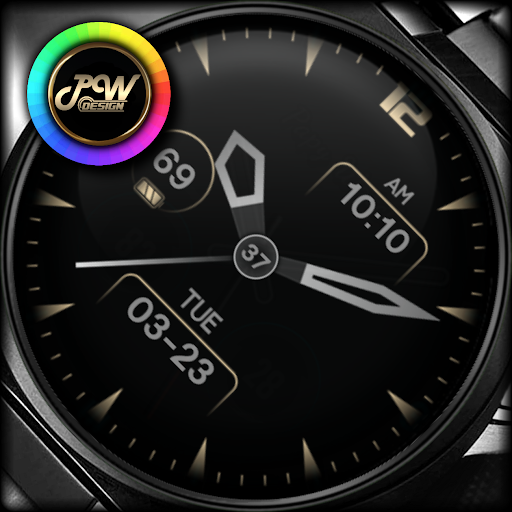
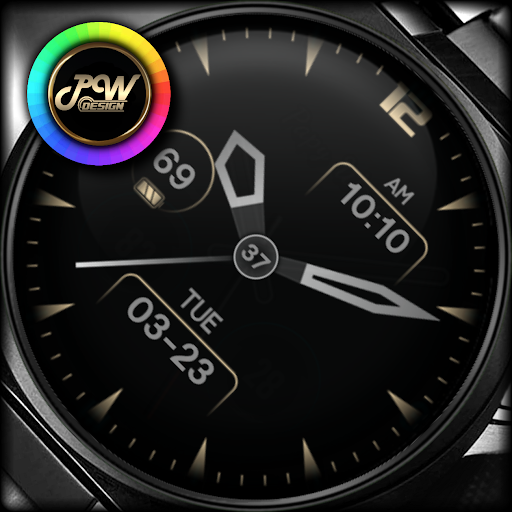
I would like to introduce you to a stylish watch face with a premium look and many setting options.
Contains information:
- 12/24hr Digital Time based on phone settings
- Date
- Day
- Battery %
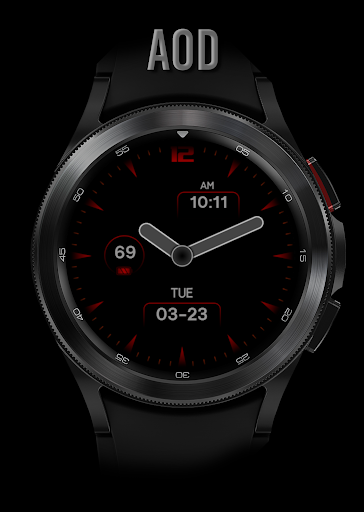
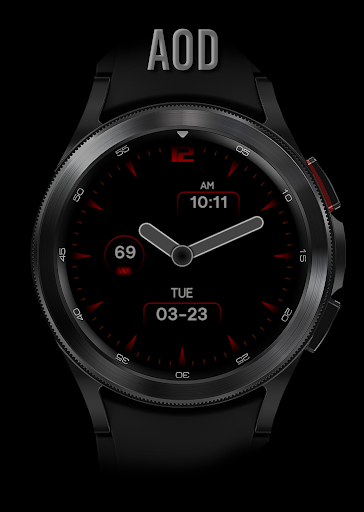
- Always ON Display
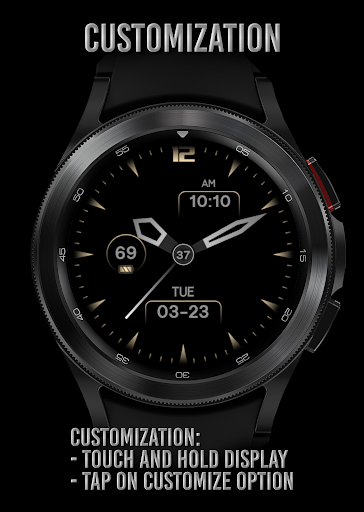
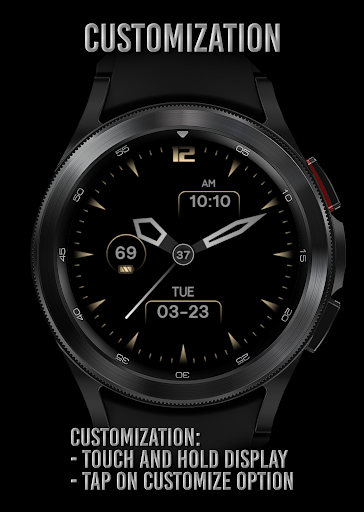
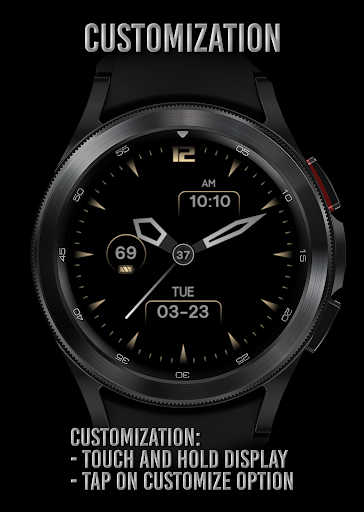
Customization:
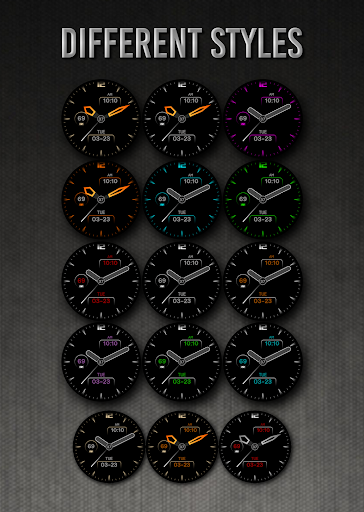
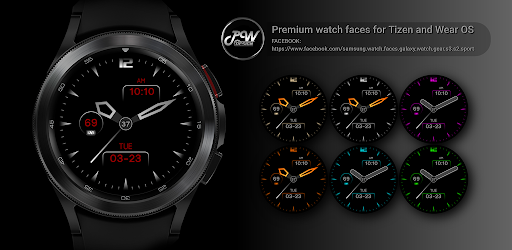
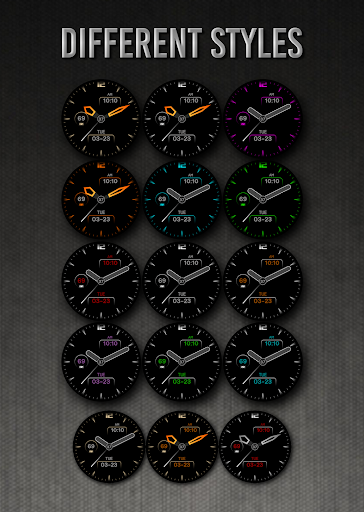
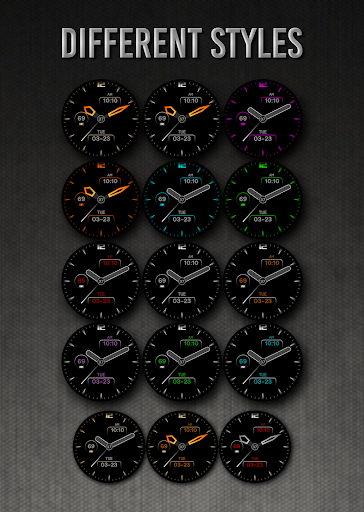
Possibility to change the background color
Possibility to change the color of the text
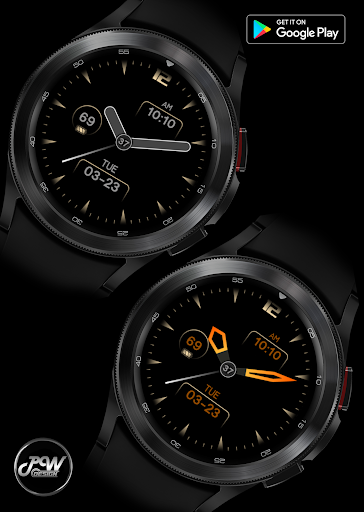
Possibility to change the type or color of the hands
- 1. Touch and hold display
- 2. Tap on customize option
!!! Installation Notes !!!
Phone app serves only as an placeholder to make it easier to install & find the watch face on your Wear OS watch. You have to select your watch device from the install dropdown menu.
Sometimes it takes a little longer for the watch face to download to your watch !
After a few minutes the watch face will transferred on watch : check the watch faces installed by the Wearable app on the phone.
Note: If you stuck at payment loop, DON'T WORRY, only one charge will be made even if you are asked to pay a second time. Wait 5 minutes or restart your watch and try again. It could be a synchronization problem between your device and Google servers.
or
2 - If you are having synchronization problems between your phone and Play Store, install the app directly from watch: search "PWW21" from Play Store on watch and hit on install button.
3 - Alternatively, try installing the watch face from web browser on your PC.
Please consider that any issues on this side are NOT developer dependent. The developer has no control over the Play Store from this side. Thank you.
This watch face supports all Wear OS devices with API Level 28+
Make sure you have enabled all permissions from settings -> applications -> permissions.
✉ If you have any questions, please contact us by e-mail papy.hodinky@gmail.com
We will be happy to assist you!
Privacy
Since the PW21 Analog Refined Beauty watch face requires no permissions, users do not need to worry about their data being collected or shared. However, users should still be cautious when downloading and installing apps from unknown sources, and should always read reviews and check the developer's reputation before making a purchase. To ensure security, users should also keep their device and app up to date with the latest software updates.
Tips
To get the most out of the PW21 Analog Refined Beauty watch face, users should first ensure that their device is compatible with the app and that they have the latest software updates installed. Users can also customize their watch face by adjusting the settings and options within the app, and can contact the developer for support if they encounter any issues. Additionally, users can optimize their battery life by disabling unnecessary features and adjusting their watch face settings.
What's New
- Increased Watch Face Studio version to 1.8.10
Version Information
- Version
- -
- Downloads
- 1K+
- Updated on
- Oct 9, 2025
- Released
- Sep 7, 2021
- Requires
- Android Varies with device
Statistics
Google Play Rating History
Rating Distribution
Downloads Over Time
PW21 Analog Refined Beauty has been downloaded times. Over the past 30 days, it averaged downloads per day.
Shaded area shows 30-day prediction based on historical trends
Historical data collection started recently. More data points will be available over time.
PW21 Analog Refined Beauty users say on Google Play
 Roger Hallsworth
Great watch face. Thankyou
ApkTrusted Ratings & Reviews
More from PW Watchfaces by PAPY WATCH DESIGN
See more apps
PW81 Big Digital Weather Watch
Paid

PW105 Universal Watch Face
Paid

PW108 Smart Data Watch Face
Paid

PW106 MultiFunction Watch Face
Paid

PW102 Smart Analog Watch Face
Paid

PW103 Bold Hybrid Watch Face
Paid

PW104 App Launcher Watch Face
Paid

PW101 Elegant Minimal Watch
Paid
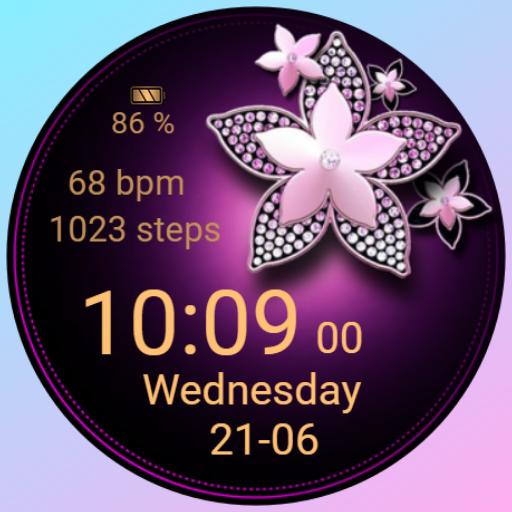
PW09 Blossom Glimmer Watch
Paid

PW107 CustomHand Watch Face
Paid
PW09 Blossom Glimmer Watch
Paid

PW49 Quick App Digi Watch Face
Paid

PW23 Pixel Precision Watch
Paid

PW82 Multi-Purpose Hybrid
Paid

PW83 Color Ring Data Watch
Paid

PW84 Clear View Big Time
Paid
Similar Apps

Key072 Analog Watch Face
Paid
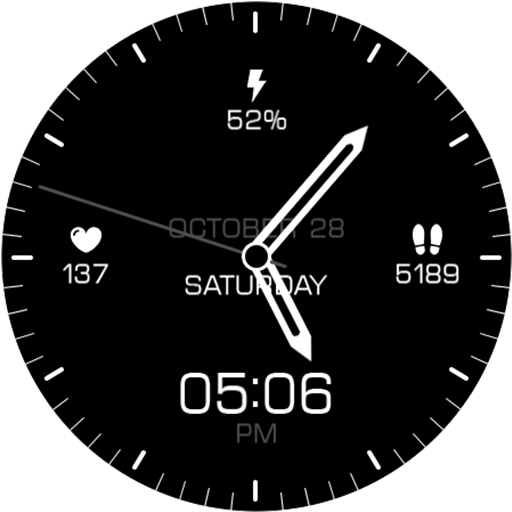
Key106 Classic Watch Face
Paid

Key067 Analog Watch Face
Paid

Minimal - Classic - RE09
Paid
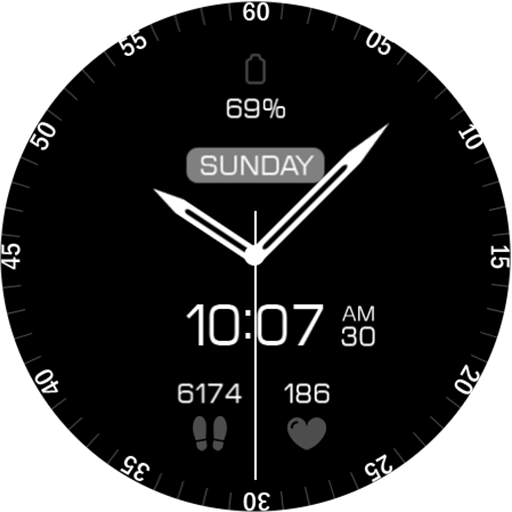
Key063 Analog Watch Face
Paid
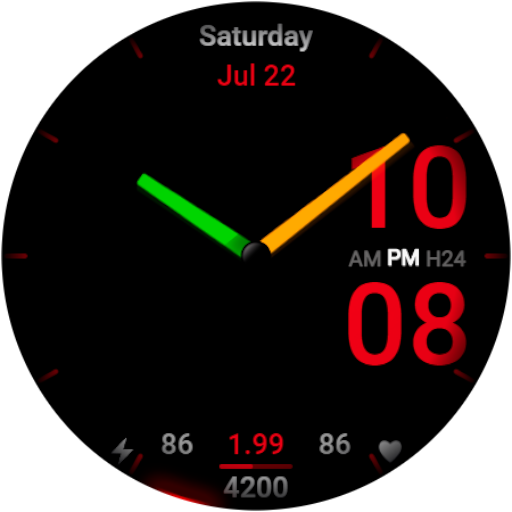
WR 004 Hybrid Watch Face
Paid

Key082 Analogue Watch Face
Paid

EXD117: Hybrid Watch Face
Paid

WAW011 Minimal & Customizable
Paid
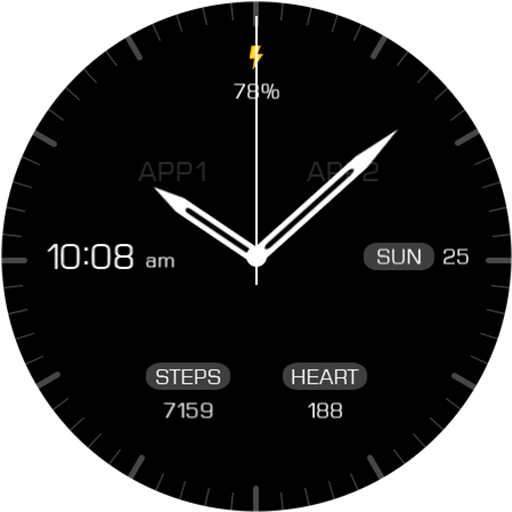
Key068 Analog Watch Face
Paid

CELEST5448 Minimalist Watch
Paid
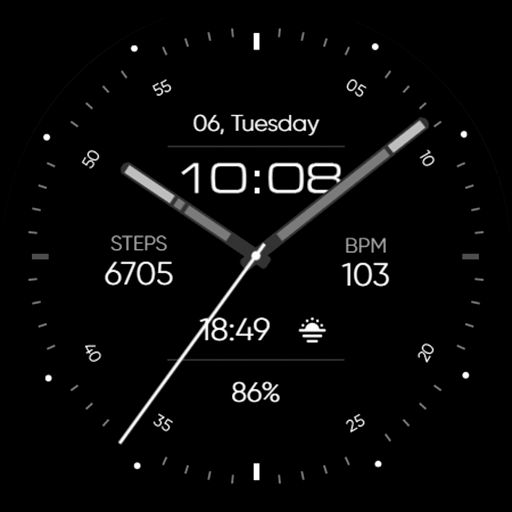
Minimal - Analog - RE17
Paid
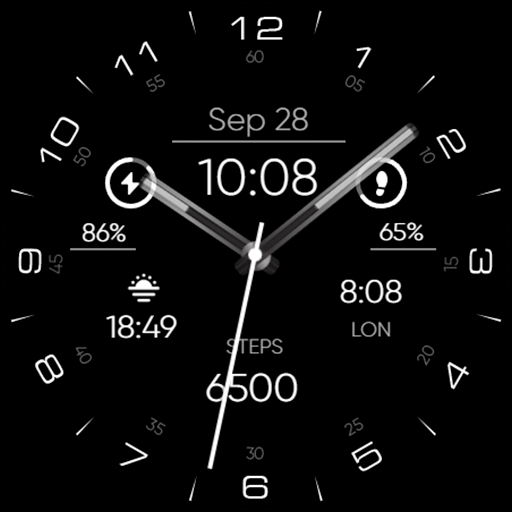
Minimal - Analog - RE29
Paid

Key101 Analog Watch Face
Paid
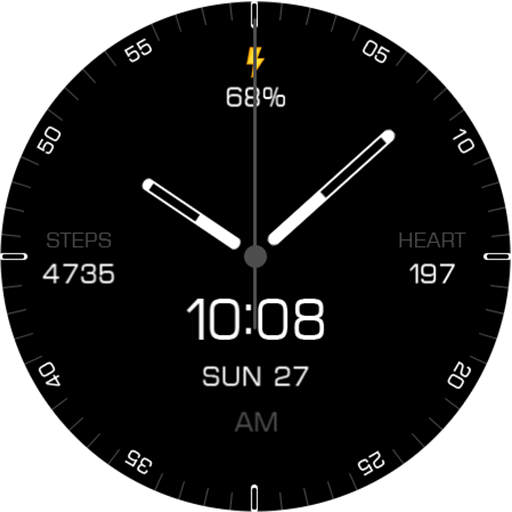
Key087 Classic Watch Face
Paid

SO878
Paid
Scan this QR code to download

Forwarding you to the page at Google Play market in seconds...
Open Google Play market now