PW44 Ladies Digi Flower vVARY
PW Watchfaces by PAPY WATCH DESIGN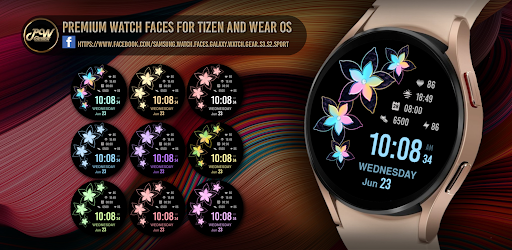


About this app
Developer Description
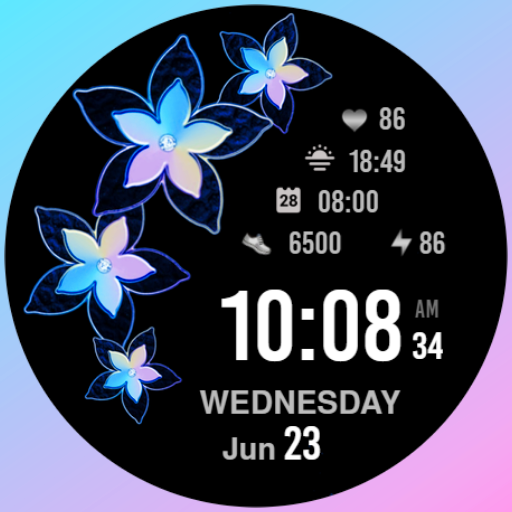
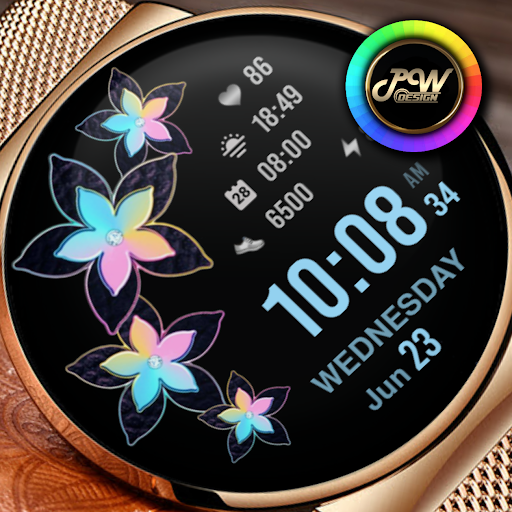
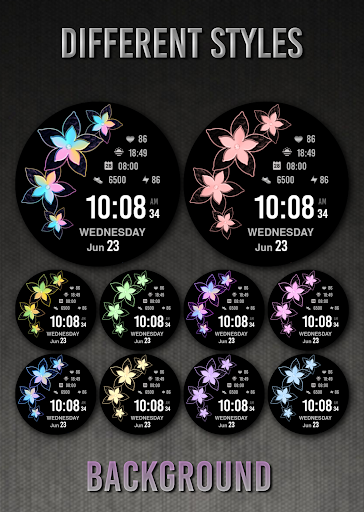
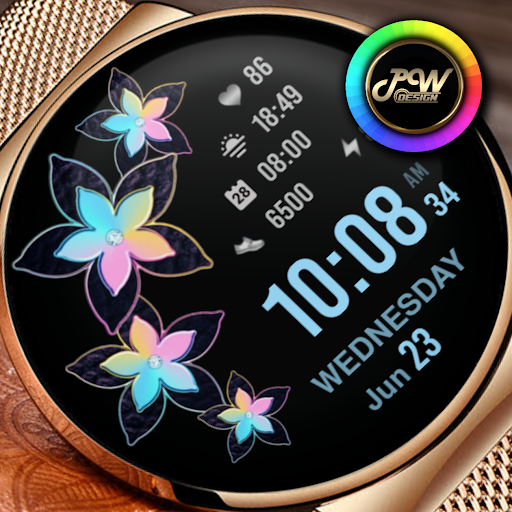
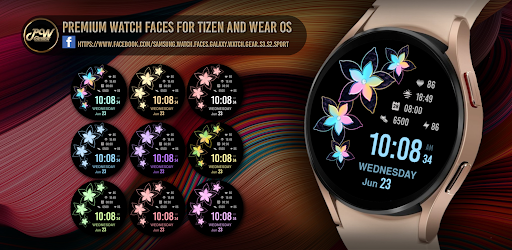
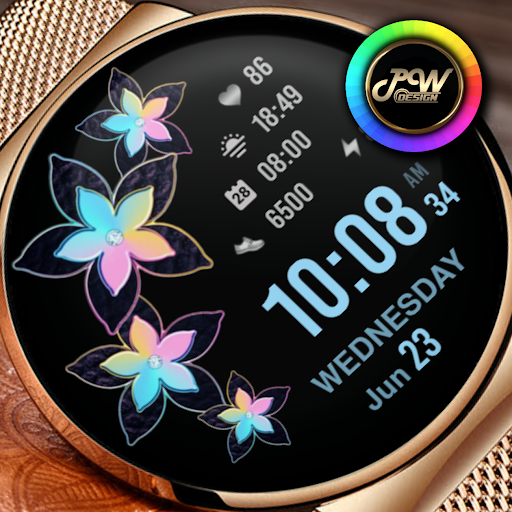
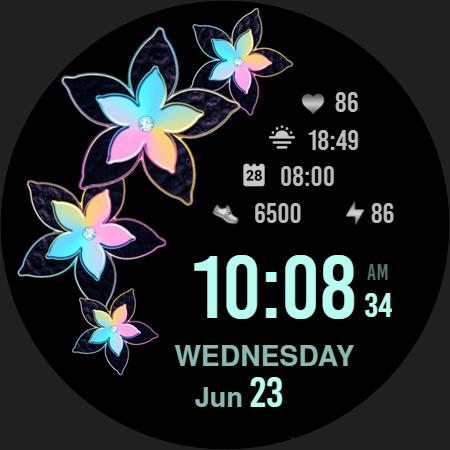
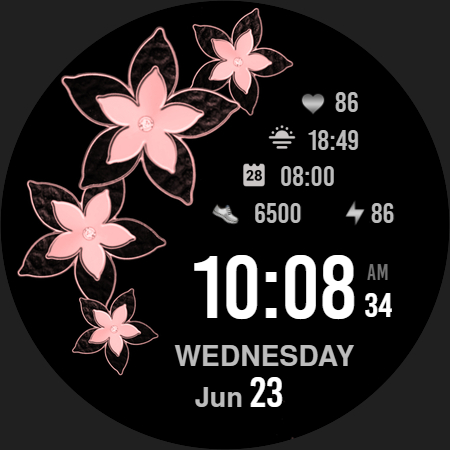
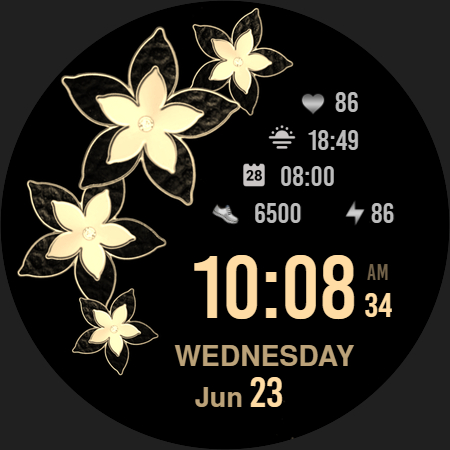
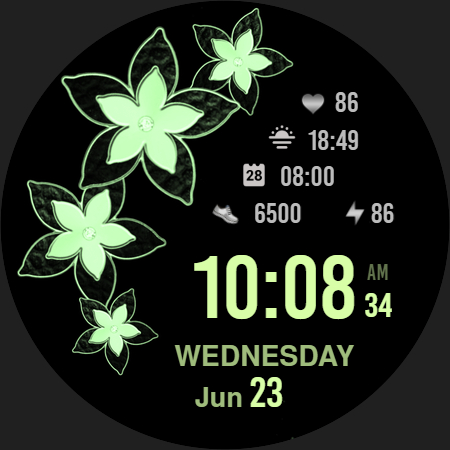
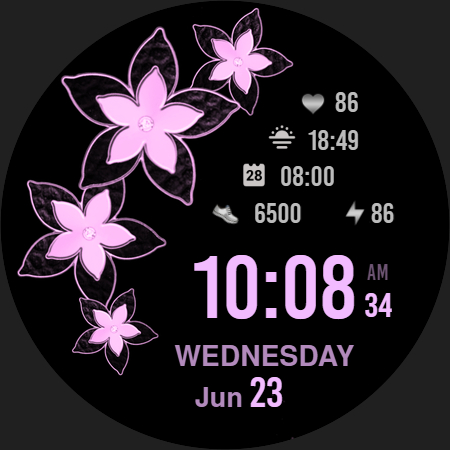
PW44 - Ladies Digi Flower is stylish Watch Face for Wear OS
I would like to introduce you to a stylish watch face with a premium look and many setting options.
Contains information:
- 12/24hr Digital Time based on phone settings
- Date
- Day
- Steps
- Battery %
- Adjustable widgets
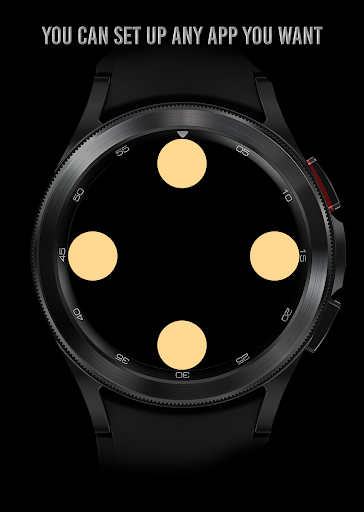
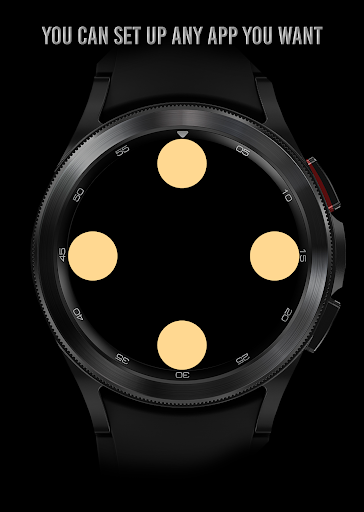
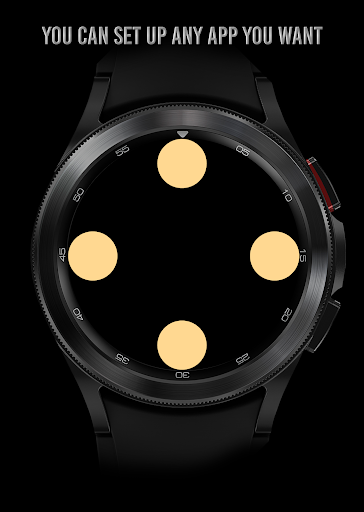
- 4 App Shortcuts - You can set any application you want
- Always ON Display
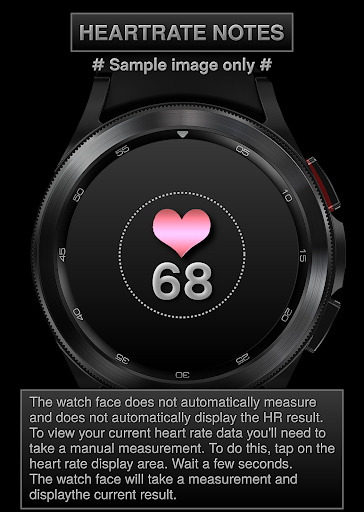
- BPM Heart Rate
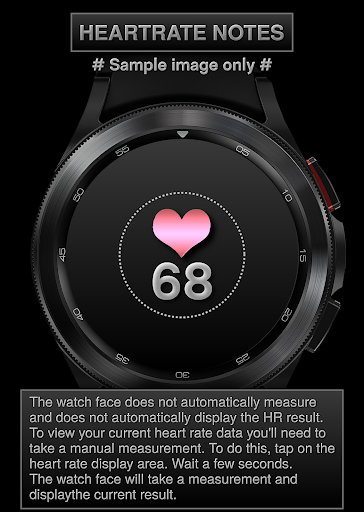
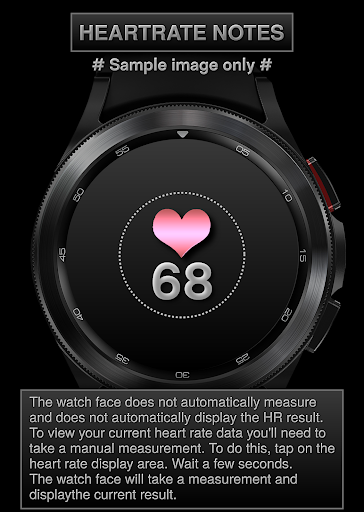
HEARTRATE NOTES:
The watch face does not automatically measure and does not automatically display the HR result.
To view your current heart rate data you'll need to
take a manual measurement.
To do this, tap on the heart rate display area.
Wait a few seconds. The watch face will take a
measurement and displaythe current result.
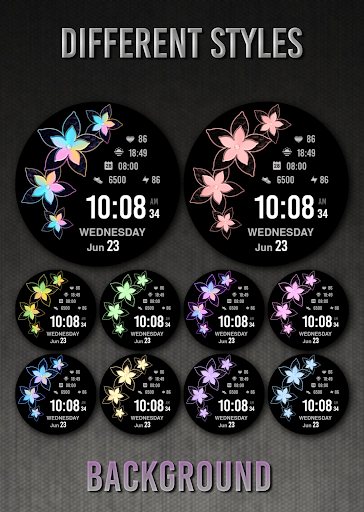
Customization:
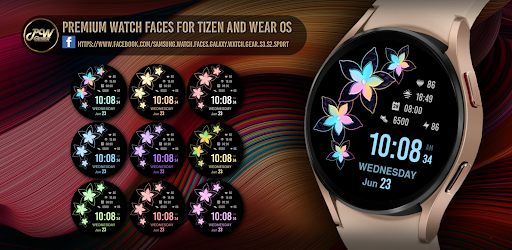
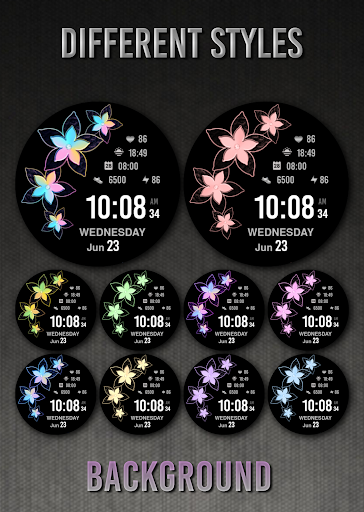
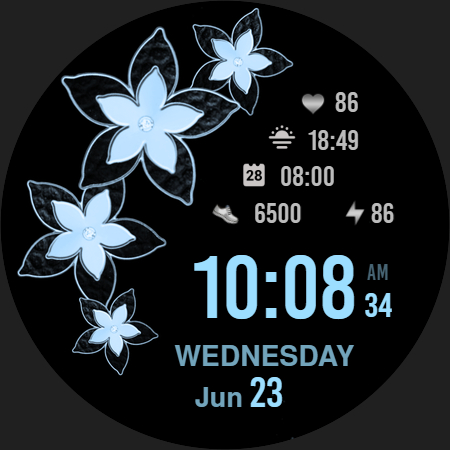
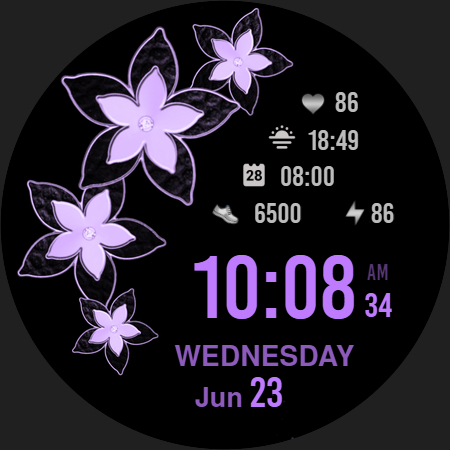
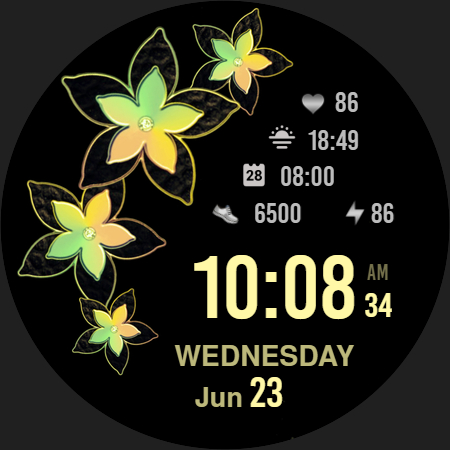
Possibility to change the color of the background
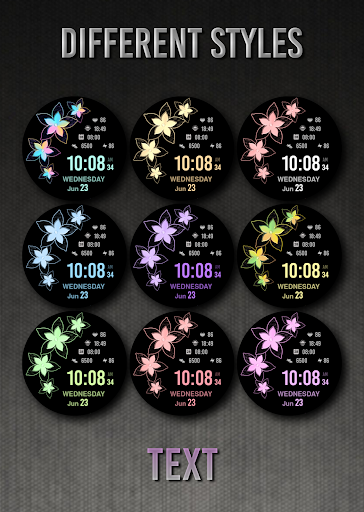
Possibility to change the color of the text
Possibility to select any application you want 4x
Possibility customize the fields with the any data you want - For example, you can select weather, time zone, sunset/sunrise, barometer and more ( !some features may not be available on some watches! )
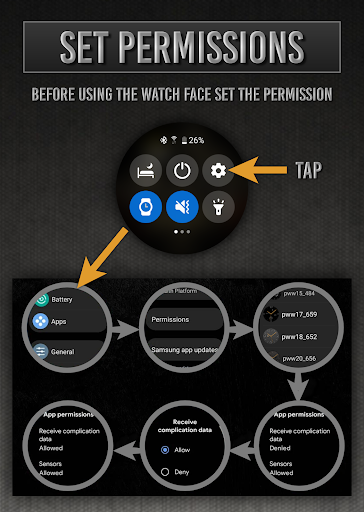
Open Galaxy Wearable on your phone → watch faces → customize and set the watch face to your preference.
or
- 1. Touch and hold display
- 2. Tap on customize option
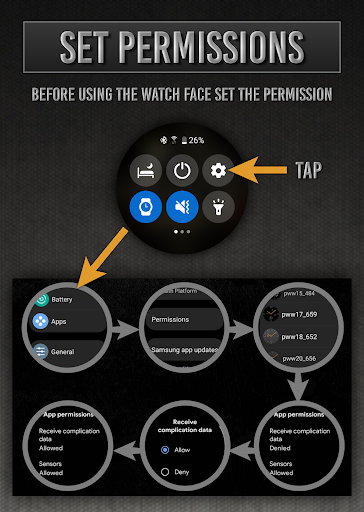
!!! Installation Notes !!!
Phone app serves only as an placeholder to make it easier to install & find the watch face on your Wear OS watch. You have to select your watch device from the install dropdown menu.
Sometimes it takes a little longer for the watch face to download to your watch !
After a few minutes the watch face will transferred on watch : check the watch faces installed by the Wearable app on the phone.
Note: If you stuck at payment loop, DON'T WORRY, only one charge will be made even if you are asked to pay a second time. Wait 5 minutes or restart your watch and try again. It could be a synchronization problem between your device and Google servers.
or
2 - If you are having synchronization problems between your phone and Play Store, install the app directly from watch: search "PWW44" from Play Store on watch and hit on install button.
3 - Alternatively, try installing the watch face from web browser on your PC.
Please consider that any issues on this side are NOT developer dependent. The developer has no control over the Play Store from this side. Thank you.
This watch face supports all Wear OS devices with API Level 28+
✉ If you have any questions, please contact us by e-mail papy.hodinky@gmail.com
We will be happy to assist you!
https://sites.google.com/view/papywatchprivacypolicy
What's New
- Increased Watch Face Studio version to 1.8.10
Version Information
- Version
- -
- Downloads
- 500+
- Updated on
- Oct 15, 2025
- Released
- Jul 18, 2022
- Requires
- Android Varies with device
Statistics
Google Play Rating History
Rating Distribution
Downloads Over Time
PW44 Ladies Digi Flower has been downloaded times. Over the past 30 days, it averaged downloads per day.
Shaded area shows 30-day prediction based on historical trends
Historical data collection started recently. More data points will be available over time.
PW44 Ladies Digi Flower users say on Google Play
 Farm Ville2 (Sweetie)
Love it
 Michelle Carter
Would not install
ApkTrusted Ratings & Reviews
More from PW Watchfaces by PAPY WATCH DESIGN
See more apps
PW85 App Launch Watch Face
Paid

PW88 Digital 3D Data Info
Paid
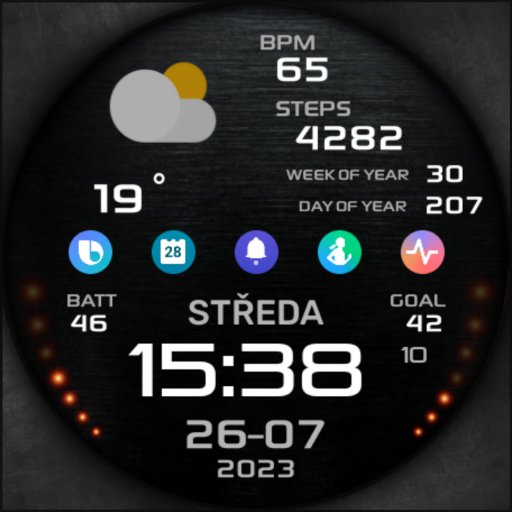
PW81 Big Digital Weather Watch
Paid

PW108 Smart Data Watch Face
Paid

PW106 MultiFunction Watch Face
Paid

PW49 Quick App Digi Watch Face
Paid

PW107 CustomHand Watch Face
Paid

PW105 Universal Watch Face
Free

PW101 Elegant Minimal Watch
Paid

PW104 App Launcher Watch Face
Paid

PW82 Multi-Purpose Hybrid
Paid

PW83 Color Ring Data Watch
Free

PW84 Clear View Big Time
Paid

PW103 Bold Hybrid Watch Face
Free

PW87 Digital Square Watch
Paid

PW102 Smart Analog Watch Face
Paid
Similar Apps

ML2U 316 Watch Face
Paid
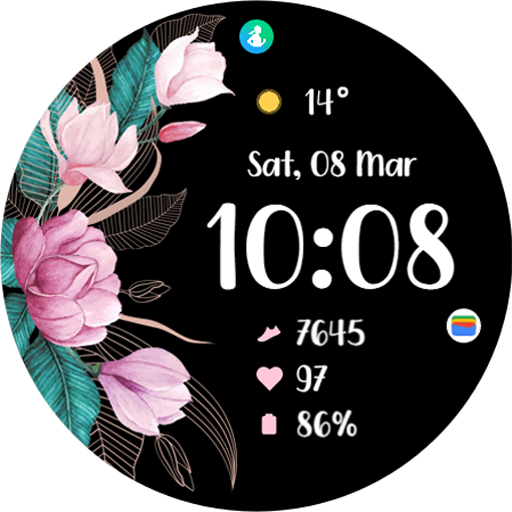
TVV Spring 2 Watch Face
Free

Vibrant Flora Watch Face
Paid

Butterflies and Flowers
Paid

Petals Digital Watch Face
Free

Bloom Digital Watch Face
Paid
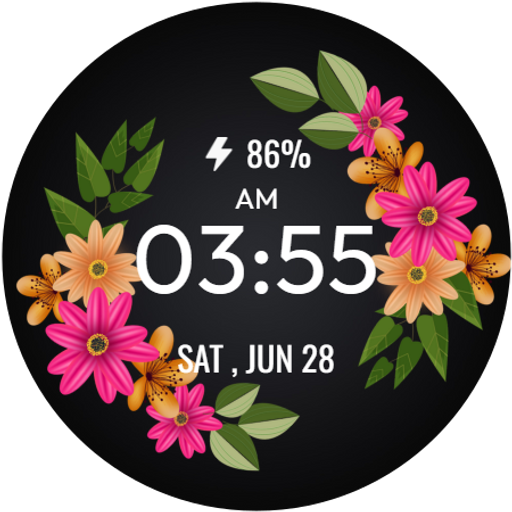
SpringTime WatchFace
Free

Pastel Blossom Watch Face
Free

NXV19 Flower Watch Face
Paid

Floral Bliss Watch Face
Free

Blossom Aura WatchFace
Free

Flowers Spring Summer Watch 2
Free
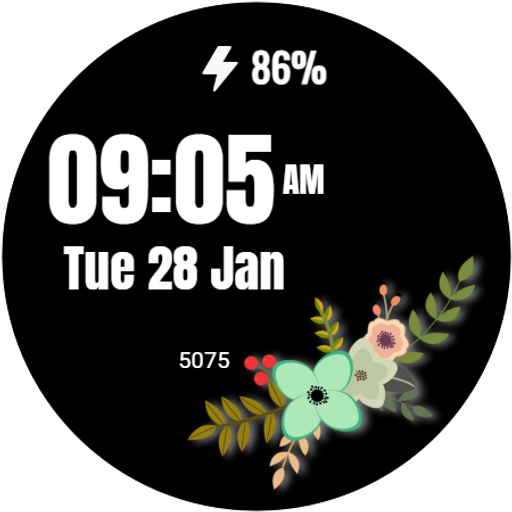
Flower Digital WatchFace
Free

Butterfly Digital Watch Face
Paid

Simple Wildflowers Watch Face
Paid

Beautiful Floral WatchFace
Free
Scan this QR code to download

Forwarding you to the page at Google Play market in seconds...
Open Google Play market now