
SamWatch FIT Q vVARY
Samtree





About this app
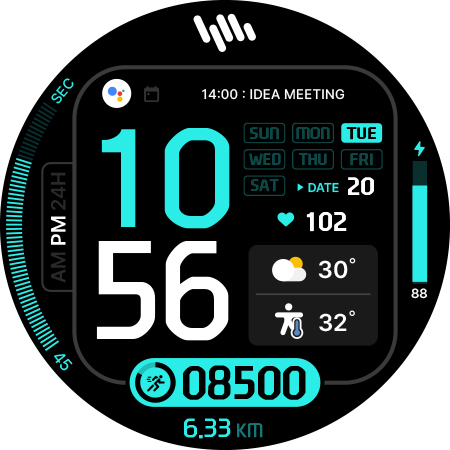
The SamWatch FIT Q app solves the problem of customizing Wear OS and Galaxy Watch faces by providing a unique digital watch face, benefiting users who value personalized styles and are looking for a simple, paid solution without ads. Compared to alternatives in the Personalization category, SamWatch FIT Q stands out with its straightforward, one-time payment model and lack of in-app purchases or ads, which may appeal to users seeking an ad-free experience. However, the app's limited download numbers and lack of user ratings may raise concerns about its popularity and user satisfaction. The app's developer, Samtree, seems to prioritize a simple and ad-free experience, which is a significant advantage for users seeking a hassle-free customization option.
Pros
- The SamWatch FIT Q app offers a unique and personalized digital watch face for Wear OS and Galaxy Watch users, providing a distinct style that may not be found in other apps.
- With a one-time payment of $1.49 and no in-app purchases or ads, the app provides a straightforward and ad-free experience, which is a significant advantage for users seeking to avoid monetization aggressiveness.
- The app requires zero permissions, which is a significant plus in terms of privacy and security, as it minimizes the risk of data collection and potential misuse.
- The developer, Samtree, provides a website and email for support, indicating a level of commitment to user assistance and feedback.
- The app's simplicity and lack of permissions suggest a potentially low impact on device performance and battery life, making it a suitable option for users concerned about resource-intensive apps.
Cons
- The limited download numbers and lack of user ratings for the SamWatch FIT Q app may indicate a smaller user base and potentially less community support or feedback, which could be a concern for users seeking a widely adopted and regularly updated app.
- The app's functionality may be limited to providing a single digital watch face, which could be a drawback for users seeking more comprehensive customization options or a variety of watch faces to choose from.
- The app's compatibility with various devices and Wear OS versions is not explicitly stated, which may lead to concerns about potential compatibility issues or limitations.
- The developer's website and support channels may not provide extensive documentation or tutorials, which could make it difficult for some users to fully utilize the app's features or troubleshoot issues.
Best for: The ideal user for the SamWatch FIT Q app is a tech-savvy individual, likely between the ages of 25 and 45, who values personalized styles and is looking for a unique digital watch face for their Wear OS or Galaxy Watch, with a willingness to pay a one-time fee for a high-quality, ad-free experience and basic technical skills to navigate the app's features and settings.
Developer Description
SamWatch Digital watch face for Wear OS & Galaxy Watch.
IMPORTANT NOTICE
This watch face is supported only on One UI 6.0 or above.
This app is designed exclusively for smartwatches. Users without a compatible smartwatch will not be able to use the watch face after purchase.
WATCH FACE FEATURES
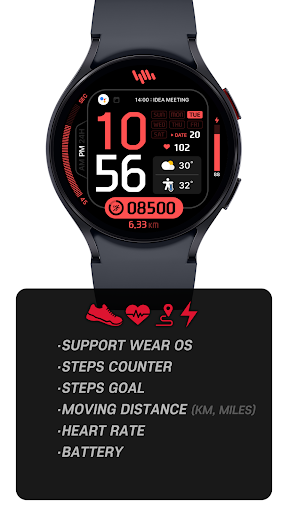
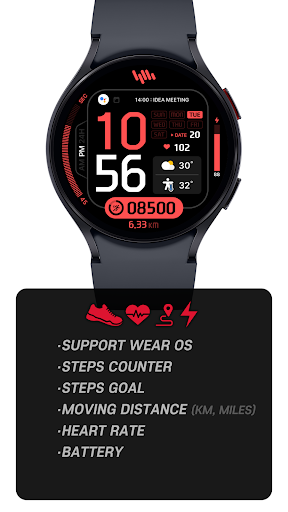
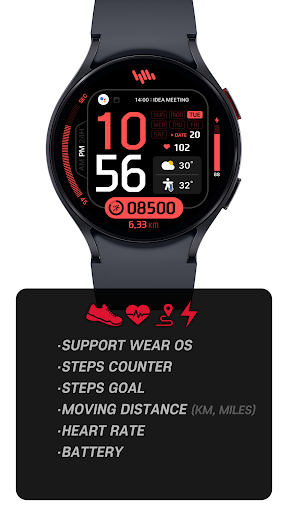
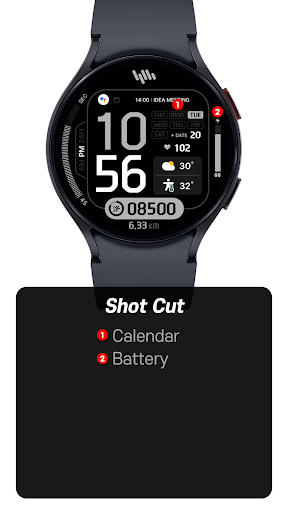
• Premium Digital Design - Elegant interface combining traditional and modern elements
• Step Counter - Monitor your daily activity levels
• Goal Progress - Track your progress toward daily step goals
• Distance Tracking - View your movement in kilometers or miles
• Heart Rate Monitor - Display heart rate data measured by your watch
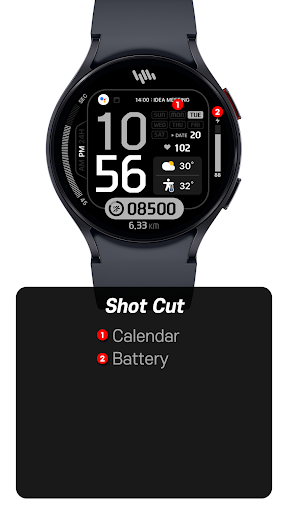
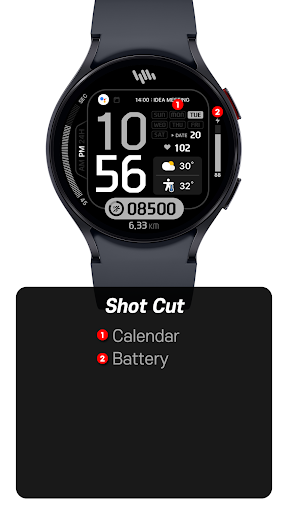
• Battery Status - Keep track of your watch's battery level
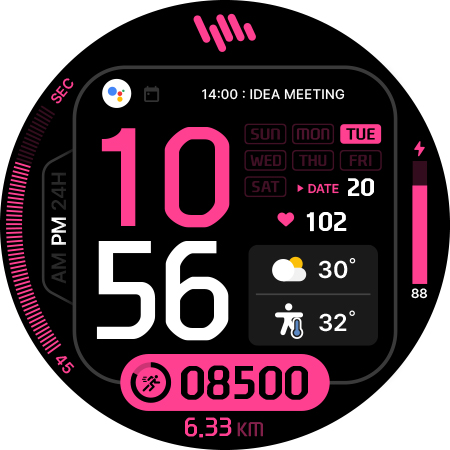
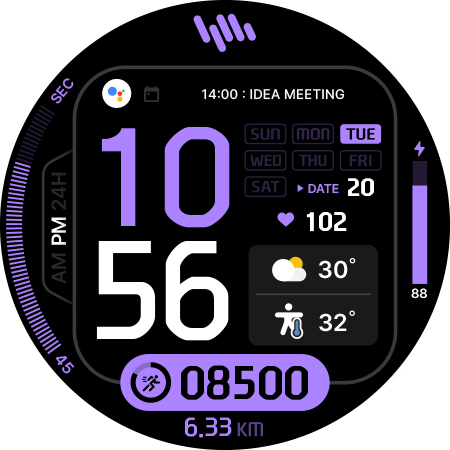
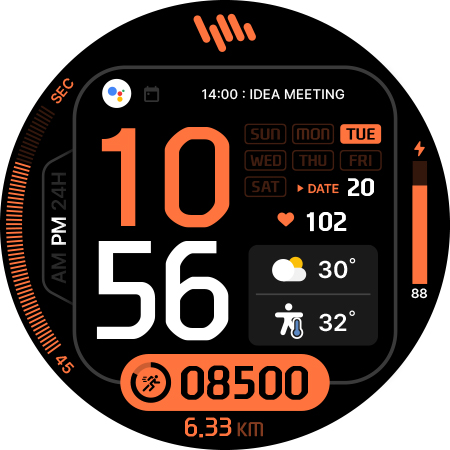
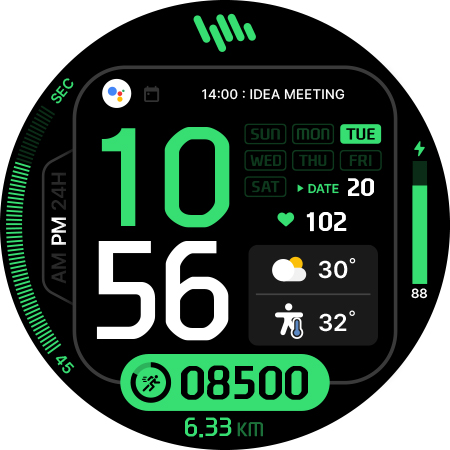
• Customizable Colors - Personalize your watch face with various color options
SAMWATCH INSTALL GUIDE
The 'SamWatch Install Guide' apps are companion applications that facilitate downloading watch faces on Wear OS devices. Please note that the preview screenshots in the guide app may differ from the actual downloaded watch face. Most SamWatch products include smartphone companion apps, and the 'SamWatch Install Guide' only assists in downloading Wear OS applications.
ADDITIONAL INFORMATION
This item includes additional applications for your smartphone that provide:
• Access to Samtree's official website
• Detailed instructions for installing watch faces
• Troubleshooting solutions if the watch face fails to install on your watch
USAGE NOTES
• Depending on your device, an OK button may appear in customize mode
• Heart rate information represents data measured by the heart rate app on your watch
• You can identify supported languages by the SamWatch brand name
• This watch face belongs to the SamWatch Digital FIT collection
COMMUNITY & SUPPORT
Connect with us through our official channels:
• Official Website: https://isamtree.com
• X: https://x.com/samtree_watch
• Galaxy Watch Community: http://cafe.naver.com/facebot
• Facebook: www.facebook.com/SamtreePage
• Telegram: https://t.me/SamWatch_SamTheme
• YouTube: https://www.youtube.com/channel/UCobv0SerfG6C5flEngr_Jow
• Blog: https://samtreehome.blogspot.com/
• Korean Blog: https://samtree.tistory.com/SamWatch Pixel Digital watch face for Wear OS & Galaxy Watch.
Privacy
Given that the SamWatch FIT Q app requires zero permissions, the risk of data collection and potential misuse is minimized. However, users should still be cautious when downloading and installing apps from unknown sources, and ensure they are purchasing from a trusted marketplace like the Google Play Store. Additionally, users should monitor the app's performance and battery usage to ensure it does not have any unexpected impacts on their device.
Tips
To get the most out of the SamWatch FIT Q app, users should first ensure their Wear OS or Galaxy Watch is compatible with the app, then follow the simple installation process. Users can also experiment with different watch face settings and customization options to personalize their experience. Furthermore, users can check the developer's website for any updates, tutorials, or FAQs to optimize their app experience and troubleshoot any potential issues.
Version Information
- Version
- -
- Downloads
- 500+
- Updated on
- Oct 24, 2025
- Released
- Jun 24, 2024
- Requires
- Android Varies with device
Statistics
Google Play Rating History
Rating Distribution
Downloads Over Time
SamWatch FIT Q has been downloaded times. Over the past 30 days, it averaged downloads per day.
Shaded area shows 30-day prediction based on historical trends
Historical data collection started recently. More data points will be available over time.
SamWatch FIT Q users say on Google Play
 Gopal Goenka
Very Beautiful watchface. Thank you.
ApkTrusted Ratings & Reviews
More from Samtree
See more apps
SamWatch AD Iota 2024
Paid
Bohboh Digital
Free

GWC Watch
Free

Juun.J
Free

KFA Watch
Free

Police Analog B
Free

Police Digital A
Free

PXG Analog White
Free
PXG Digital Analog
Free
PXG Digital Liner
Free

SamWatch Space Analog 2
Paid

SamWatch 2021 X-Mas
Paid
SamWatch 2021 Santa
Paid

샘워치 PointColor 6 2021
Free
SamWatch Analog Nu
Paid

SamWatch Active 5
Paid
Similar Apps

KZY087
Free
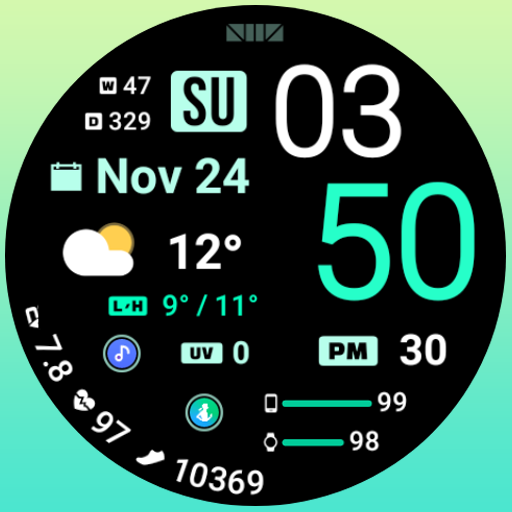
SMZ NewWave
Free

KZY083
Free

SMZ NewWave2
Paid

KZY113
Paid
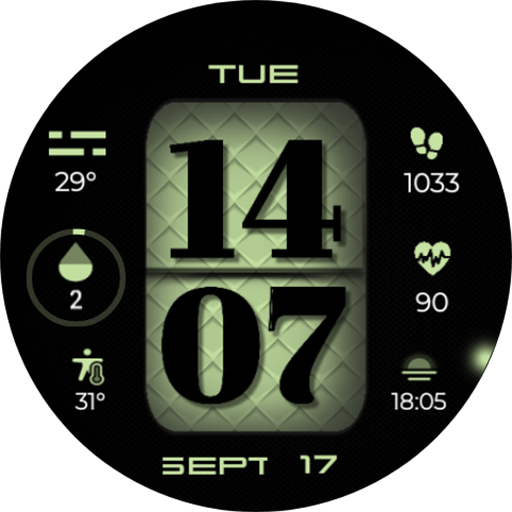
Digital Basic 5 Wear OS 4+
Free

Watch Face H3
Paid

Watch Face H11
Paid
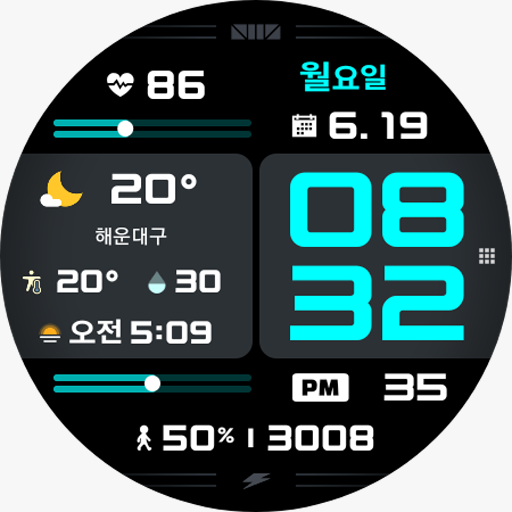
SMZ TOUR3
Paid
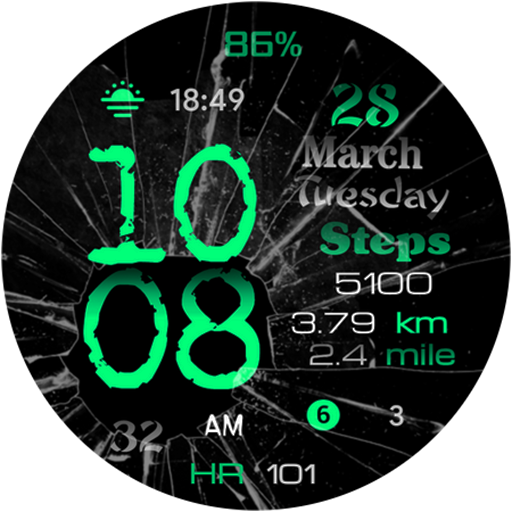
DB9 Cracked WF Wear OS 4+
Paid

ML2U 175 Watch Face
Paid
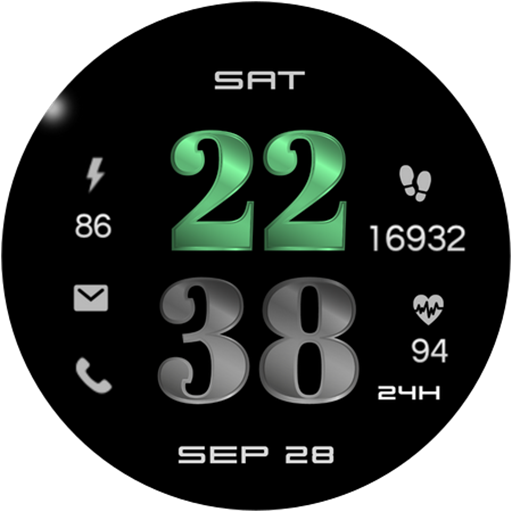
Digital Basic 3b Wear OS 4+
Paid

Digital Dashboard 3
Paid
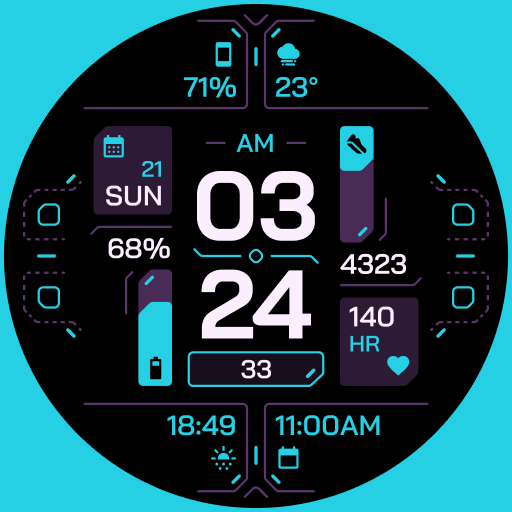
TKS 25 Circuit Watch Face
Paid

MDS441 Digital Watch Face
Free

Digital Basic 4 Wear OS 5+
Paid
Scan this QR code to download

Forwarding you to the page at Google Play market in seconds...
Open Google Play market now