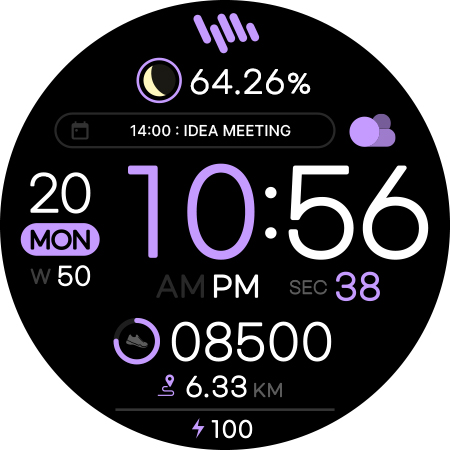
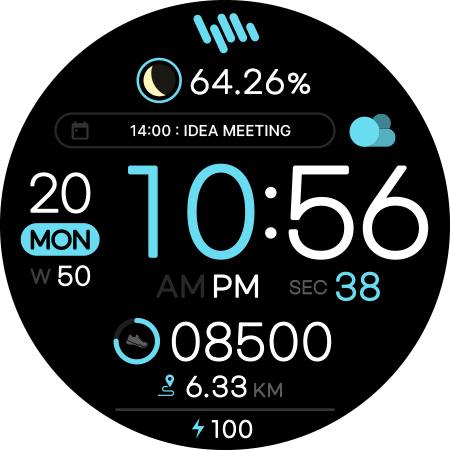
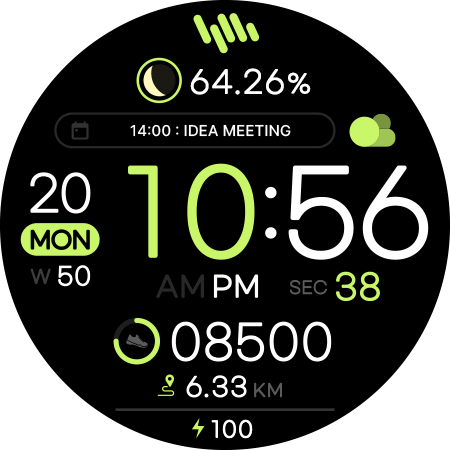
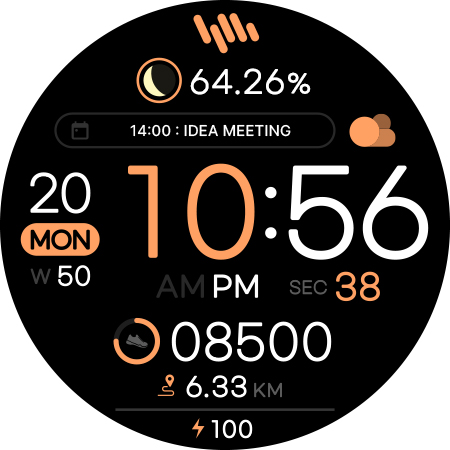
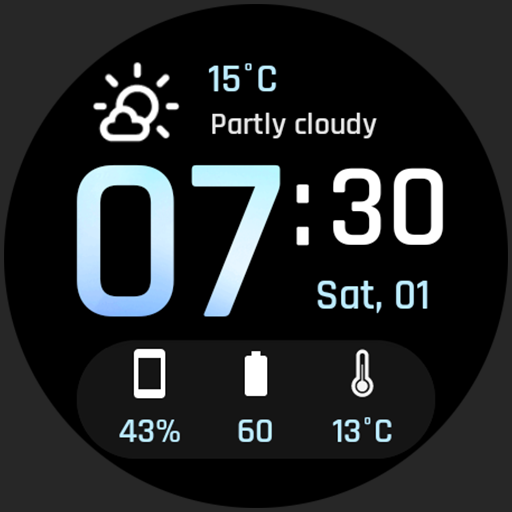
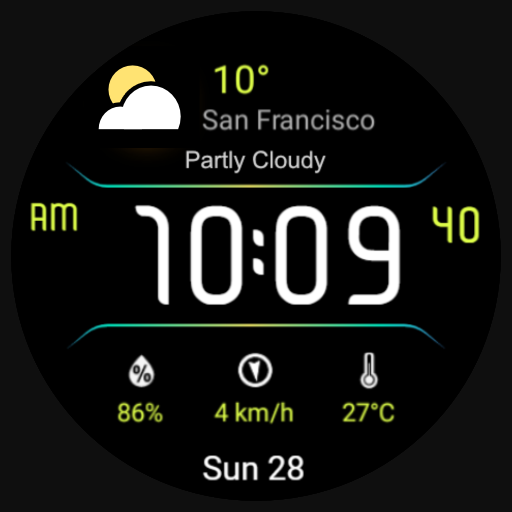
SamWatch Simple D 2024 icon

SamWatch Simple D 2024 vVARY

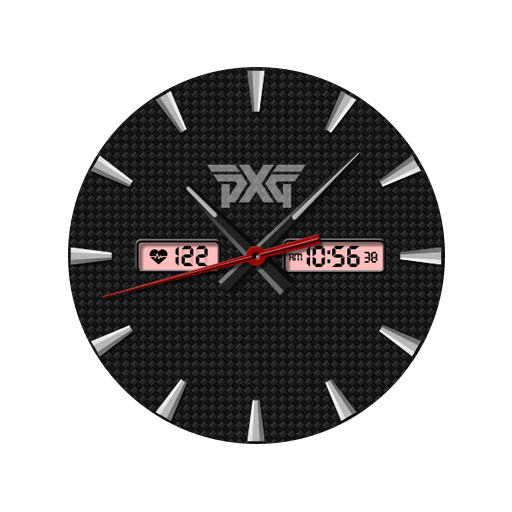
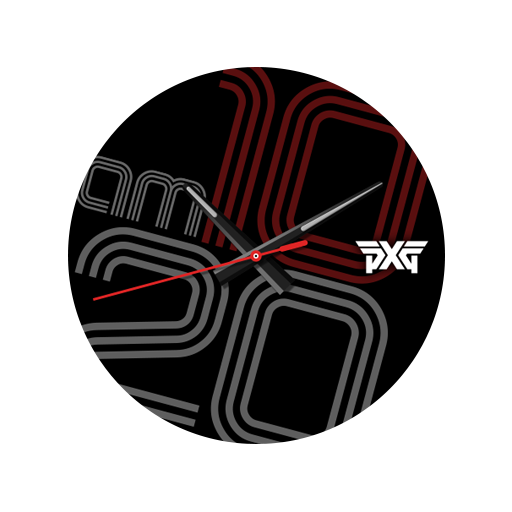
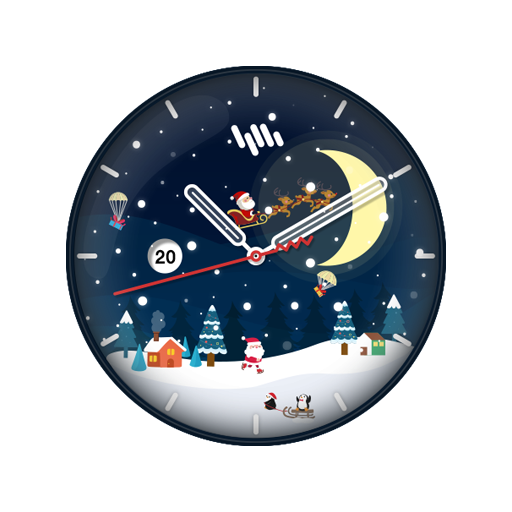
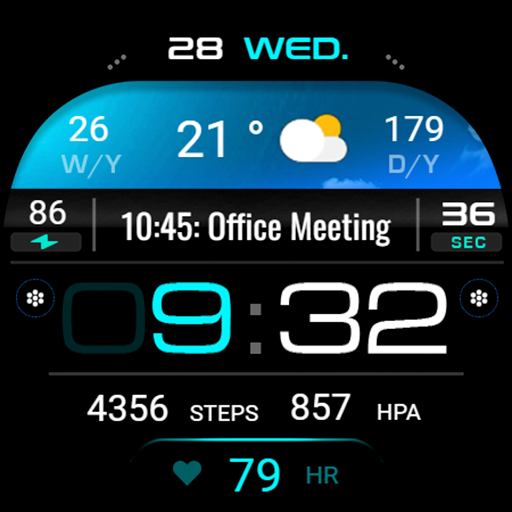
SamWatch Simple D 2024 screenshot 0 SamWatch Simple D 2024 screenshot 1 SamWatch Simple D 2024 screenshot 2 SamWatch Simple D 2024 screenshot 3 SamWatch Simple D 2024 screenshot 4 SamWatch Simple D 2024 screenshot 5 SamWatch Simple D 2024 screenshot 6 SamWatch Simple D 2024 screenshot 7 SamWatch Simple D 2024 screenshot 8 SamWatch Simple D 2024 screenshot 9 SamWatch Simple D 2024 screenshot 10 SamWatch Simple D 2024 screenshot 11 SamWatch Simple D 2024 screenshot 12 SamWatch Simple D 2024 screenshot 13 SamWatch Simple D 2024 screenshot 14 SamWatch Simple D 2024 screenshot 15 SamWatch Simple D 2024 screenshot 16 SamWatch Simple D 2024 screenshot 17 SamWatch Simple D 2024 screenshot 18 SamWatch Simple D 2024 screenshot 19 SamWatch Simple D 2024 screenshot 20 SamWatch Simple D 2024 screenshot 21 SamWatch Simple D 2024 screenshot 22 SamWatch Simple D 2024 screenshot 23 SamWatch Simple D 2024 screenshot 24 SamWatch Simple D 2024 screenshot 25 SamWatch Simple D 2024 screenshot 26 SamWatch Simple D 2024 screenshot 27 SamWatch Simple D 2024 screenshot 28 SamWatch Simple D 2024 screenshot 29 SamWatch Simple D 2024 screenshot 30 SamWatch Simple D 2024 screenshot 31 SamWatch Simple D 2024 screenshot 32 SamWatch Simple D 2024 screenshot 33

About this app

The SamWatch Simple D 2024 app solves the problem of customizing Wear OS and Galaxy Watch faces for users seeking a digital watch experience, benefiting tech-savvy individuals who value personalized wearables. Compared to alternatives in the Personalization category, this app stands out due to its straightforward, ad-free, and paid model, which may appeal to users willing to pay for quality and simplicity. However, the lack of user ratings and limited download data raise concerns about its overall impact and community engagement. The app's simplicity and digital design may fall short for users seeking more complex or analog watch faces.

Pros

  • The app's paid model ensures an ad-free experience, providing users with an uninterrupted and clean interface, which is a significant advantage for those who value simplicity and are willing to pay for it.
  • With no permissions required, the app poses minimal risk to user data, making it an attractive option for privacy-conscious individuals who prioritize security.
  • The developer's website and email support suggest a level of commitment to customer service and potential future updates, which can be reassuring for users investing in a paid app.
  • The app's focus on digital watch faces may appeal to users who prefer a modern and minimalist aesthetic, offering a unique selling point for those who value design simplicity.
  • The lack of in-app purchases means that users can enjoy the full app experience without additional costs or surprises, providing a transparent and upfront pricing model.

Cons

  • The app's limited download numbers and lack of user ratings raise concerns about its overall quality, community engagement, and potential for future updates or support.
  • The single-payment model may not be appealing to users who prefer to try before they buy or expect regular updates with new features, potentially limiting the app's adoption rate.
  • The app's simplicity and limited feature set may not be enough to justify the paid model for some users, especially when compared to free alternatives with similar functionality.
  • The app's compatibility with various devices may be a concern, as the 'Varies with device' Android requirement statement does not provide clear information about supported devices or potential issues.

Best for: The ideal user for the SamWatch Simple D 2024 app is a tech-savvy individual, likely between the ages of 25 and 45, who values personalized wearables, has experience with Wear OS or Galaxy Watch devices, and is willing to pay for a high-quality, ad-free, and simple digital watch face experience that meets their specific needs for style and functionality.

Developer Description

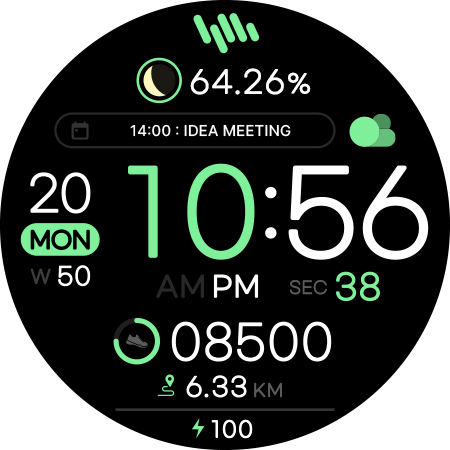
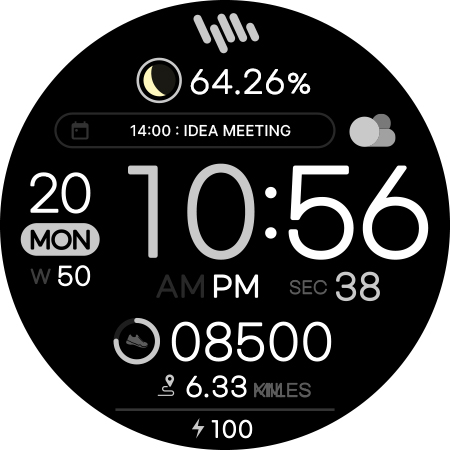
SamWatch Digital watch face for Wear OS & Galaxy Watch.

SamWatch Digital Watch Face | Premium Design for Wear OS

IMPORTANT NOTICE
This watch face is supported only on One UI 6.0 or above.
This app is designed exclusively for smartwatches. Users without a compatible smartwatch will not be able to use the watch face after purchase.

WATCH FACE FEATURES
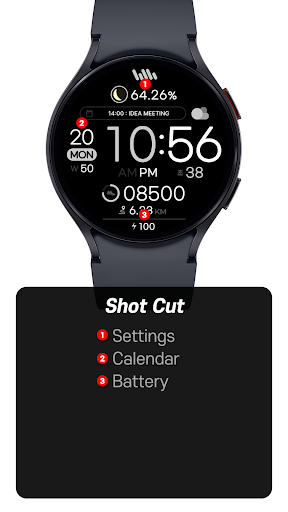
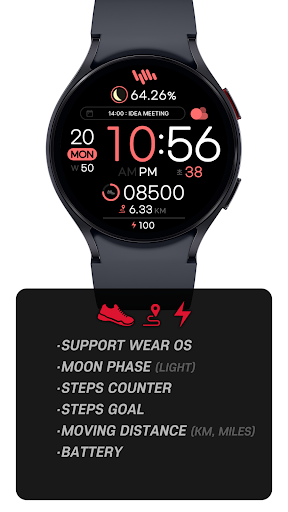
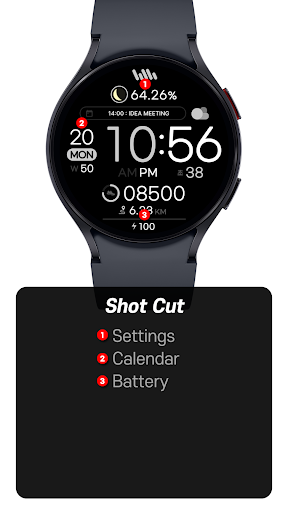
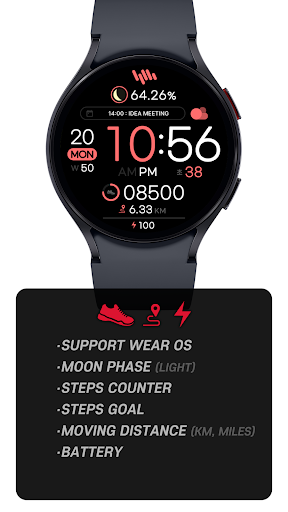
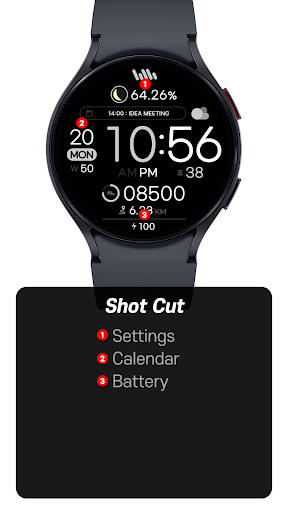
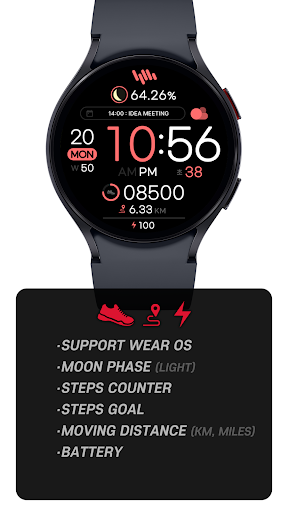
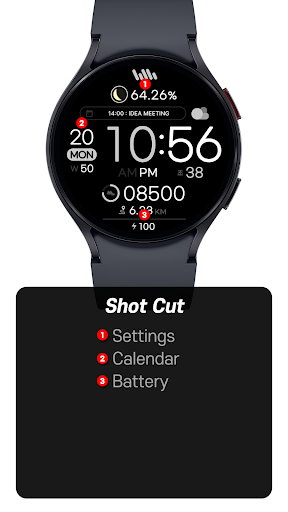
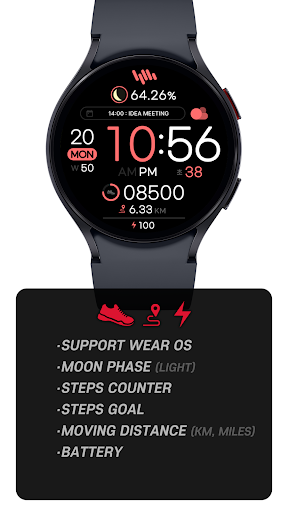
• Premium Digital Design - Elegant interface combining traditional and modern elements
• Moon Phase Display - Track lunar cycles with accurate moon phase visualization
• Step Counter - Monitor your daily activity levels
• Goal Progress - Track your progress toward daily step goals
• Distance Tracking - View your movement in kilometers or miles
• Battery Status - Keep track of your watch's battery level
• Customizable Colors - Personalize your watch face with various color options

SAMWATCH INSTALL GUIDE
The 'SamWatch Install Guide' apps are companion applications that facilitate downloading watch faces on Wear OS devices. Please note that the preview screenshots in the guide app may differ from the actual downloaded watch face. Most SamWatch products include smartphone companion apps, and the 'SamWatch Install Guide' only assists in downloading Wear OS applications.

ADDITIONAL INFORMATION
This item includes additional applications for your smartphone that provide:
• Access to Samtree's official website
• Detailed instructions for installing watch faces
• Troubleshooting solutions if the watch face fails to install on your watch

USAGE NOTES
• Depending on your device, an OK button may appear in customize mode
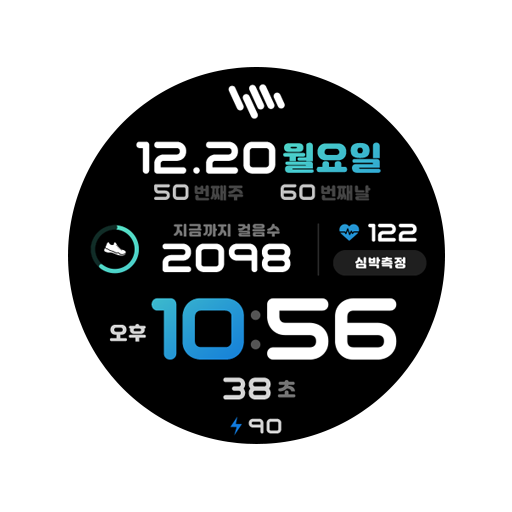
• Heart rate information represents data measured by the heart rate app on your watch
• You can identify supported languages by the SamWatch brand name
• This watch face belongs to the SamWatch Digital Simple collection

COMMUNITY & SUPPORT
Connect with us through our official channels:
• Official Website: https://isamtree.com
• X: https://x.com/samtree_watch
• Galaxy Watch Community: http://cafe.naver.com/facebot
• Facebook: www.facebook.com/SamtreePage
• Telegram: https://t.me/SamWatch_SamTheme
• YouTube: https://www.youtube.com/channel/UCobv0SerfG6C5flEngr_Jow
• Blog: https://samtreehome.blogspot.com/
• Korean Blog: https://samtree.tistory.com/

Privacy

Given the app's zero-permission requirement, it poses minimal risk to user data, and the paid model eliminates the need for data collection for ad targeting. However, users should still be cautious when downloading apps from unknown developers and ensure they are purchasing from a trusted source. To further protect their data, users should review the developer's website and support channels for any information on data collection or usage policies.

Tips

To get the most out of the SamWatch Simple D 2024 app, users should first ensure their Wear OS or Galaxy Watch is compatible and up-to-date. Then, they can explore the app's settings to customize the watch face to their liking, taking advantage of the digital design and minimalist aesthetic. Additionally, users can visit the developer's website for any available support resources or FAQs to troubleshoot potential issues or optimize the app's performance.

Version Information

Version
-
Downloads
1K+
Updated on
Sep 18, 2025
Released
Feb 25, 2024
Requires
Android Varies with device

Statistics

Google Play Rating History

Current
Average
Range

Rating Distribution

Total Ratings:

Downloads Over Time

SamWatch Simple D 2024 has been downloaded times.

Total Downloads
Last 30 Days
Avg Daily Est.

Shaded area shows 30-day prediction based on historical trends

Historical data collection started recently. More data points will be available over time.

SamWatch Simple D 2024 users say on Google Play

★★★★★
Daniel Chan Daniel Chan

awesome watchface ٩(๑^o^๑)۶

0 Dec 18, 2024
★★★★
Murshid Rahuman Murshid Rahuman

Wish it had a better minimal AOD and moon thingy was replacable.

0 Dec 18, 2024

ApkTrusted Ratings & Reviews

0.0
0 ratings
5
0
4
0
3
0
2
0
1
0
✓ Thank you! Your review has been submitted and will be published after admin approval.
Be the first to write a review...

More from Samtree

See more apps

Similar Apps

Explore Tags

Browse all tags