
SamWatch T Moong Rooftop House vVARY
Samtree



About this app
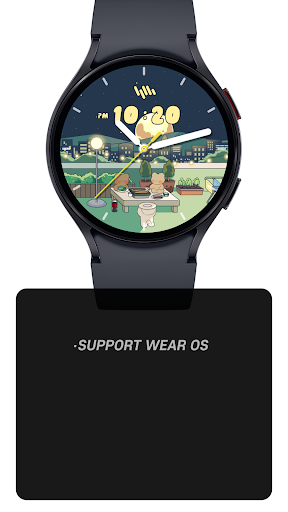
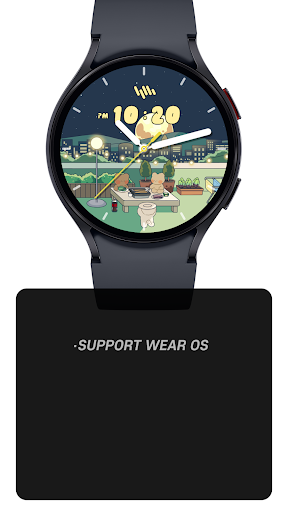
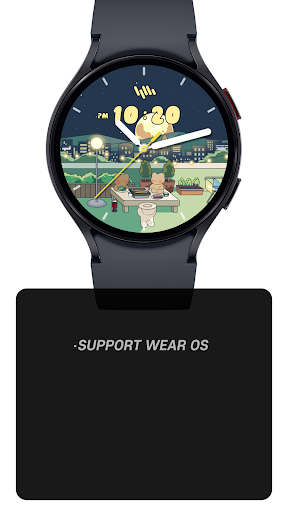
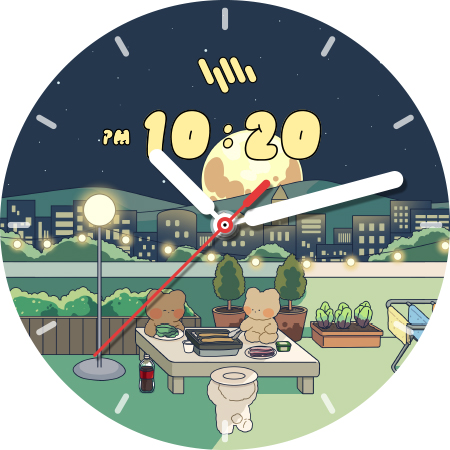
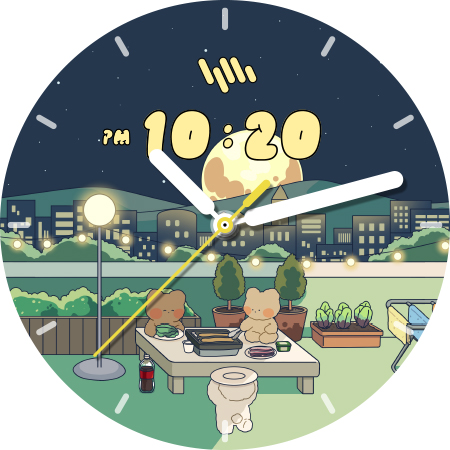
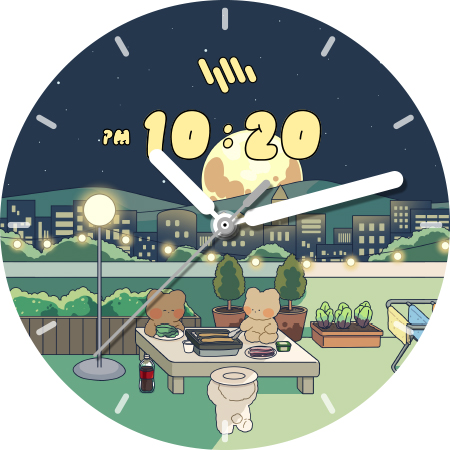
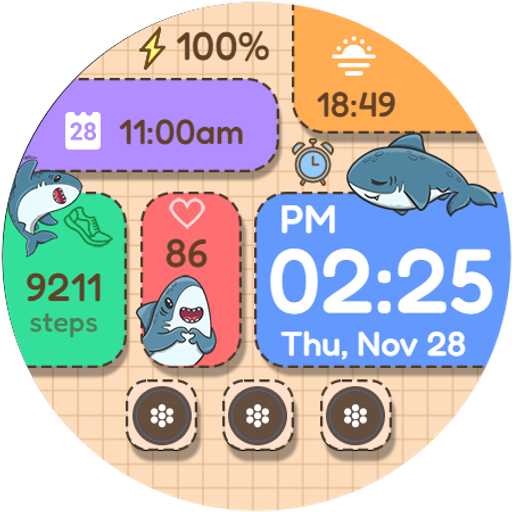
The SamWatch T Moong Rooftop House app solves the problem of bland watch faces for Wear OS and Galaxy Watch users, offering a unique and stylish digital watch face design. This app benefits users who value customization and personalization, particularly those who want to give their smartwatch a distinctive look. Compared to alternatives in the Personalization category, SamWatch T Moong Rooftop House stands out with its paid model, which eliminates ads and provides a seamless user experience. However, the lack of user rating data and limited download numbers may raise concerns about its popularity and community support.
Pros
- The app's paid model ensures an ad-free experience, which is a significant advantage for users who value uninterrupted customization.
- With no permissions required, users can be assured that their data and device security are not compromised.
- The developer, Samtree, provides a clear website and email for support, indicating a commitment to user assistance and feedback.
- The app's unique design offers a refreshing alternative to standard watch faces, catering to users who seek individuality and style.
- The absence of in-app purchases means that users can enjoy the full features of the app without additional costs or surprises.
Cons
- The limited download numbers and lack of user rating data may indicate a smaller user base, potentially limiting community engagement and feedback.
- The app's functionality is limited to providing a digital watch face, which may not be sufficient for users seeking more comprehensive personalization options.
- The varying version and size requirements with different devices might lead to compatibility issues or inconsistencies in user experience.
- The paid model, although ad-free, may deter some users who prefer free alternatives or are unsure about the app's value proposition.
Best for: The ideal user for the SamWatch T Moong Rooftop House app is a tech-savvy individual, likely between the ages of 18 and 45, who values unique customization options for their Wear OS or Galaxy Watch and is willing to pay a small fee for an ad-free, premium experience, with a focus on style and individuality in their smartwatch interface.
Developer Description
SamWatch Digital watch face for Wear OS & Galaxy Watch.
IMPORTANT NOTICE
This watch face is supported only on One UI 6.0 or above.
This app is designed exclusively for smartwatches. Users without a compatible smartwatch will not be able to use the watch face after purchase.
WATCH FACE FEATURES
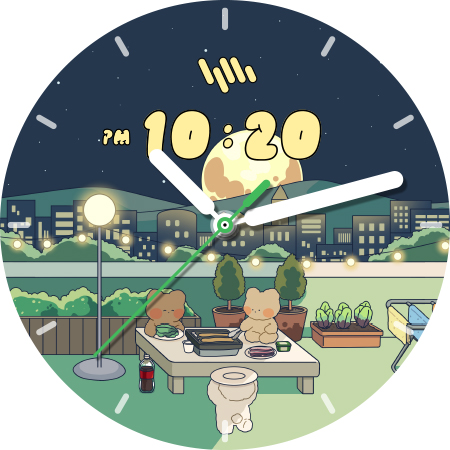
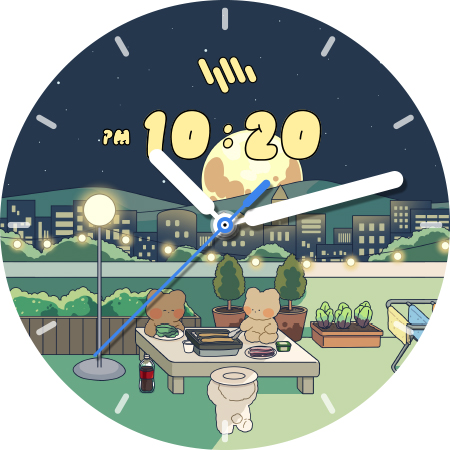
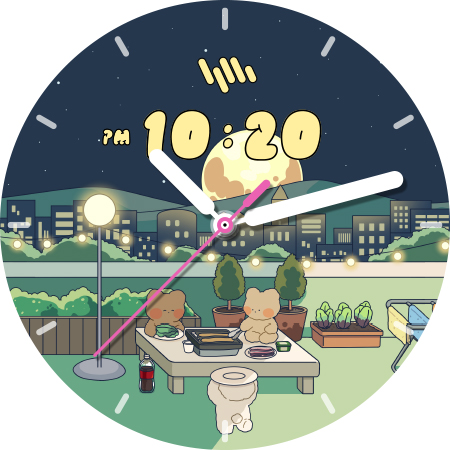
• Premium Analog-Digital Design - Elegant interface combining traditional and modern elements
• Customizable Colors - Personalize your watch face with various color options
SAMWATCH INSTALL GUIDE
The 'SamWatch Install Guide' apps are companion applications that facilitate downloading watch faces on Wear OS devices. Please note that the preview screenshots in the guide app may differ from the actual downloaded watch face. Most SamWatch products include smartphone companion apps, and the 'SamWatch Install Guide' only assists in downloading Wear OS applications.
ADDITIONAL INFORMATION
This item includes additional applications for your smartphone that provide:
• Access to Samtree's official website
• Detailed instructions for installing watch faces
• Troubleshooting solutions if the watch face fails to install on your watch
USAGE NOTES
• Depending on your device, an OK button may appear in customize mode
• Heart rate information represents data measured by the heart rate app on your watch
• You can identify supported languages by the SamWatch brand name
• This watch face belongs to the SamWatch Analog Digital Moong collection
COMMUNITY & SUPPORT
Connect with us through our official channels:
• Official Website: https://isamtree.com
• X: https://x.com/samtree_watch
• Galaxy Watch Community: http://cafe.naver.com/facebot
• Facebook: www.facebook.com/SamtreePage
• Telegram: https://t.me/SamWatch_SamTheme
• YouTube: https://www.youtube.com/channel/UCobv0SerfG6C5flEngr_Jow
• Blog: https://samtreehome.blogspot.com/
• Korean Blog: https://samtree.tistory.com/
Privacy
Given that the app requires no permissions, users can be confident that their data and device security are not at risk. However, it's essential to note that the developer may still collect anonymous data for improvement purposes. To ensure privacy, users should review the developer's privacy policy on their website and consider providing feedback to help improve the app.
Tips
To get the most out of the SamWatch T Moong Rooftop House app, users should first ensure their smartwatch is compatible with the app's requirements. Upon installation, explore the app's settings to customize the watch face according to personal preferences. For optimal performance, close unnecessary apps and background processes to prevent battery drain and ensure a smooth user experience.
Version Information
- Version
- -
- Downloads
- 500+
- Updated on
- Sep 11, 2025
- Released
- Feb 2, 2024
- Requires
- Android Varies with device
Statistics
Google Play Rating History
Rating Distribution
Downloads Over Time
SamWatch T Moong Rooftop House has been downloaded times. Over the past 30 days, it averaged downloads per day.
Shaded area shows 30-day prediction based on historical trends
Historical data collection started recently. More data points will be available over time.
ApkTrusted Ratings & Reviews
More from Samtree
See more apps
SamWatch AD Iota 2024
Paid
Bohboh Digital
Free

GWC Watch
Free

Juun.J
Free

KFA Watch
Free

Police Analog B
Free

Police Digital A
Free
PXG Analog White
Free
PXG Digital Analog
Free
PXG Digital Liner
Free

SamWatch Space Analog 2
Paid

SamWatch 2021 X-Mas
Paid
SamWatch 2021 Santa
Paid

샘워치 PointColor 6 2021
Free
SamWatch Analog Nu
Paid

SamWatch Active 5
Paid
Similar Apps

Night Moon ZKin Watch
Paid

artifun.atsbear2.watchface
Paid

ZKin Watch Face Candy Puppy
Free

ISAAC WATCH Happy Cat
Paid

ML2U 204 Watch Face
Paid

artifun.atsbear1.watchface
Paid

Tiger to blessed ZKin Watch
Paid

TVV Love Bear Watch Face
Paid

Guitar Animated Gif Watch Face
Paid
Merry Christmas Eve Snow Santa
Paid

BFF2 - Cute Fox watchface
Free
Cute Shark Blocks
Paid

artifun.christmas5.watchface
Free
Scan this QR code to download

Forwarding you to the page at Google Play market in seconds...
Open Google Play market now