
5W022 Submariners Association v1.0.11
5thWatch Military Veteran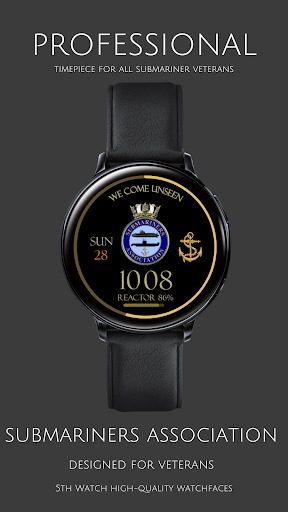
About this app
Developer Description
Submarine Veterans Digital Watch - Authorised by the Submariners Association
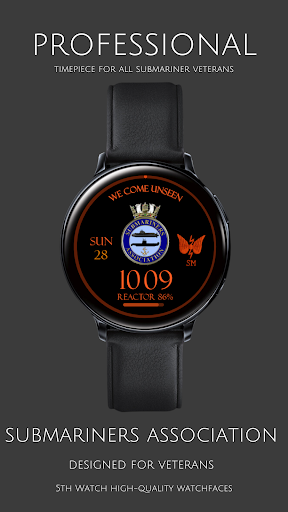
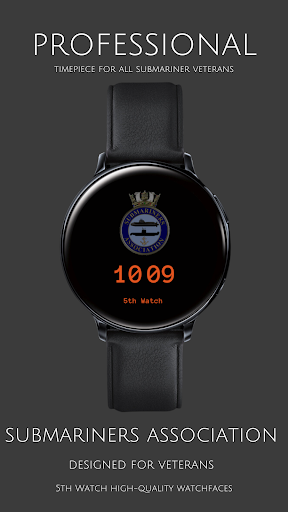
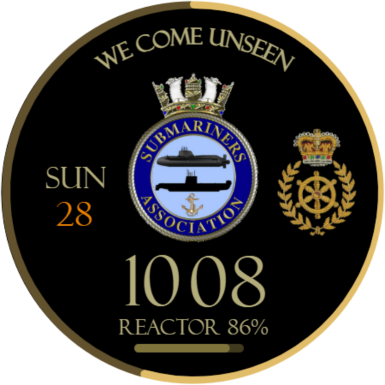
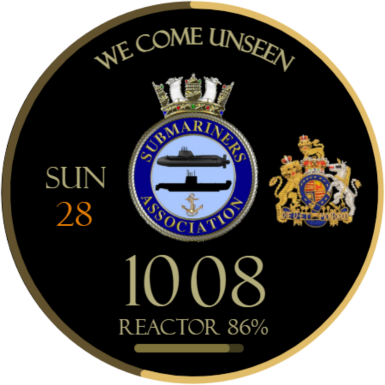
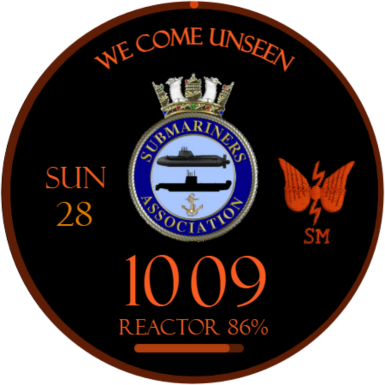
Introducing our latest OS Wear Android watch from 5thwatch, proudly developed in collaboration with the Submariners Association. Presenting the official Submariners Association OS Wear Android watch face, adorned with the Association's official crest and featuring the distinguished motto of HM Submarine Service, "We come unseen."
Immerse yourself in functionality and elegance with our unique bespoke watch face, meticulously designed to cater to submariners' needs:
Features:
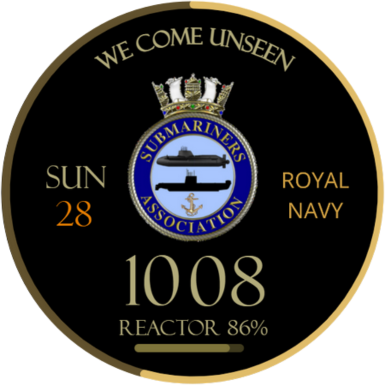
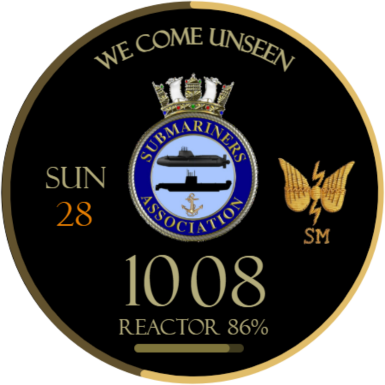
Association Crest: Displaying the official emblem of the Submariners Association.
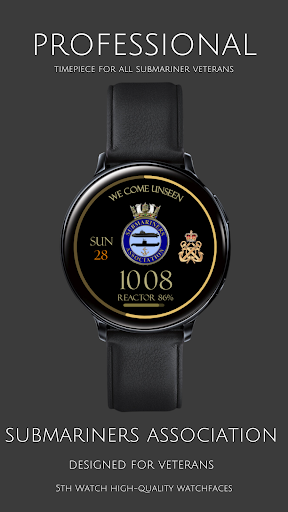
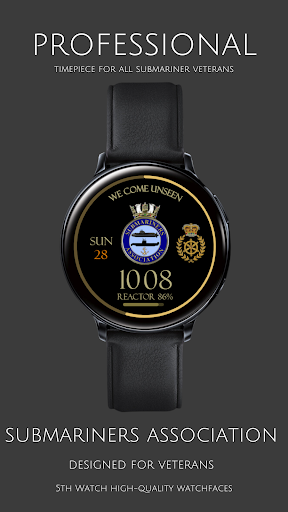
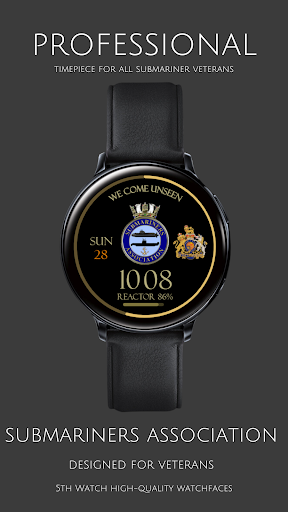
Six unique backgrounds to choose from
Day & Date: Stay organised with the current day and date at a glance.
Reactor Level Bar: Our distinctive "Reactor" level bar monitors your watch battery levels.
Text Colour Options: Choose from three sophisticated colours—Gold, Red, and White—for text customisation.
Embrace this must-have accessory for all submariners, where style meets functionality. As a testament to our commitment, £1 from every download will be donated to the Submariners Association to support their noble endeavours.
HOW TO INSTALL YOUR WATCH:
For Wear OS.
To install the OS Wear watch face, you have two options:
Using a PC/Laptop/Mac (Not mobile phone/mobile device):
Open a web browser on your computer.
Go to the Google Play Store website (play.google.com).
Search for the OS Wear watch face you want to install.
Once you find the desired watch face, click on the "Install" or "Buy" button.
Choose the specific device you want to install the watch face on (your OS Watch).
Confirm the installation and the watch face will be downloaded and installed on your OS Watch.
Using the Google Play Store on the OS Watch itself:
On your OS Watch, navigate to the app menu or the main screen.
Look for the "Play Store" app icon and tap on it.
Once the Play Store is open, use the search function to find the OS Wear watch face you want.
Select the desired watch face from the search results.
Tap on the "Install" or "Buy" button.
Grant any necessary permissions if prompted.
The watch face will be downloaded and installed directly on your OS Watch.
Remember, if you choose to install the watch face through the Google Play Store on your OS Watch, ensure a stable internet connection for a smooth download and installation process.
What's New
Version Information
- Version
- 1.0.11
- Downloads
- 10+
- Updated on
- Sep 30, 2025
- Released
- Jan 17, 2024
- Requires
- Android Varies with device
Statistics
Google Play Rating History
Rating Distribution
Downloads Over Time
5W022 Submariners Association has been downloaded times. Over the past 30 days, it averaged downloads per day.
Shaded area shows 30-day prediction based on historical trends
Historical data collection started recently. More data points will be available over time.
ApkTrusted Ratings & Reviews
More from 5thWatch Military Veteran
See more apps
5W034 RN Comms CIS/CISSM
Paid
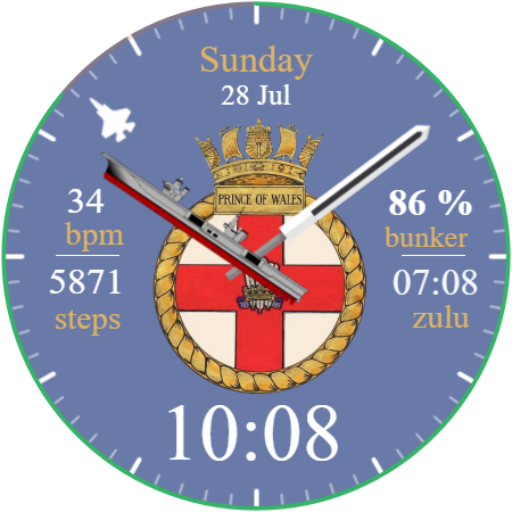
5W015 Royal Navy Carriers POW
Paid

5W025 RO(G) Analog RN Veteran
Free
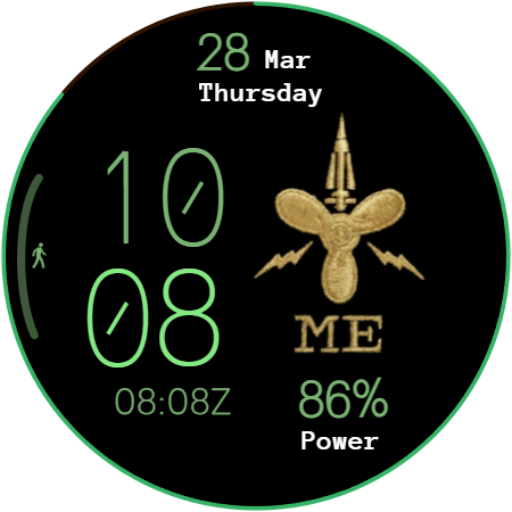
5W008 Military RN Branch 1
Free
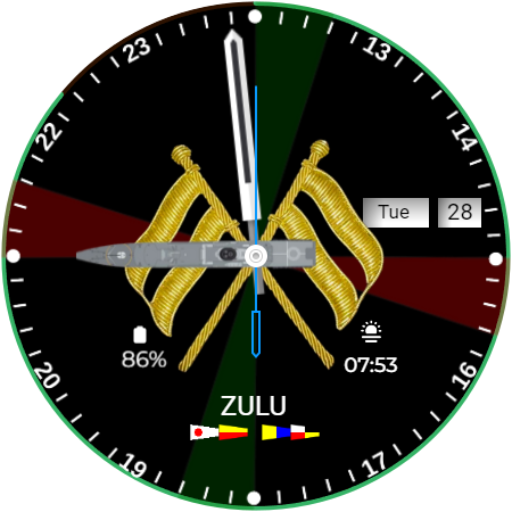
5W029 RO Tactical Watch
Free

5W012 RO (T) Tactical Bunting
Free

5W021 Autumn Season Forest
Free
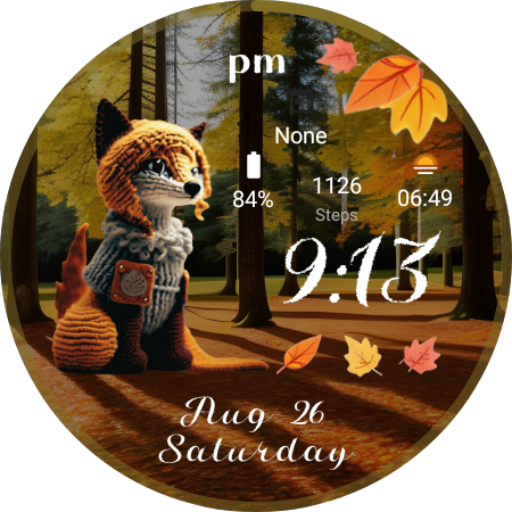
5W018 Autumn Season Watch
Paid

5W020 Christmas Watch
Paid

5W034 Greek Seaside Village
Paid

5W024 Halloween Zombies
Paid
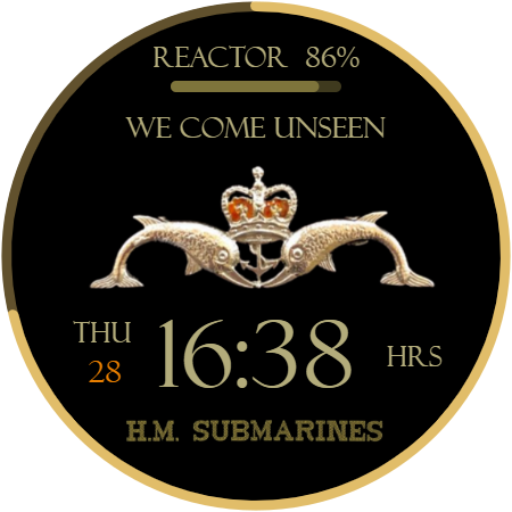
5W001 Submariner RN RAN RCN SA
Paid
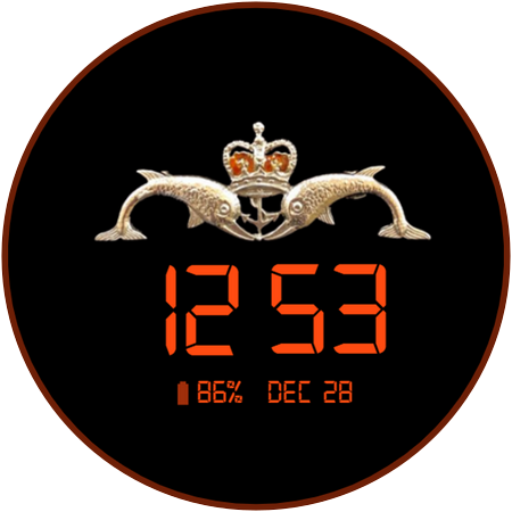
5W002 HM Submarines Minimal
Paid

5W032 Lunar NewYear 2025 Snake
Paid

5W019 DK Diamond & Cadet MN
Paid

5W036 MN Deck Engine Officer
Paid
Scan this QR code to download

Forwarding you to the page at Google Play market in seconds...
Open Google Play market now