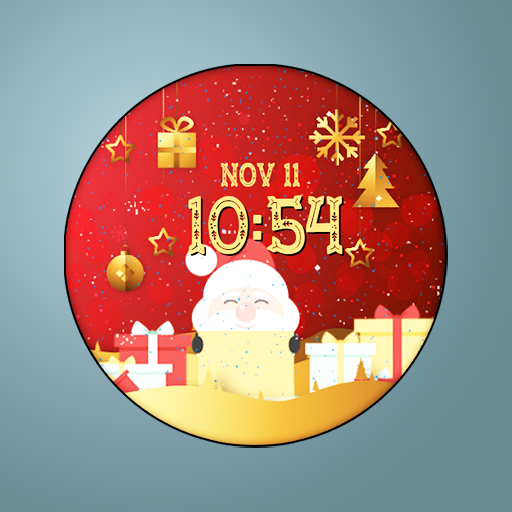
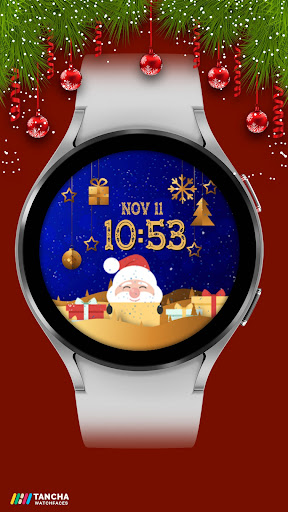
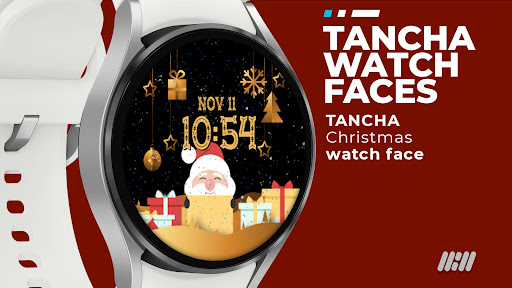
Tancha Christmas Watch Face vVARY
Tancha Watch Faces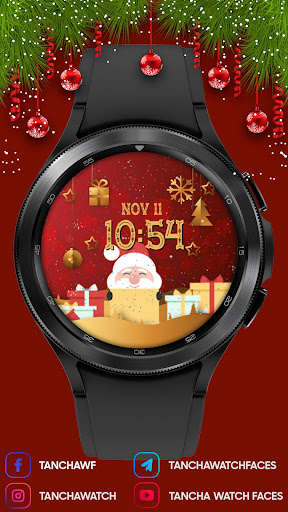










About this app
Developer Description
Festive Christmas Watch Faces Collection.
Festive Christmas Watch Faces Collection
This watch face is designed by Tancha Watch Faces for use on Wear OS devices.
Elevate your holiday style with our magnificent collection!
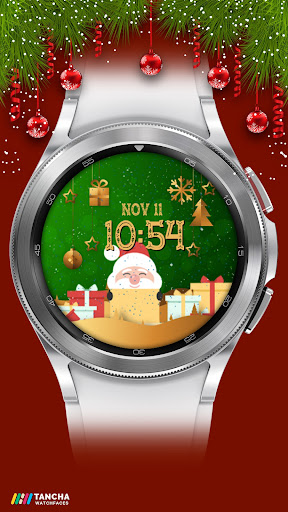
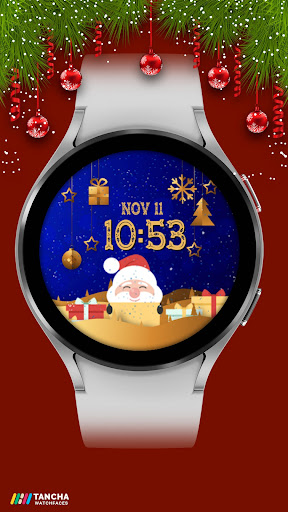
The Festive Christmas Watch Faces Collection is a special compilation designed exclusively for Wear OS.
Infuse your wrist with holiday cheer using our stylish and fun designs.
Switch up your look with a different holiday theme every day.
Looking for a special face for New Year's Eve? Look no further!
With Tancha, feel the holiday spirit right on your wrist.
FAQ :
1- The watch face is installed on your watch but does not appear in the catalog?
FOLLOW THESE STEPS:
Press and hold your watch screen.
Swipe right until you see the text 'Add watch face.'
Press the '+ Add watch face' button.
Find and activate the watch face you installed.
2- If the companion app is installed but the watch face is not, follow the steps below:
FOLLOW THESE STEPS:
Open the companion app on your phone (ensure that your smartwatch is connected to your phone).
Next, tap the 'INSTALL WATCH FACE ON WATCH' button at the bottom of the app.
This will open the Play Store on your WEAR OS smartwatch, displaying the purchased watch face and allowing you to install it directly.
If you have any questions or requests, please don't hesitate to get in touch with me at tanchawatch@gmail.com.
Thank you sincerely for your support.
Best regards,
Tancha Watch Faces
Version Information
- Version
- -
- Downloads
- 50+
- Updated on
- -
- Released
- Nov 11, 2022
- Requires
- Android Varies with device
Statistics
Google Play Rating History
Rating Distribution
Downloads Over Time
Tancha Christmas Watch Face has been downloaded times. Over the past 30 days, it averaged downloads per day.
Shaded area shows 30-day prediction based on historical trends
Historical data collection started recently. More data points will be available over time.
ApkTrusted Ratings & Reviews
More from Tancha Watch Faces
See more apps
Memorial Day Watch Face
Paid

Tancha Camellia
Free

Holiday Santa Watch Face
Paid
Tancha Armor Watch Face
Paid

Tancha S28 Realistic Simple
Free

Holiday Watch Face
Paid

Independence Day Watch Face
Paid

Dragon Tatoo Watch Face
Paid

Military Ops Watch Face
Paid

Haunted Watch Face
Paid
Tancha Athlete Watch Face
Paid

Tancha Bold Digital Watch Face
Paid

American Liberty
Paid

Tancha Classic Watch Face
Paid

Tancha Dasher Christmas
Paid
Tancha Digilife Watch Face
Paid
Similar Apps
Christmas Timefaces ULTRA SGW7
Paid
Xmas snow
Paid

Christmas tree
Paid

Snow dial
Paid

Merry Christmas Watch Face
Free

OT | Christmas Landscape Watch
Paid

Christmas
Free
ACD168 Christmas 9
Paid

Christmas Numbers Watch Face
Paid

GLIMMERJOY: Holiday Watch Face
Paid
Pixel Pro Dial 3 - Watch face
Paid

CELEST5489 Fun Watch
Paid

ACD048 - Christmas 6
Paid
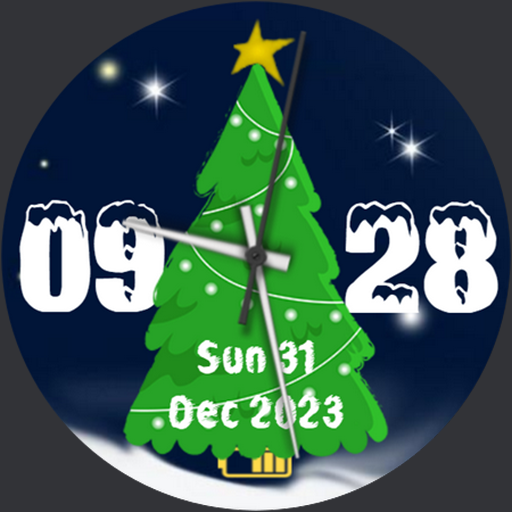
Christmas Watchface AKM WearOS
Paid
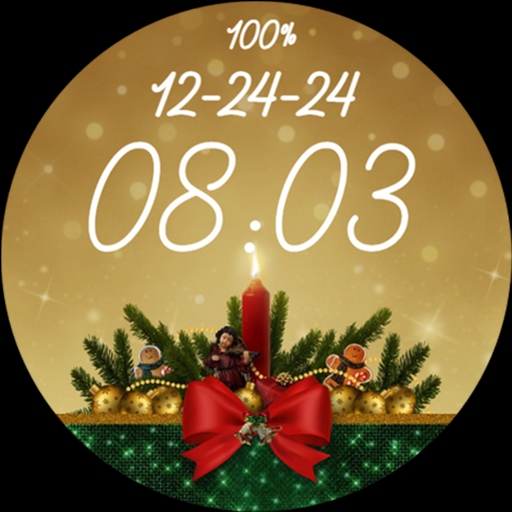
Merry Christmas Eve Card Gold
Paid

Christmas Watch Face 001
Paid
Scan this QR code to download

Forwarding you to the page at Google Play market in seconds...
Open Google Play market now