
Watch face CNW0009 vVARY
10h08.com - Wear Os Watch Face






About this app
Developer Description
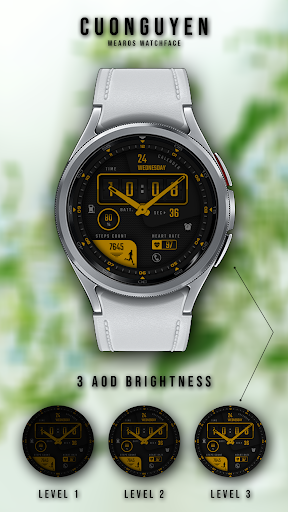
Analog watch face for Wear OS
🟥 Display & Custom
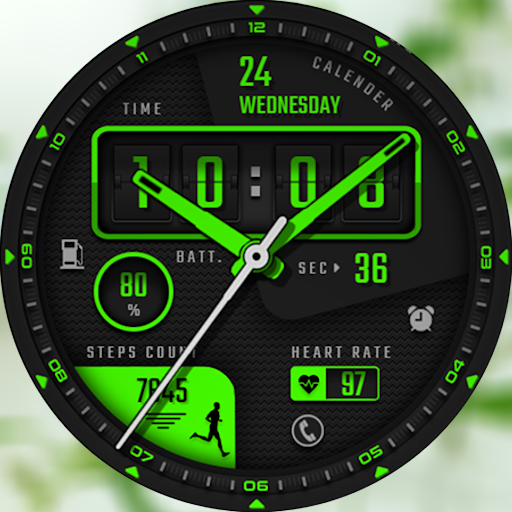
- Date, analog time, digital time
- Battery level, battery optimization with three AOD brightness levels
- Display steps count, heart rate
- Shortcut: alarm, battery, phone
- Customize multiple color themes: See more photos on Google Play store
- AM/PM/24H icon
- The 12H/24H mode of the digital watch face will synchronize with your phone. Please set up your phone by going to Setting -> Time -> On/Off 12H/24H mode
- Hidden number 0 in 12H mode
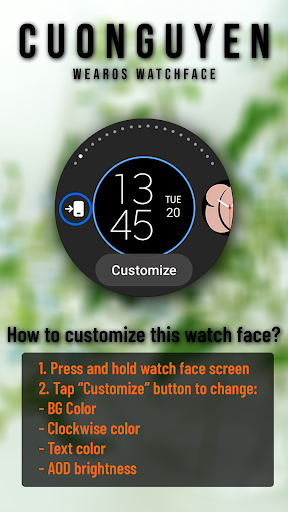
🟨 How to custom this watch face?
1. Press and hold watch face screen
2. Tap “Customize” button
3. Swipe left or right, up or down to customize watch face
🟦 How to install watch face on your watch?
1. Install watch face from Google Play store
2. Press and hold watch face screen
3. Swipe right to left and tap “Add watch face”
4. Scroll to the bottom of the page and selectwatch face in the “downloaded” section
🟧 Compatible with smart watches running Wear OS. For example: Galaxy Watch 6, Galaxy Watch 7 Ultra, Ticwatch Pro 5, Pixcel Watch 2, Watch 2 Pro,...
🟩 See my other watch faces: https://play.google.com/store/apps/developer?id=cuonguyen
🟪 Follow my social media pages for the latest watch face updates:
https://www.facebook.com/cuonguyen.wf
https://www.instagram.com/cuonguyen.wf
https://www.threads.net/@cuonguyen.wf
https://x.com/cuonguyen_wf
https://www.pinterest.com/cuonguyen_wf/
What's New
Version Information
- Version
- -
- Downloads
- 5K+
- Updated on
- Jul 3, 2025
- Released
- Aug 6, 2024
- Requires
- Android Varies with device
Statistics
Google Play Rating History
Rating Distribution
Downloads Over Time
Watch face CNW0009 has been downloaded times. Over the past 30 days, it averaged downloads per day.
Shaded area shows 30-day prediction based on historical trends
Historical data collection started recently. More data points will be available over time.
Watch face CNW0009 users say on Google Play
 Okay Google
Wow I downloaded this app and it is free and it is absolutely incredible so customisable. Thank you so much developer. I went to look for more apps from you and it just seems like you only have 6 watchfaces
 Bahman FRMRZPR
It can't be shown on my Galaxy watch 6
ApkTrusted Ratings & Reviews
More from 10h08.com - Wear Os Watch Face
See more apps
Watch face 10h08.com #59
Paid

Watch face 10h08.com #62
Paid

Watch face 10h08.com #60
Paid

Watch face 10h08.com 54
Paid

Watch face CNW0010
Paid
Watch face Vintage CNW0011
Free
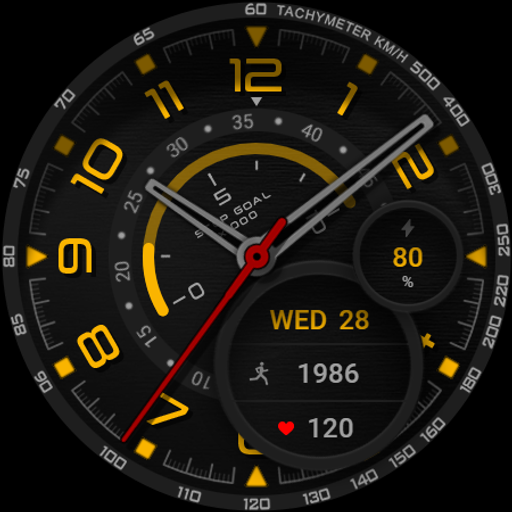
Watch face CNW0012
Paid
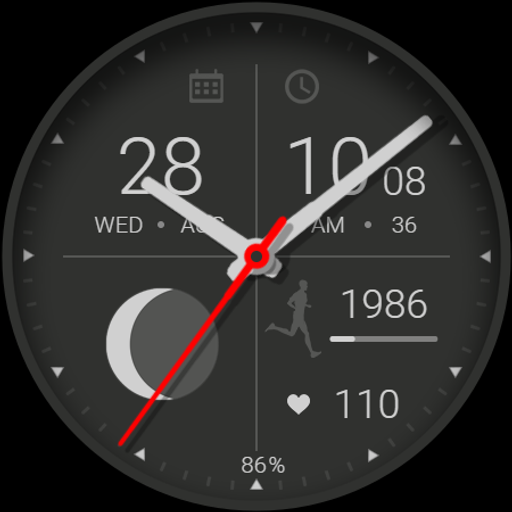
Watch face CNW0013
Free
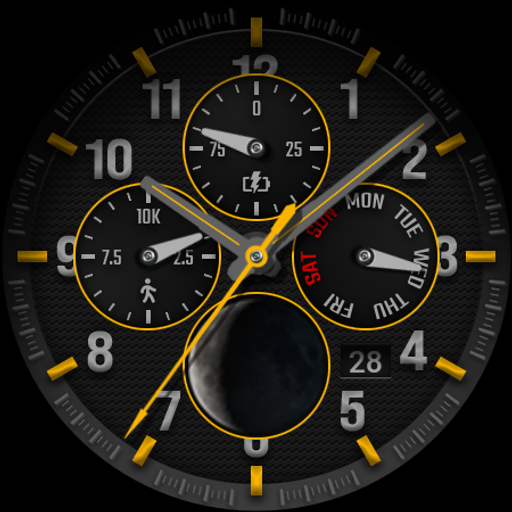
Watch face CNW0014
Paid
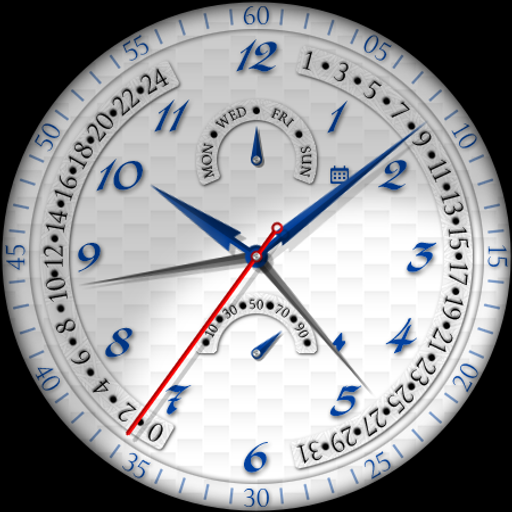
Watch face CNW0017
Free
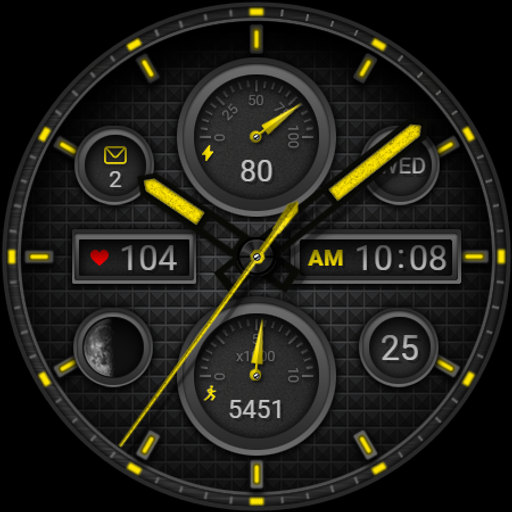
Watch face CNW0018
Paid

Watch face CNW0021
Paid
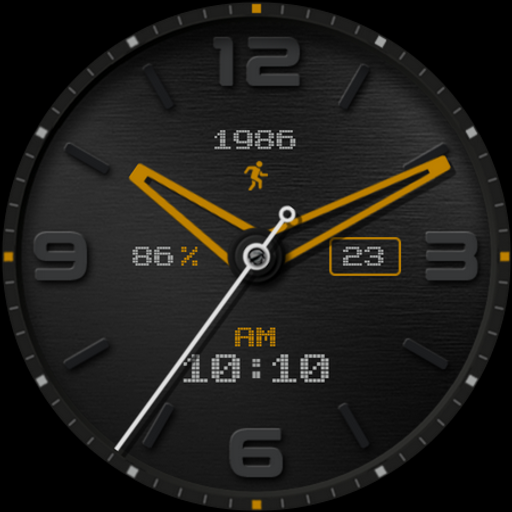
Watch face CNW0022
Paid
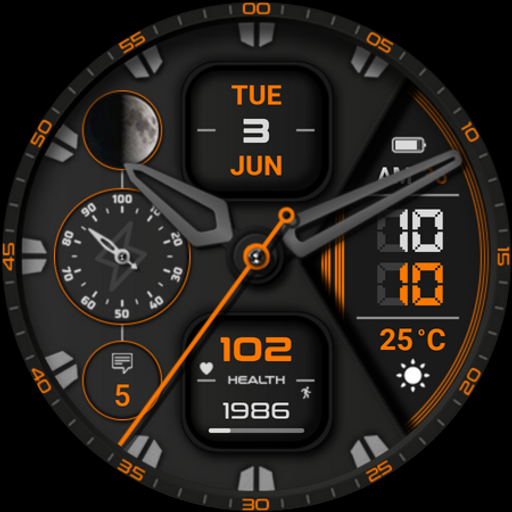
Watch face CNW0023
Paid
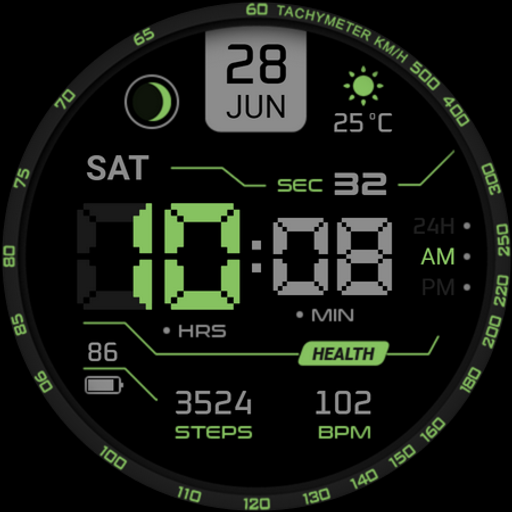
Watch face CNW0024
Paid
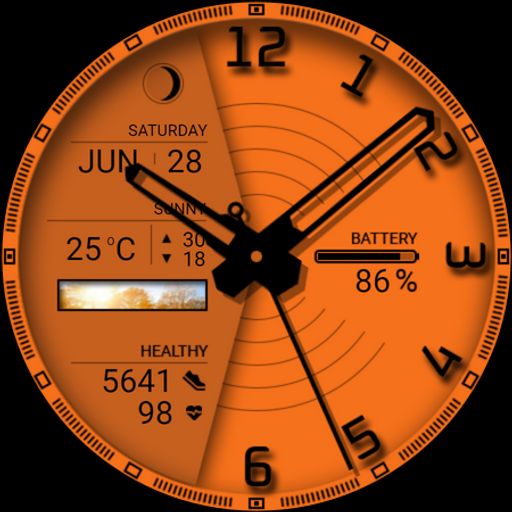
Watch face CNW0025
Paid
Similar Apps

KZY134
Paid
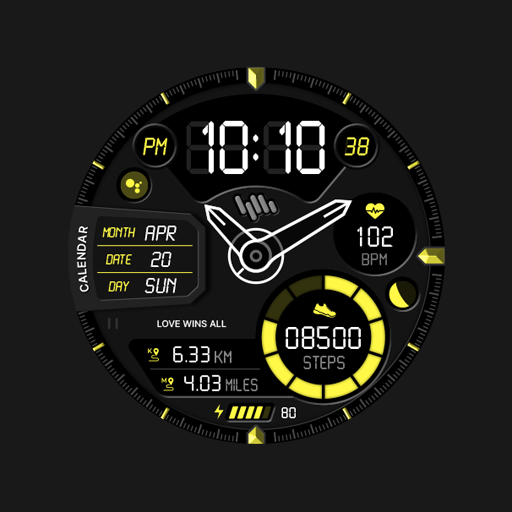
SamWatch AD B 2024
Paid

SamWatch AD Min 2022
Paid

JND0110
Paid

Tancha S86 High-tech
Paid

SO1K94
Paid

Hybrid Watch Face OMG 318
Paid

Black and white watch face
Paid

JND0041
Paid

Analog Watch Face CUE137
Paid

KZY117
Paid
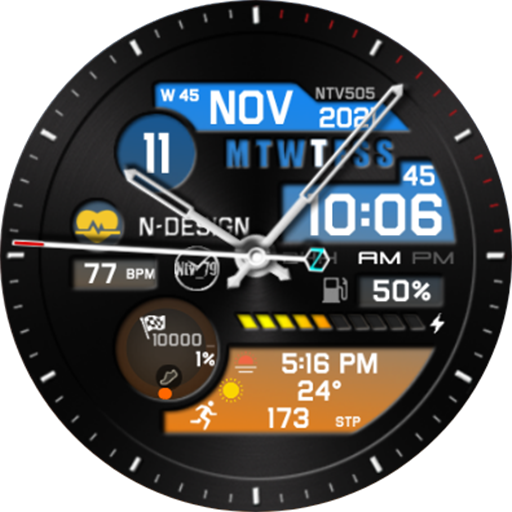
NTV505 - Hybrid watch face
Paid

JND0060
Paid

JND0013U
Paid
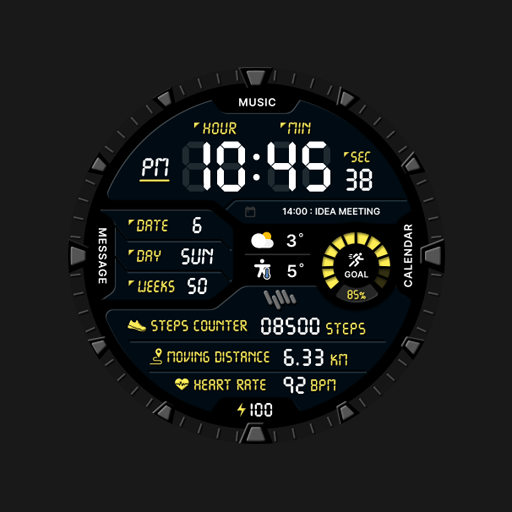
SamWatch Digital F 2024
Paid

HMKWatch Digital 043
Paid
Scan this QR code to download

Forwarding you to the page at Google Play market in seconds...
Open Google Play market now