WatchFace M1 vVARY
VG Faces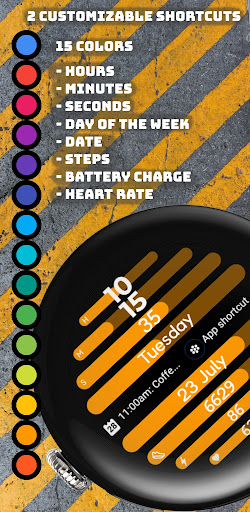


About this app
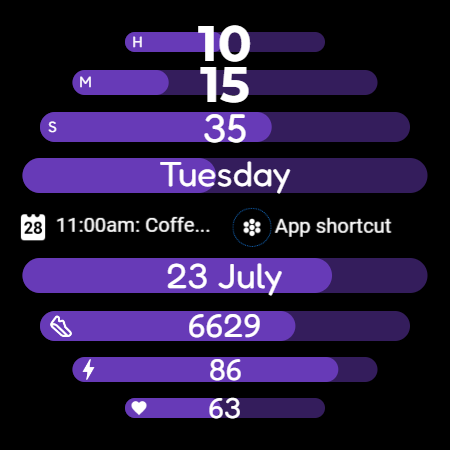
WatchFace M1 solves the problem of limited personalization options for Wear OS users by offering a customizable watch face with interchangeable color themes, which benefits users seeking to personalize their smartwatch experience. Given its niche functionality, it compares favorably to other personalization apps in terms of simplicity and focus. However, its lack of ratings and limited download data raise questions about its overall impact and user satisfaction. The app's unique selling point is its straightforward approach to watch face customization, which may appeal to users looking for a hassle-free experience.
Pros
- The app's paid model without ads ensures a clean and uninterrupted user experience, which is a significant advantage for users who value simplicity and are willing to pay for it.
- With no permissions required, WatchFace M1 presents a low-risk option for users concerned about data privacy and security, making it an attractive choice for those who prioritize these aspects.
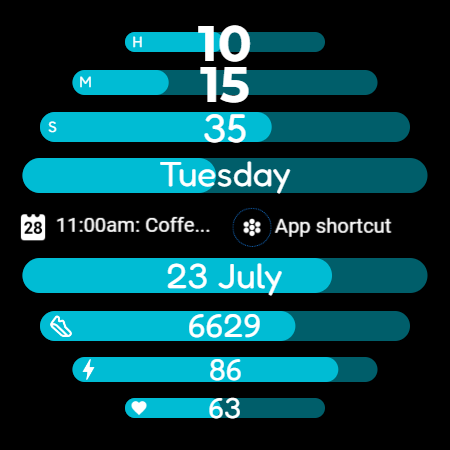
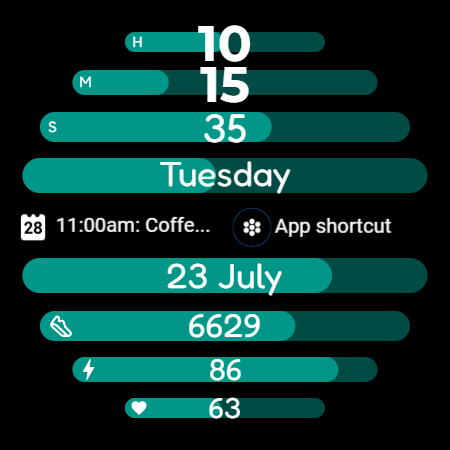
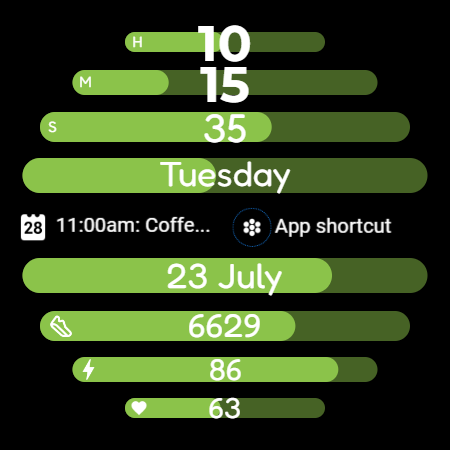
- The ability to choose a color theme provides a basic yet effective form of personalization that can enhance the user's smartwatch experience, catering to individual tastes and preferences.
- The developer's email availability suggests a potential for direct feedback and support, which could be beneficial for users encountering issues or having suggestions for future updates.
- The small size and straightforward functionality of the app likely result in efficient performance and minimal battery drain, making it suitable for daily use without significant impact on the device's resources.
Cons
- The lack of user ratings and reviews makes it challenging to assess the app's quality and reliability, which could deter potential users seeking social proof and community feedback.
- The app's limited functionality, while simple and easy to use, might not be enough to justify the paid model for some users, especially when compared to free alternatives with more features.
- The absence of a developer website and detailed support resources might leave users without a comprehensive guide or troubleshooting options, potentially leading to frustration if issues arise.
- The 'VARY' versioning and 'Varies with device' Android requirement could indicate a lack of transparency or inconsistent updates, which might affect the app's compatibility and performance across different devices.
Best for: The ideal user for WatchFace M1 is a Wear OS user, likely within the age range of 25-50, who values simplicity, personalization, and data privacy, and is willing to pay a small fee for a clean, ad-free experience that enhances their smartwatch's aesthetic appeal without requiring extensive technical knowledge.
Developer Description
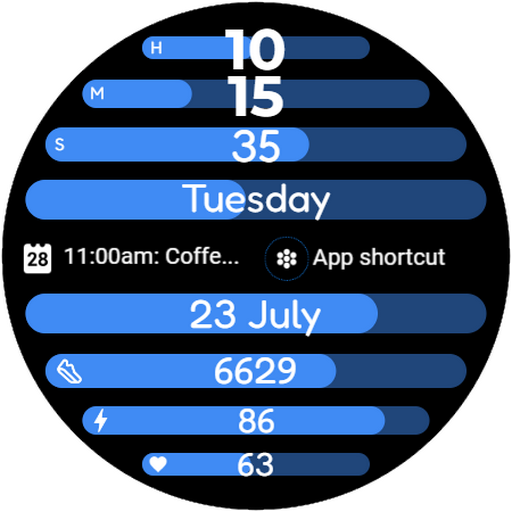
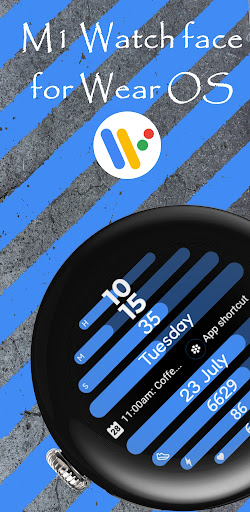
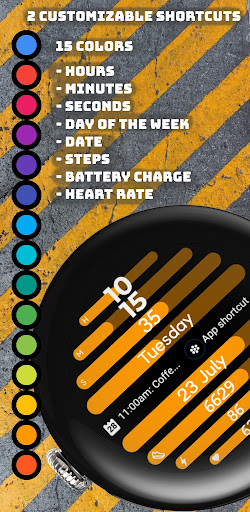
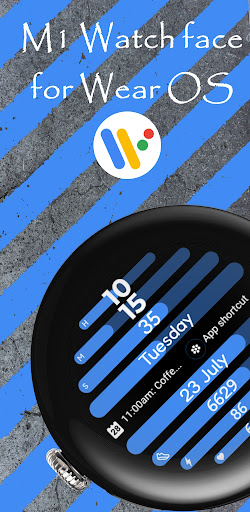
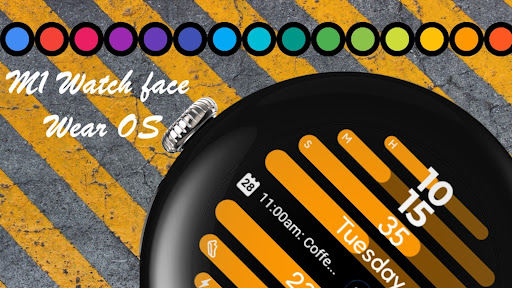
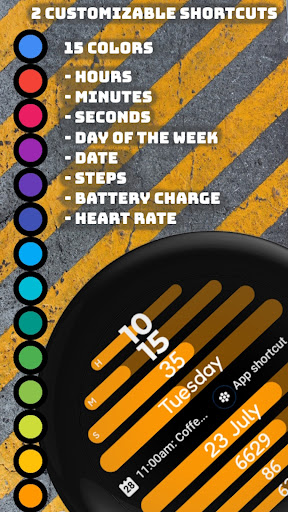
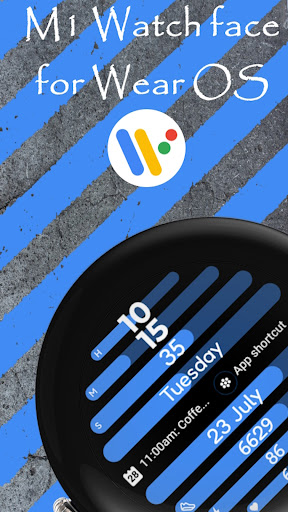
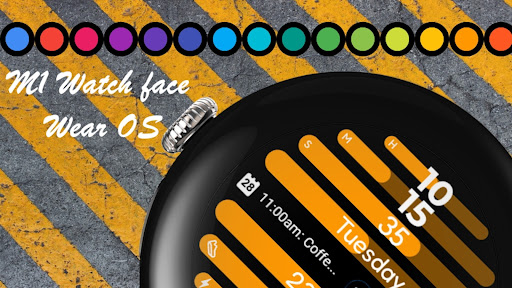
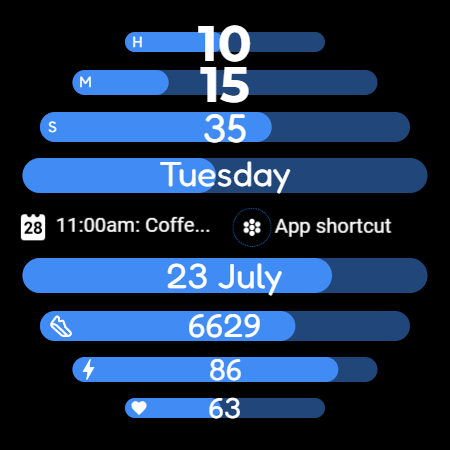
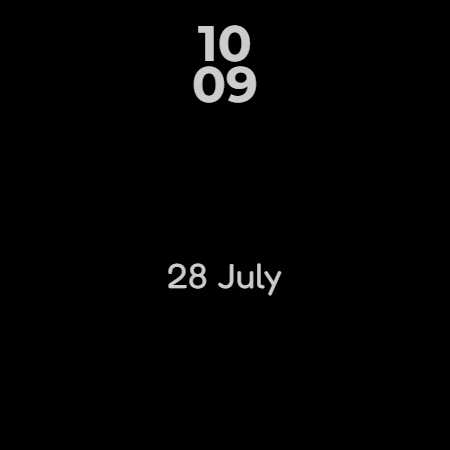
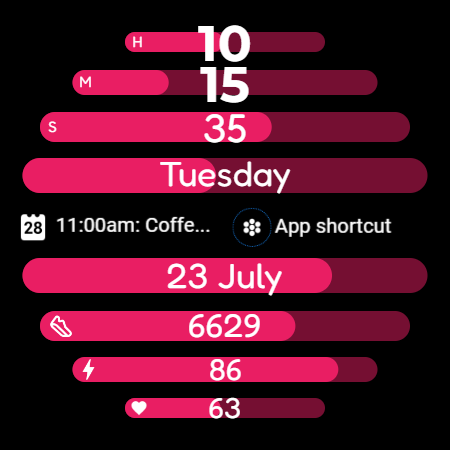
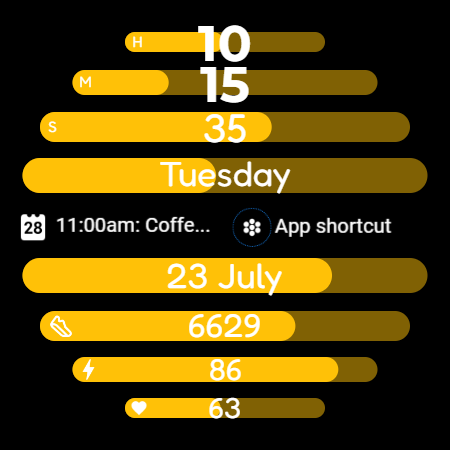
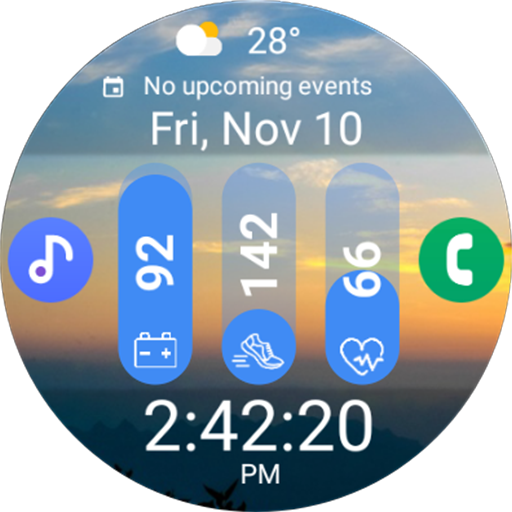
M1 - Watch face for Wear OS with the ability to choose a color theme.
Displayed information:
- Hours
- Minutes
- Seconds
- Day of the week
- Date
- Steps
- Battery charge
- Heart rate
Privacy
Given that WatchFace M1 requires no permissions, the risk of data collection or privacy breaches appears to be minimal. However, users should still be cautious when purchasing apps from lesser-known developers and ensure they are buying from trusted sources. It's also advisable to monitor the app's behavior and updates for any changes in permission requests or data collection practices.
Tips
To get the most out of WatchFace M1, users should explore the different color themes to find the one that best suits their style and preferences. Additionally, ensuring the app is updated to the latest version can help maintain compatibility with the Wear OS and potentially add new features. For optimal performance, closing unnecessary apps and restarting the smartwatch periodically can also help in maintaining a smooth user experience.
What's New
Version Information
- Version
- -
- Downloads
- 10+
- Updated on
- Jul 10, 2025
- Released
- Jul 11, 2024
- Requires
- Android Varies with device
Statistics
Google Play Rating History
Rating Distribution
Downloads Over Time
WatchFace M1 has been downloaded times. Over the past 30 days, it averaged downloads per day.
Shaded area shows 30-day prediction based on historical trends
Historical data collection started recently. More data points will be available over time.
WatchFace M1 users say on Google Play
 Trina Bexfield
No way to change off of 24 hour time. Uninstalled.
ApkTrusted Ratings & Reviews
More from VG Faces
See more apps
Christmas WF for Wear OS
Paid

Watchface Art 1
Free

Digital Watchface D11
Paid

Digital Watchface D8
Free

LCD Watch face
Free

WatchFace M2
Free
Watch Face Minimalism
Paid

Watch Face Minimalism 3
Free

Paper weather Watch face
Paid

PRIDE Watch Face
Paid

Ukraine Watch face
Paid

Tacho Watch Face
Paid

Digital Watchface D1
Free

Analog Watchface A2
Paid
Analog Watch face A3
Paid

Analog watchface A5
Paid
Similar Apps

EXD146: Material Watch Face
Free

HMKWatch Digital 233
Paid

HMKWatch Digital 133
Paid

PRADO 73 Digital Watch Face
Paid

GM Cyber Eye watch face
Free

OT | Big Numbers Digital 5
Paid

HMKWatch Digital 032
Paid

SamWatch S Delta S FIT 2 2024
Paid

SG-137
Paid
SamWatch Utility D
Free

Digital 2
Free

React 2: Watch face
Paid

GDC-373 Diabetes Watch Face
Free
Sport WearOS WatchFace NTV568
Paid

Pixel Slick Watch Face
Free

Modern Dashboard Watch Face 03
Free
Scan this QR code to download

Forwarding you to the page at Google Play market in seconds...
Open Google Play market now